.avif)
TL;DR
You can connect LinkedIn to Pipedrive using LinkMatch, a Chrome extension available in the Pipedrive Marketplace. It pulls contact data straight into your CRM in just a few steps.
The problem is it dumps every LinkedIn contact into Pipedrive, relevant or not. There's also no outreach built in, so you're still writing every message by hand.
SalesRobot is a better option if you want quality leads in your CRM. It only sends prospects to Pipedrive when they hit a trigger, like accepting your connection or replying to your message.
It also handles outreach, follow-ups, and personalization automatically. So your Pipedrive fills up with people who are actually interested, not just anyone with a LinkedIn profile.
Imagine a world without your preferred CRM tool like Pipedrive.
The only way you can store prospect data is by writing it down or collecting business cards, manually keeping track of where they stand in your sales funnel, and hope that they have buyer intent…
Actual nightmare scenario, if you ask me.

Wouldn't it be a dream to use a CRM and populate it with prospects from the #1 professional social media platform, LinkedIn?
Because the LinkedIn Pipedrive integration makes this real.
But what if it's your first time hearing about Pipedrive? What does this integration have in store for you? And more importantly, what does it mean for your LinkedIn lead generation strategy?
Don't worry, I'll answer every burning question you have (and give you the best tool in the market to make the most of this integration😉).
What is Pipedrive?
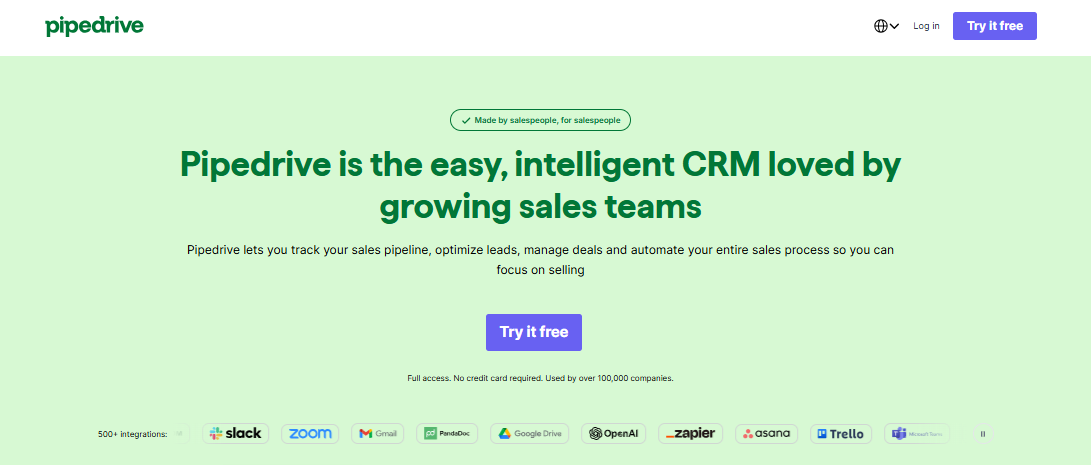
Pipedrive is a CRM (customer relationship management) that helps businesses of any size shorten sales cycles and close deals fast.
You can manage deals, emails, meetings, and other sales-related tasks with this easy-to-use tool.
What does Pipedrive bring to the table?
You get customizable pipelines, advanced reporting and analytics, and AI features to help you close deals faster.
The platform offers four pricing plans - Lite, Growth, Premium and Ultimate - built to scale with your business, with free implementation included for annual plans over $400.
What do you get with the LinkedIn Pipedrive integration?
All that sounds good and all, but how does Pipedrive fit in with LinkedIn?
First things first, even if you are new to CRM tools, you won't have a tough time navigating Pipedrive because it has an intuitive drag-and-drop interface that makes deal progression clear.
And of course, the personalized onboarding session definitely helps. 😇

Pipedrive's email tracking feature lets you monitor prospect behavior. You can enable email tracking inside your Pipedrive account by going to your Personal Preferences and toggling open tracking and link tracking. When a prospect opens your cold email, you'll know it instantly.
What if you're adding prospects in your sales funnel but don't know if any of them actually convert? Ignoring stagnant prospects in the pipeline means you're leaving sales-ready leads on the table.
But with the Deal Rotting feature, you get a quick heads up on which prospects you have to re-target double-time.
It's time to talk about the fun part, the LinkedIn Pipedrive integration.
You can export contacts from LinkedIn and add them to your Pipedrive CRM using spreadsheets.
And it's all made possible with LinkMatch.
LinkMatch is a Chrome extension available in the Pipedrive Marketplace and it works like your LinkedIn Pipedrive integration.

Here is a comprehensive list of the prospect data you can transfer from LinkedIn to Pipedrive with LinkMatch:
- Names.
- Job titles.
- Organization.
- Email address.
- Phone number.
- LinkedIn URL.
If you're an industry veteran, you're no stranger to the kind of damage bad data can do to your CRMs, lead generation, sales, and pretty much everything else.
And you don't want to be that guy who has to scan through lists to find mistakes and duplicate prospect data.
That's why LinkMatch automatically deduplicates your data, no manual intervention required!
But how do you set up LinkMatch? Glad you asked…
How to set up your LinkedIn Pipedrive integration in 4 steps (with LinkMatch)
So guess what? Setting up this integration is ridiculously easy!
All it really takes is just 4 steps to set up the LinkedIn Pipedrive integration.
After you have registered for your Pipedrive account, you can follow this step-by-step guide to set up LinkMatch and start sending contacts from LinkedIn to your Pipedrive CRM:
- Head to the Pipedrive marketplace and install the LinkMatch Chrome extension from https://linkmatch.com/pipedrive.
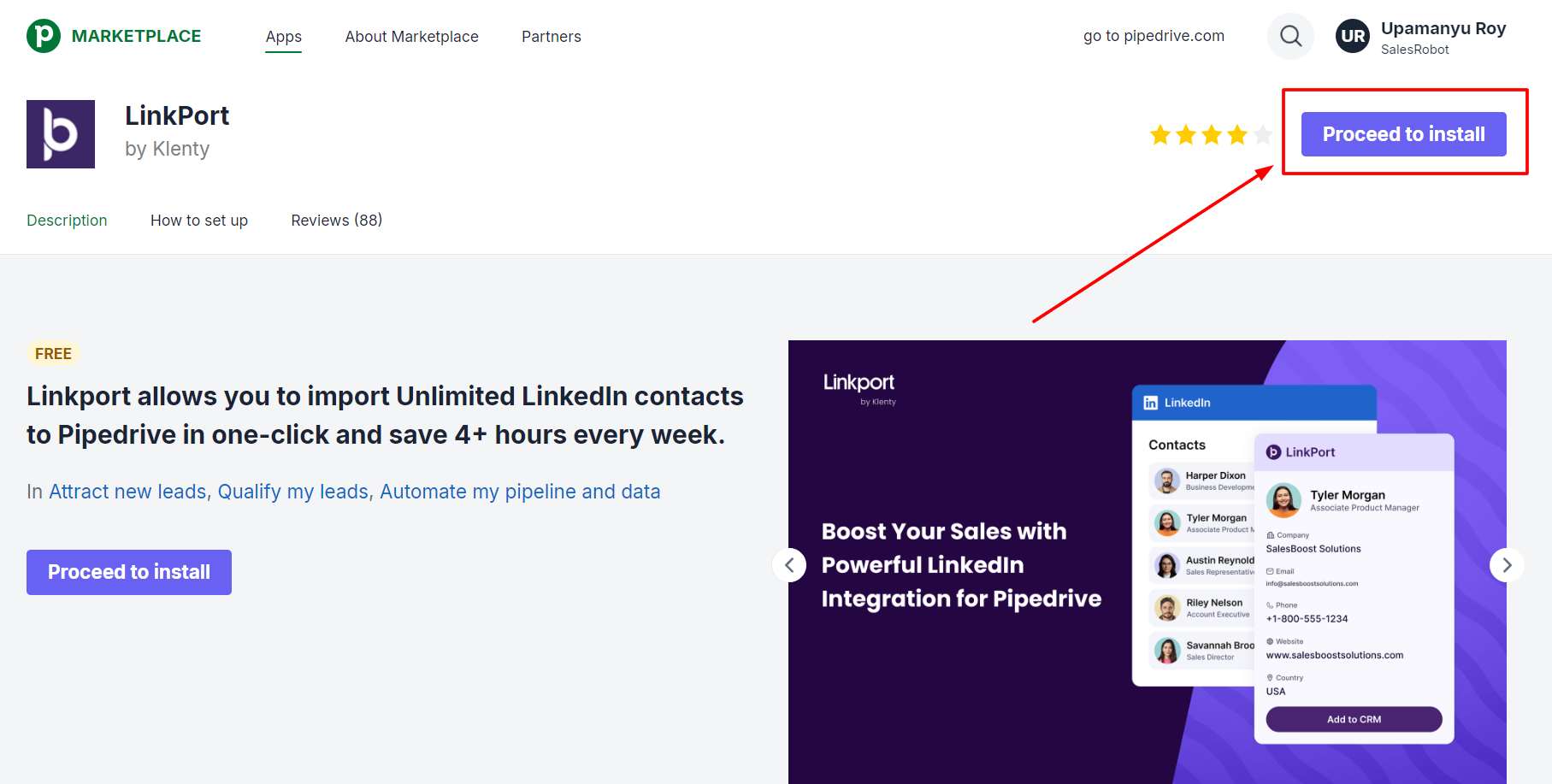
- Sign in to LinkMatch with your Pipedrive account.
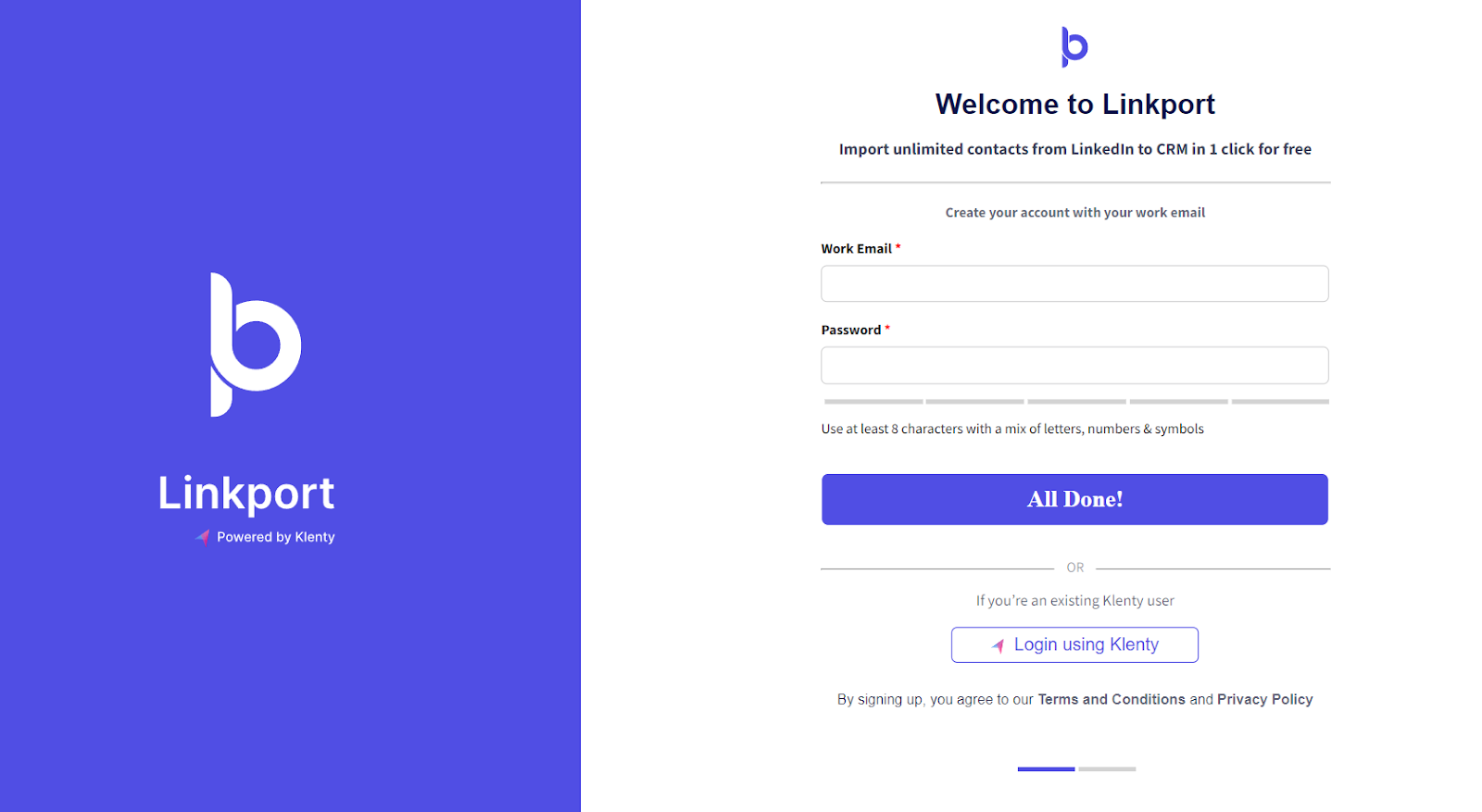
- Open your LinkedIn account.
- Click on the "Add to Pipedrive" button to export contacts from LinkedIn to Pipedrive CRM.
See? I told you it was easy. 😄
But just because it was easy, doesn't mean it's all sunshine and rainbows.

Let me show you what I'm talking about…
What do you NOT get with the LinkedIn Pipedrive integration?
Using LinkMatch as your LinkedIn Pipedrive integration is a big help when you want to keep your CRM updated with prospect data.
But that's pretty much all you're getting.
Aside from a couple of Pipedrive's native features, there is no way to reach out to the prospects you're adding to your CRM.
That means you're stuck with writing a message for each prospect by hand, following up with them from time to time, and god knows what else.
But wait! I kept the worst for last.
This LinkedIn Pipedrive integration transfers ALL contacts from LinkedIn, whether they are relevant or not.
You cannot choose sales-ready leads over a random LinkedIn user who has nothing to do with your industry or business solutions.
That means you're spending hours reaching out to people that won't convert!
Manual work + Irrelevant prospects = No customers
By the looks of it, you need an automation tool that populates your CRMs with relevant leads AND reaches out to them on auto-pilot.
Let me tell you a little something about SalesRobot…
Use SalesRobot as your LinkedIn CRM to send sales-ready leads to Pipedrive
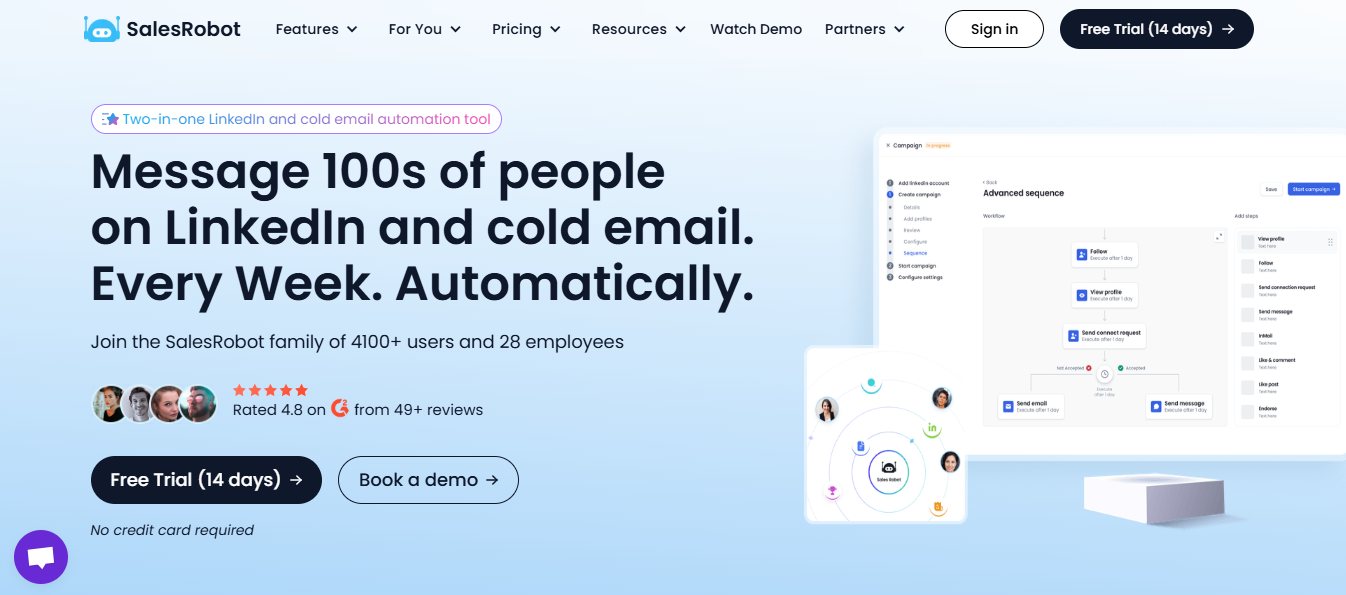
SalesRobot is a sales automation tool that automates the repetitive tasks that come with multichannel (LinkedIn + email) campaigns.
I'm talking pulling prospects, sending messages, follow-up with prospects, sending them to your choice of CRM, and so much more, all on auto-pilot.
But here is what you're really here for:
SalesRobot has a native integration with Pipedrive!
That means no more sending every profile you see on LinkedIn to your Pipedrive CRM.
You can reach out to relevant prospects, nurture the sales-ready leads, and add them to Pipedrive only if they show buyer intent.

And to help you decide when a prospect gets added, you can use any of the 6 triggers on SalesRobot!

Here's how easy it is to set up your LinkedIn Pipedrive integration on SalesRobot:
- Log in to your SalesRobot account.
- Click on "Settings" in the left-side menu.

- Select "Integrations" from the drop-down menu.

- Click "Configure" on the "Integrate directly" box.

- Select "Add Integration" on the top-right.

- Choose the triggers and the campaign you want to add leads from.
My recommendation? Choose "When a contact accepts connection" and "When a contact replies"

- Select the Pipedrive logo and onboard your CRM account.

Not only are you getting leads consistently, you get to launch your cold strategy while you're at it.
For starters, SalesRobot lets you pull prospects from LinkedIn/Sales Nav search URLs, LinkedIn groups, events, posts, and even custom CSV imports.

SalesRobot's Readability Score feature works like an "AI brain" that calculates the probability of a positive response based on your message draft.

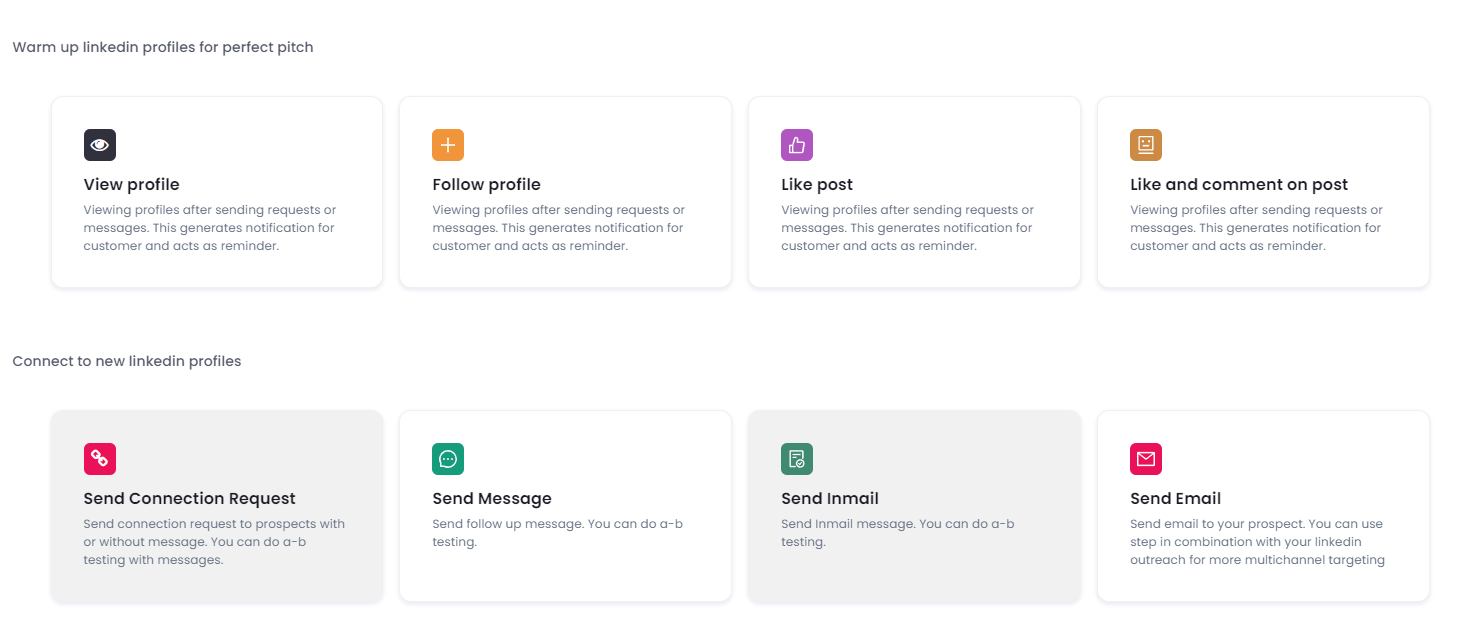
You can draft the messages however you like on SalesRobot, but you can also automate complex LinkedIn actions like viewing and following profiles, liking and commenting on prospects' posts, etc.
I told you how manually personalizing your messages can drive you insane.
With SalesRobot's Hyperise integration, our tool will personalize your messages in bulk. So that no two prospects get the same message. 😇
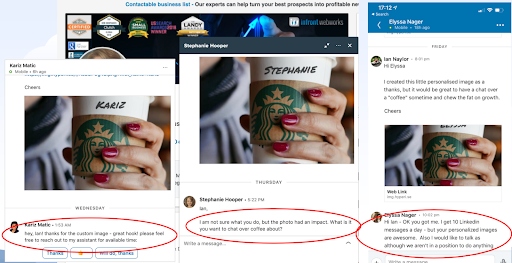
Even with all the personalization tricks up your sleeves, there's still a pretty good chance that you just don't have the time to engage the multiple prospects who respond to your campaigns.
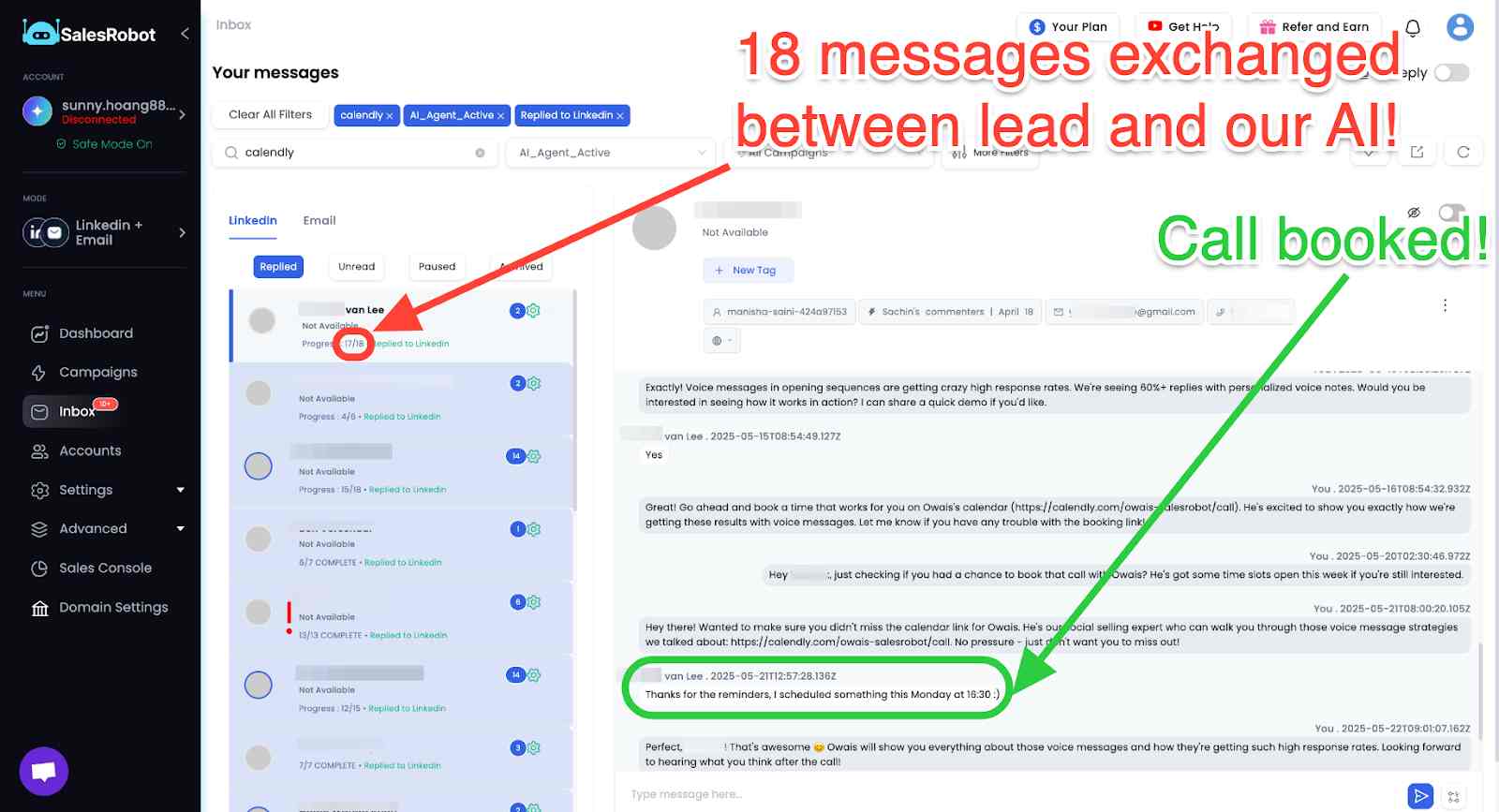
That's why we have built an AI agent that mimics your communication style, and will talk to your leads till they book a meeting with you.
No, I'm not spinning a fairytale for you. That's just the power of SalesRobot's AI Appointment Setter.
SalesRobot also lets you send AI Voice and Video Notes as part of your outreach sequence.
You record a 20-30 second sample of your own voice once or a video recording, and SalesRobot clones it to generate personalized audio and video messages for every prospect, using their name, company, and job title, all in your actual voice.
A voice note and video intros are nearly impossible to scroll past.
So, what do you think? Feel like SalesRobot is on to something cool?
Then why not test drive SalesRobot's features to see everything I didn't talk about with a 14-day risk-free trial 😇.
And hey, if you want to talk about getting your dream LinkedIn campaigns up on its feet, then stop by for a quick chat! Coffee's on me. 😄
FAQ: Common LinkedIn Integration Questions
Can GoHighLevel integrate with LinkedIn?
While GoHighLevel doesn't have a direct native LinkedIn integration, you can connect them through third-party tools like Zapier or use webhook integrations to sync LinkedIn lead data with your GoHighLevel CRM.
Why is my LinkedIn link preview not working?
LinkedIn link previews may not work due to caching issues, incorrect Open Graph meta tags on your website, or LinkedIn's crawler being unable to access your content. Try using LinkedIn's Post Inspector tool to debug and refresh the preview.
Until next time,
Good luck.

Wow your leads by cloning yourself and sending personalized videos and voice notes to each lead on LinkedIn.
If you don't reply to leads within 5 mins, your chances of converting them fall by 50%. Our AI replies on your behalf instantly! (and yes, you can train it)

Don't shoot in the dark. Get detailed analytics on what's working

SalesRobot allows you to invite other team members, so that they can add their LinkedIn Account, run outreach campaigns and get amazing results just like you.
.avif)


Trusted by 4100+ innovative B2B sales teams and lead gen agencies

.avif)

.avif)




.avif)


Heading 1
Heading 2
Heading 3
Heading 4
Heading 5
Heading 6
Lorem ipsum dolor sit amet, consectetur adipiscing elit, sed do eiusmod tempor incididunt ut labore et dolore magna aliqua. Ut enim ad minim veniam, quis nostrud exercitation ullamco laboris nisi ut aliquip ex ea commodo consequat. Duis aute irure dolor in reprehenderit in voluptate velit esse cillum dolore eu fugiat nulla pariatur.
Block quote
Ordered list
- Item 1
- Item 2
- Item 3
Unordered list
- Item A
- Item B
- Item C
Bold text
Emphasis

Superscript
Subscript