.avif)
TL;DR
- Sales Navigator has limitations in pricing, data accuracy, and advanced automation features.
- Apollo.io offers comprehensive outbound/inbound sales automation with AI-powered prospecting tools.
- ZoomInfo, Cognism, and Lusha provide strong B2B database alternatives with better data enrichment.
- SalesRobot specializes in LinkedIn automation, while others offer broader sales platform capabilities.
- Sales Navigator's filter accuracy is also a known pain point - around 31% of search results don't actually match the filters you set.
In this blog, we're going to cover:
- What Sales Nav is and What it does
- Sales Nav’s Pricing
- Top 5 Alternatives to Sales Nav
- And What You Should Choose Based on Your Needs
Why Do You Need a Sales Navigator Alternative?
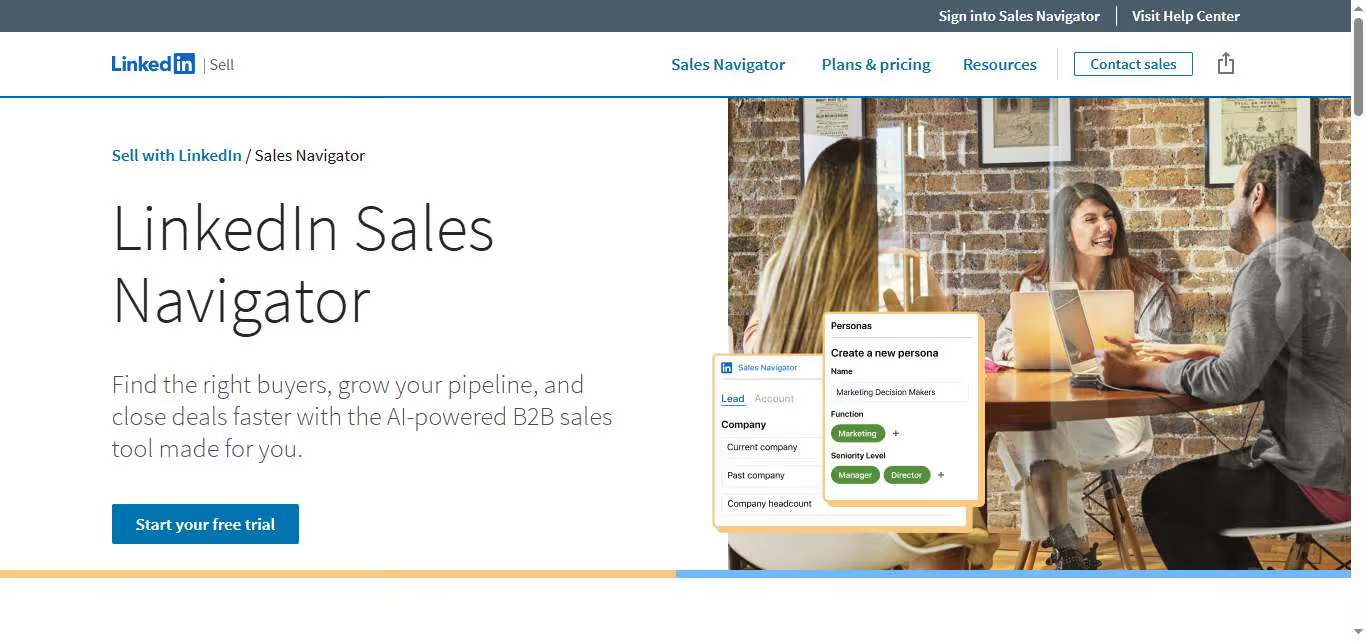
You're staring at your LinkedIn Sales Navigator bill again, wondering if $100+ per month is really worth it for another platform that feels like it's stuck in 2018.
Maybe the search filters keep glitching out on you.
Maybe you're tired of hitting message limits right when you find your groove.
Or perhaps you're just curious if there's something better out there that won't make your finance team wince every budget review.
Here's the thing: Sales Navigator isn't the only fish in the prospecting sea, and frankly, some of its competitors are swimming circles around it.
This post breaks down what Sales Navigator actually delivers (spoiler: it's complicated), then dives deep into five solid alternatives: Apollo, Cognism, ZoomInfo, Lusha, and SalesRobot.
Sales Navigator: What You Need to Know
✅ LinkedIn integration advantage: You get access to LinkedIn's massive professional database with detailed company insights and employee information. This makes finding the right decision-makers much easier than other prospecting tools.
⚠️ Premium pricing barrier: The cost can be pretty steep, especially for smaller teams or individual sales reps. You're looking at significantly more than basic LinkedIn, which can strain budgets.
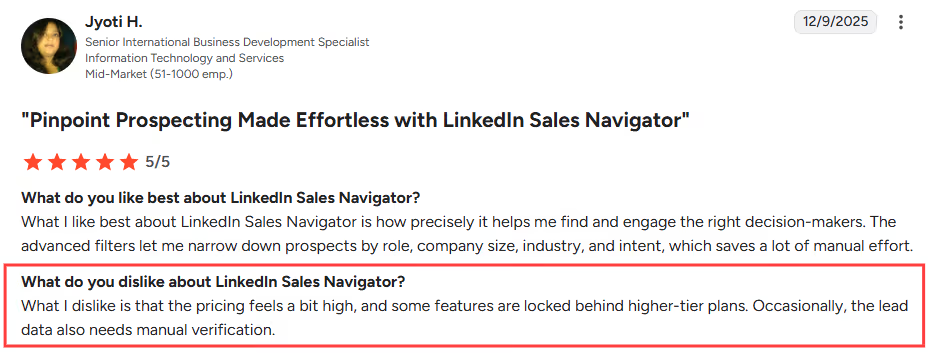
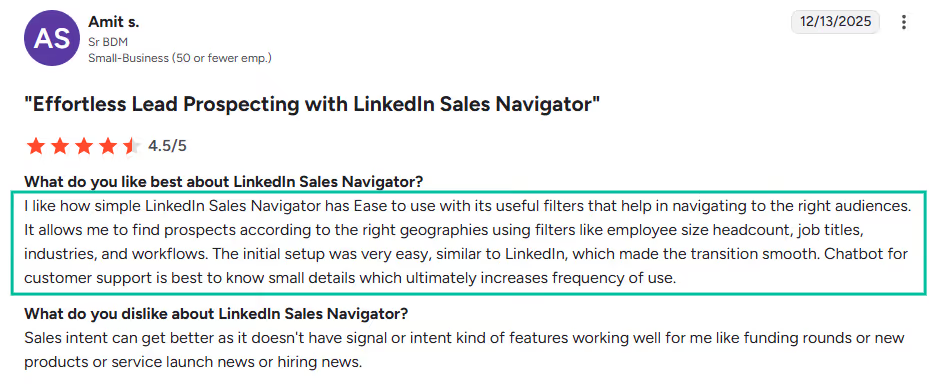
✅ Advanced search capabilities: The filtering options are incredibly detailed, letting you narrow down prospects by company size, industry, geography, and even recent job changes. You can get laser-focused on your ideal customer profile.
✅ Real-time updates and alerts: You'll get notified when prospects change jobs, post updates, or when there are company changes. This gives you perfect timing for outreach when prospects are most receptive.

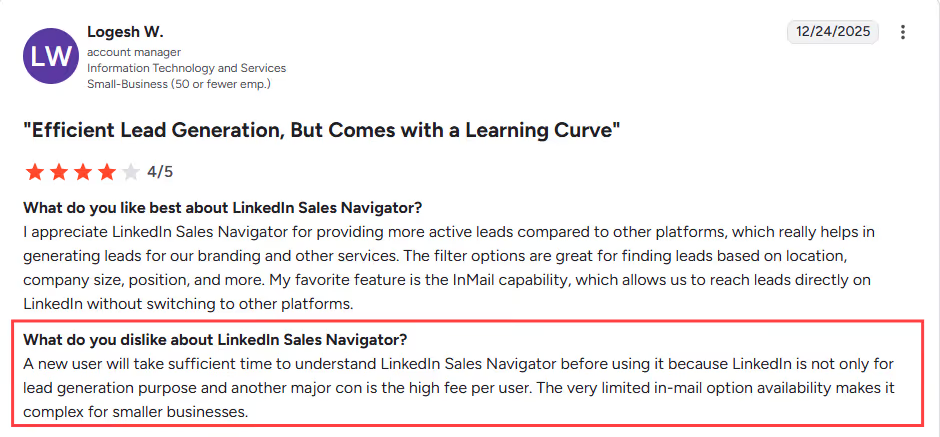
⚠️ Learning curve challenges: The platform has tons of features, but figuring out how to use them effectively takes time. Many users feel overwhelmed initially and don't maximize the tool's potential.
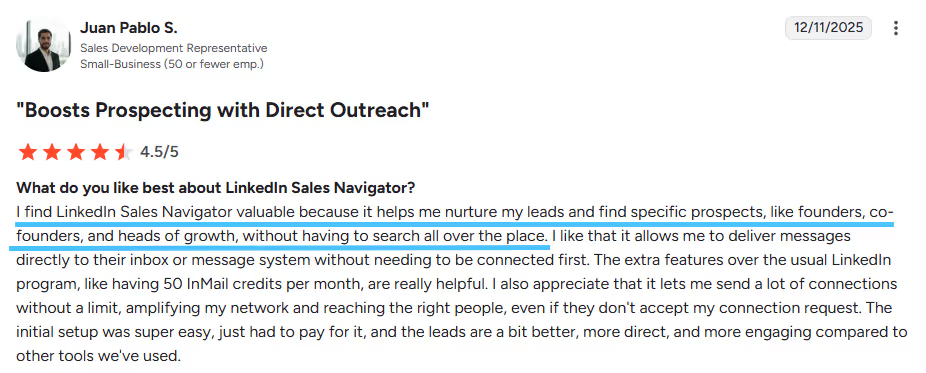
✅ InMail messaging power: You can reach prospects directly even if you're not connected, bypassing the need for introductions. This opens up communication channels that would otherwise be closed.
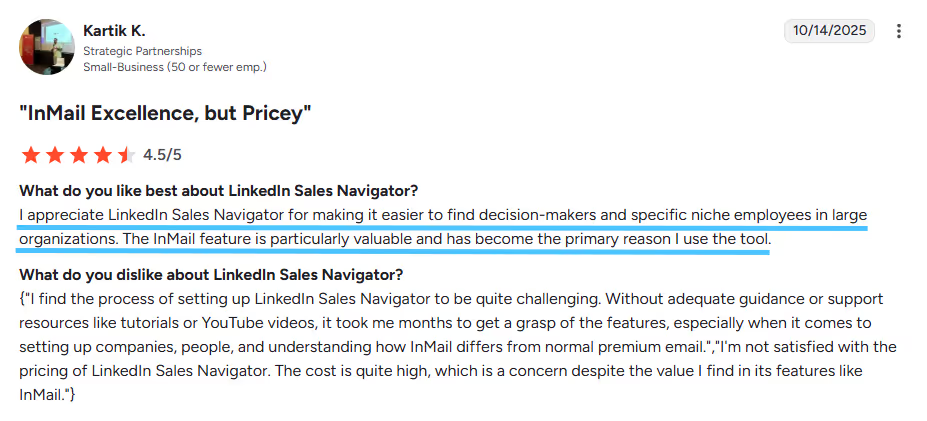
⚠️ Limited contact information: While you can find prospects, getting their direct email addresses or phone numbers often requires additional tools. You're mainly limited to LinkedIn messaging for initial contact.
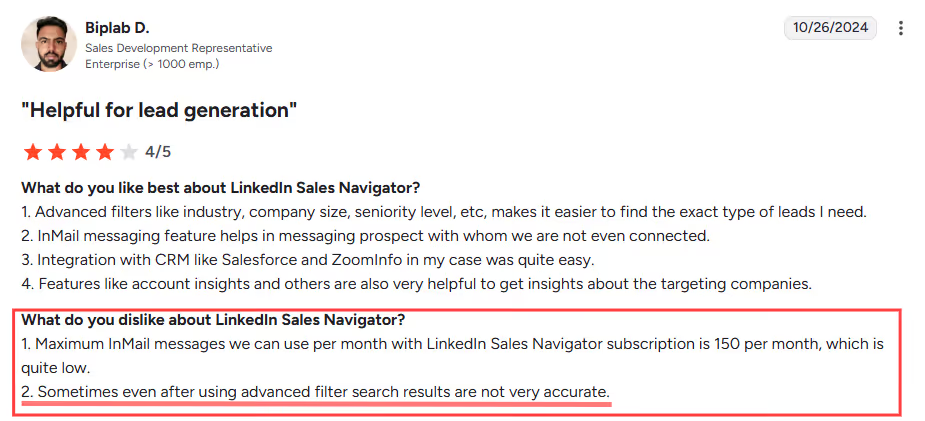
Sales Navigator's Key Features, Broken Down
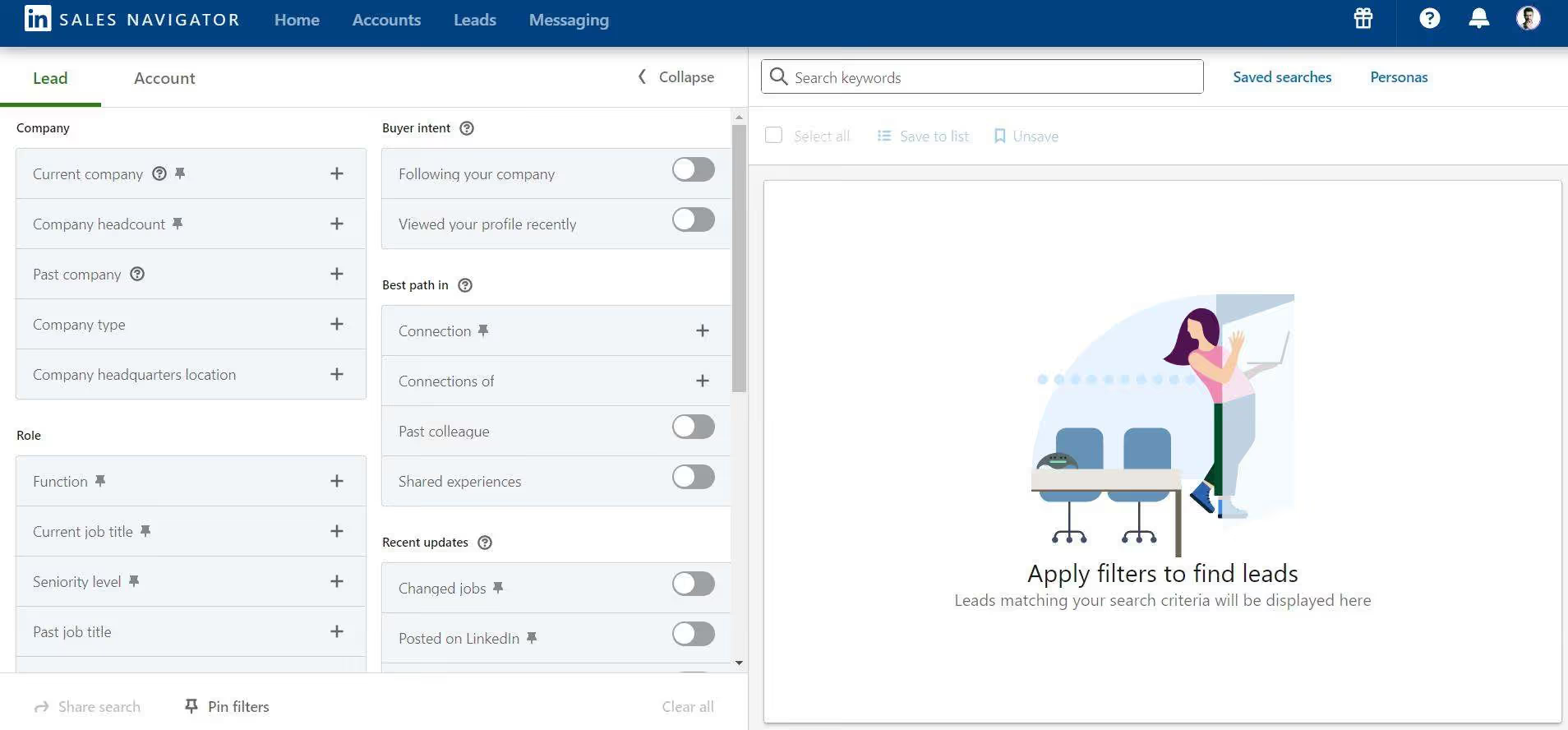
Advanced Lead Builder
Sales Navigator's lead search goes way beyond basic LinkedIn filtering. You can drill down by company headcount, technology stack, recent funding rounds, and even specific job changes within the last 90 days.
For example, if you're selling HR software, you can find newly hired HR directors at companies with 500+ employees who recently got Series B funding.
That's precision targeting that turns cold outreach into warm conversations.
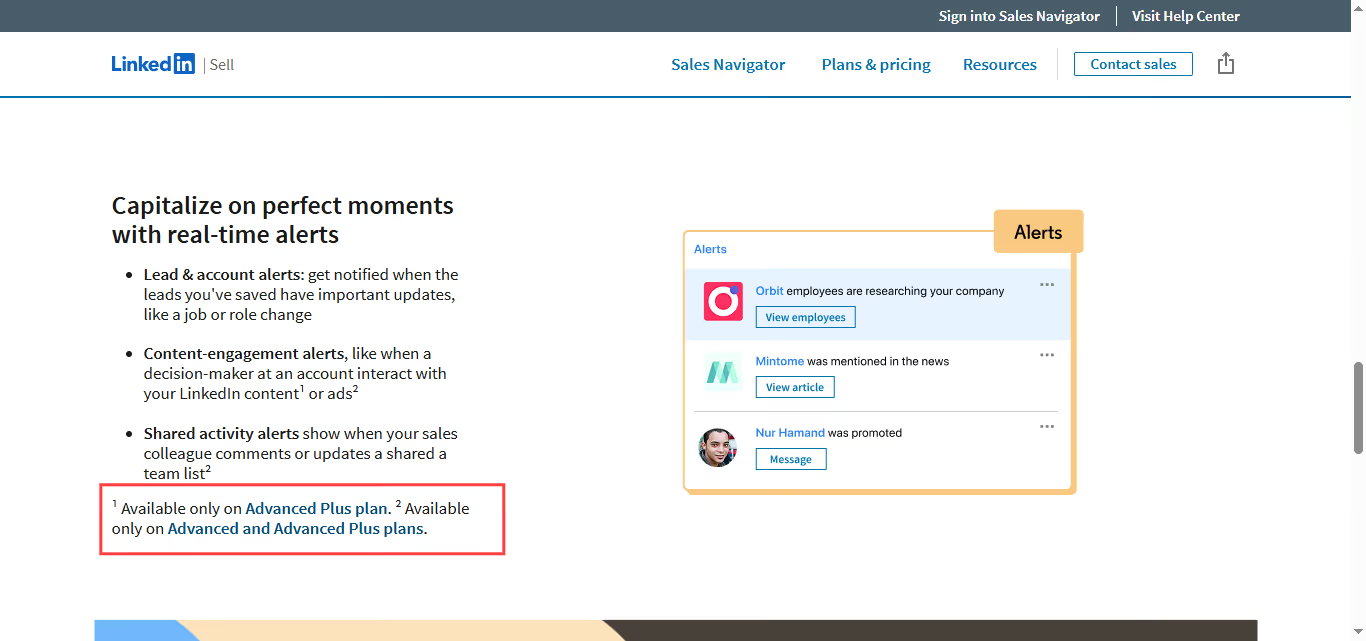
Real-Time Sales Updates
Get pinged the moment your prospects make career moves, share content, or their companies hit the news. These alerts turn into perfect conversation starters that feel natural instead of pushy.
Picture this: your prospect just got promoted to VP of Marketing and posted about it. You can congratulate them within hours and smoothly transition into how your solution can help them tackle their new challenges.
Remember!! This is only available on the Advanced and Advanced Plus Plan
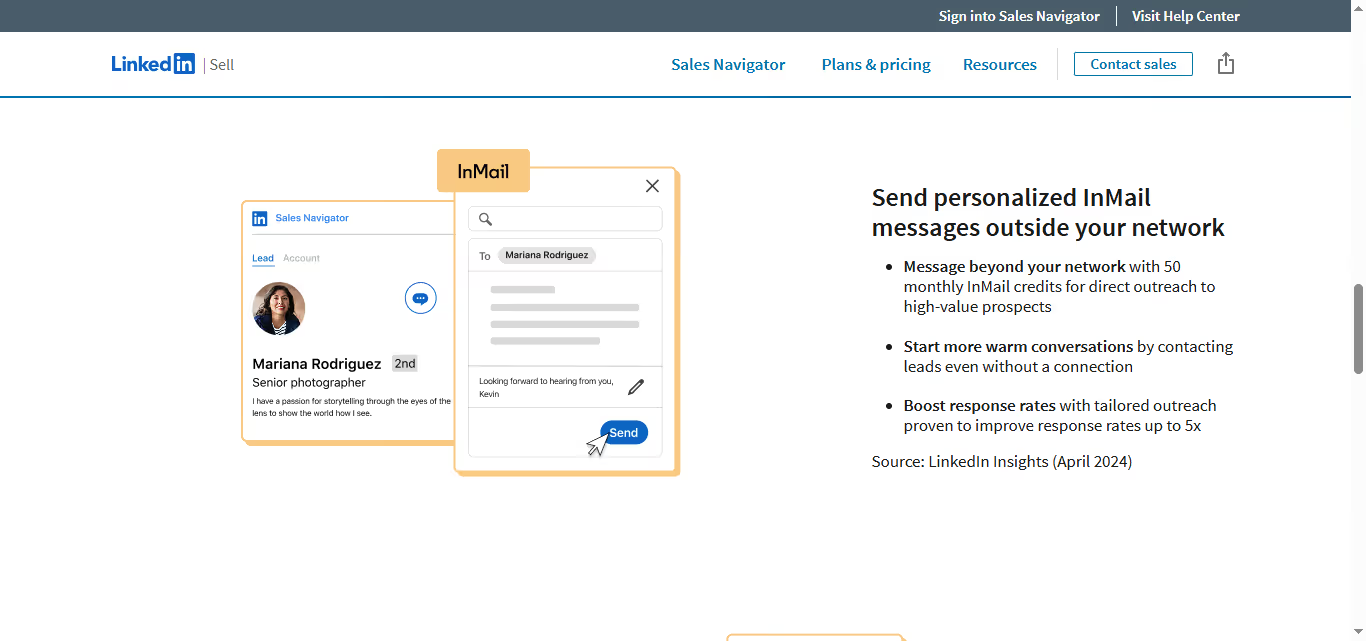
InMail Credits
Reach anyone on LinkedIn, even if you're not connected. Sales Navigator gives you monthly InMail credits to message prospects directly, bypassing the usual networking dance.
These messages have higher open rates than regular LinkedIn messages because they come with a "Sales Navigator" badge. Plus, you get response tracking so you know exactly who's engaging with your outreach.
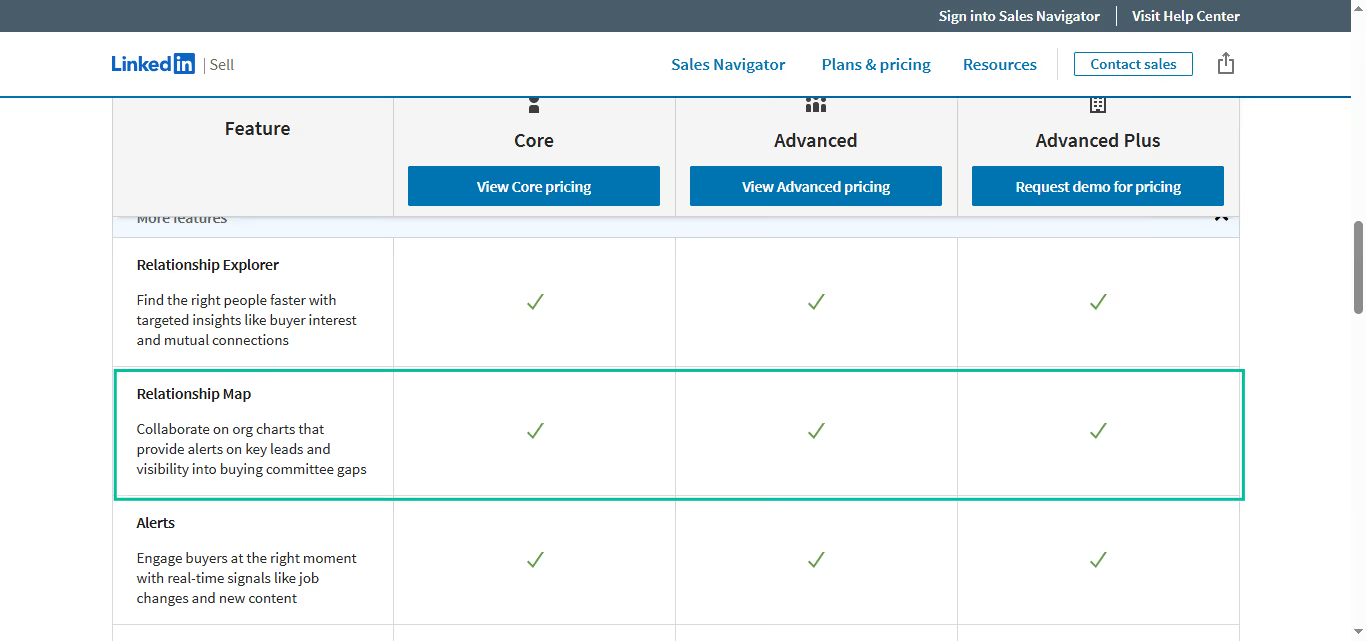
Account Mapping
See the full organizational chart of your target companies, including who reports to whom and how long they've been in their roles. This intel helps you identify the real decision makers and influencers.
Instead of wasting time with someone who can't buy, you can map out the entire buying committee upfront.
Then you'll know whether to start with the CFO, IT director, or anyone else.
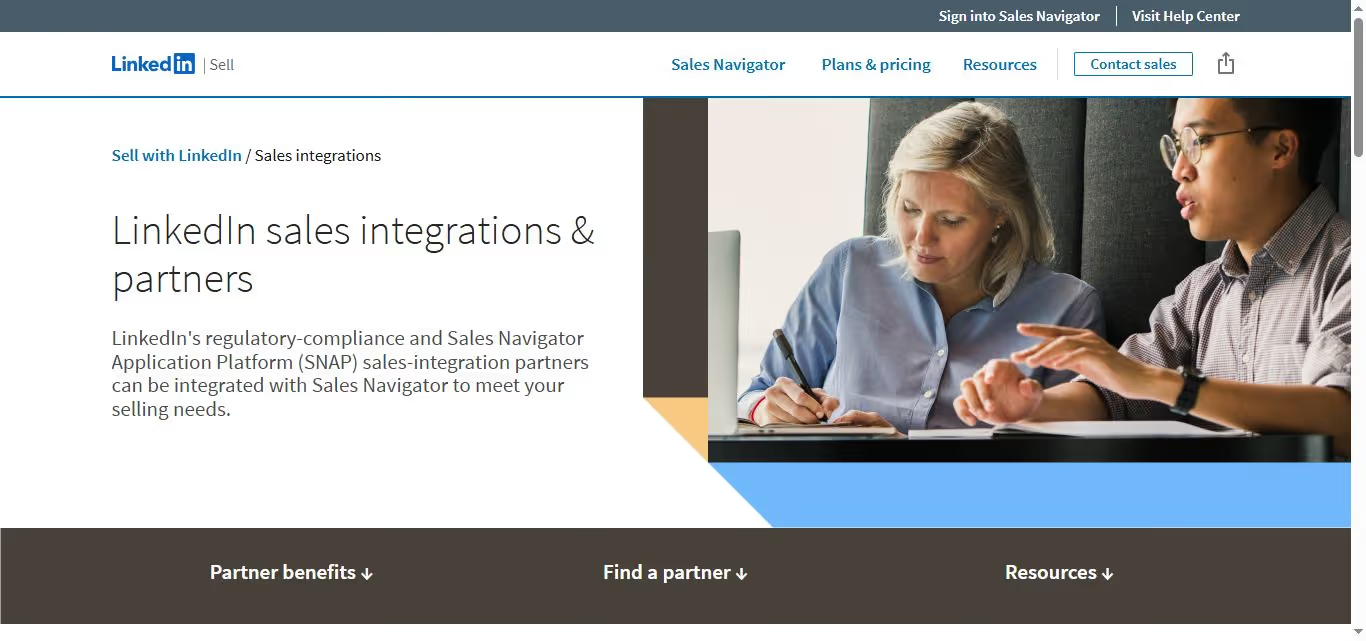
CRM Integration
Sync your Sales Navigator activity directly with Salesforce, HubSpot, or other major CRMs. No more copying and pasting prospect info or losing track of your LinkedIn conversations.
When you save a lead in Sales Navigator, their complete profile automatically flows into your CRM. Your notes, connection history, and engagement data stay in one place for easy follow-up.
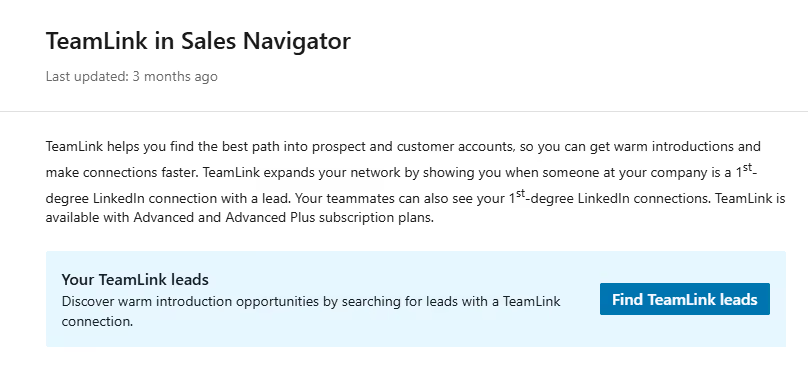
TeamLink Network
Tap into your entire company's LinkedIn network to find warm paths to prospects. Sales Navigator shows you which colleagues are connected to your target accounts, turning cold outreach into warm introductions.
Maybe your marketing director went to college with the CMO you're trying to reach. Or your CEO worked at the same company as your prospect five years ago.
These connections become your best bet for breaking through the noise.
Sales Navigator Pricing: How Much Will It Cost?
Core: $119.99/month
- Advanced lead and company search with 50+ filters
- Lead recommendations powered by LinkedIn's algorithm
- Save up to 2,500 leads and 1,000 accounts
- Real-time sales updates and lead insights
- InMail messages (20 per month)
- TeamLink to see warm introductions through colleagues
- CRM integration and lead export
This plan works well for individual sales professionals and small teams who need better prospecting tools than basic LinkedIn.
Advanced: $159.99/month
- Everything in Core plan
- Save up to 5,000 leads and 2,000 accounts
- InMail messages (30 per month)
- Advanced CRM integration with automatic data sync
- Smart Links to track content engagement
- Reporting dashboard for activity tracking
- Lookalike search to find prospects similar to best customers
Best for experienced sales professionals and growing teams who need deeper insights and more prospect capacity.
Advanced Plus: $1,600/year
- Everything in Advanced plan
- Save up to 7,500 leads and 3,000 accounts
- InMail messages (50 per month)
- TeamLink Extend for broader network visibility
- Buyer intent data and account prioritization
- Advanced reporting and analytics
- Account IQ for comprehensive account insights
Designed for senior sales professionals and account managers handling complex, high-value deals with longer sales cycles.
Free Trial: LinkedIn offers a 30-day free trial for all Sales Navigator plans, so you can test the features before committing.
Value Assessment: Sales Navigator pricing reflects its position as a premium prospecting tool. The Core plan offers solid value for most salespeople, while higher tiers justify their cost mainly for teams with complex sales processes or large prospect volumes.
Annual billing typically offers a discount compared to monthly payments.
Enterprise teams should contact LinkedIn directly for custom pricing and additional features.
5 Alternatives to Sales Navigator: Which One Actually Fits?
Now that you've seen what Sales Navigator brings to the table, let's look at five other tools that tackle prospecting from different angles. Each one has its own strengths, so finding the right fit depends on what matters most to your specific workflow.
Apollo.io
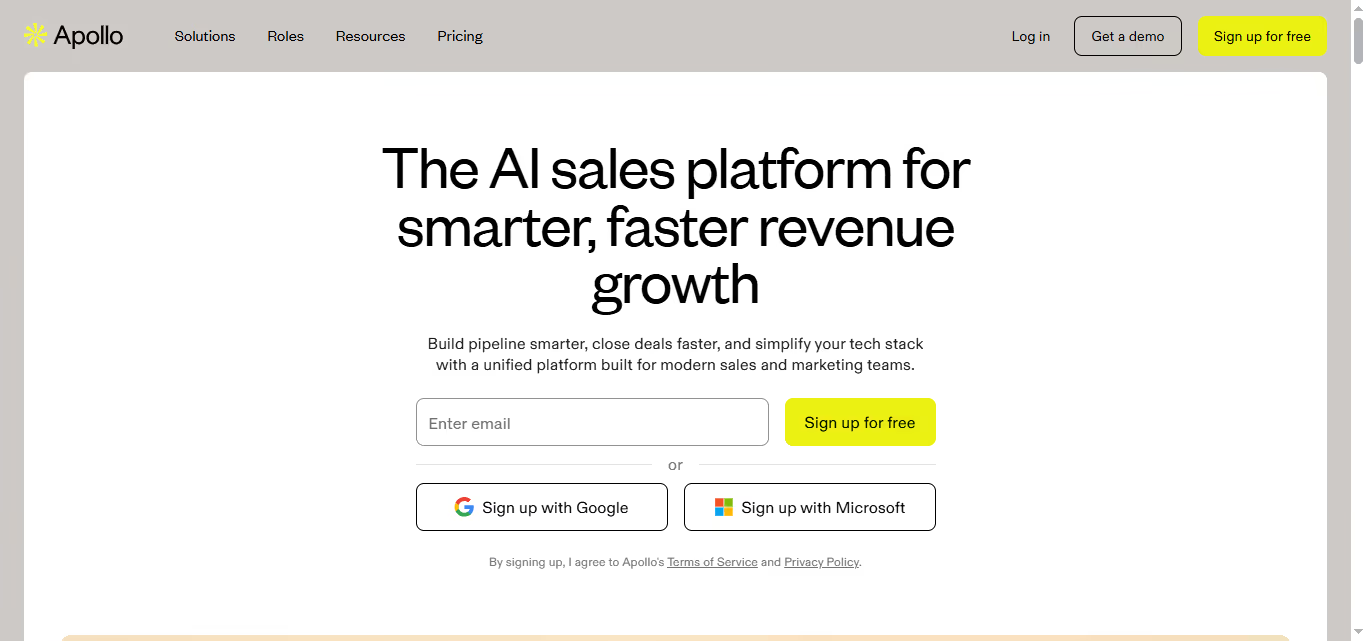
What it does: Apollo positions itself as the everything platform, combining prospecting, outreach, and deal management in one place. It's built for teams who want to replace multiple tools with a single system that handles the entire sales process from lead generation to close.
- Stands out for: 210M+ contact database with verified emails and phone numbers, multichannel campaign automation, built-in CRM functionality
Pricing: Starting at $59/month per user. Multiple tiers available including enterprise options.
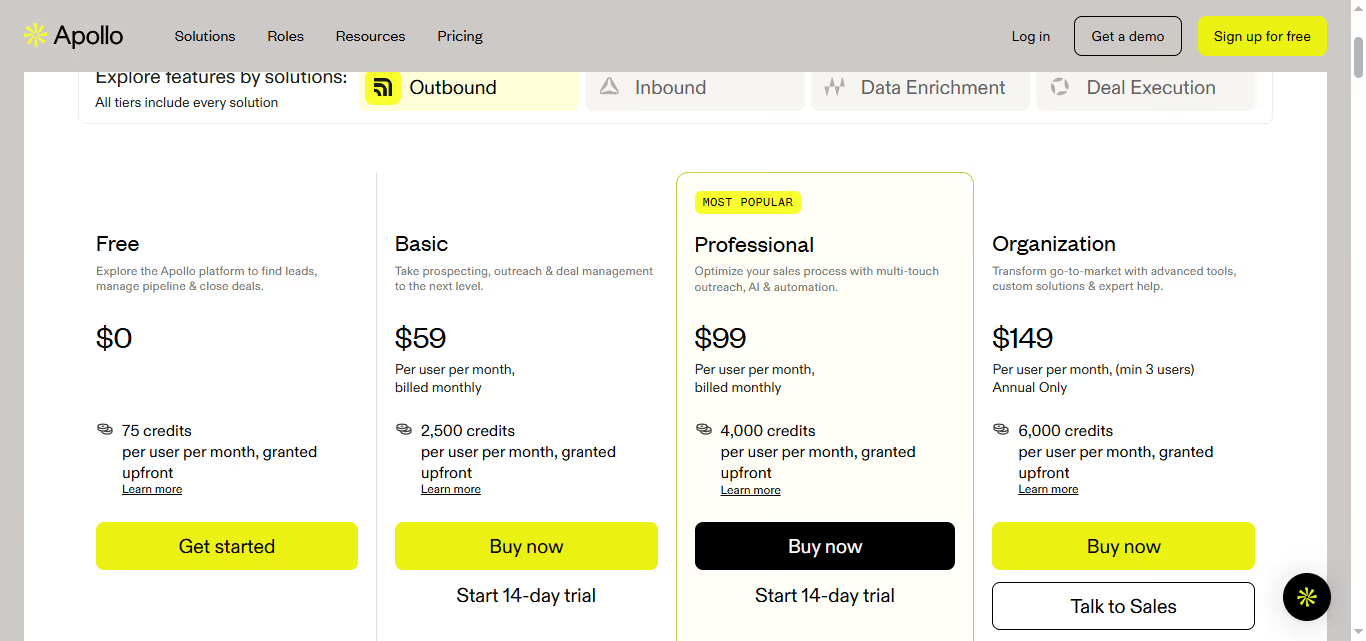
Best if: You want one platform to handle prospecting, outreach, and pipeline management without juggling multiple tools.
Cognism
What it does: Cognism specializes in European market data with a focus on mobile phone numbers that actually work. Their "Diamond Data" is phone-verified, making them particularly strong for teams doing outbound calling in EMEA markets.
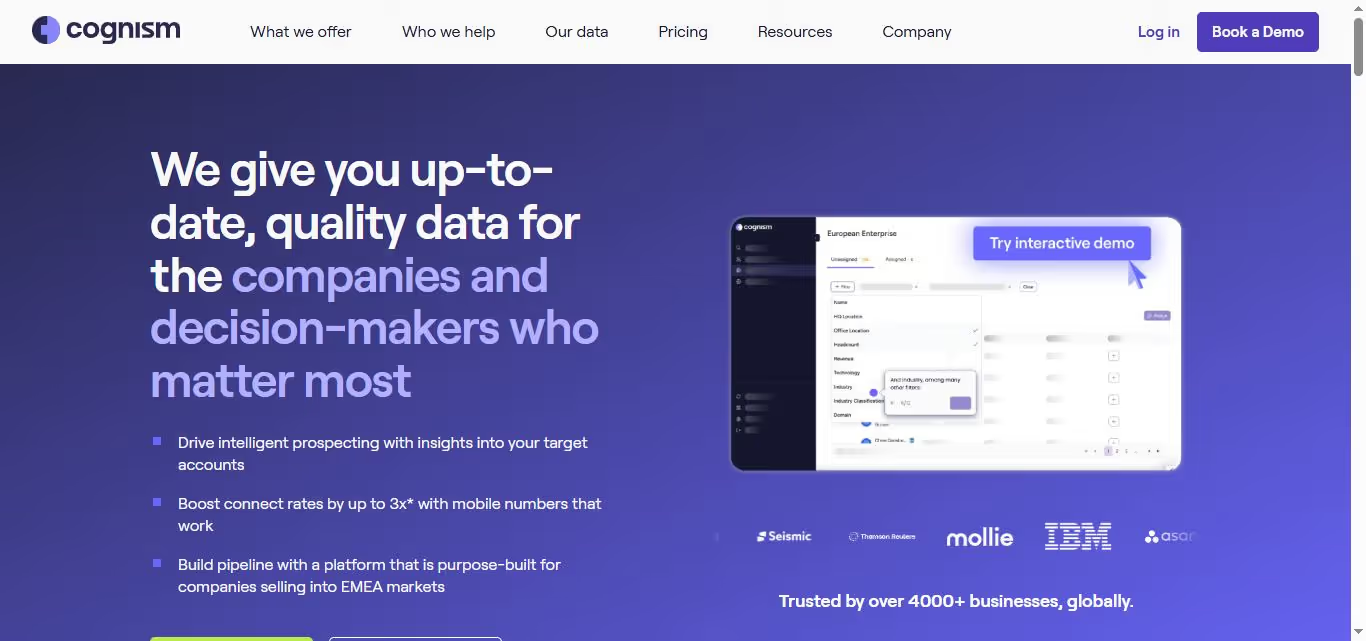
- Stands out for: Exceptional European coverage, phone-verified mobile numbers, GDPR-compliant data, decision-maker focus at VP level and above
Pricing: Contact for pricing. Custom quotes based on team size and data needs.
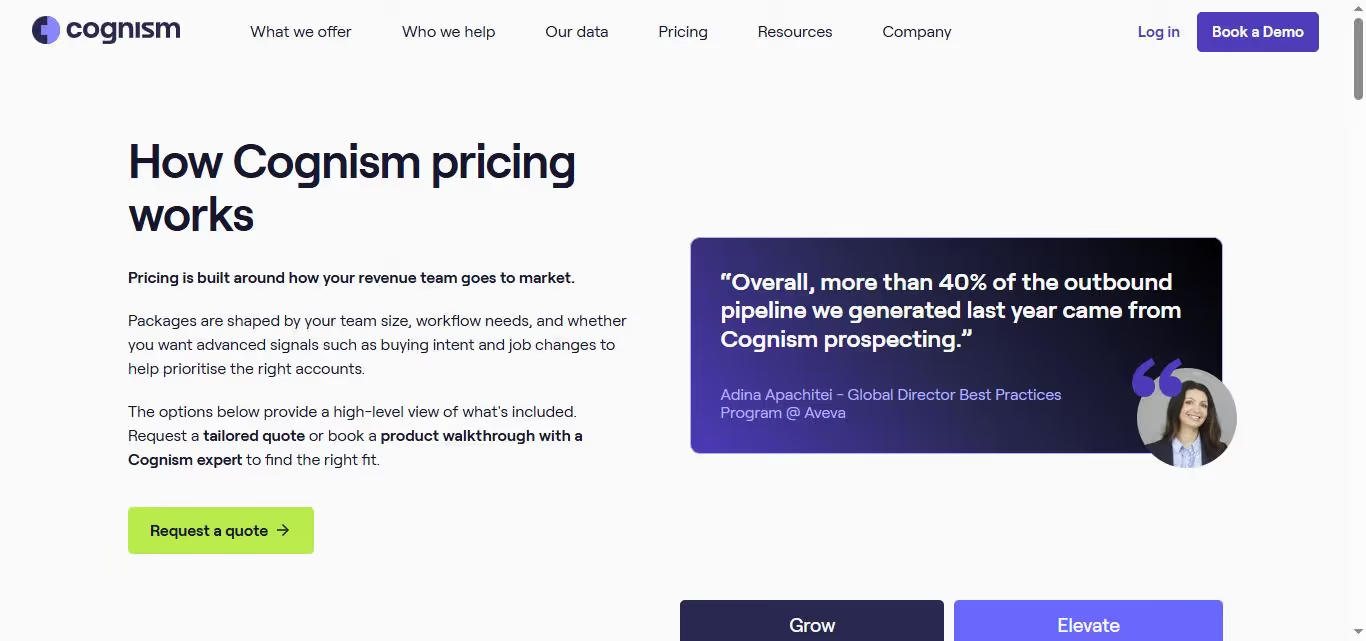
Best if: You're targeting European markets and phone-based outreach is central to your sales strategy.
ZoomInfo
What it does: ZoomInfo is the enterprise heavyweight with massive data coverage and advanced filtering capabilities. It's designed for larger sales organizations that need comprehensive company intelligence and can invest in a premium solution.

- Stands out for: Extensive B2B database, advanced technographic data, intent signals, enterprise-grade integrations
Pricing: Contact for pricing. Typically requires annual contracts with higher minimum commitments. They require your phone number for the quote.
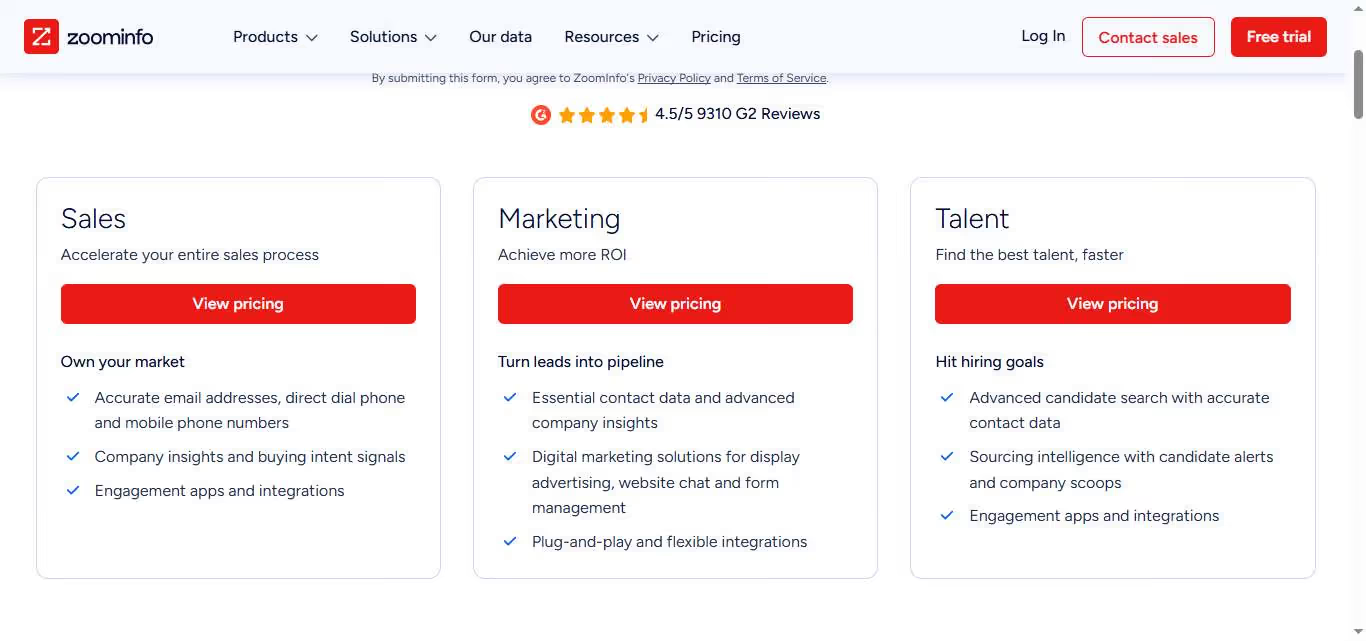
Best if: You're running enterprise-level sales operations and need the most comprehensive data coverage available.
Lusha
What it does: Lusha focuses on simple, accurate prospecting through their Chrome extension and workspace platform. They emphasize data accuracy with real-time verification and buying signals to help prioritize outreach efforts.
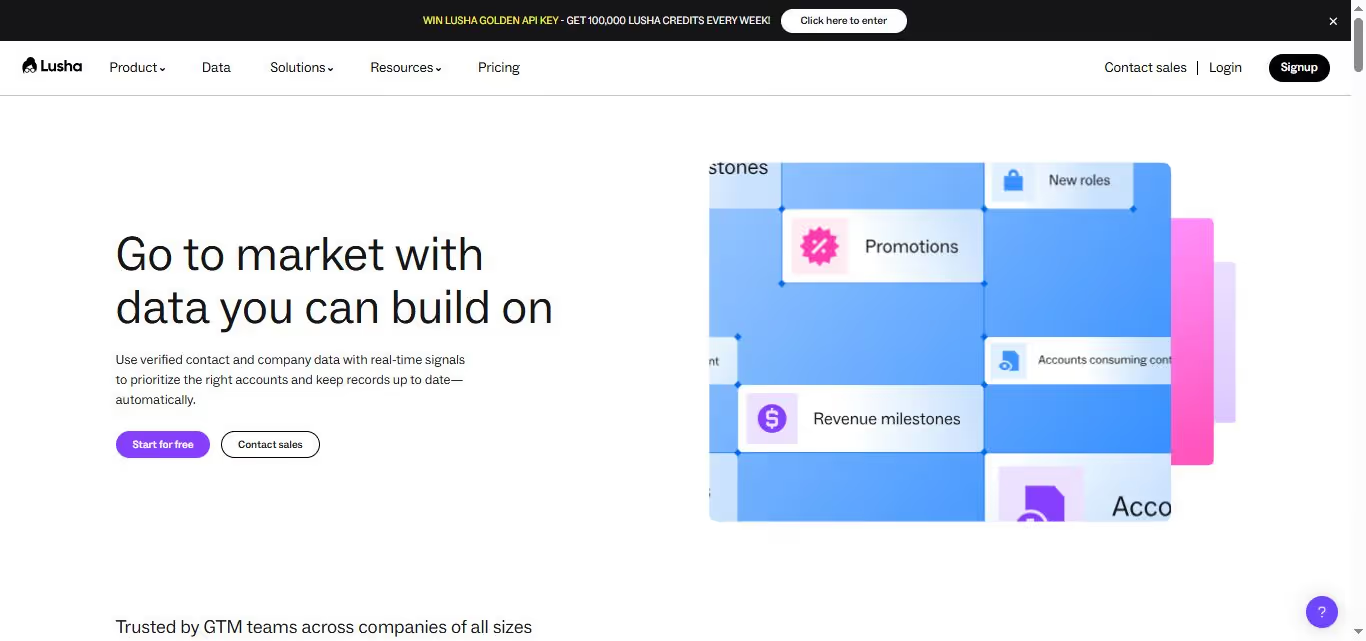
- Stands out for: 95% data accuracy guarantee, seamless LinkedIn integration, real-time contact verification, buying signals and job change alerts
Pricing: Starting at $49/month per user. Multiple tiers including enterprise options.
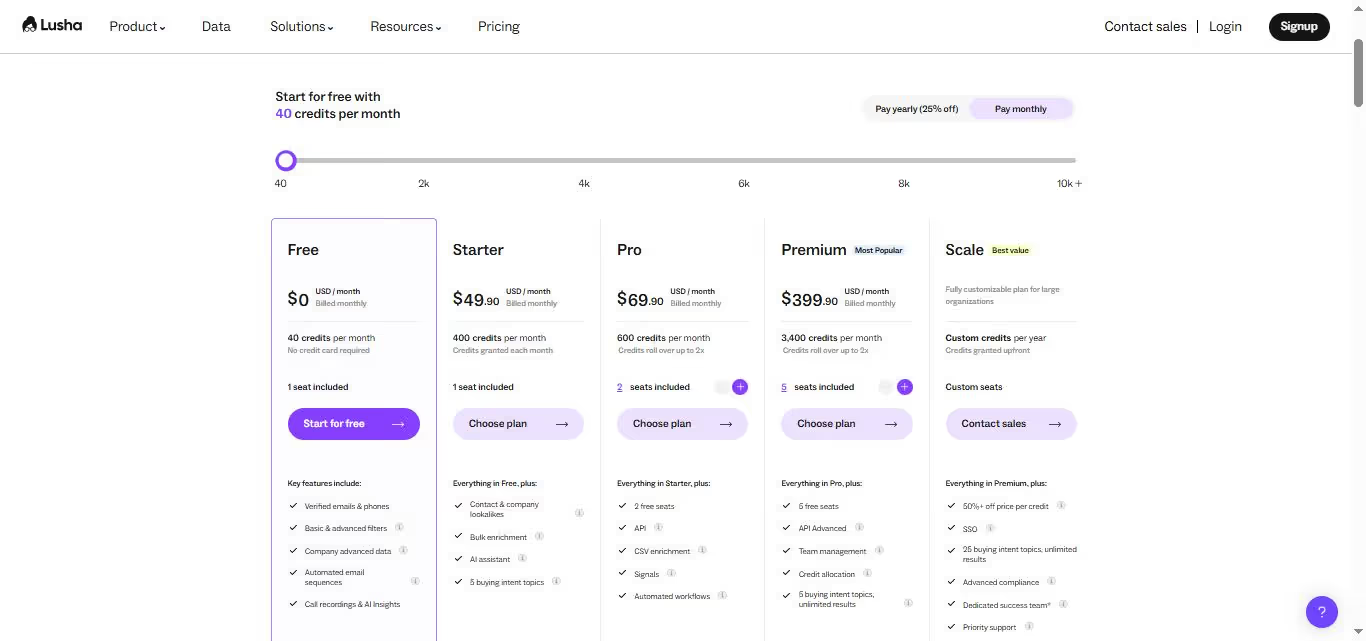
Best if: You prioritize data accuracy over database size and do most of your prospecting directly on LinkedIn.
SalesRobot
What it does: SalesRobot takes a different approach by focusing specifically on LinkedIn automation and personalized outreach sequences.
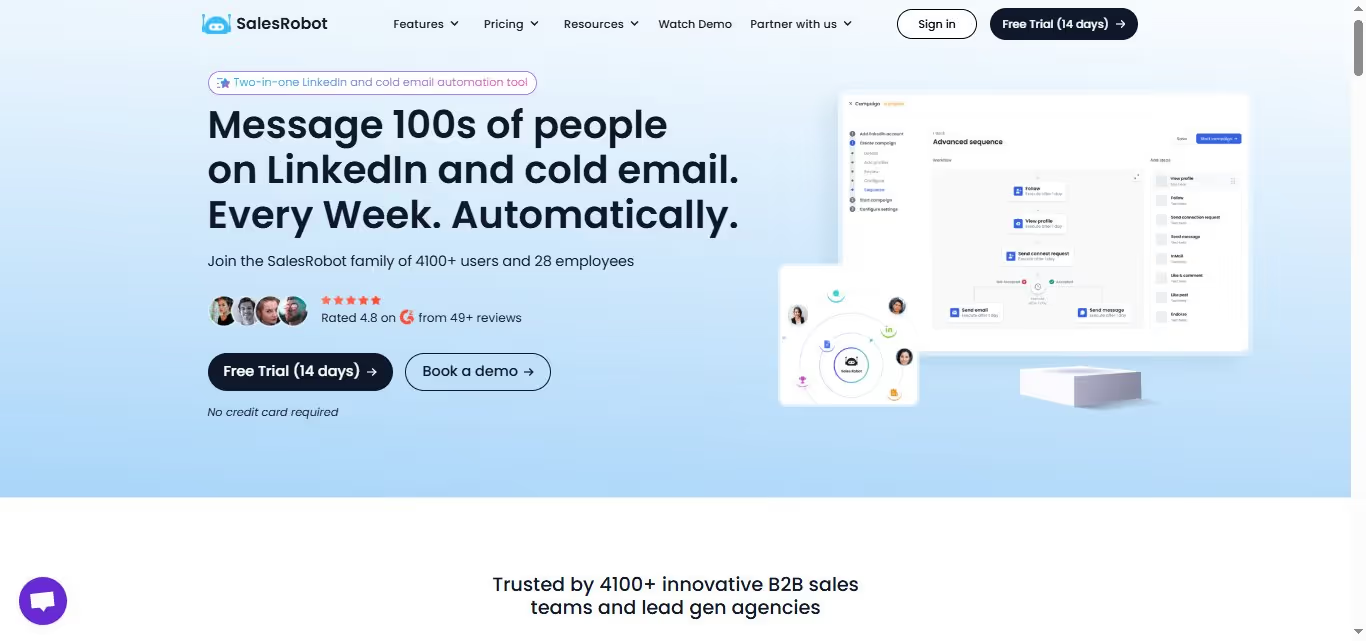
Rather than competing on database size, it excels at automating the actual relationship-building that happens natively on LinkedIn.
The platform handles connection requests, follow-ups, and message sequences while keeping everything within LinkedIn's ecosystem.
The platform integrates seamlessly with your existing email tools, so you're not replacing your entire stack.
Stands out for:
- LinkedIn-native automation that feels natural, not spammy
- Advanced safety features that protect your LinkedIn account
- Versatile AI features like AI Appointment Setter and AI Variables
- Smart personalization using LinkedIn profile data
- Team collaboration features for managing multiple LinkedIn accounts
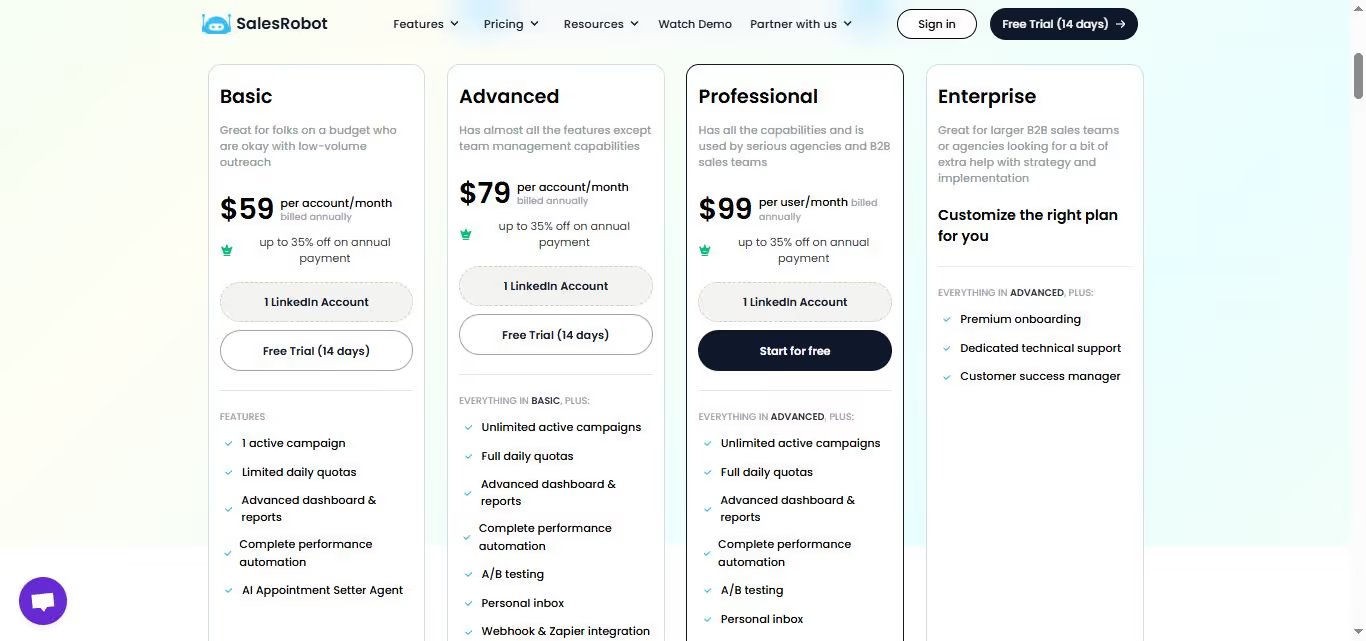
Pricing: Pricing: Starter plan at $59/month, Advanced at $79/month, Professional at $99/month. All plans include core automation features.
Best if: Your prospects are active on LinkedIn and you want to automate relationship-building while maintaining a personal touch in your outreach.
Each of these tools solves prospecting differently, but SalesRobot stands out for teams who recognize that LinkedIn is where business relationships actually develop.
While other platforms focus on data extraction, SalesRobot automates the cultivation process where your prospects spend their time. Their free trial makes it easy to test whether LinkedIn automation fits your outreach strategy.
Why not check out our 14-day free trial if you don’t believe me? We don’t need your phone number or credit card!
The Verdict
Sales Navigator isn't going anywhere, but it's not the only game in town anymore. If you're already deep in the LinkedIn ecosystem and have budget to burn, it's still solid.
But here's the thing: most teams are overpaying for features they don't use.
The alternatives we covered aren't just cheaper knockoffs.
They're purpose-built tools that often do specific jobs better than LinkedIn's swiss army knife approach.
Bottom Line
✅Stick with Sales Navigator if: You're an enterprise team with complex workflows already built around LinkedIn, or your sales process relies heavily on LinkedIn's social selling features.
✅Go with Apollo if: You want an all-in-one platform and have a team that can handle the learning curve.
✅Choose Cognism or ZoomInfo if: Data accuracy is your top priority and budget isn't tight.
✅Pick Lusha if: You're a smaller team that just needs quick contact enrichment.
✅Try SalesRobot if: You want to automate your LinkedIn outreach without the enterprise price tag.

Wow your leads by cloning yourself and sending personalized videos and voice notes to each lead on LinkedIn.
If you don't reply to leads within 5 mins, your chances of converting them fall by 50%. Our AI replies on your behalf instantly! (and yes, you can train it)

Don't shoot in the dark. Get detailed analytics on what's working

SalesRobot allows you to invite other team members, so that they can add their LinkedIn Account, run outreach campaigns and get amazing results just like you.
.avif)


Trusted by 4100+ innovative B2B sales teams and lead gen agencies

.avif)

.avif)




.avif)


Heading 1
Heading 2
Heading 3
Heading 4
Heading 5
Heading 6
Lorem ipsum dolor sit amet, consectetur adipiscing elit, sed do eiusmod tempor incididunt ut labore et dolore magna aliqua. Ut enim ad minim veniam, quis nostrud exercitation ullamco laboris nisi ut aliquip ex ea commodo consequat. Duis aute irure dolor in reprehenderit in voluptate velit esse cillum dolore eu fugiat nulla pariatur.
Block quote
Ordered list
- Item 1
- Item 2
- Item 3
Unordered list
- Item A
- Item B
- Item C
Bold text
Emphasis

Superscript
Subscript