.avif)


Grok Bot for smarter outbound.
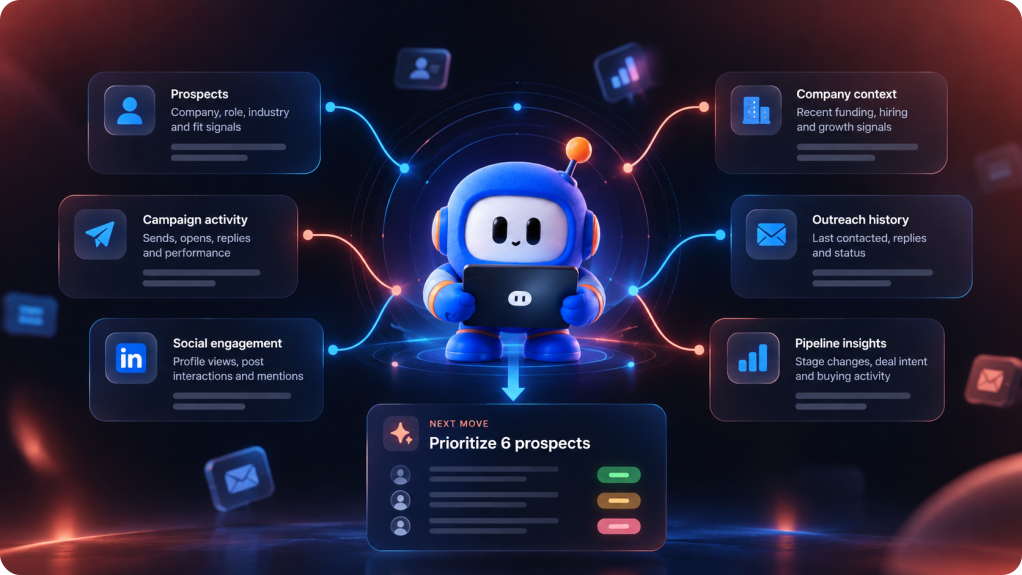
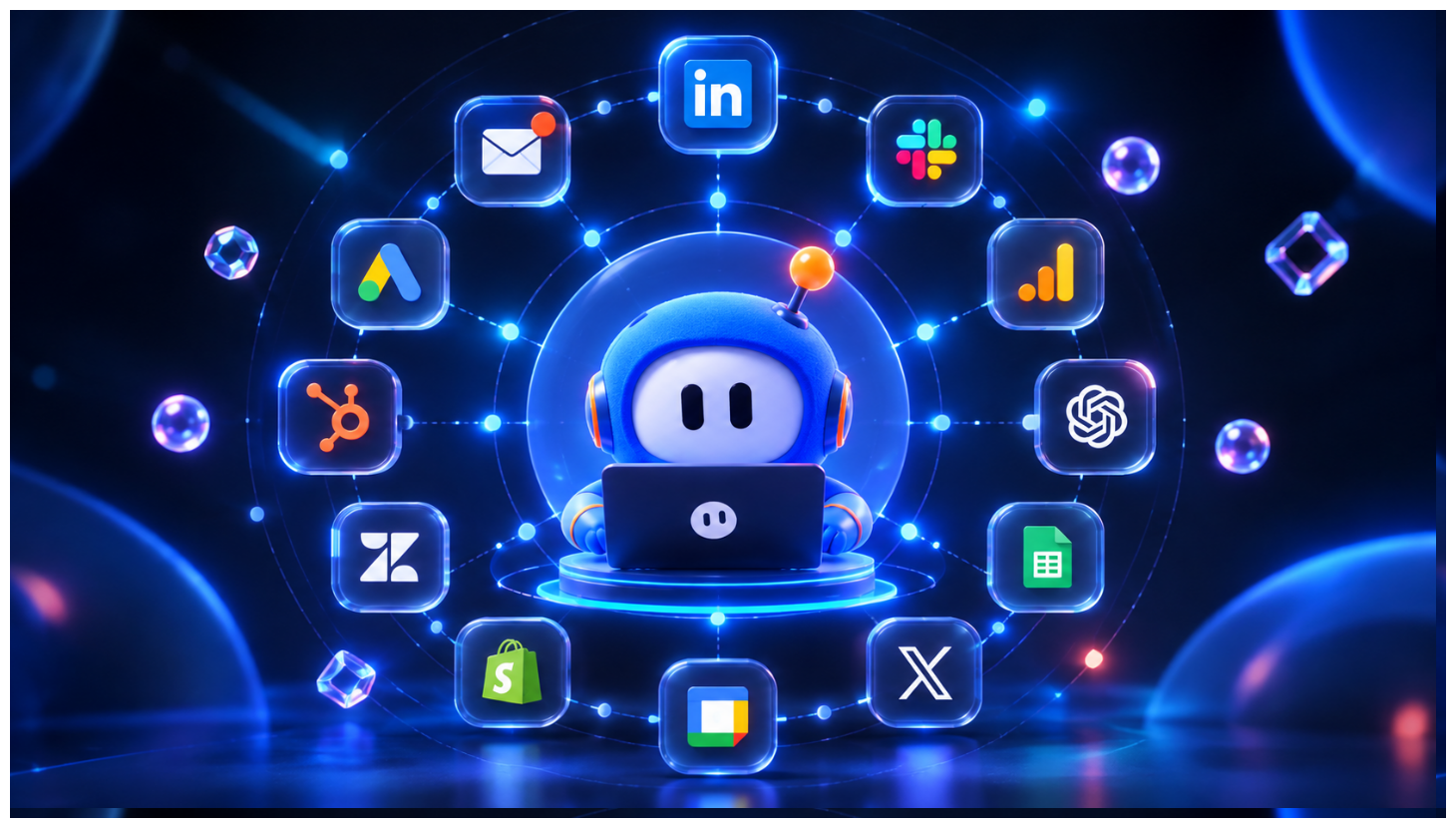
Connect Grok with SalesRobot to bring prospect, account, and outreach context into your AI conversations. Uncover valuable signals, understand your pipeline, and turn insights into your next move.



Connect SalesRobot to Grok Bot in four simple steps
Get your SalesRobot workspace connected to Grok Bot and bring your prospect,
account, and outreach context into your AI conversations.
Get your SalesRobot API key
Sign in to SalesRobot and copy your API key from Settings → Admin Settings → API Key.
Open Grok Plugins
Open Grok Bot and go to Plugins. Choose the option to add a custom connector.
Add the SalesRobot MCP server
Enter the SalesRobot MCP endpoint and complete the requested authentication using your SalesRobot API key.
Add the SalesRobot MCP server
Enter the SalesRobot MCP endpoint and complete the requested authentication using your SalesRobot API key.
What to ask Grok Bot once it's connected
Bring your SalesRobot outreach data into the conversation and get the context, insights, and next steps you need to move deals forward.
Find today's warmest accounts
Write a reason to reply
See what's changing in my pipeline
Prepare for the next touch
Build a precise target list
Plan a smarter follow- up
Find the reply gap
Prepare the right conversation
Give Grok Bot the context to find your next move.
Bring prospect data, company signals, campaign activity, and outreach history together in one conversation—so you can uncover opportunities and decide what to do next.