.avif)


Muse for AI-powered outbound.
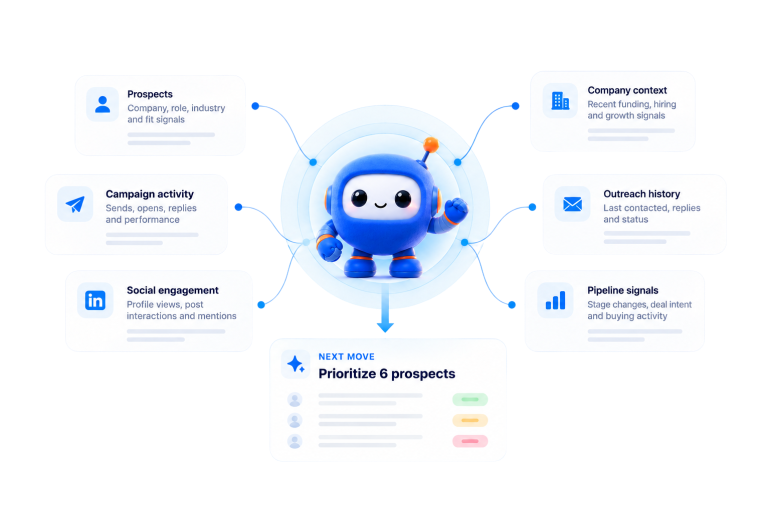
Connect Muse to SalesRobot and turn your prospect data, signals, and outreach context into your next move.


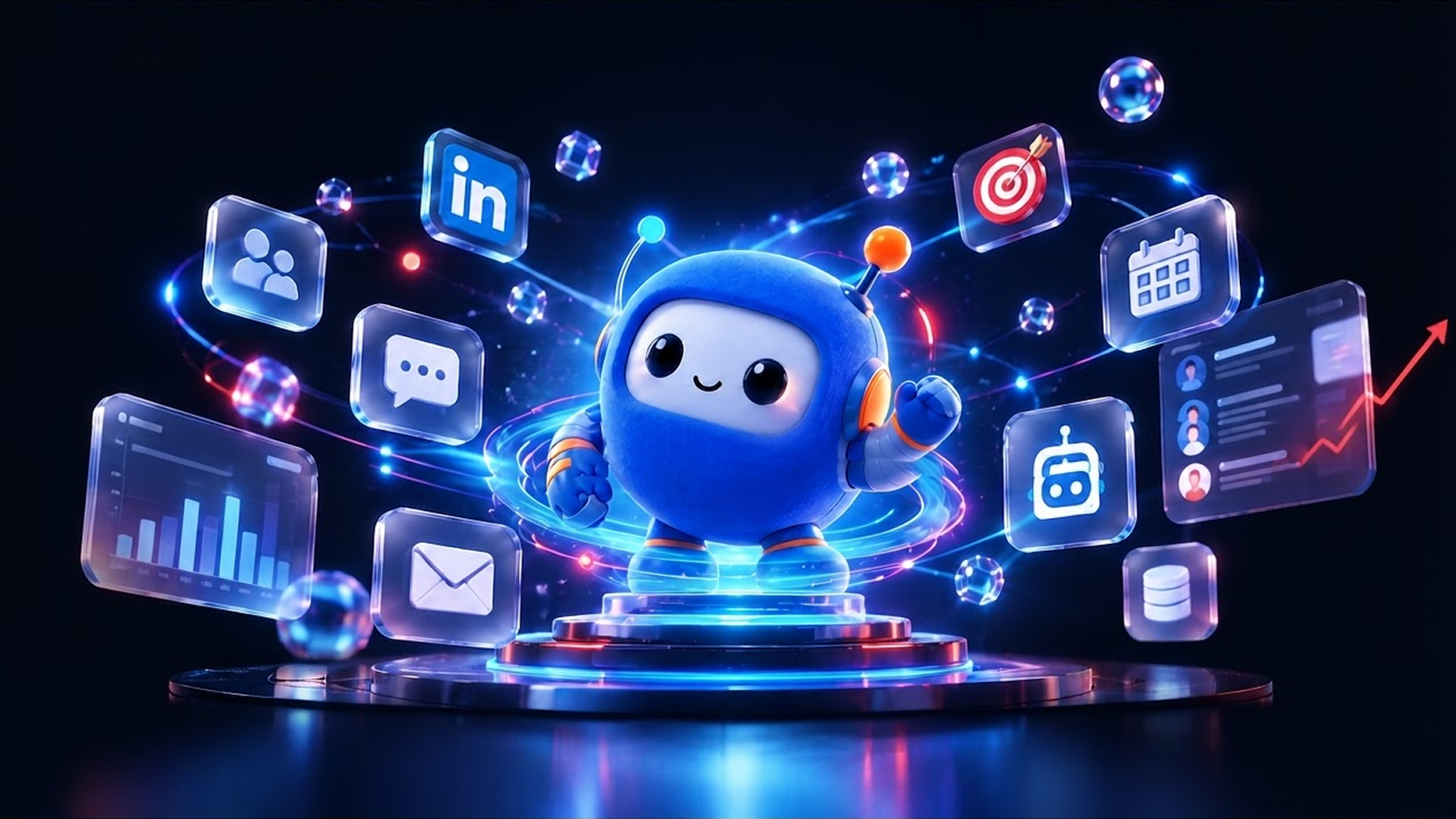
How to connect Muse to your outreach tools
Connect your AI assistant to SalesRobot and run your outbound workflow
through natural language.


Connect SalesRobot to your AI assistant
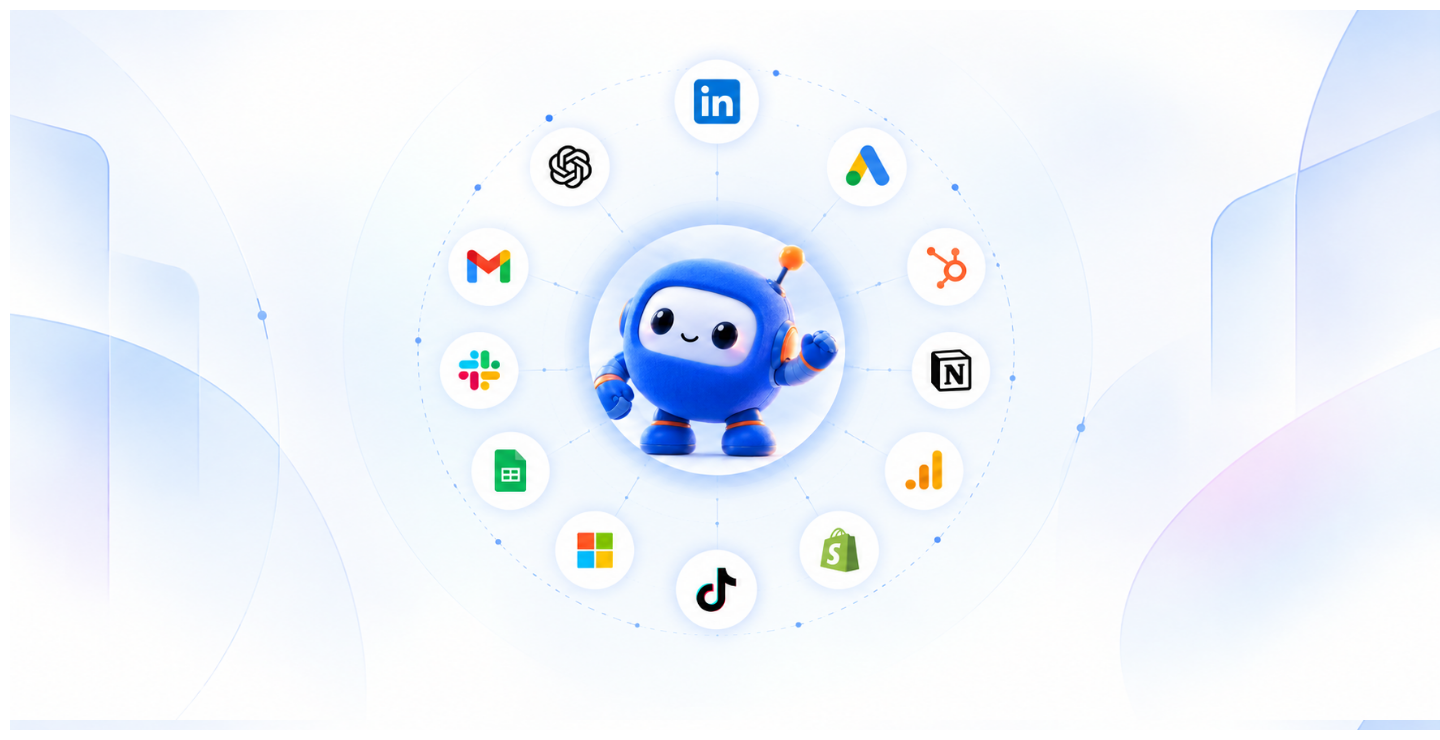
Add the SalesRobot MCP connector to your AI assistant. Once connected, your assistant can securely access your outreach workspace.
access your prospects, campaigns and outreach workflows.
Get your SalesRobot API key
Sign in to SalesRobot, open your account settings and generate an API key. Use it to authenticate your AI assistant.

Ask Muse to run your outbound
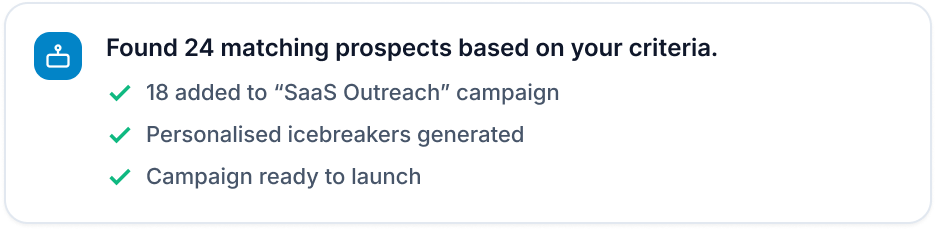
Once connected, you can ask Muse to find prospects, analyse accounts, build campaigns, personalise outreach and take action — all through natural language.

What can Muse do for you?
Turn your SalesRobot workspace into a conversational outbound assistant.
Find your best prospects
that match my ICP and
are most likely to engage
with my outreach.”
Build a focused prospect list
Create better first messages
opening message using
this prospect’s role,
company and recent
activity.”
Build an outreach campaign
campaign for these
prospects with a
personalized first
message and follow-up
sequence.”
Find prospects worth following up
prospects who opened
or engaged with my
outreach but haven't
replied yet.”
Find what's working
recent campaigns and
tell me which messages
and audiences are
getting the most
engagement.”
Know who to contact next
should I prioritize today
based on their activity
and campaign
engagement?”
Get ready for your next conversation
prospect’s context and
give me the key points I
should know before
reaching out.”
Turn your outbound data into your next move.
Muse brings your prospect, campaign and outreach context into one conversation — so you can understand what is happening and decide what to do next without digging through your workspace.