.avif)
TL;DR
- Clay remains a solid choice but has pricing and complexity limitations in 2026.
- Freckle offers next-gen AI enrichment that works with incomplete data and integrates seamlessly.
- HubSpot AI and FullEnrich provide enterprise-grade alternatives with different pricing structures.
- Websets and SalesRobot round out the top alternatives for specific use cases.
In this blog, we're going to cover:
- What Clay is and What it does
- Clay's Pricing
- Top 5 Alternatives to Clay
- And What You Should Choose Based on Your Needs
Is Clay Starting to Feel Like Overkill for Your Data Enrichment Needs?
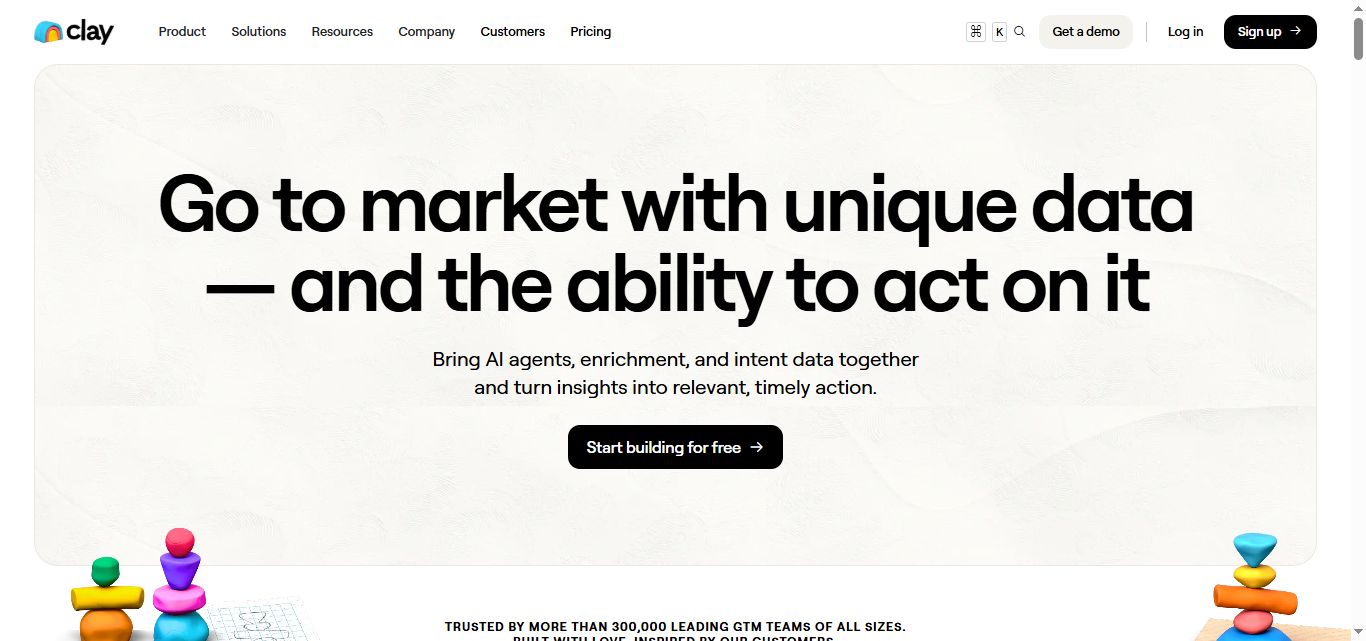
Here's the thing about Clay: it's powerful, sure, but do you really need to become a data scientist just to enrich your CRM records?
If you've been wrestling with Clay's steep learning curve, wincing at those $495+ monthly bills for decent CRM integration, or just feeling like you're using a Formula 1 car to drive to the grocery store, you're not alone.
Clay has become the go-to name in data enrichment, but it's not the only game in town anymore.
The data enrichment space has exploded in 2026, with scrappy newcomers and AI-powered alternatives that might actually fit your workflow better.
Some focus on simplicity, others on specialized use cases, and a few are just way easier on your budget.
This post breaks down what Clay does well (and where it falls short), then dives deep into five solid alternatives that could be exactly what your team needs:
Freckle's CRM-first approach, Websets' research superpowers, HubSpot's built-in AI magic, FullEnrich's waterfall mastery, and SalesRobot's outreach automation.
Let's find you something that actually works for humans.

Clay: What You Need to Know
-compressed.jpg)
✅ Incredible data enrichment power: Clay connects to 150+ data providers and uses AI agents to find ultra-specific information like ISO certifications, job openings, and LinkedIn URLs. You can literally ask for any data point in natural language and it'll hunt it down across the web.
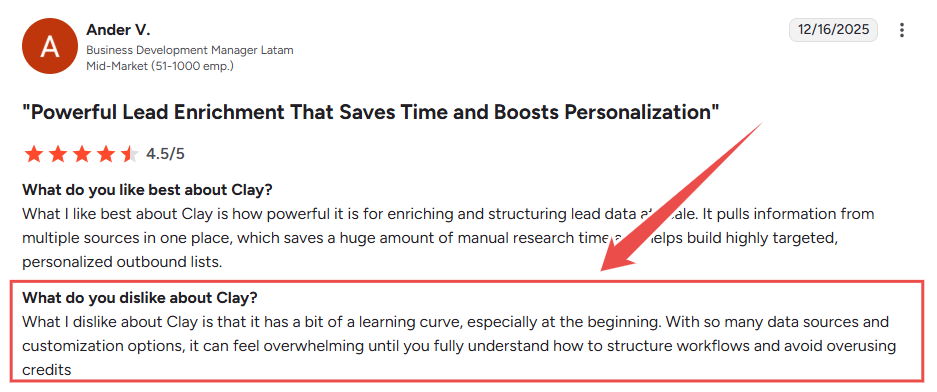
⚠️ Steep learning curve ahead: Clay is built for signal-based GTM plays, which means it's pretty complex out of the box. Most users need help from an agency or expect to spend serious time figuring out all the features and workflows.
✅ Works with incomplete data: Unlike other tools that fail without a work email or website, Clay can start with whatever messy data you have. Even just a company profile can be enough for it to build out complete contact information.
✅ Waterfall enrichment system: Clay automatically tries multiple data sources in sequence until it finds what you need. This waterfall approach routinely achieves 80%+ match rates for email discovery, significantly higher than single-source alternatives that often plateau around 40-50%.
⚠️ CRM integration costs extra: The native CRM integration is included from the Growth plan at $495/month. Under the previous pricing structure it required the $800/month Pro plan, but the March 2026 overhaul moved it down.
✅ Flexible credit system: You only pay for actual results with their data credits and actions model. This means you're not wasting money on failed enrichment attempts or empty data fields.
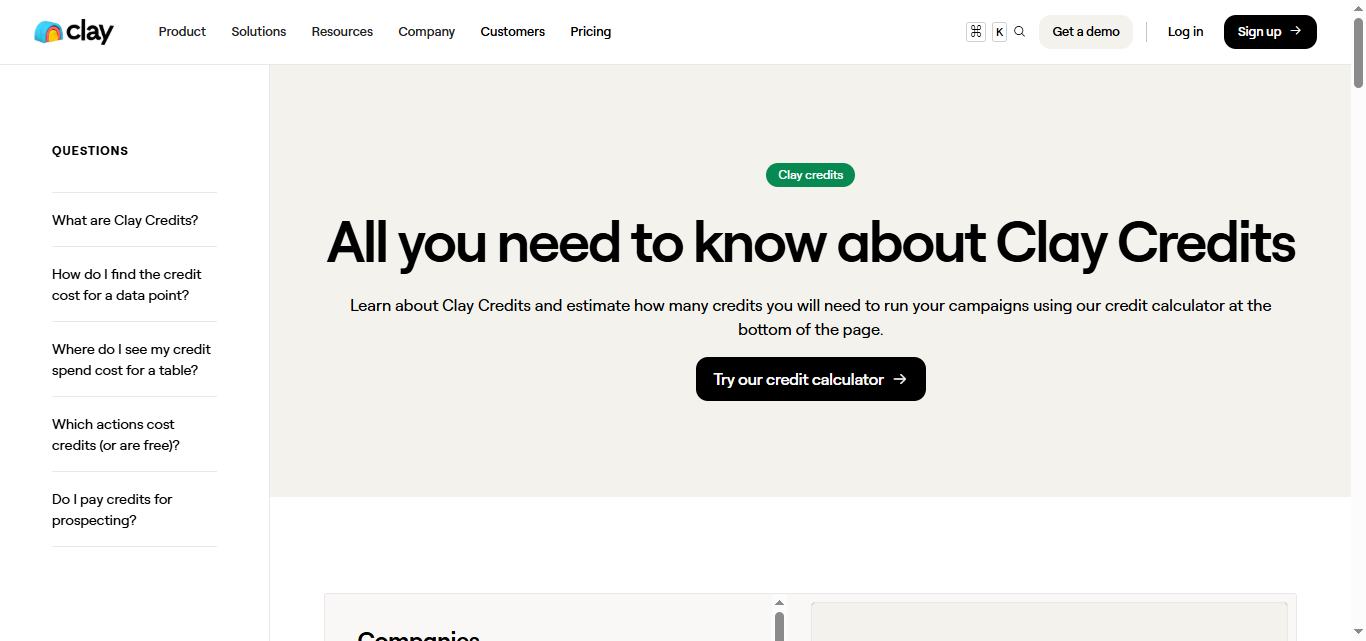
⚠️ Can get expensive quickly: While the credit system sounds fair, heavy users can burn through credits fast. The higher-tier plans jump to $800+ per month, which puts it out of reach for smaller teams.
Clay's Key Features, Broken Down
Data Enrichment and Research Automation
-compressed%20(1).jpg)
Clay automatically enriches your lead data by pulling information from 150+ data providers including LinkedIn, company websites, and industry databases.
Instead of manually researching each prospect, Clay's AI agents find everything from company revenue to recent funding rounds.
For example, if you upload a list with just company names, Clay can automatically add employee counts, technologies used, recent news mentions, and key decision-maker contact information.
AI-Powered Personalization at Scale
-compressed.jpg)
Clay's AI writes personalized outreach messages by analyzing prospect data and company information.
The system can reference specific details like recent job postings, company expansions, or industry challenges to create relevant talking points.
A sales rep targeting HR directors could have Clay automatically mention each company's recent hiring announcements or employee growth patterns in their outreach emails.
Flexible Data Sources and Integrations
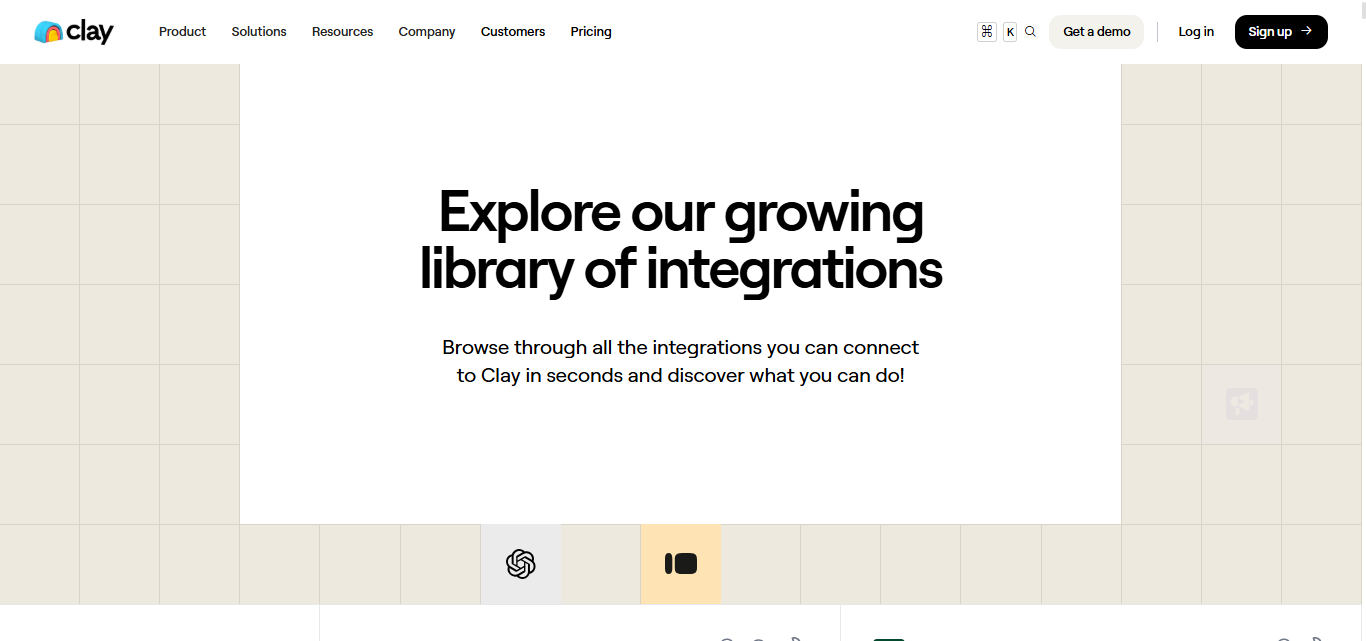
Clay connects to your existing CRM, sales tools, and databases to pull data from wherever it lives.
You can also scrape websites, import CSV files, or connect APIs to gather prospect information from multiple sources.
Whether your leads come from HubSpot, LinkedIn Sales Navigator, or a trade show attendee list, Clay can centralize and enrich all that data in one workspace.
Advanced Lead Scoring and Filtering
-compressed.jpg)
Clay lets you score and prioritize leads based on multiple data points and custom criteria. You can set up complex filtering rules to identify your ideal customer profile matches automatically.
For instance, you could score prospects higher if they're at companies with 100-500 employees, use specific software tools, and have posted job openings in the last 30 days.
Workflow Automation and Sequences
-compressed.jpg)
Clay automates repetitive prospecting tasks through customizable workflows that trigger based on data conditions.
You can set up sequences that research leads, score them, write personalized messages, and route qualified prospects to sales reps.
A typical workflow might automatically research new leads, identify decision-makers, craft personalized LinkedIn connection requests, and schedule follow-up tasks for your sales team.
Real-Time Data Monitoring and Triggers
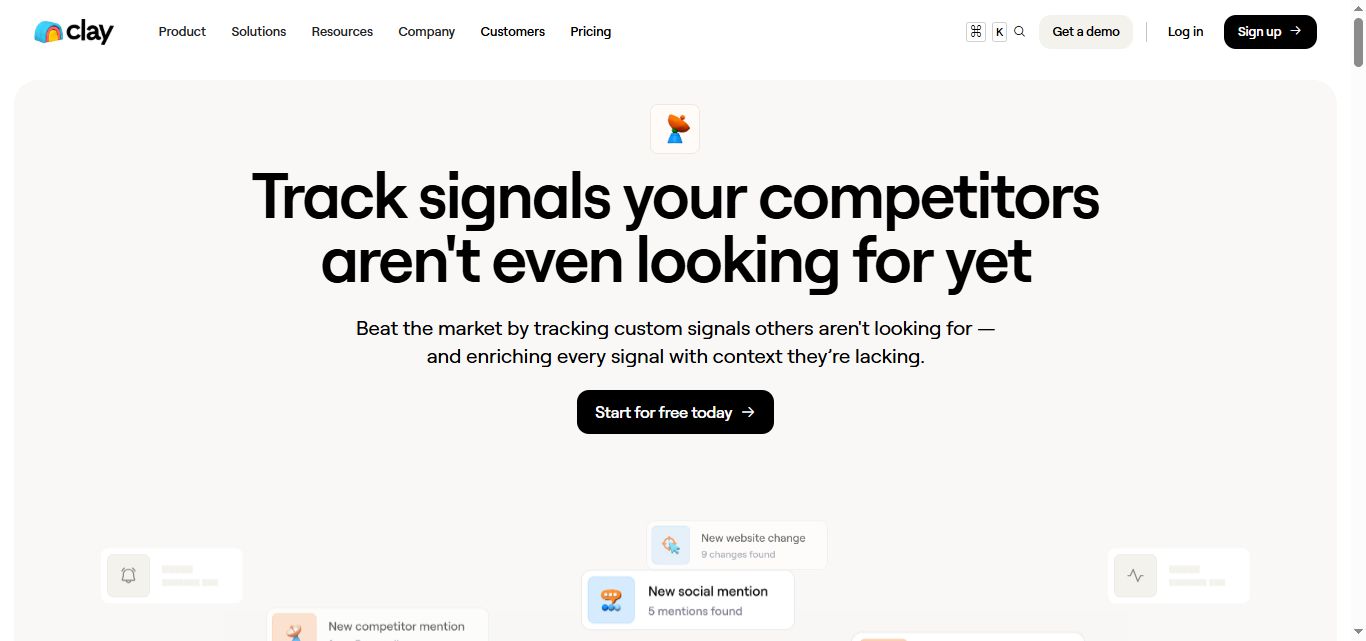
Clay monitors your prospect accounts for trigger events like funding announcements, executive changes, or technology adoptions.
When these signals occur, Clay can automatically alert your team or kick off targeted outreach campaigns.
If a prospect company raises Series B funding or hires a new CMO, Clay can immediately notify your sales team and suggest relevant talking points for timely outreach.
Clay Pricing: How Much Will It Cost?
-compressed.jpg)
Free Plan
- 100 credits per month
- Basic data enrichment features
- Core integrations
- Perfect for testing the platform
Great for individual users or small teams just getting started with data enrichment.
Launch: $185/month
- 2,500 data credits and 15,000 actions per month
- Phone number enrichment included
- Job change and signal tracking
- Email campaign integrations
- Up to 50,000 rows per table
This plan works for small teams enriching less than 1,000 records monthly. Best for companies just starting with systematic data enrichment.
Growth: $495/month
- 6,000 credits per month
- Advanced Clay features and integrations
- Waterfall enrichment capabilities
- Priority email support
- Advanced search and filtering
Perfect for growing revenue teams scaling their outbound efforts. Ideal for mid-market companies with regular prospecting needs.
Enterprise: Custom pricing
- Volume discounts on data credits at higher tiers
- Dedicated Growth Strategist and managed onboarding
- Data warehouse integrations and bulk enrichment
- Advanced security features including SSO and RBAC
Designed for large enterprises with massive data requirements. Perfect for companies needing custom solutions and enterprise-grade security.
Clay offers a free plan with 100 credits to test the platform. Be aware that costs can escalate quickly since meaningful usage on the Growth plan at $495/month is where most teams end up once they need CRM sync and advanced workflows.
The credit system means you pay per enrichment action, not per contact. Phone number lookups cost more credits while basic email enrichment costs fewer credits.
5 Alternatives to Clay: Which One Actually Fits?
You've seen what Clay brings to the table, but it's not the only game in town. Here are five other options that might match your specific needs better, depending on what you're actually trying to accomplish.
Freckle
-compressed.jpg)
What it does: Freckle sits directly on top of your CRM and auto-enriches every record that comes in.
It's designed for teams who want Clay-style enrichment without the complexity, using natural language prompts instead of complex workflows.
- Stands out for: Native CRM integration on all plans, AI agents that research ultra-specific data points, unlimited users even on free tier
Pricing: Starting free with 100 credits. Pro plans from $99-$599/month based on credit usage.
-compressed.jpg)
Best if: You want enrichment that stays synced with your CRM without the Clay learning curve.
Exa Websets
-compressed.jpg)
What it does: Exa focuses on web data research and discovery, helping you find and organize information from across the internet. It's built for teams who need to research companies and prospects at scale using AI-powered web scraping.
- Stands out for: Advanced web research capabilities, AI-powered data discovery, structured data extraction from websites
Pricing: Starts at $49/month with 8000 credits, and their Pro plan costs $449/month with 100,000 credits.
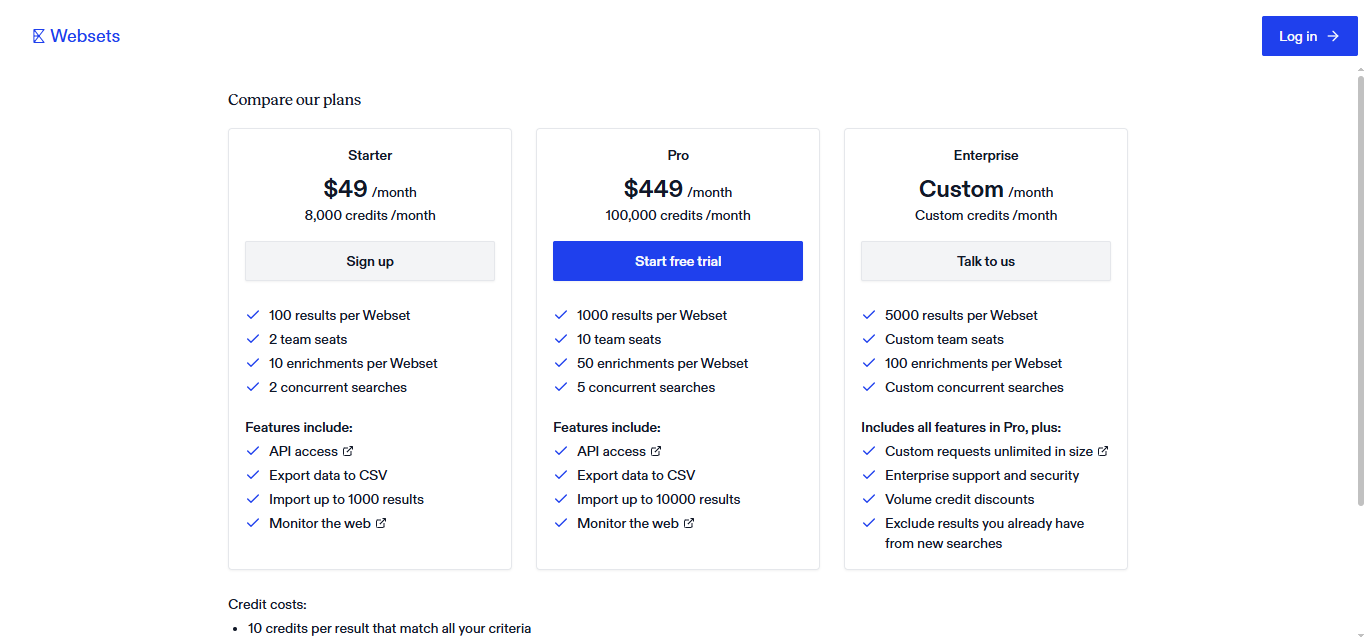
Best if: Your main need is researching companies and extracting insights from their web presence.
HubSpot Breeze
-compressed.jpg)
What it does: HubSpot's AI suite that includes prospecting agents, content creation, and customer service automation. It's part of the broader HubSpot ecosystem, so it works best if you're already using their CRM and marketing tools.
- Stands out for: Fully integrated with HubSpot's platform, AI agents for different functions, free tier available
Pricing: Starts at $45/month with 5000 Hubspot credits and goes up to $900/month.
-compressed.jpg)
Best if: You're already in the HubSpot ecosystem and want AI features that work seamlessly across marketing, sales, and service.
FullEnrich
-compressed.jpg)
What it does: FullEnrich specializes in waterfall enrichment for emails and phone numbers, aggregating data from 20+ premium vendors. They claim 80%+ find rates and focus specifically on contact data quality rather than broader research capabilities.
- Stands out for: Waterfall approach across multiple data sources, mobile-first phone numbers, advanced email verification with catch-all detection
Pricing: Starts at $29/month for 500 credits a month. One-time credit packs are available for teams that need a burst of enrichment without a recurring commitment. Check fullenrich.com for current pack sizes and prices as these change regularly.
-compressed.jpg)
Best if: Finding accurate contact information is your primary challenge and you need higher success rates than single-source tools provide.
SalesRobot
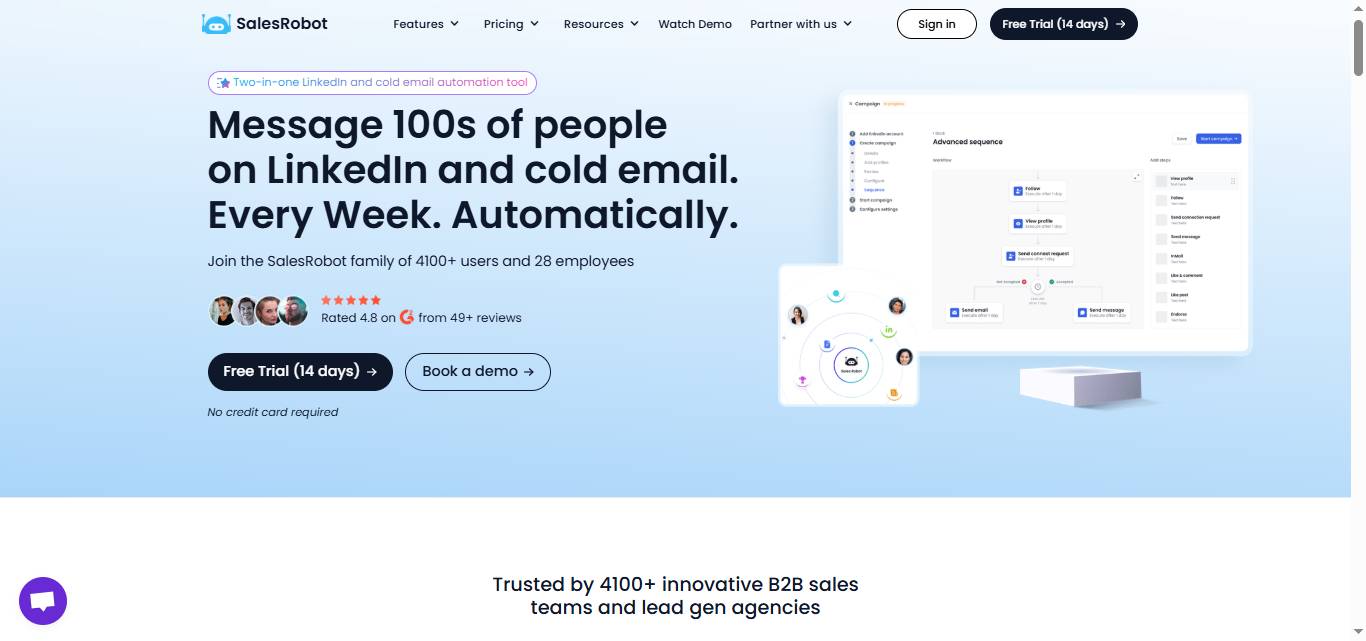
What it does: SalesRobot automates LinkedIn outreach and prospecting directly within LinkedIn and LinkedIn Sales Navigator. Unlike the other tools that focus on data enrichment, SalesRobot handles the actual outreach process where most B2B conversations actually start. It combines prospect research with automated messaging, follow-ups, and relationship building on LinkedIn.
- Stands out for: Native LinkedIn automation that stays within platform limits, Smart inbox that centralizes all prospect conversations, Advanced message personalization using prospect data, Built-in CRM integration to sync leads and track progress
- Also includes: AI Appointment Setter, AI Variables, and other versatile AI features to support smart outreach.
Pricing: Starter at $59/month, Advanced at $79/month, Professional at $99/month.
-compressed.jpg)
Best if: You want to turn prospect data into actual conversations, and LinkedIn is where your ideal customers spend their time.
Each tool has its place, but if you're looking to move beyond just collecting data and actually start conversations with prospects, SalesRobot's free trial gets you up and running with LinkedIn outreach in minutes.
While the others focus on finding information, SalesRobot focuses on turning that information into pipeline.
The Verdict
Clay is powerful but overkill for most teams. It's built for data scientists who love spreadsheets and have time to tinker with complex workflows.
If you're a small sales team that just wants to find leads and start conversations, you're probably overcomplicating things with Clay's enterprise-grade features.
The alternatives each solve specific problems better than Clay's "do everything" approach.
Bottom Line
Choose Clay if: You're a growth team with technical chops who needs custom data enrichment workflows and doesn't mind a learning curve.
Choose HubSpot if: You want an all-in-one platform and already use their CRM. Just know you're paying premium prices.
Choose Freckle if: You need simple lead scoring without the complexity. Good for teams who want "set it and forget it" automation.
Choose Exa Websets if: You're doing research-heavy prospecting and need to find companies based on very specific criteria.
Choose FullEnrich if: Data quality is your biggest pain point and you want the most accurate contact information available.
Choose SalesRobot if: You want to test LinkedIn outreach without a huge commitment. Their free trial lets you see results in days, not weeks.
Start with SalesRobot's free trial if you're unsure. It's the lowest-risk way to see if automated outreach moves the needle for your team.
Okay, then, see you next time!


Wow your leads by cloning yourself and sending personalized videos and voice notes to each lead on LinkedIn.
If you don't reply to leads within 5 mins, your chances of converting them fall by 50%. Our AI replies on your behalf instantly! (and yes, you can train it)

Don't shoot in the dark. Get detailed analytics on what's working

SalesRobot allows you to invite other team members, so that they can add their LinkedIn Account, run outreach campaigns and get amazing results just like you.
.avif)


Trusted by 4100+ innovative B2B sales teams and lead gen agencies

.avif)

.avif)




.avif)


Heading 1
Heading 2
Heading 3
Heading 4
Heading 5
Heading 6
Lorem ipsum dolor sit amet, consectetur adipiscing elit, sed do eiusmod tempor incididunt ut labore et dolore magna aliqua. Ut enim ad minim veniam, quis nostrud exercitation ullamco laboris nisi ut aliquip ex ea commodo consequat. Duis aute irure dolor in reprehenderit in voluptate velit esse cillum dolore eu fugiat nulla pariatur.
Block quote
Ordered list
- Item 1
- Item 2
- Item 3
Unordered list
- Item A
- Item B
- Item C
Bold text
Emphasis

Superscript
Subscript