.avif)
TL;DR
- 5 LinkedIn automation tools that small sales teams can actually afford, with starting prices from $14.99 to $59 per month.
- Top picks: SalesRobot, Dripify, Botdog, Waalaxy, and Dux-Soup.
- All five are built for solo founders, SDRs, and teams under 10 people.
- Most cost less than a single Sales Navigator seat.
- Each one covers a different use case, from AI-driven sequences to lightweight Chrome extensions.
LinkedIn automation is supposed to make outbound easier for small sales teams.

For most of them, it ends up costing more than their CRM and getting their account restricted within a week.
89% of B2B marketers use LinkedIn for lead generation. Almost all of them are running outreach with some kind of automation layer.
The problem is that most "best LinkedIn automation tools" lists are written for agencies managing 50 accounts.

Small sales teams have a different reality: one or two LinkedIn seats, a founder watching every line item, and zero IT support.
This blog skips the agency picks. Below are 5 tools priced for small teams, with honest notes on what each one is actually good at.
This guide covers:
- The 5 Best Affordable LinkedIn Automation Tools for Small Sales Teams
- Its pros and cons,
- Its pricing,
- and who it's best for.
What LinkedIn automation tools do
LinkedIn automation tools handle the repetitive outreach work that eats up an SDR's day. Connection requests, follow-up messages, profile views, inbox triage.
Specifically, they can:
- Send connection requests on a schedule that mimics human behaviour
- Run multi-step DM sequences without manual chasing
- Pull lead lists from Sales Navigator or CSV uploads
- Manage replies in a single inbox across multiple accounts
- Track who opened, replied, or ghosted you
What they don't do is sell for you. That part is still your job.

Why small sales teams need a different set of tools
A lot of LinkedIn automation lists assume budget isn't the constraint. For small teams it usually is.
Small sales teams have constraints that bigger orgs don't:
- No IT team to set up dedicated proxies or troubleshoot Chrome extensions
- No procurement cycle, so the tool has to work with a credit card and a free trial
- One or two LinkedIn accounts max, not fifty
- Every dollar shows up on the founder's P&L, so per-seat pricing actually matters
The 5 tools below are picked specifically for that reality.
The 5 affordable LinkedIn automation tools
1. SalesRobot

SalesRobot is a cloud-based AI appointment setter that runs LinkedIn and email sequences from one workflow.
It's built for sales teams that want to automate the messaging side of outbound without managing replies across five different inboxes.
One thing worth flagging is the AI personalization layer.
Instead of merge tags pulling first names, it reads each prospect's LinkedIn profile and writes openers that reference what's actually on it.
Key features:
- AI-generated openers based on each prospect's profile, not template variables
- AI-personalized voice notes and video messages on LinkedIn at scale — a feature no other tool on this list offers (users report 40%+ reply rates on voice campaigns)
- LinkedIn and email steps in the same sequence, plus unlimited cold email automation
- Built-in inbox to manage replies across accounts, with Smart Reply Detection that auto-pauses sequences when a lead replies
Pros:
- Cloud-based and runs on LinkedIn's mobile app APIs, cutting ban risk to near zero — no Chrome extension required
- Combines LinkedIn and email without paying for two separate tools
- 4.8 G2 rating from 50+ reviews
- 14-day free trial, no credit card required
Cons:
- Heavier on features than a founder sending 20 DMs a week needs
- Basic plan limits you to one active campaign
Up to 35% off on annual billing. Free 14-day trial.
Best for: Small sales teams running LinkedIn and email in one sequence
2. Dripify
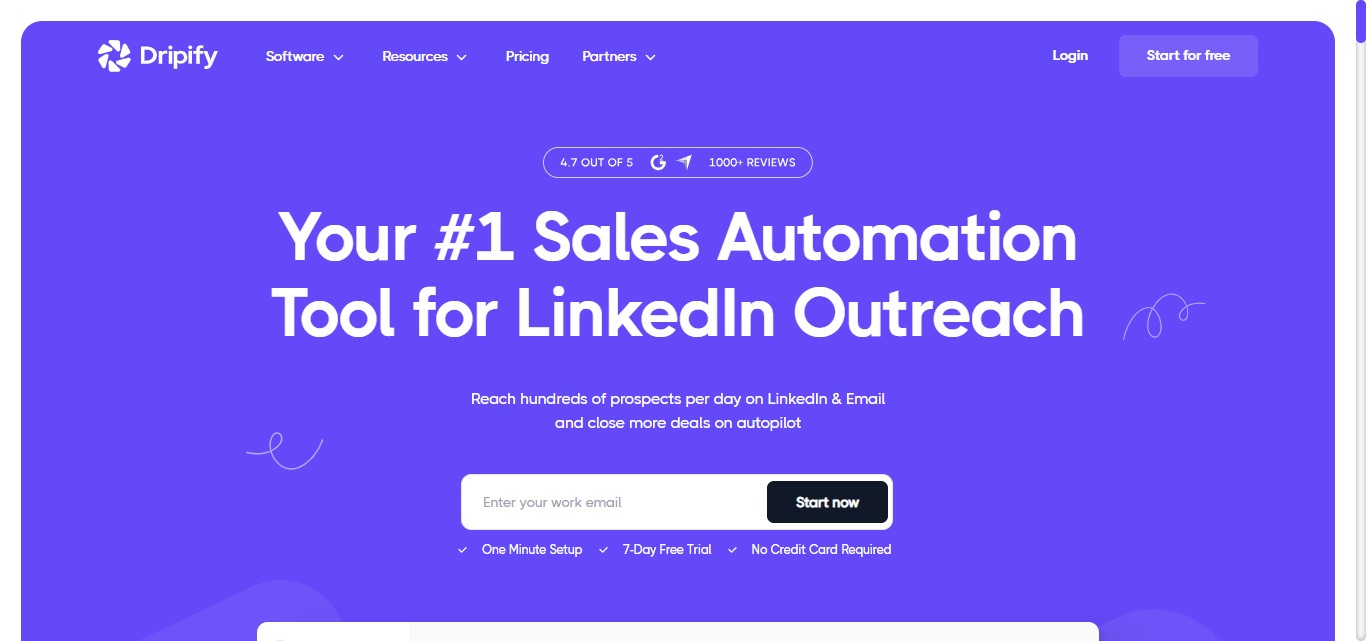
Dripify is a cloud-based LinkedIn automation tool known for its visual campaign builder. You drag and drop steps onto a flowchart, set the timing, and it runs in the background.
It's one of the more polished interfaces in this category. Setup takes about 30 minutes, and the analytics dashboard is genuinely useful and not just vanity metrics.
Key features:
- Visual drag-and-drop sequence builder
- Smart inbox with auto-pause on reply
- LinkedIn and email sequences on every paid tier
Pros:
- 4.5 G2 rating from 320+ reviews
- Cloud-based, runs even when your laptop is off
- 24/7 live support included on every paid tier
Cons:
- Basic plan limits you to a single drip campaign
- No API access until the Advanced tier
All plans include LinkedIn and email sequences plus 100 email finder credits.
Best for: Teams that want a polished UI without paying for enterprise features
3. Botdog
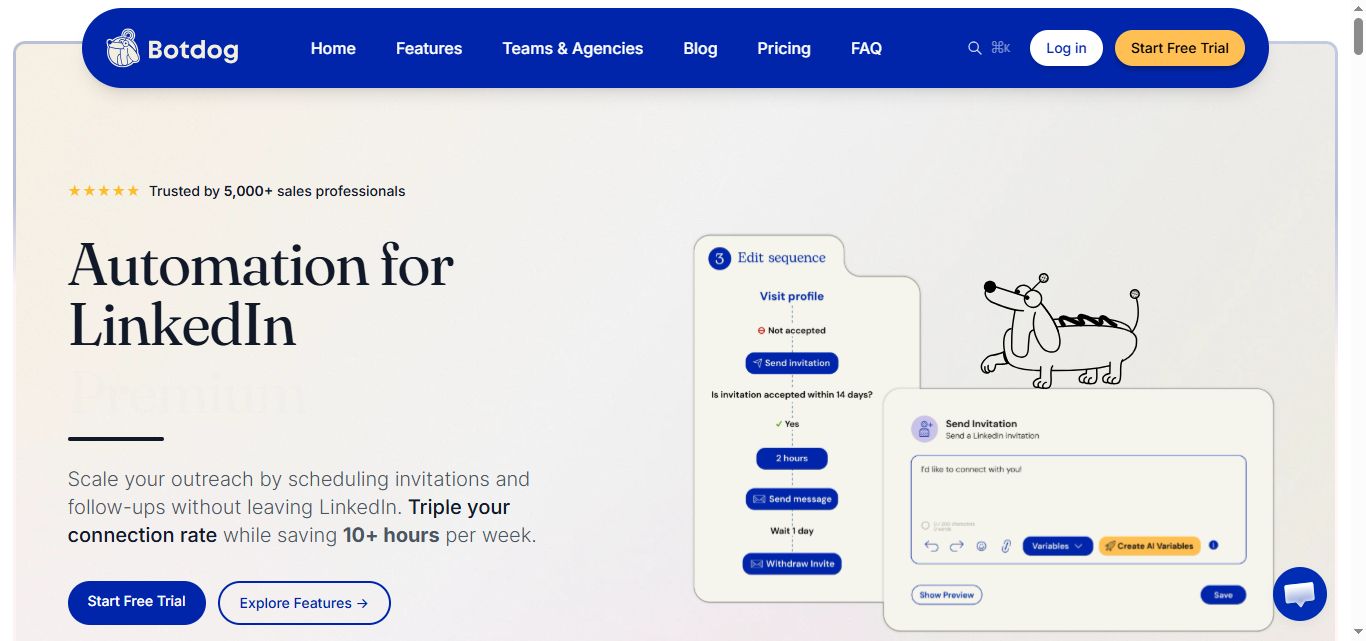
Botdog took the opposite approach to most tools on this list. No multichannel, no AI bloat. Just LinkedIn automation that's fast to set up and easy to use.
The pitch is simplicity. Sign up, connect your LinkedIn, launch a campaign in roughly 3 minutes.
Key features:
- Unlimited connection requests and messages from the starter plan
- Voice notes inside sequences
- Cloud-based with built-in safety limits
Pros:
- 4.9 G2 rating, the highest in the LinkedIn automation category
- 7-day free trial with no credit card required
- 50% discount on 12-month billing
Cons:
- LinkedIn-only, so you need a separate tool for email outreach
- AI features only available on the top tier
Pricing (monthly billing):
12-month billing cuts prices roughly in half, dropping the Starter tier to around $35/month.
Best for: Founders and SDRs whose only outbound channel is LinkedIn
4. Waalaxy

Waalaxy is one of the most beginner-friendly tools on this list.
The visual campaign builder uses a flowchart format that's easy to follow even if you've never set up a sequence before.
It also has the largest review base in the category (over 1,000 reviews on G2) and a 14-day free trial that lets you test before committing to a paid tier.
Key features:
- Drag-and-drop sequence builder with prospecting templates
- Pre-built prospecting sequences and automated follow-ups
- Email finder credits bumped to 500/month on the Advanced tier in 2026; full cold-email multichannel campaigns still require the Business tier
Pros:
- 4.5 G2 rating from 1,000+ reviews
- Free tier means you can test outreach before paying anything
- 14-day free trial on all paid plans
Cons:
- Pro plan caps connection requests at 300 per month
- Free version requires the Chrome extension to stay open
Pricing (per user/month, monthly billing):
Yearly billing saves up to 50%. 14-day free trial on all paid tiers.
Best for: Solo founders and small teams testing LinkedIn automation before committing budget
5. Dux-Soup

Dux-Soup is one of the oldest LinkedIn automation tools still in active development.
It's a Chrome extension at heart (Pro and Turbo tiers), with a Cloud option for users who want 24/7 campaigns without the laptop-stays-open setup.
The interface looks dated, but at $14.99/month for the Pro tier, it's still one of the cheapest entry points into LinkedIn automation.
Key features:
- Auto profile visits, connection requests, and tagged messages
- CSV import for prospect lists
- Voice note automation (added in 2026)
Pros:
- Pro Dux at $14.99/mo is one of the cheapest paid options on the market
- Cloud Dux tier available if you outgrow the extension
- Integrates with HubSpot, Salesforce, Pipedrive via webhooks
Cons:
- Chrome extensions carry higher LinkedIn detection risk than cloud-based tools
- Pro and Turbo tiers require your computer to stay on
Pricing (Individual plan):
Yearly billing saves 20%.
Best for: Freelancers and solo founders doing low-volume outreach on a tight budget
Quick comparison
5 things to do BEFORE you turn on automation
Tools don't fix broken outbound. They scale it. If your targeting or messaging is off, automation just gets you bad replies faster.
Before you turn on any of the tools above, run through this checklist:
- Warm up your LinkedIn account. New or dormant accounts trip LinkedIn's restriction flags fast. Spend 2 weeks posting, commenting, and connecting manually before running sequences.
- Get the messaging right first. Test one DM sequence by hand with 20 prospects. Once it's pulling 10%+ replies, automate it. Not before.
- Build a real target list. Random Sales Navigator exports get 1% reply rates. Filtered, intent-aware lists get 10x that. The list does most of the work.
- Decide your reply playbook. Automation handles outbound. You still handle the inbox. Decide who responds, how fast, and what the qualification questions are.
- Respect LinkedIn's actual limits. LinkedIn caps weekly connection requests at 100 to 200 depending on account age. Pushing past that gets you restricted. The tool's "unlimited" setting doesn't override LinkedIn's caps.
Where SalesRobot fits in the lineup
Out of the 5 tools above, SalesRobot sits in a slightly different category. The other four are mostly focused on automating the sending side. SalesRobot also handles the part that comes after the reply.
It's positioned as an AI appointment setter: an AI agent that replies to leads instantly in your LinkedIn inbox, nurtures them, and keeps them engaged until they're ready to book a meeting. It's fully trainable on your product and tone, and responds within minutes — which matters because if you don't reply within 5 minutes, your odds of converting drop by half. No other LinkedIn automation tool offers this natively.
A few specifics worth noting:
- AI personalization that reads each prospect's actual LinkedIn profile instead of template variables
- LinkedIn and email steps in one sequence, so prospects who don't reply on LinkedIn get an email
- Built-in inbox with conversation tracking across multiple LinkedIn accounts
- Automatic sequence pause when a prospect replies, so nobody gets a "just circling back" message after they've already said yes
- 14-day free trial, no card required
Worth a look if your team is small enough that every reply matters and big enough that you can't keep track of them in a spreadsheet.
The bottom line
There is no best LinkedIn automation tool. There's only the one that fits your team's size, channel mix, and budget.
Small sales teams don't need 40 features. They need 5 that actually work.
Pick one from this list. Set it up. Send messages. Adjust.
The tool isn't going to do the selling for you. You are.
FAQs
What is the most affordable LinkedIn automation tool for small sales teams in 2026?
Dux-Soup at $14.99/month is the cheapest paid option, and Waalaxy comes close at €19/month (roughly $19).
For cloud-based reliability without your laptop staying on 24/7, Botdog at roughly $35/month on annual billing is the lowest entry point.
Is LinkedIn automation safe for small teams?
Cloud-based tools with dedicated IPs and randomized delays carry low risk. Chrome extensions carry higher risk because LinkedIn can detect them more easily. Account restrictions usually come from exceeding LinkedIn's weekly connection limits, not from the tool itself.
How much should a small sales team spend on LinkedIn automation?
Between $35 and $100 per seat per month is the realistic range for cloud-based tools with full features. Anything under $20 typically means a Chrome extension or a desktop app with caveats around safety and uptime.
Cloud-based vs Chrome extension: which is better?
Cloud-based is safer and runs 24/7 even when your laptop is off. Chrome extensions are cheaper but easier for LinkedIn to detect. Cloud wins for anything beyond casual outreach.
How many connection requests can a small team safely send per week?
LinkedIn caps accounts at roughly 100 to 200 connection requests per week, depending on account health. New accounts should start at 20 to 30 per week and ramp up over 2 to 4 weeks before pushing higher.
Frequently Asked Questions
Do these tools handle replies, or just send messages?
Most tools on this list automate only the sending side and give you a shared inbox to manage replies manually. SalesRobot goes further with an AI Appointment Setter add-on that replies to leads instantly, nurtures them, and books meetings on your behalf — useful when every reply matters.
Which LinkedIn automation tools can send voice notes and video messages?
Botdog and Dux-Soup support LinkedIn voice notes, but AI-personalized voice notes and video messages at scale are largely unique to SalesRobot. It clones your voice and video so each prospect gets a personalized message, with users reporting 40%+ reply rates on voice campaigns.

Wow your leads by cloning yourself and sending personalized videos and voice notes to each lead on LinkedIn.
If you don't reply to leads within 5 mins, your chances of converting them fall by 50%. Our AI replies on your behalf instantly! (and yes, you can train it)

Don't shoot in the dark. Get detailed analytics on what's working

SalesRobot allows you to invite other team members, so that they can add their LinkedIn Account, run outreach campaigns and get amazing results just like you.
.avif)


Trusted by 4100+ innovative B2B sales teams and lead gen agencies

.avif)

.avif)




.avif)