SALESROBOT FOR OPENAI DOTS

Put your LinkedIn outreach on autopilot with OpenAI Dots.

Connect SalesRobot with OpenAI Dots to bring your prospects, campaigns, and LinkedIn outreach into your AI conversations. Find opportunities, manage campaigns, and take action using natural language.


Explore prospects & activity
Build personalized sequences
Prioritize next actions
Connect SalesRobot
A cute blue robot with a small antenna and orange accents sits on a round platform holding a laptop with a robot icon, surrounded by floating icons representing communication, analytics, calendar, target, user profile, and a messaging app, connected by glowing lines.
GET CONNECTED

Connect SalesRobot to OpenAI Dots in four simple steps

Connect your SalesRobot workspace to OpenAI Dots and bring your prospects, campaigns, and LinkedIn outreach into your AI conversations.

OpenAI Dots
SalesRobot MCP
Secure connection
AI-powered outreach
01
SALESROBOT

Get your SalesRobot API key

Sign in to SalesRobot and copy your API key from Settings → Admin Settings → API Key.

Get API key
02
OPENAI DOTS

Open your connector settings

Open OpenAI Dots and locate the option to add a custom connector or MCP server.

03
CONNECT

Add the SalesRobot MCP server

Enter the SalesRobot MCP endpoint and complete the requested authentication using your SalesRobot API key.

https://mcp.salesrobot.co/
mcp
04
GET STARTED

Start exploring with Dots

Ask questions about your prospects, campaigns, and LinkedIn inbox — or explore outreach actions to decide what to do next.
“Which prospects should I prioritize next?”
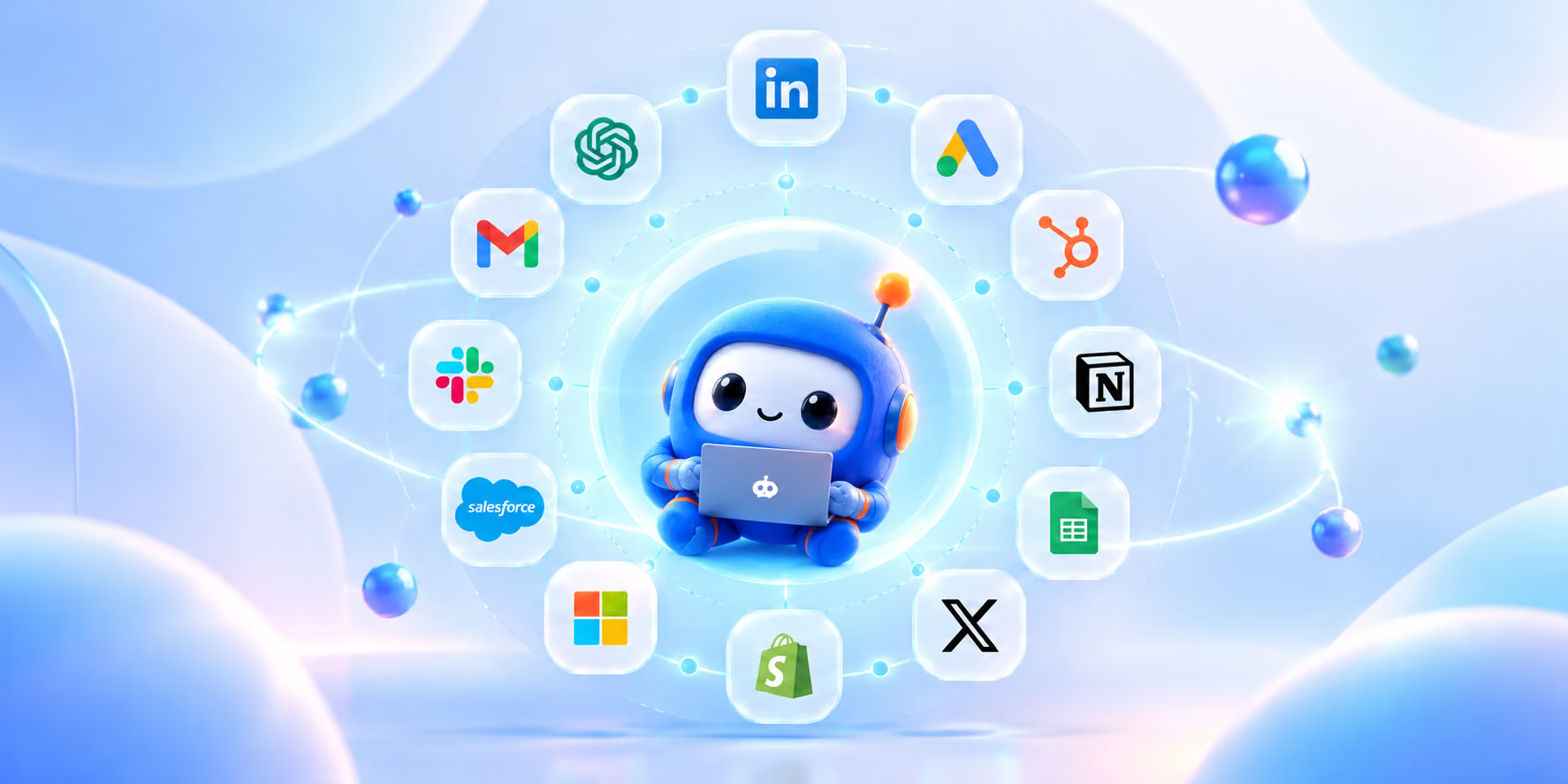
A cute blue robot character holding a laptop sits at the center of a glowing network orbit, surrounded by icons of popular apps and platforms including LinkedIn, Google Ads, HubSpot, Notion, Google Sheets, X (Twitter), Shopify, Microsoft, Salesforce, Slack, Gmail, and ChatGPT.
SALESROBOT DOTS

Give Dots your outreach. Keep your focus on what matters.

From tracking campaign progress to preparing your next move, bring SalesRobot into an ongoing workflow that keeps your LinkedIn outreach moving.

STAY ON TOP

Know when campaign performance changes

>
“Dots, review my active SalesRobot campaigns and bring me meaningful changes in replies, engagement, or performance.”
SPOT OPPORTUNITIES

Catch promising prospects early

>
“Dots, check prospect activity and flag accounts showing fresh engagement that deserve my attention.”
KEEP THINGS MOVING

Never lose track of follow-ups

>
“Dots, find prospects who engaged but haven't replied, and prepare the next follow-up for my review.”
PREPARE AHEAD

Start each day with a clear plan

>
“Dots, review my SalesRobot activity and give me a prioritized list of prospects to contact today.”
PERSONALIZE AT SCALE

Make every first touch count

>
“Dots, use each prospect's role, company context, and available activity to draft a relevant LinkedIn opener.”
LEARN & IMPROVE

Turn campaign results into next steps

>
“Dots, summarize what changed in my recent campaigns, identify patterns in engagement, and suggest what to test next.”
STAY IN CONTROL

Review actions before they happen

>
“Dots, prepare my next outreach actions and show me the proposed changes before anything is sent or updated.”
KEEP ME INFORMED

Bring me the decisions that matter

>
“Dots, summarize important outreach developments, explain what needs my attention, and ask me when a decision is needed.”
SALESROBOT DOTS

Turn your outbound data into your next move.

Dots brings your prospect, campaign and outreach context into one conversation — so you can understand what is happening and decide what to do next without digging through your workspace.
Setup Dots
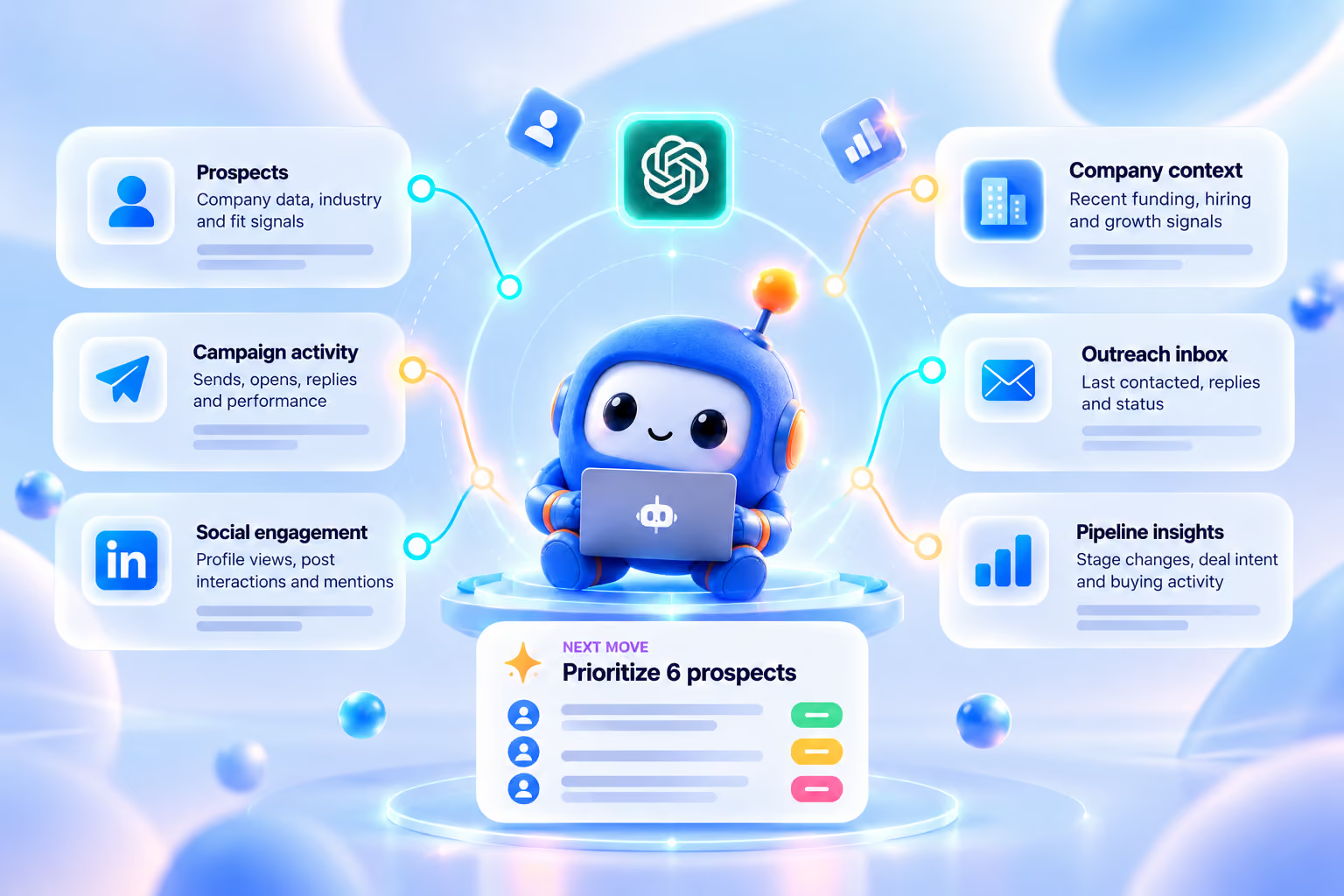
Blue robot sitting with a laptop at the center of a digital dashboard connecting various business insights: Prospects, Campaign activity, Social engagement, Company context, Outreach inbox, and Pipeline insights, with a highlighted next move to prioritize 6 prospects.

What are you waiting for?
Start reaching out to your dream customers today

Free Trial (14 days)
infographics of team photo



