.avif)
TL;DR
- MCP, or Model Context Protocol, lets AI assistants such as Claude and ChatGPT interact with other software instead of just telling you what to do.
- For LinkedIn outreach, that means an AI assistant can potentially search for prospects, build campaigns, analyze replies, and manage other parts of your workflow.
- LinkedIn itself does not offer a general-purpose MCP server, so the tools on this list use their own integrations or third-party MCP servers.
- And there is an important catch: MCP support doesn't automatically mean the LinkedIn activity itself is compliant with LinkedIn's rules. How the tool connects to LinkedIn matters.
- The 7 tools worth looking at are HeyReach, SalesRobot, Salesforge, FirstTouch, lemlist, Clay, and STACKED by Dux-Soup.
- There's also an open-source option, stickerdaniel's LinkedIn MCP server, for developers who want to build their own setup.
Wait, Does LinkedIn Have MCP Support?

Not directly.
LinkedIn hasn't released a general-purpose MCP server that lets AI assistants control the platform.
Instead, sales and automation platforms have built their own MCP connections around LinkedIn workflows.
And the appeal is pretty obvious.
Instead of opening a dashboard and clicking through filters, campaigns, and messages, you could tell an AI assistant what you want and let the connected tool handle the work.
For example, you could ask an AI assistant to find prospects matching your ICP, create a campaign, or show you which leads engaged with your last sequence.
But there's an important distinction here: MCP is just the bridge. What the connected tool can actually do is what matters.
Before the List: How These LinkedIn MCP Tools Connect
Not every LinkedIn MCP setup works the same way.

Some tools use LinkedIn's official APIs for permitted functionality. Others rely on browser or authenticated-session automation to perform LinkedIn actions.
The latter approach comes with more obvious platform-policy considerations.
LinkedIn's current User Agreement prohibits unauthorized software, bots, scripts, crawlers, browser extensions, and other automated methods used to access or scrape the service.
So don't choose a tool simply because it advertises "20+ MCP tools." Look at how those tools actually interact with LinkedIn and what the vendor says about its connection method.
The 7 LinkedIn MCP Tools at a Glance
1. SalesRobot: Best for LinkedIn + Email Outreach With MCP
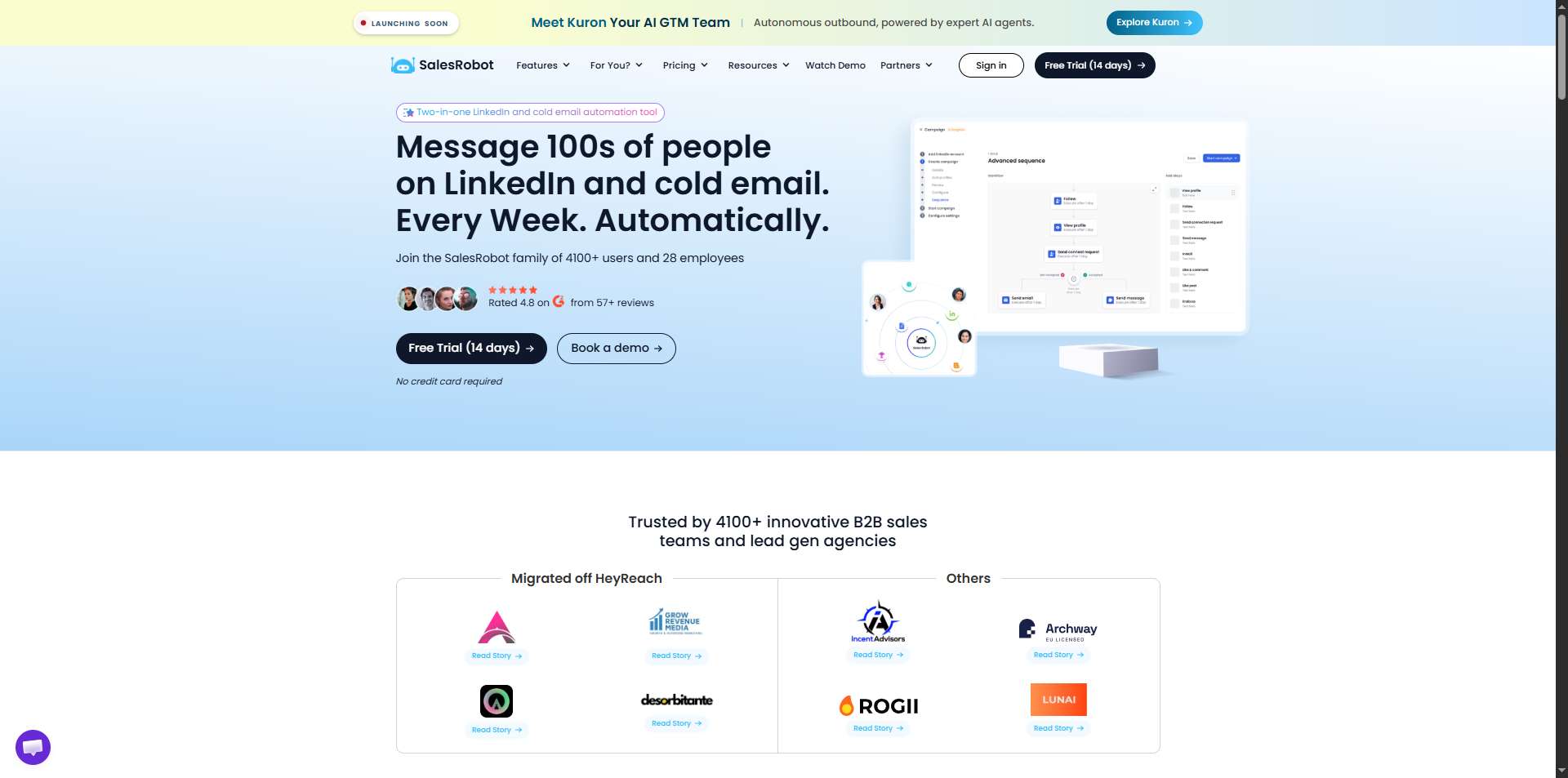
What it does: SalesRobot combines LinkedIn and cold email automation with AI personalization, follow-ups, an AI Appointment Setter, voice and video messages, and campaign management.
Its native MCP connection lets AI assistants such as Claude connect to your SalesRobot workspace and create campaigns, import prospects, manage messages, and use SalesRobot's AI features.
Stands out for: It brings MCP into an actual outreach workflow instead of making you assemble separate research, AI, and sending tools. You can connect SalesRobot to an MCP-compatible AI assistant and work with your prospects and campaigns using natural language.
You can also send personalized voice and video notes at scale.
Worth noting: SalesRobot is more outreach-focused than something like Clay. Its strength is actually getting campaigns out the door, rather than being a giant data-enrichment platform.
Pricing: Plans start at $59/month, with a 14-day free trial and no credit card required.
Best if: You want AI to work with your LinkedIn and email outreach without building your own MCP infrastructure.
2. HeyReach: Best for LinkedIn Outreach at Scale
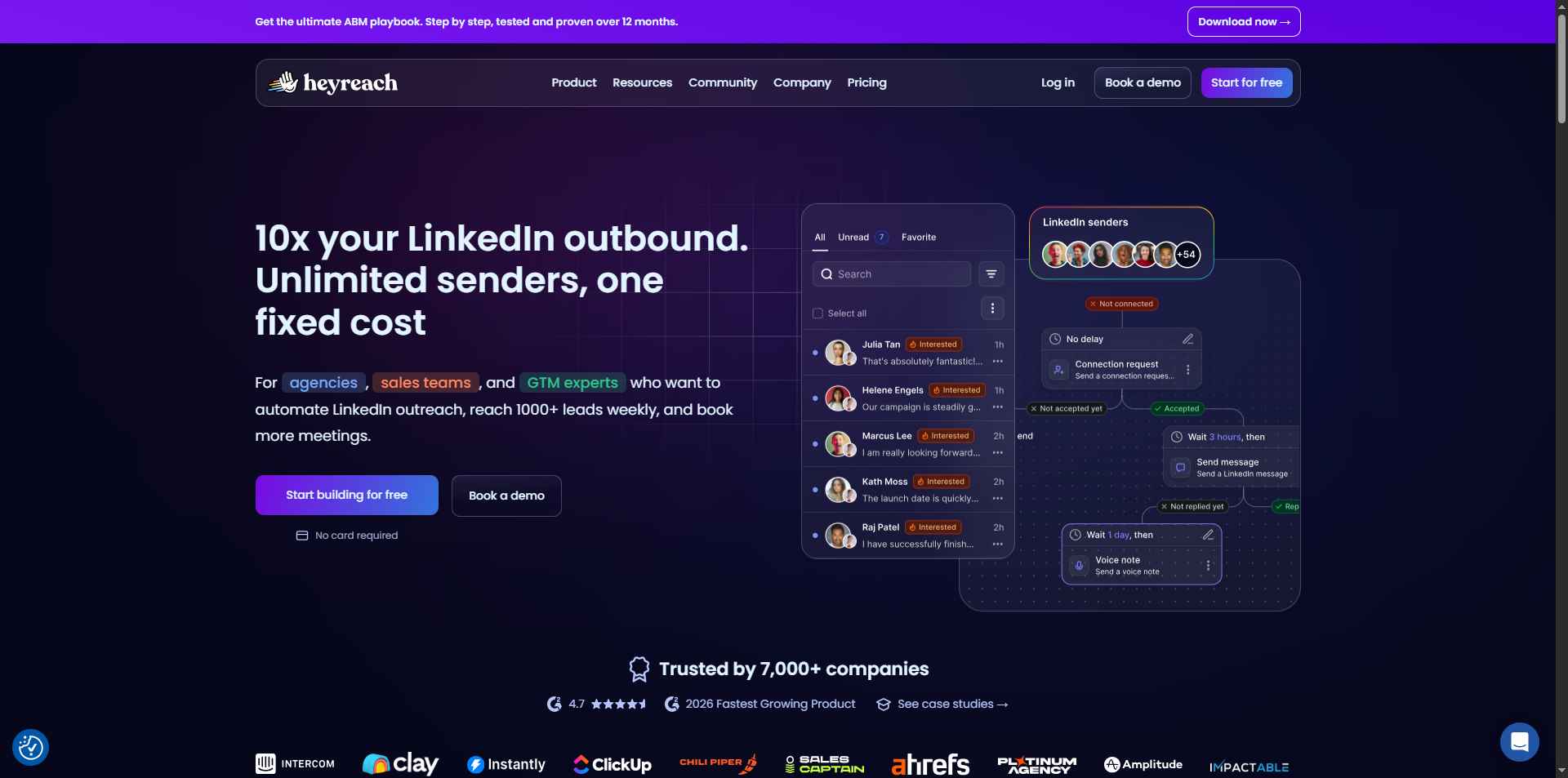
What it does: HeyReach is a cloud-based LinkedIn outreach platform with a native MCP server. Its MCP tools can create campaigns, work with lead lists, analyze replies, and pass information to other systems.
Stands out for: Agencies and teams managing multiple LinkedIn senders. Its plans are built around multiple accounts, with API, webhooks, integrations, and MCP support.
Worth noting: HeyReach is heavily focused on LinkedIn. If email is a major part of your workflow, you'll need its multichannel capabilities rather than treating it as a full email platform.
Pricing: Growth starts at $79 per LinkedIn sender/month when billed monthly. Agency plans start at $999/month for 25 senders.
Best if: You manage multiple LinkedIn accounts and want an AI agent to help run the campaigns.
3. Salesforge: Best for LinkedIn + Email Multichannel Agents

What it does: Salesforge combines email and LinkedIn outreach and provides its own Forge MCP server and CLI for connecting those workflows to AI agents.
Stands out for: Multichannel campaigns. Instead of keeping LinkedIn and email in completely separate workflows, Salesforge lets you coordinate both from the same outbound platform.
Worth noting: Salesforge is still more email-focused than LinkedIn-focused, so LinkedIn automation is one part of a wider outbound system.
Pricing: The current Pro plan starts at $48/month when billed monthly, while higher plans add more contacts, sending volume, and features.
Best if: You want an AI-controlled workflow that combines LinkedIn and cold email.
4. FirstTouch: Best for HubSpot-Centric Sales Teams
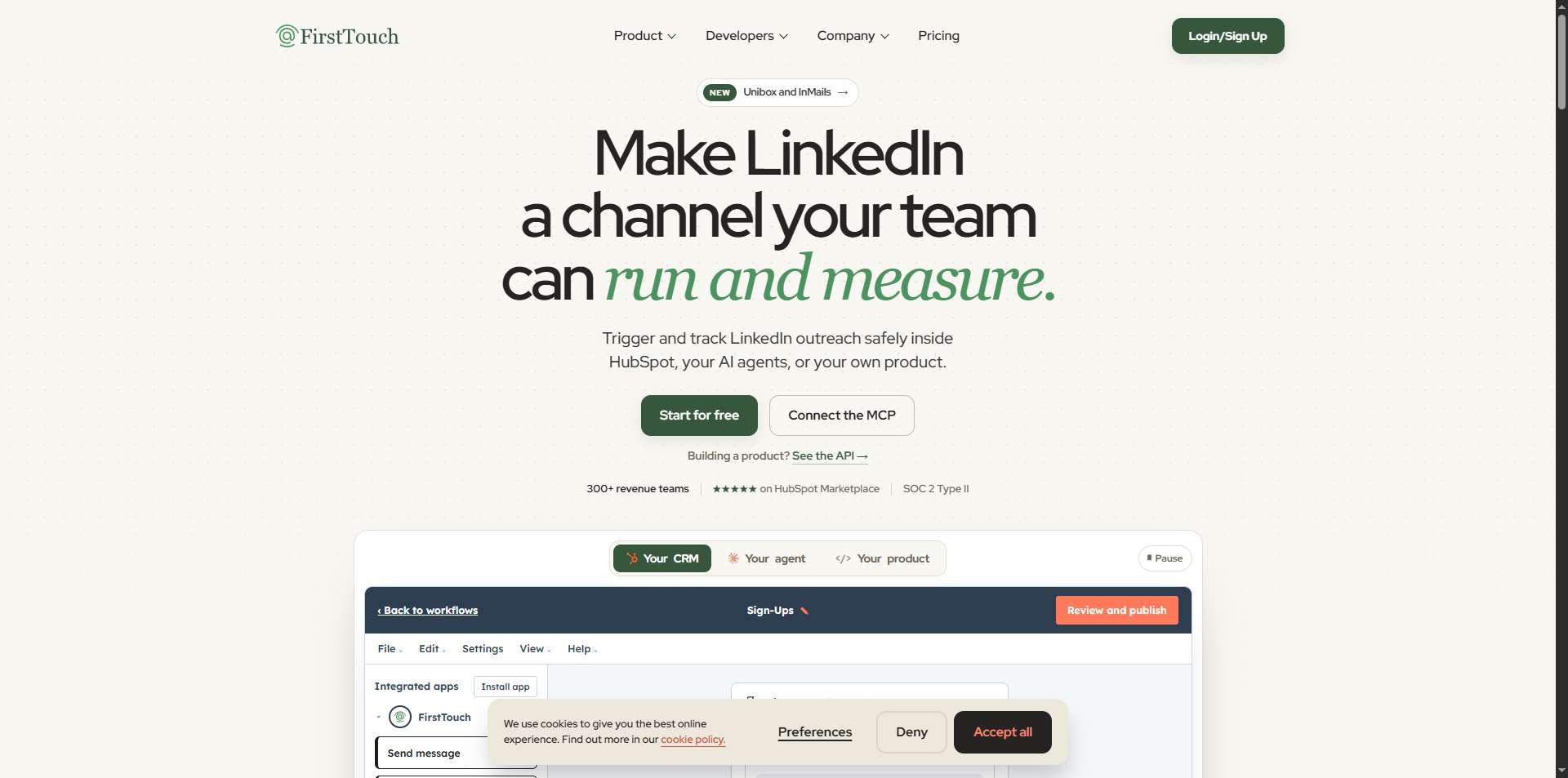
What it does: FirstTouch provides an MCP server with tools for prospect discovery, qualification, and outreach, with a strong focus on connecting those workflows to HubSpot.
Stands out for: Revenue teams that already have HubSpot at the center of their sales process. FirstTouch also positions itself around enterprise security and SOC 2 compliance.
Worth noting: Pricing starts at $99 but is less straightforward than the self-serve tools here, so you'll need to contact the company to work out the actual cost.
Best if: Your sales team lives in HubSpot and you want an AI layer across prospecting and outreach.
5. lemlist: Best Multichannel Option With MCP Included
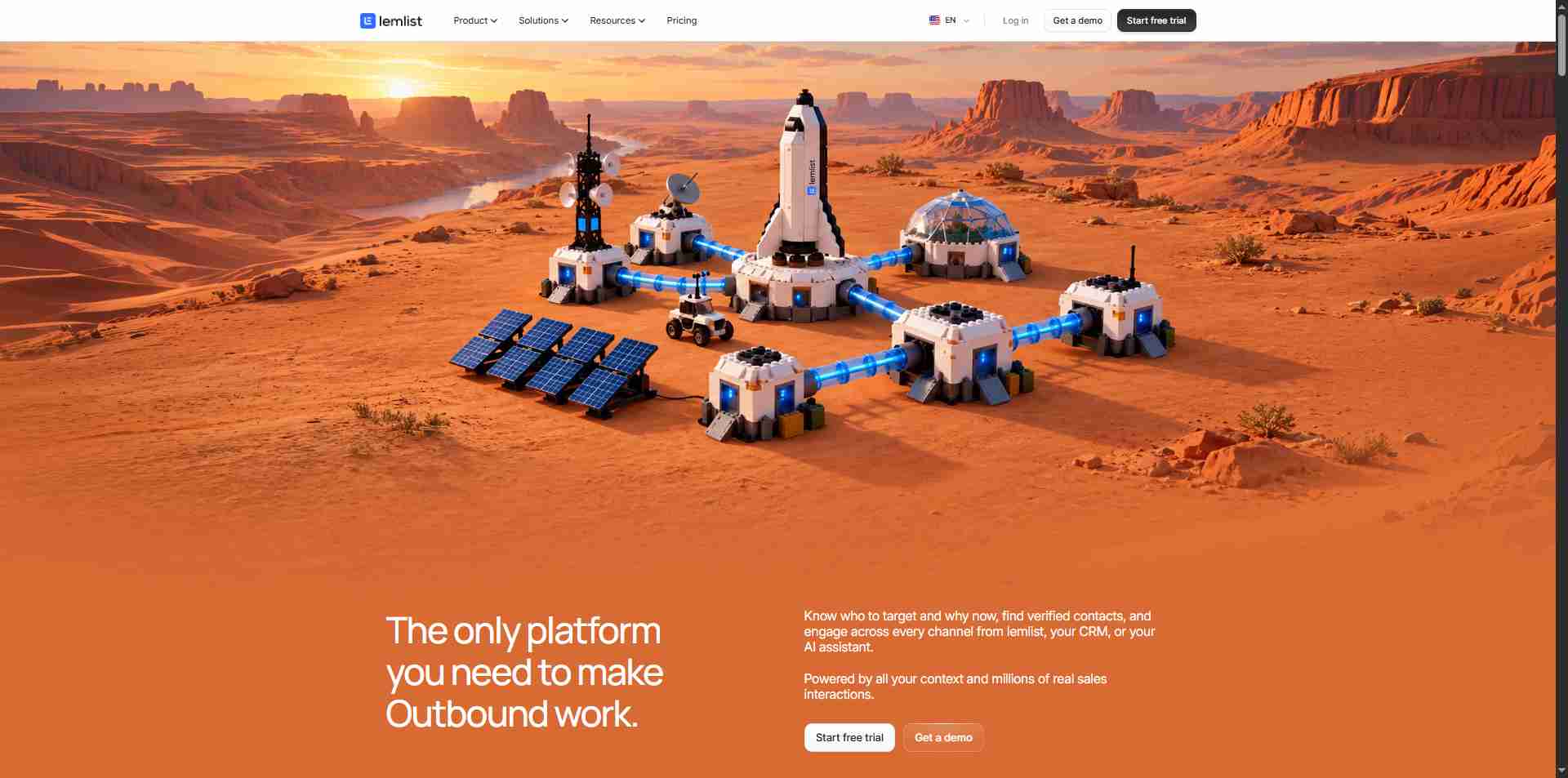
What it does: lemlist has its own MCP server and CLI, letting AI assistants interact with its outbound platform. MCP is included with the product rather than being sold as a separate add-on.
Stands out for: The breadth of its outbound stack. Alongside email and LinkedIn automation, lemlist supports SMS, WhatsApp, calling, enrichment, and AI agents.
Pricing: The Multichannel plan costs $109/user/month when billed monthly, or $87/month with annual billing.
Best if: You already use lemlist and want to connect an AI assistant without adding another MCP tool.
6. Clay: Best for AI Research and Enrichment
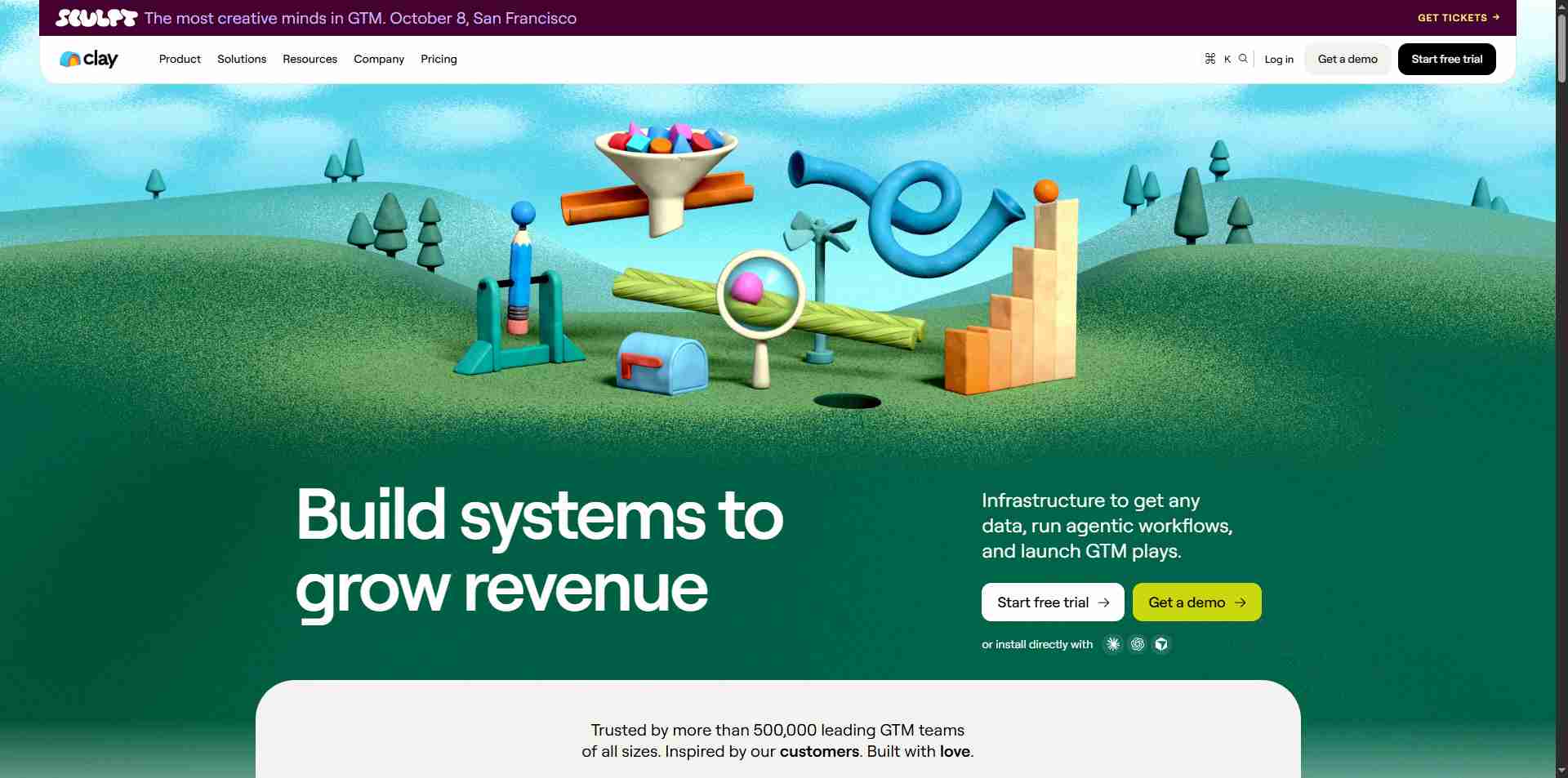
What it does: Clay's MCP connection lets AI assistants use its research and enrichment capabilities to investigate companies and contacts.
Stands out for: Data. Clay brings together a huge range of data providers and enrichment sources, making it useful for researching prospects and building detailed lists before outreach.
Pricing: Clay offers a free tier, with paid plans starting at $185 per month (or $167 monthly when billed annually) up to custom enterprise pricing.
Worth noting: Clay isn't really your LinkedIn outreach engine. Its role here is research and enrichment, so you'll still need another tool to handle the actual LinkedIn outreach.
Best if: You want an AI agent to research and enrich prospects before handing them off to an outreach platform.
7. STACKED by Dux-Soup: Best for AI-Controlled LinkedIn Campaigns
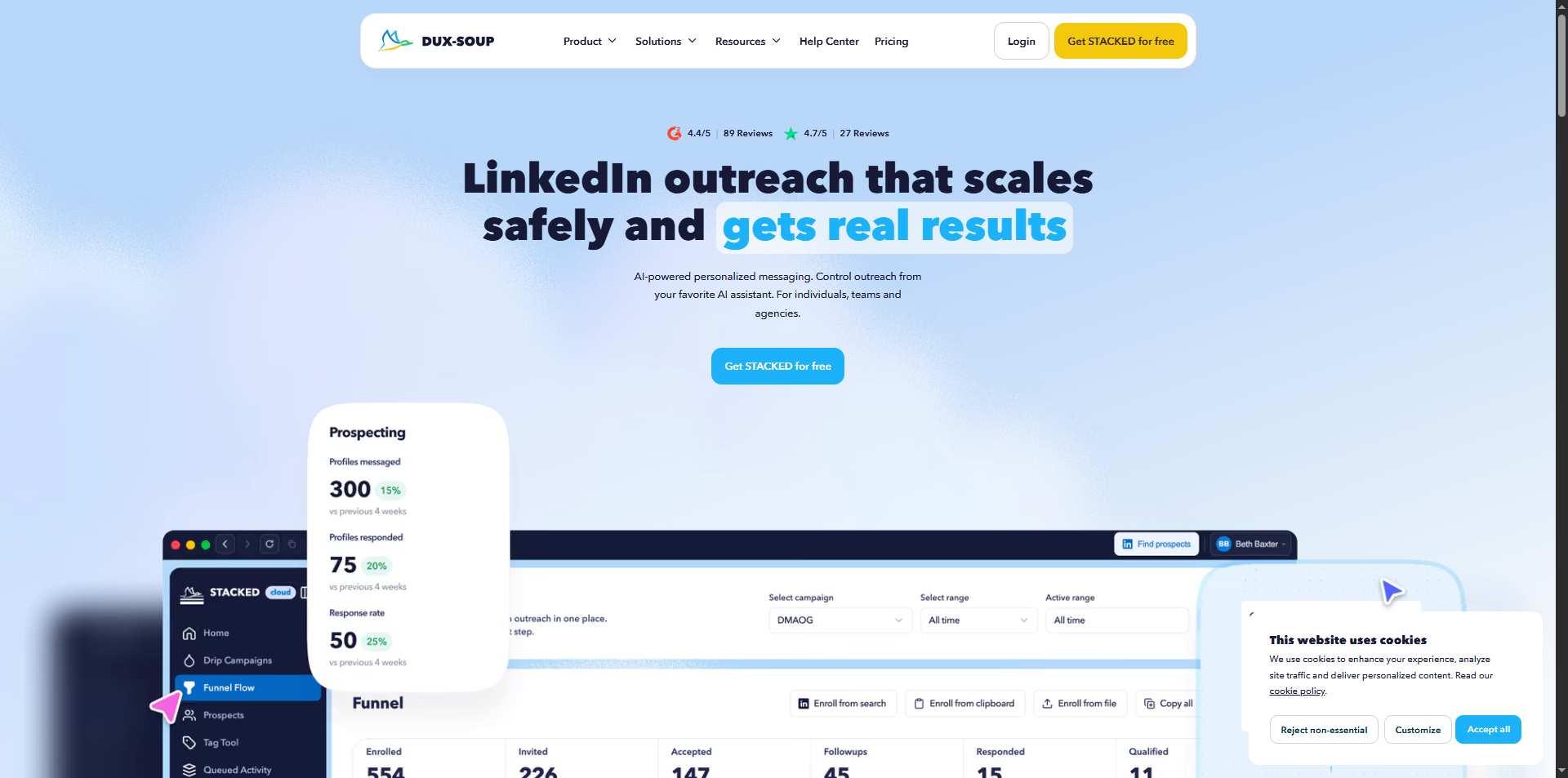
What it does: STACKED lets AI tools interact with LinkedIn campaigns, lead data, messages, and automation workflows. Dux-Soup explicitly supports connecting its outreach engine to AI through MCP.
Stands out for: Campaign control. You can use AI to manage campaigns, extract leads, analyze results, and work with your LinkedIn outreach without constantly living inside the dashboard.
Pricing: STACKED Local starts at $55/month per seat, while STACKED Cloud starts at $99/month per seat.
Best if: You already use Dux-Soup or want a LinkedIn automation platform that can be controlled through AI.
What About the Free Option?

If you're a developer who wants to experiment rather than buy a ready-made platform, there are open-source LinkedIn MCP projects such as stickerdaniel/linkedin-mcp-server.
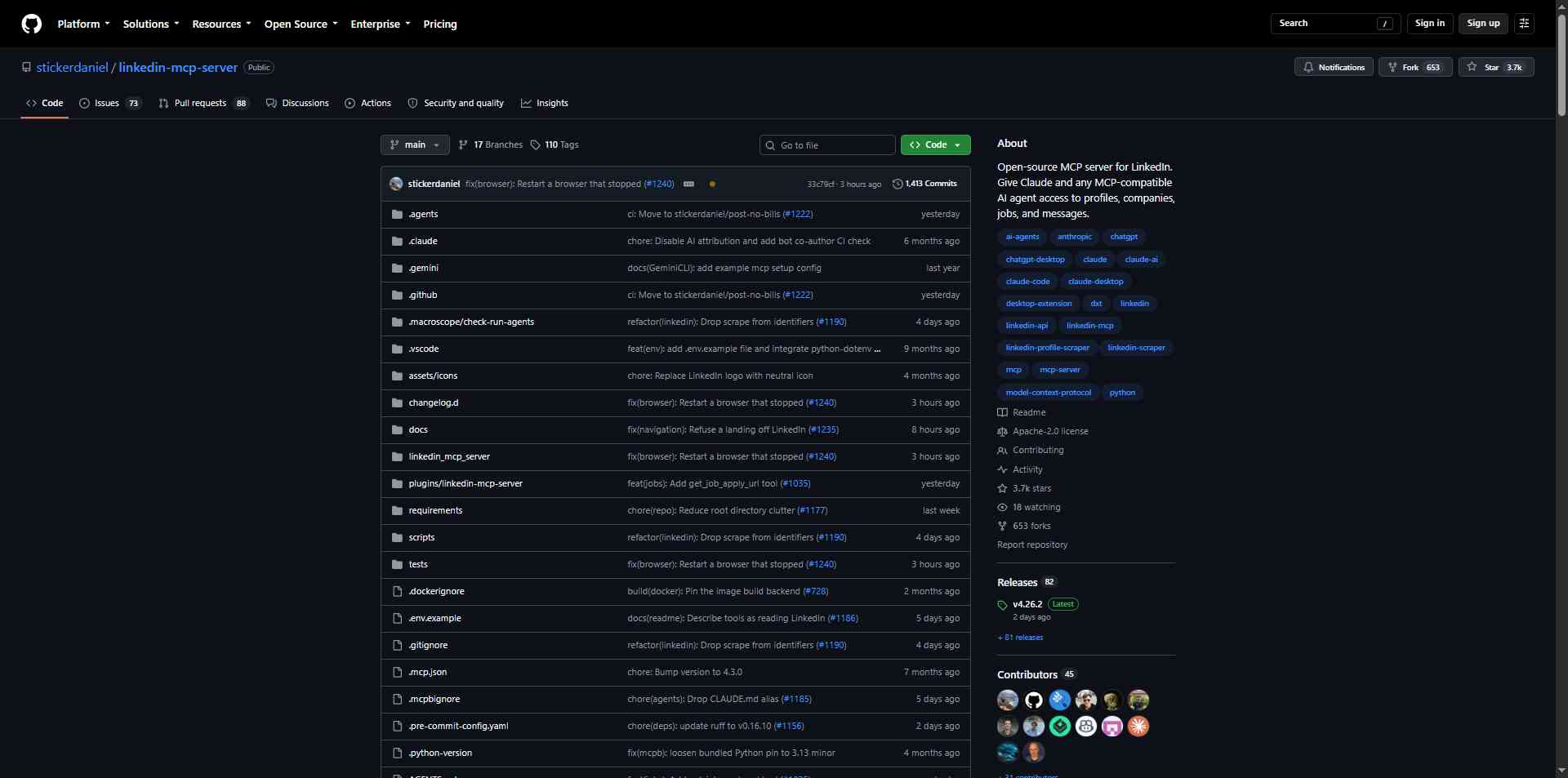
The upside is obvious: it's free and you can build whatever workflow you want around it.
The downside is also obvious: you're responsible for the setup, maintenance, authentication, and whatever happens when LinkedIn changes something. And because browser-session automation can conflict with LinkedIn's rules, this isn't something I'd casually recommend for a primary business account.
Which LinkedIn MCP Tool Should You Pick?
It depends on what you actually want the AI to do.
Why SalesRobot Is Worth a Look
If the whole point of this article is finding a way for AI to actually do more of your outbound work, SalesRobot is worth looking at closely.
Its MCP connection lets an AI assistant access your SalesRobot workspace and work with prospects, campaigns, and outreach workflows through natural language.
You can ask it to find prospects, build a campaign, personalize messages, check engagement, or analyze what is working.
And unlike a standalone MCP server, you don't have to build the outreach layer yourself. SalesRobot already handles LinkedIn and email campaigns, AI personalization, follow-ups, AI-assisted conversations, appointment setting, and voice and video messages.
So you get the AI-native workflow without spending your afternoon figuring out which server needs which API key.
Frequently Asked Questions
Does LinkedIn have an official MCP server?
No. LinkedIn does not currently offer a general-purpose MCP server for controlling the platform. The tools in this article use third-party MCP connections or their own integrations.
Can Claude connect to LinkedIn?
Not directly through a built-in LinkedIn integration. Claude can connect to third-party MCP servers and platforms that expose LinkedIn-related functionality.
Can MCP automate LinkedIn outreach?
Some MCP integrations can control outreach platforms that perform LinkedIn actions. Exactly what they can do depends on the platform and its underlying connection method.
Is there a free LinkedIn MCP server?
Yes. Open-source projects exist, but they require more technical setup and can involve additional platform-policy considerations. A free server isn't necessarily the easiest or safest option for a business workflow.
Does SalesRobot have MCP?
Yes. SalesRobot has a native MCP connection that can connect AI assistants to your SalesRobot workspace. It can be used to create campaigns, import prospects, manage messages, and work with SalesRobot's AI features.
The Honest Takeaway

MCP makes LinkedIn automation a lot more interesting because AI can move from telling you what to do to actually working with the tools that do it.
But don't get too distracted by the MCP label itself. The useful question is what the AI can actually accomplish once it's connected.
✅If you want a LinkedIn-first platform, HeyReach and STACKED are worth considering.
✅If you want research and enrichment, Clay is a different kind of option.
✅For multichannel outreach, Salesforge and lemlist bring LinkedIn and email together.
✅And if you want the AI layer and the actual outreach platform in one place, SalesRobot is worth a look. Its MCP connection lets AI assistants work with your prospects and campaigns, while SalesRobot handles the LinkedIn and email outreach underneath.
Want to try it without committing to another complicated setup? Start SalesRobot's 14-day free trial.

Wow your leads by cloning yourself and sending personalized videos and voice notes to each lead on LinkedIn.
If you don't reply to leads within 5 mins, your chances of converting them fall by 50%. Our AI replies on your behalf instantly! (and yes, you can train it)

Don't shoot in the dark. Get detailed analytics on what's working

SalesRobot allows you to invite other team members, so that they can add their LinkedIn Account, run outreach campaigns and get amazing results just like you.
.avif)


Trusted by 4100+ innovative B2B sales teams and lead gen agencies

.avif)

.avif)




.avif)


Heading 1
Heading 2
Heading 3
Heading 4
Heading 5
Heading 6
Lorem ipsum dolor sit amet, consectetur adipiscing elit, sed do eiusmod tempor incididunt ut labore et dolore magna aliqua. Ut enim ad minim veniam, quis nostrud exercitation ullamco laboris nisi ut aliquip ex ea commodo consequat. Duis aute irure dolor in reprehenderit in voluptate velit esse cillum dolore eu fugiat nulla pariatur.
Block quote
Ordered list
- Item 1
- Item 2
- Item 3
Unordered list
- Item A
- Item B
- Item C
Bold text
Emphasis

Superscript
Subscript















.avif)