.avif)
TL;DR:
- LinkedIn Recruiter Lite costs $170 a month (or $1,680 a year), while Corporate plans run roughly $8,999 to $15,000+ per seat a year.
- Both give you advanced candidate search (40+ filters on Corporate, 20+ on Lite), InMail outreach, and AI-assisted messaging.
- It’s worth the cost mainly if you’re hiring consistently, think 5 or more roles a year. For lighter hiring, Lite or a cheaper tool makes more sense.
- Recruiter Lite includes 30 InMail credits a month plus up to 100 Open Profile InMails, but the heavier automation (auto follow-ups, AI bulk messaging) is Corporate only.
- If Corporate’s price is too steep, pairing Recruiter Lite with SalesRobot automates and personalizes your InMail outreach from $59 a month.
Hey there!
Are you a recruiter struggling to find the right candidate for a job on LinkedIn?
I get it - spending hours looking through profiles is probably the last thing you want to do with your day.
When you're trying to hire good talent, time is precious.
This is where LinkedIn Recruiter can save the day for you.
It's an incredible tool that changes how you find and connect with potential hires.
You can instantly see who's actively looking for new opportunities right now.
Not only that, but it actually shows you perfect matches for your roles - people who have exactly what you're looking for.
Top recruiters already know the secret.
Now it's your turn to discover what LinkedIn Recruiter can do.
In this blog we'll be covering –
⭐What LinkedIn Recruiter is and who it is for,
⭐How to use LinkedIn Recruiter,
⭐Can you actually automate reaching out to candidates on LinkedIn,
⭐And lastly, is LinkedIn Recruiter worth it?
And as a bonus, I've also included best practices for using LinkedIn Recruiter.
So let's get on with it!
What is LinkedIn Recruiter?
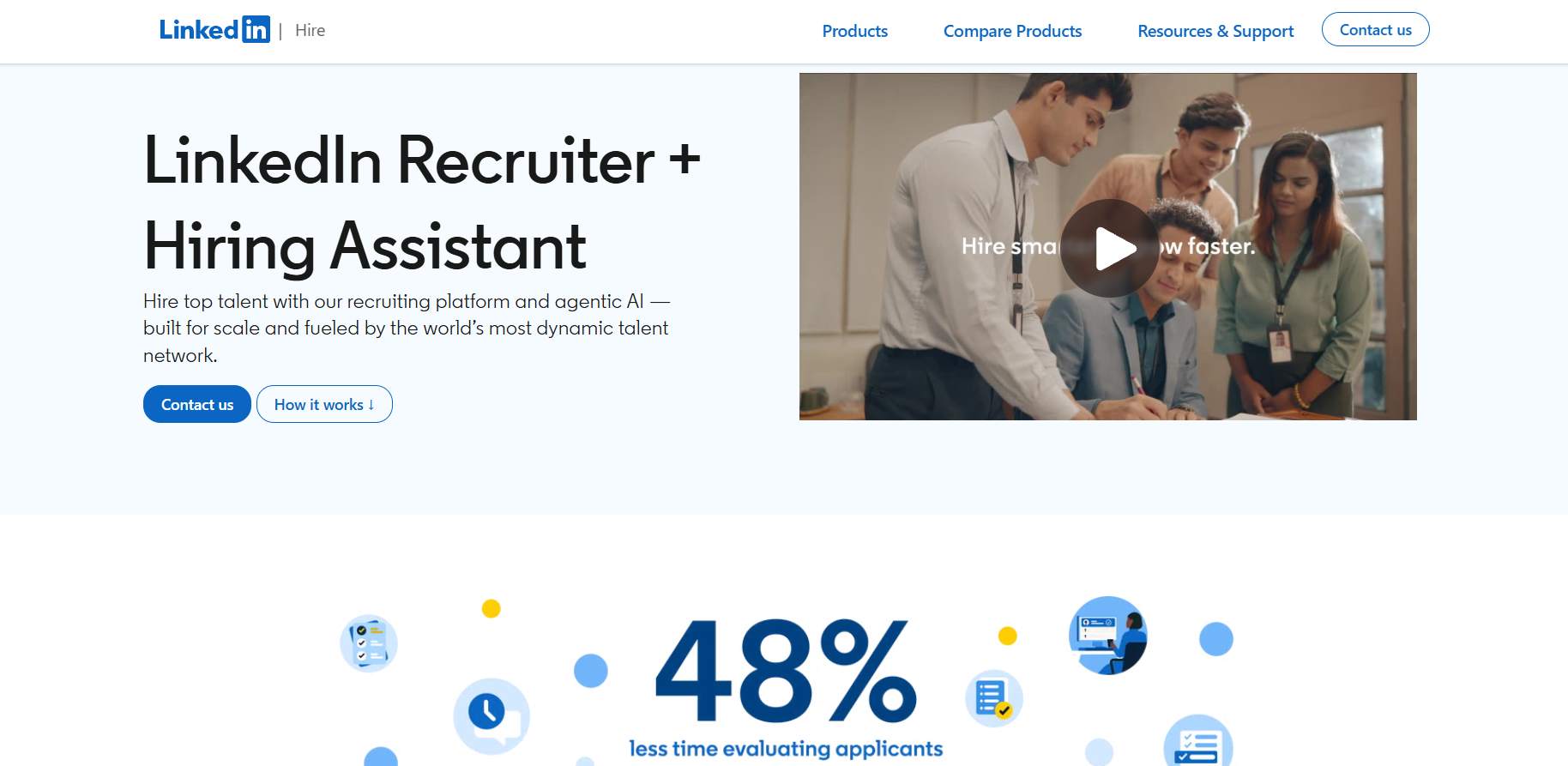
LinkedIn Recruiter is a tool designed for professional recruiters on LinkedIn.
It's a search engine for people, but focused on finding the right candidates for your open roles.
Instead of just browsing profiles like you would on regular LinkedIn, LinkedIn Recruiter offers more advanced features to help recruiters connect with potential hires for their company.
You can search for candidates using specific filters like skills, job titles, or locations.
It also lets you save searches, track applicants, and reach out to them directly through InMail.
So yeah, considering LinkedIn's massive professional network, I'd say LinkedIn Recruiter is great for making the entire recruitment process faster and more efficient.
Who can use LinkedIn Recruiter?
LinkedIn Recruiter is for people who are in charge of hiring, like recruiters, HR teams, or anyone who needs to find great candidates.
If your company is hiring a lot of people, like more than five people a year, or looking for specific skills, it's super helpful.
But if you're only hiring a few people a year, Recruiter Lite might be a better fit.
It's a simpler version, great for small businesses or solo recruiters.
Both tools let you search for the right people and reach out to them directly on LinkedIn, making the whole process easier.
How much does LinkedIn Recruiter cost?

LinkedIn Recruiter pricing (Corporate)
The cost of LinkedIn Recruiter Corporate isn't publicly listed and varies based on the size of the organization, the number of licenses needed, and any additional features.
Based on industry reports, Corporate plans typically range from $8,999 to $15,000+ per seat annually, with many enterprise contracts exceeding $15,000 when ATS integrations, Talent Insights, and premium support are included.
To get an accurate quote, companies need to contact LinkedIn Recruiter support or their sales team.
This version is for larger teams and offers advanced search options, more InMails, and collaboration tools.
LinkedIn Recruiter Lite pricing
LinkedIn Recruiter Lite is priced at $170 per month for a single license, or $1,680/year on annual billing (about $140/month — saving roughly 17% vs. paying monthly) as of 2025, and $270/month per license for 2-5 licenses, or $2,670/year per license on annual billing.
This one is for individuals or small businesses hiring fewer than five people a year.
With Lite, you get 20+ search filters, access to up to your 3rd-degree connections, and 30 InMail credits per month for reaching out to candidates. On top of that, Lite can send up to 100 Open Profile InMails per month, which don't consume your InMail credits.
How to use LinkedIn Recruiter to find the right candidates?
1. Set up a new project
Log in to LinkedIn and click on the "Recruiter" icon.

On the left side, select "Projects," and then click the "Create new" button.

Choose a name for your project, make sure it matches the job opening.
Fill in details like the job title, location, and company name, and once everything is filled out, hit "Create project."

2. Write a good job description
A clear and well-written job description is important when attracting the right candidates.
The candidates should be able to understand what the job is about and why they should apply.
3. Use LinkedIn Recruiter's advanced search filters

LinkedIn Recruiter has over 40 search filters that help you find the best candidates.
These filters let you narrow down your search by key factors like location, skills, experience, current company, education, and specific industries.
You can also search for candidates based on filters like their job title, language skills, and the size of the company they currently work for.
The Corporate version includes priority filters like "Open to Work" and "Active talent" that help you quickly identify candidates who are receptive to new opportunities.
You can even save your search settings, so it's easy to apply them again in the future.
4. Use Boolean search
Boolean search can help you filter your candidate search even more by combining keywords with operators like AND, OR, and NOT.
For instance, if you're looking for a "Developer" with "Python" skills, you can search for "Developer AND Python."
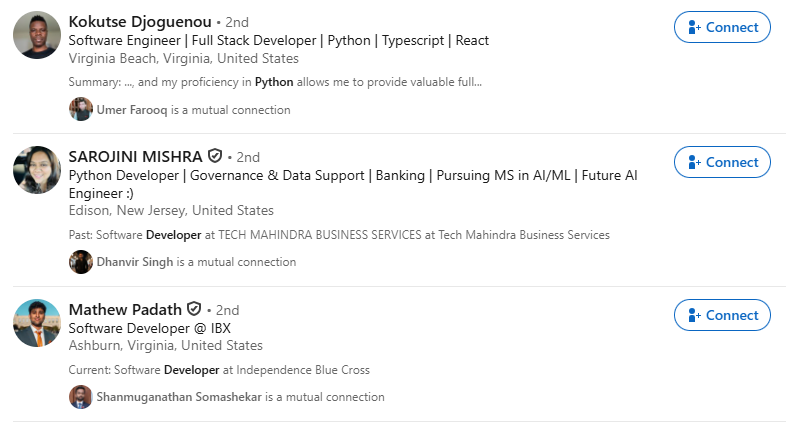
If you want to exclude certain skills or terms, simply use "NOT" to filter them out.
This allows you to create a more targeted search, and makes it easy to find the candidates with or without the exact skills and expertise that you want.
5. Send InMails to your preferred candidates
InMail is a great way to reach out to candidates who aren't in your network yet.
You can send direct messages to people outside your connections, which can be useful for reaching out to candidates actively searching for jobs.
So, when writing an InMail, make it personal and to the point.
Mention something about your candidate's background or experience, and keep your message clear and concise.
A well-crafted InMail can grab their attention and probably make the candidate consider the job role.
So avoid generic templates and focus on what makes the role a great fit for them.
Can you do LinkedIn Recruiter InMail automation?
Long story short, yep, you can automate InMails with both versions.
LinkedIn Recruiter Corporate comes with several automation features:
If you're using LinkedIn Recruiter Lite, the automation features are more limited — Automated Follow-Ups and AI-Assisted bulk messaging are Corporate/RPS+ only, so Lite doesn't include them. Lite does let you schedule initial outreach messages in advance.
But hey, if you want more advanced automation capabilities,
No worries, I gotcha covered.
Let me introduce you to SalesRobot. (cue dramatic music 🎶)
You just import your list of candidates into SalesRobot, set up a campaign, and that's it.
Automated, personalized InMails sent to each one.
Easy peasy.
Let me walk you through the step-by-step process:
Once you log in to your SalesRobot account, on the campaigns page click on “create campaign”.

Select the type of campaign you want to create from the two available options, let’s take “create campaign with LinkedIn only”.

Select “I’m an advanced user”.

Now, you’ll see multiple options for adding prospects here, choose the “Add from Recruiter Lite” option.

When you’re satisfied with the Recruiter Lite search result, copy the search URL and paste it here:

Now you just need to configure a few settings here.

Select how you want to create a message sequence, for example let’s take it “from scratch”.

Now choose the “send InMail” option.

You can write a personalized message template here and check the likelihood of getting responses on the scoreboard on the right.

Add your desired steps to the sequence, click on “save” and then “”.

And it's done!
SalesRobot is gonna take care of the rest now.
And come on, it couldn't have been easier than this.
LinkedIn Recruiter best practices
Here are two best practices if you're using LinkedIn Recruiter:
Frequently Asked Questions
Is there a LinkedIn Premium or Recruiter discount link for 12 months?
There's no public coupon code. The only legitimate route to 12 months free LinkedIn Premium is the U.S. military/veterans program via authorized nonprofit partners. Eligible students got 12 months via a Microsoft 365 offer (Jan 2026), and annual billing saves roughly 17% versus monthly.
How many InMails do you get with LinkedIn Recruiter?
Recruiter Lite includes 30 InMail credits per month, while full Recruiter (Corporate) includes 150 per seat. Lite can also send up to 100 Open Profile InMails monthly without using credits. Unused credits roll over up to a cap (120 for Lite), and you're refunded when a recipient replies within 90 days.
Conclusion: Is LinkedIn Recruiter worth it?
I mean, it can be.
(If you don't mind the investment)

LinkedIn Recruiter has everything you need to find and connect with top candidates.
Advanced search tools, AI to personalize your messages, and all the features to speed up your hiring.
But yeah, it can be pretty expensive.
The price jump from Recruiter Lite ($1,680/year) to Corporate (~$8,999-$15,000/year) is roughly $7,300+ per seat, which is a significant investment that only pays off if you're hiring consistently.
If you're leaning towards LinkedIn Recruiter Lite or just want to keep costs down,
SalesRobot is a great option for you.
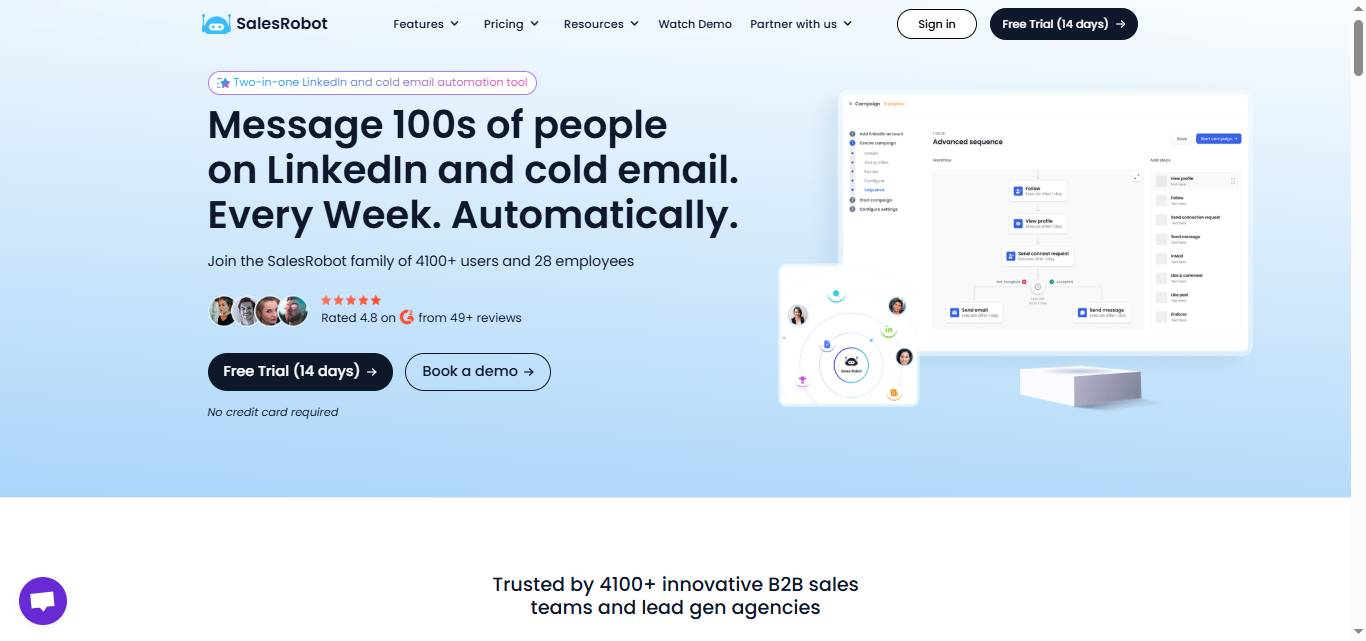
You can easily use it alongside LinkedIn Recruiter to automate and personalize your InMail messages.
You can do all this without the manual work. Beyond automated InMails, SalesRobot also lets you send AI-personalized voice notes and video messages on LinkedIn at scale (users report 40%+ reply rates), and its AI Appointment Setter replies to leads in your inbox automatically and nurtures them until they're ready to book — features no native LinkedIn tool offers. It's also cloud-based and runs on LinkedIn's mobile-app APIs, keeping your account safe.
So, while LinkedIn Recruiter can be a solid investment,
Using SalesRobot + Recruiter Lite can be a better AND more cost-effective investment.
Because c'mon, it just starts at $59/month, so I'd say it's definitely worth considering.
Still not convinced?
Why don't you give it a try with our 14-day free trial?
No credit card is required, just your email :)

Wow your leads by cloning yourself and sending personalized videos and voice notes to each lead on LinkedIn.
If you don't reply to leads within 5 mins, your chances of converting them fall by 50%. Our AI replies on your behalf instantly! (and yes, you can train it)

Don't shoot in the dark. Get detailed analytics on what's working

SalesRobot allows you to invite other team members, so that they can add their LinkedIn Account, run outreach campaigns and get amazing results just like you.
.avif)


Trusted by 4100+ innovative B2B sales teams and lead gen agencies

.avif)

.avif)




.avif)


Heading 1
Heading 2
Heading 3
Heading 4
Heading 5
Heading 6
Lorem ipsum dolor sit amet, consectetur adipiscing elit, sed do eiusmod tempor incididunt ut labore et dolore magna aliqua. Ut enim ad minim veniam, quis nostrud exercitation ullamco laboris nisi ut aliquip ex ea commodo consequat. Duis aute irure dolor in reprehenderit in voluptate velit esse cillum dolore eu fugiat nulla pariatur.
Block quote
Ordered list
- Item 1
- Item 2
- Item 3
Unordered list
- Item A
- Item B
- Item C
Bold text
Emphasis

Superscript
Subscript















.avif)