.avif)
TL;DR
- Superhuman is genuinely fast and polished, but its price tag gives most people pause.
- SalesRobot is the standout pick for anyone doing sales or outreach, automating LinkedIn and email prospecting where prospects actually engage.
- Shortwave and Spark Mail offer strong AI features at a lower cost.
- Canary Mail and Mimestream are excellent choices if you live in the Apple ecosystem.
Is Superhuman Worth $30 a Month?
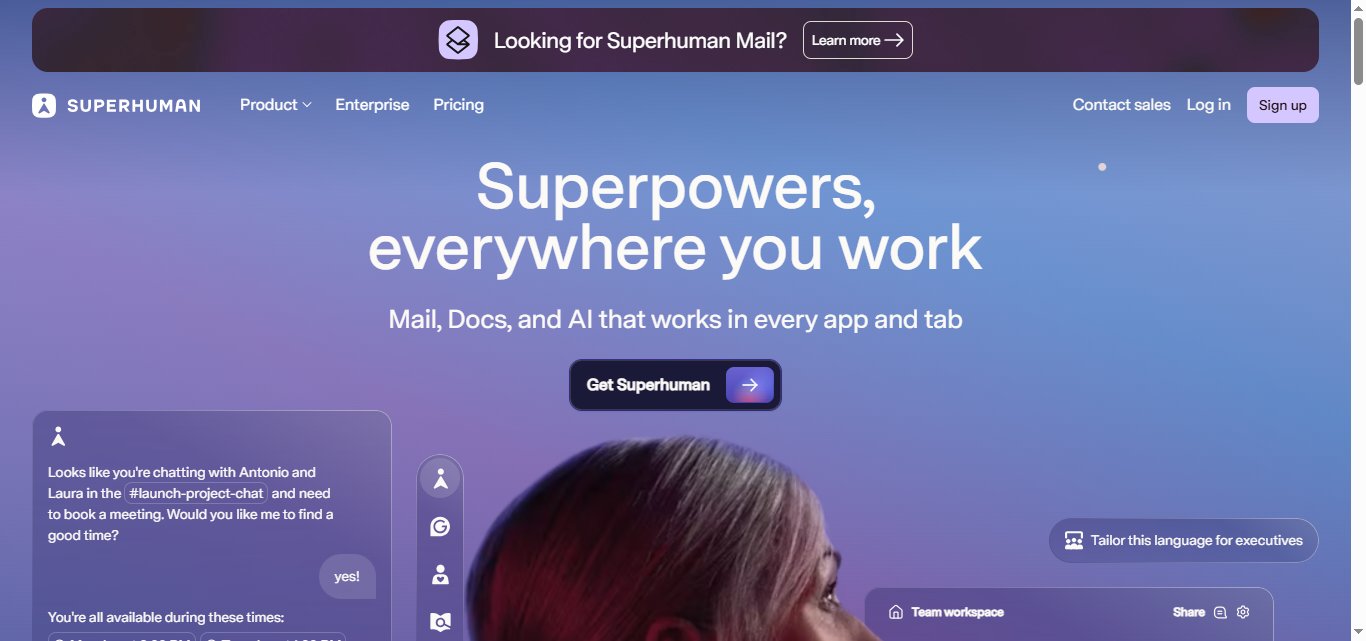
Picture this: you're drowning in 200+ daily emails, your inbox looks like a digital wasteland, and someone suggests you pay $30 a month for an email app that promises to make you "superhuman."

Sounds a bit steep, right?
Yet thousands of professionals have made exactly this choice, trading a meaningful monthly budget for faster email processing.
Here is the thing: Superhuman definitely delivers on speed and polish. But whether it is worth your hard-earned cash depends on your specific needs, your workflow, and how much subscription fatigue you are already carrying.
These alternatives range from direct email client replacements to outreach tools that solve a related but different problem.
This post breaks down exactly what you get with Superhuman, then walks through five compelling alternatives: SalesRobot, Shortwave, Spark Mail, Canary Mail, and Mimestream.
Superhuman: What You Need to Know
✅Lightning-fast email experience. Superhuman is genuinely the fastest email client available. Every action happens under 100ms, from opening emails to searching your entire inbox. Gmail feels sluggish in comparison once you have used it for a week.
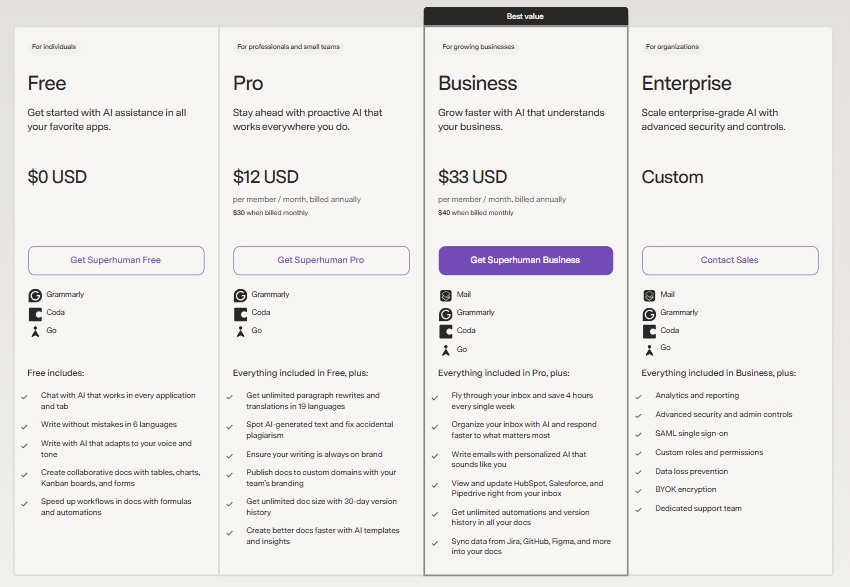
⚠️The price tag is seriously steep. Superhuman's Starter plan costs $30 per user per month, and the Business plan costs $40 per user per month (or $33/month billed annually at $396/year). That is $360 to $480 per year just for email, which puts it out of reach for many professionals and small businesses.

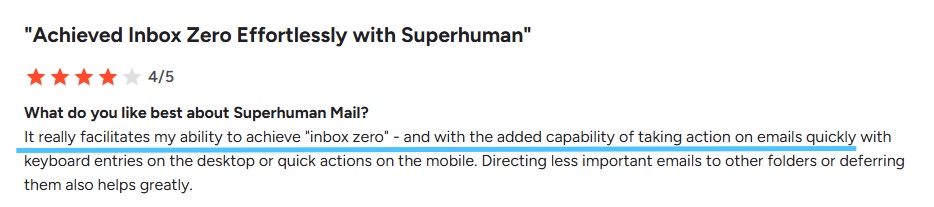
✅Keyboard shortcuts transform your workflow. Once you learn the shortcuts, you rarely need to touch your mouse. Archive, reply, schedule, and navigate through hundreds of emails using only your keyboard, which dramatically speeds up how you process email.

✅Email scheduling and tracking are included. You can schedule emails to send at optimal times and see read receipts to know when recipients open your messages. Especially useful for sales professionals doing any kind of outreach.
⚠️Limited to Gmail and Outlook only. If you use any other email provider, Superhuman is not an option. It only works with Gmail and Outlook accounts.
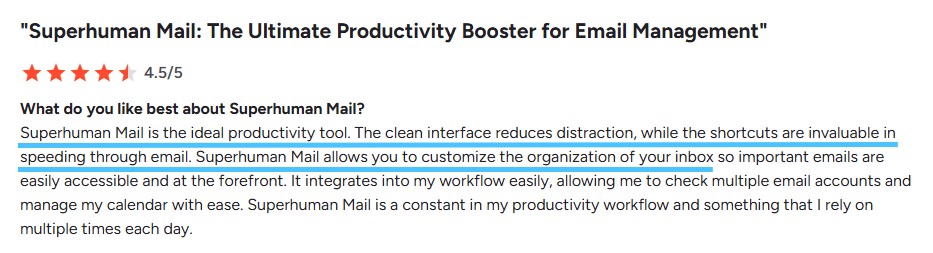
✅Inbox zero becomes genuinely achievable. The combination of smart triage, quick shortcuts, and intelligent categorization makes an empty inbox a realistic daily goal. Users regularly report reaching inbox zero for the first time in years.
⚠️The learning curve is steeper than expected. Mastering all of Superhuman's features takes a few weeks of daily use. You will initially feel slower than your old email client until the shortcuts become muscle memory.

✅Search functionality is incredibly powerful. Finding specific emails, attachments, or conversations happens in milliseconds with advanced search operators. You can filter by date ranges, sender relationships, and even content within attachments.
Superhuman's Key Features
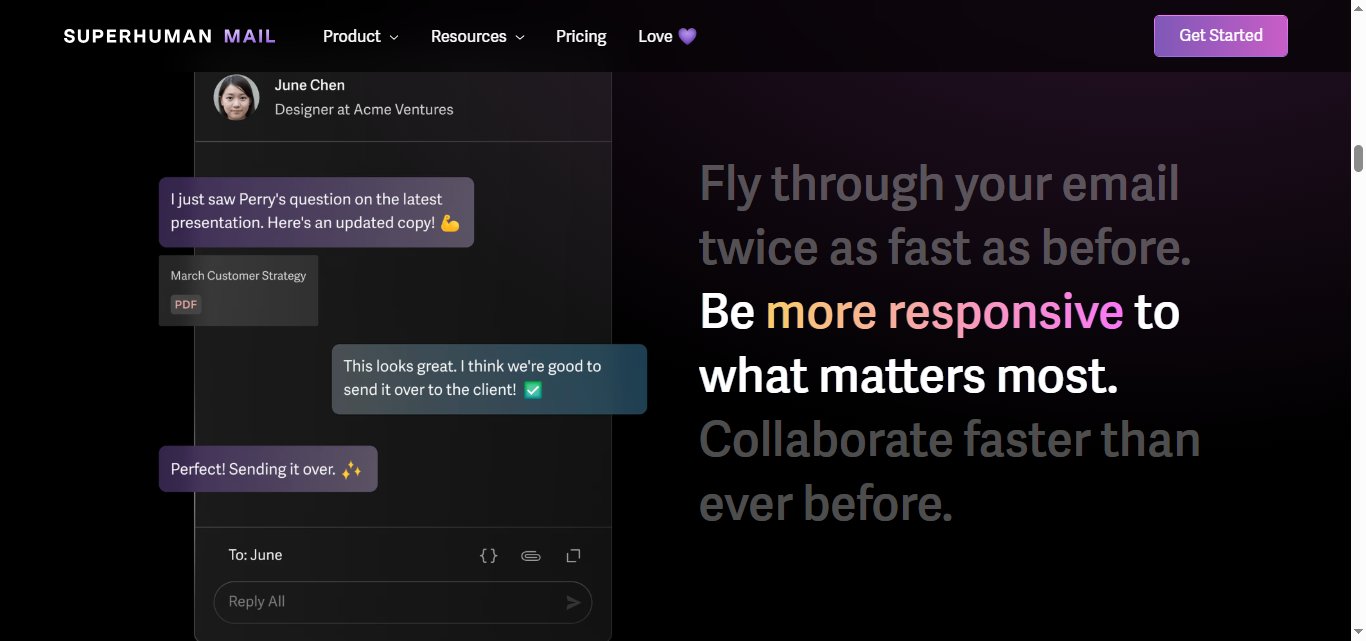
Lightning-Fast Email Speed: Superhuman loads emails in under 100ms, faster than any other email client. You can fly through your inbox with keyboard shortcuts covering every action, from archiving to scheduling. Most users report saving 3 to 4 hours per week on email compared to standard Gmail or Outlook usage.
AI-Powered Email Triage: The AI automatically sorts emails into "Important" and "Other" categories using machine learning, learning from your behavior to surface messages that actually need your attention. Instead of scanning 50 newsletters to find one client email, you see your VIP messages first.
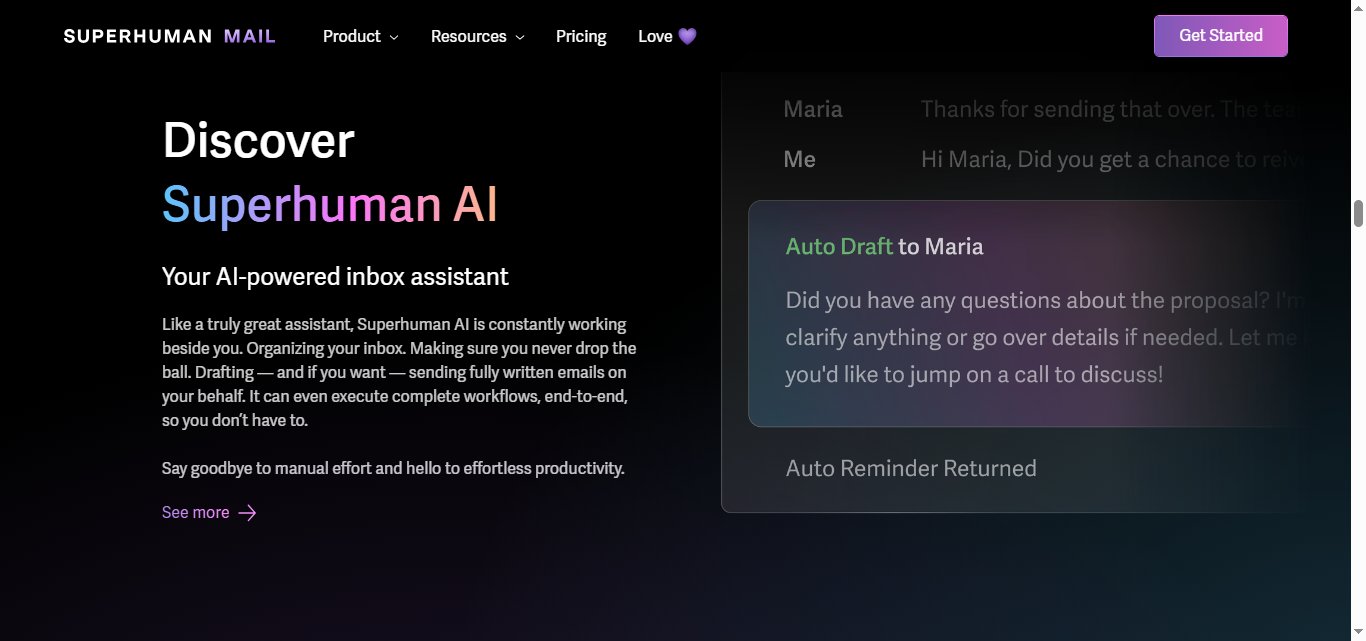
Auto Drafts and Auto Labels: Following Grammarly's acquisition of Superhuman (announced July 2025, closed October 2025), the parent company rebranded itself as Superhuman and the email app became "Superhuman Mail" — now bundled with Grammarly, Coda, and Superhuman Go rather than sold standalone to new users. Alongside this, Superhuman rolled out its biggest AI update yet.
Auto Drafts automatically writes follow-up emails in your voice without prompting. Auto Labels classify every incoming message into categories like "response needed," "waiting on," "meetings," and "cold pitches." Auto Archive clears marketing and cold emails automatically, with some users reporting hundreds of emails cleared daily.
Advanced Scheduling and Reminders: Send emails at the perfect time with scheduled sending, even across different time zones. Set reminders to follow up if someone does not reply within your specified timeframe.

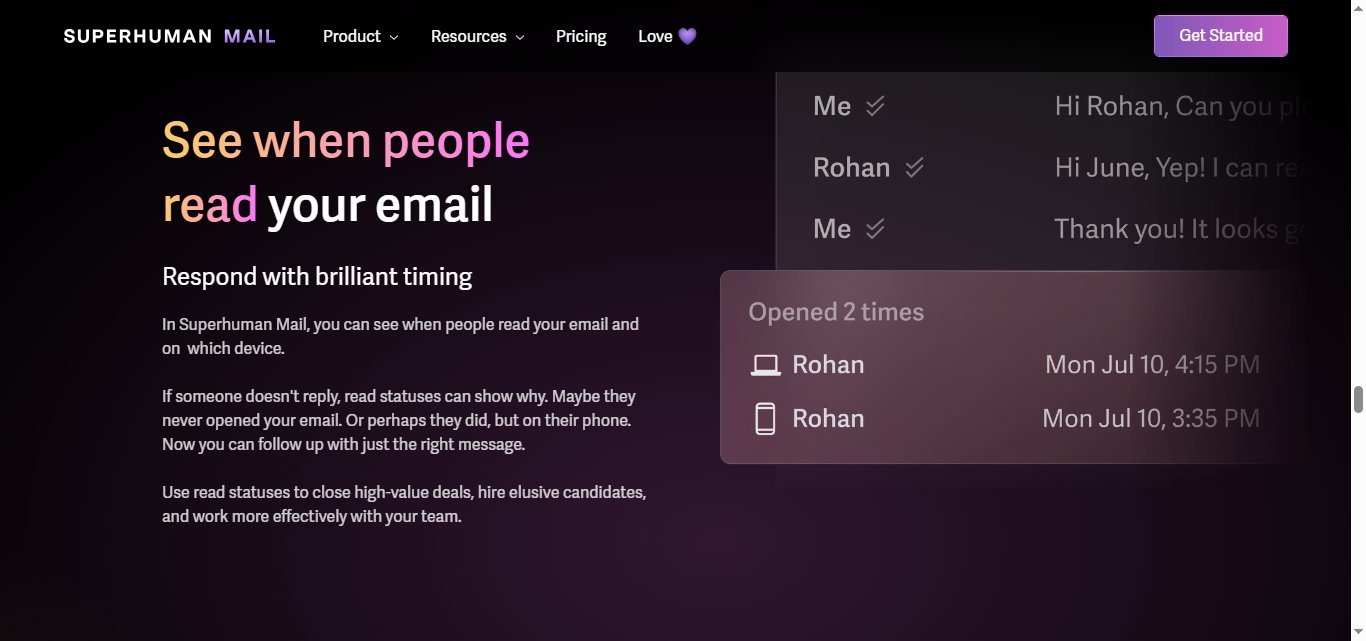
Read Receipts and Email Tracking: See exactly when someone opens your email and clicks on links. Sales teams use this to time follow-up calls right after a prospect reads their pitch.
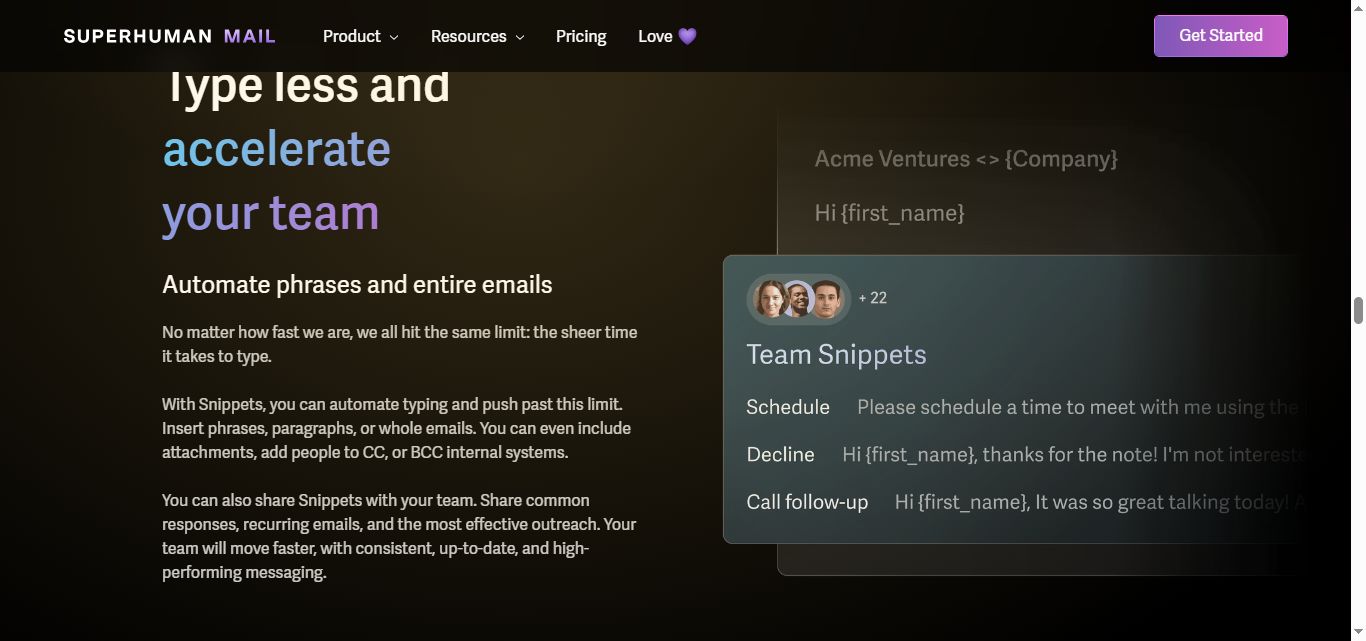
Snippet Templates and Auto-Responses: Create reusable email templates that expand with a single keyboard shortcut. Type a short code and watch it expand into your full meeting request template, complete with calendar links and agenda items.
Split Inbox Organization: Divide your inbox into multiple sections like "Important," "Newsletters," and "Everything Else" for focused email processing. Check important client emails in the morning, then batch-process newsletters during lunch without mixing priorities.
Superhuman Pricing
Superhuman offers four pricing tiers, ranging from a free plan for individuals to custom enterprise pricing for large organizations. Paid plans are billed per user, with discounts available for annual billing.
Free Trial: Superhuman offers a free trial (typically 7 days when you sign up directly, though some partner and referral links unlock a longer 30-day window), which includes a one-on-one concierge onboarding session to help you get up to speed with the platform.
Value Assessment: At $30 to $40 per month, Superhuman is significantly more expensive than standard email clients. However, users consistently report saving 3 or more hours per week on email. The investment makes most sense for high-volume email users who bill over $100 per hour, or executives managing complex communication workflows. If you process fewer than 100 emails a day, the speed gains may not feel significant enough to justify the price.
5 Alternatives to Superhuman
If Superhuman's price tag or feature set does not quite match what you need, you have solid options. Here are five alternatives that each tackle email productivity and outreach from a different angle.
1. SalesRobot
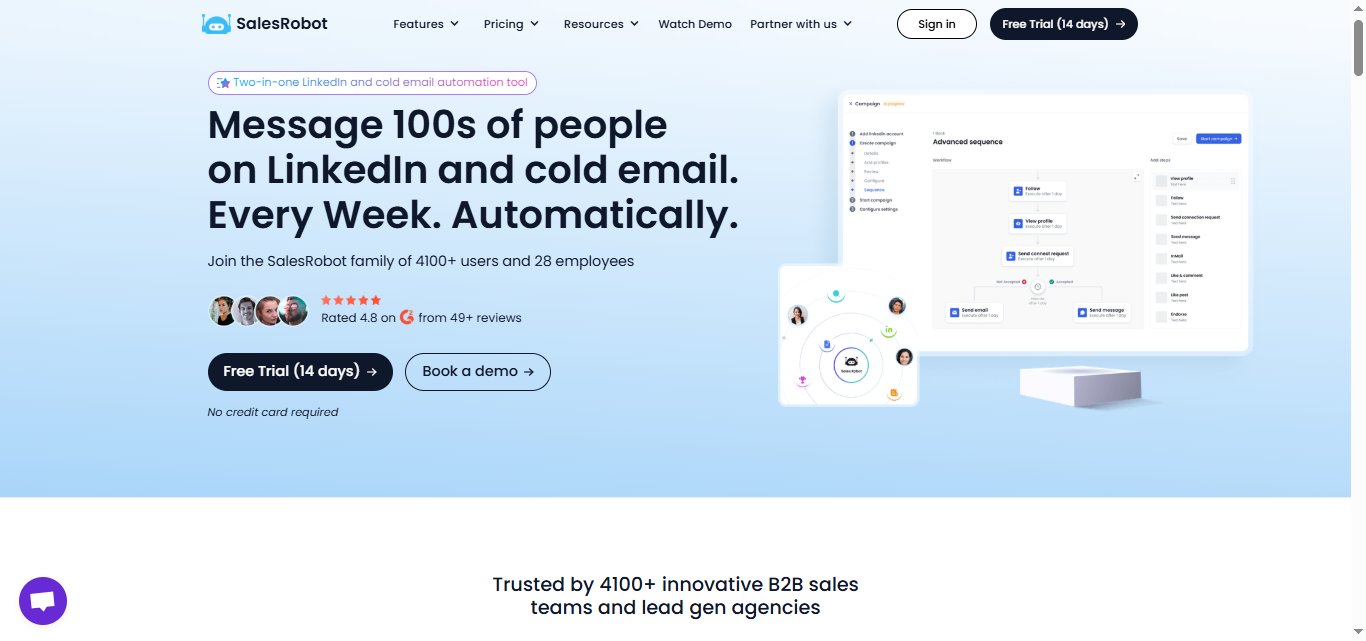
What it does: Here is an honest framing: SalesRobot is not an email client. SalesRobot is built for a specific but common pain point: you are spending money on email tools to organize your inbox, but the real challenge is finding new prospects and getting them to reply.
SalesRobot automates LinkedIn and email outreach together, handling connection requests, follow-up message sequences, AI-personalized voice notes, and lead nurturing inside a single platform.
Think of it less as an email client and more as an automated outbound sales assistant that works around the clock.
Stands out for:
- Multichannel outreach that sequences LinkedIn and email touchpoints together into one coordinated campaign
- AI Appointment Setter that replies to leads within minutes in your LinkedIn inbox, nurtures them, and books meetings automatically — fully trainable on your company, product, and tone, and available as an add-on across all plans (no other LinkedIn automation tool offers this natively)
- AI-personalized voice notes and video messages on LinkedIn at scale — a unique SalesRobot feature no other major tool offers, with users reporting 40%+ reply rates on voice note campaigns (clone yourself so each lead gets a personalized video)
- Built-in CRM integrations with HubSpot, Pipedrive, Salesforce, and more
- Cloud-based operation that runs 24/7 even when your laptop is closed, with no Chrome extension required — using LinkedIn mobile-app APIs, dedicated residential IP rotation, and human-like behavior to keep account ban risk near 0.00001%, making it far safer than browser-extension tools
- A 14-day free trial with no credit card required
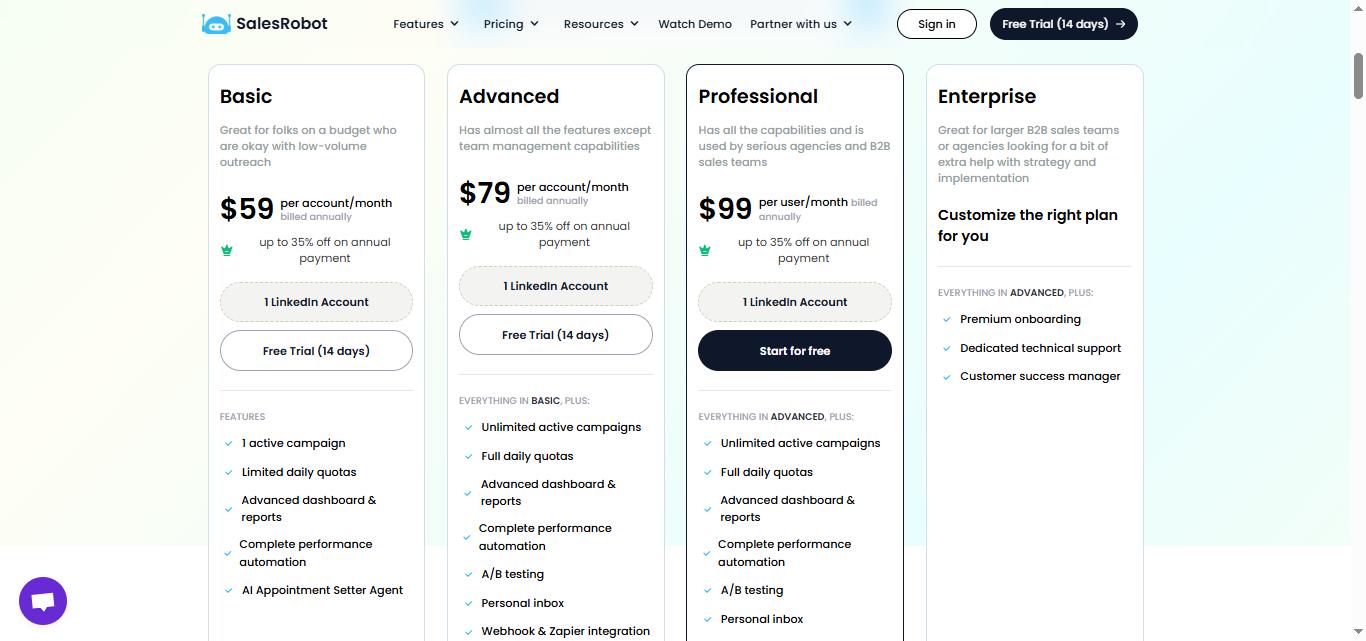
Pricing: Basic at $59/month, Advanced at $79/month, and Professional at $99/month (per LinkedIn account). Volume discounts apply for agencies managing multiple accounts.
Best if: You do any B2B sales, recruiting, or business development and want to automate outreach where your prospects actually spend time. If your goal is booking more meetings rather than just organizing existing emails, SalesRobot addresses a different problem than Superhuman does, and often a more valuable one.
However, if you simply want a tool to make email management easier, this tool is not a fit for you.
2. Shortwave
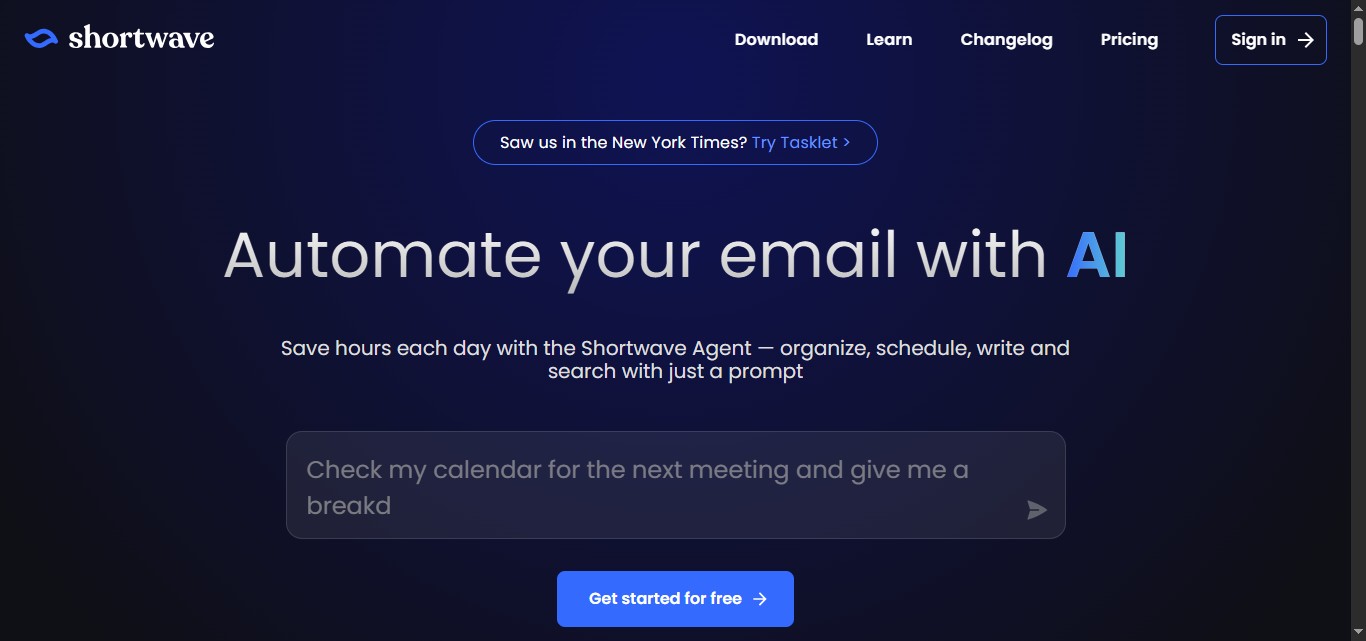
What it does: Built by ex-Googlers as the spiritual successor to Google Inbox, Shortwave uses AI to organize, write, and automate your email workflows. It is designed for teams that want to turn their inbox into a productivity hub with smart filtering and collaboration features.
Stands out for:
- AI that learns your writing style and can automate responses
- Real-time team collaboration with shared threads and comments
- Advanced automation through integration with thousands of apps via Tasklet
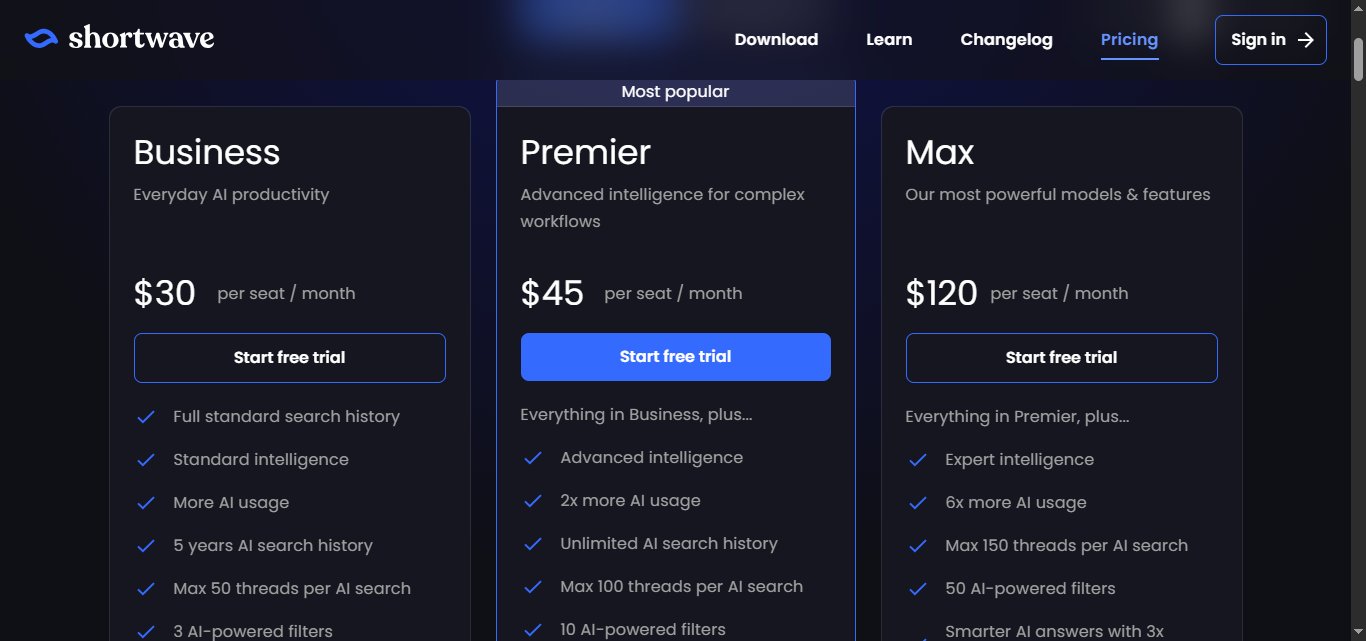
Pricing: Paid plans start at roughly $18/month (Pro) and $24/month per seat (Business, billed annually), scaling up to Premier at $36/month and Max at $100/month per seat; a limited free/personal tier is also available.
Best if: You want strong AI automation for email and work with a team that needs shared inbox capabilities. Note that Shortwave currently supports Gmail only, while Superhuman covers both Gmail and Outlook.
3. Spark Mail

What it does: Spark Mail focuses on cutting through email noise with smart filtering and priority detection. It is built for people who feel overwhelmed by their inbox and need better tools to focus on what actually matters.
Stands out for:
- Priority email detection that highlights important messages
- A Gatekeeper feature that screens emails from unknown senders
- Smart inbox organization with automatic newsletter and notification sorting
Pricing: Starts at $10/month per user

Best if: You are drowning in email clutter and need better filtering tools without paying a premium price.
4. Canary Mail
What it does: Canary Mail positions itself as the best option for managing multiple email accounts with enterprise-grade security. It is designed for professionals who juggle personal and work email while needing strong privacy protection.
Stands out for:
- End-to-end PGP encryption and HIPAA compliance
- A unified inbox that handles multiple accounts at once, which Superhuman notably lacks
- Built-in security features like read receipts and human error prevention
- AI writing assistance at a significantly lower price point than Superhuman
Pricing: Free plan available, with affordable Growth and Pro+ tiers starting at only $3/month, including a lifetime plan.

Best if: You manage multiple email accounts and need enterprise-level security features, or you want a close Superhuman equivalent at a fraction of the cost.
5. Mimestream

What it does: Mimestream is a native macOS app built specifically for Gmail users who want to escape the browser. It uses the Gmail API to provide a fast, Mac-native experience with full access to Gmail's features like labels and filters.
Stands out for:
- True Gmail API integration for lightning-fast performance
- Native macOS design with keyboard shortcuts and system-level integration
- Privacy-focused with tracker blocking and local data storage
Pricing: Starts at $4.99/month

Best if: You are a Mac user who lives in Gmail and wants a native app experience without losing Gmail's power features.
The Verdict
Here is the honest reality: most people do not need Superhuman's $30 to $40 per month premium. It is genuinely fast and polished, but unless you process hundreds of emails daily, you are paying for speed improvements you may not notice in your day-to-day workflow.
Shortwave and Spark offer 90% of the functionality at a fraction of the cost. Canary Mail and Mimestream are solid picks if you are deep in the Apple ecosystem and want something that feels native.
But if you do any sales, recruiting, or business development, the calculus changes. SalesRobot is not trying to help you organize your inbox faster. It is trying to fill your inbox with qualified responses by running LinkedIn and email outreach on autopilot. That is a meaningfully different kind of productivity.
Go with Superhuman if you process 200+ emails daily, budget is not a concern, and speed is your top priority.
Choose Shortwave or Spark for modern AI features without the premium price.
Pick Canary or Mimestream if you want something that feels native on Mac and iOS.
Try SalesRobot if you do any sales, recruiting, or outbound prospecting. It is the only tool on this list that actively generates new conversations rather than just organizing existing ones. Their 14-day free trial requires no credit card, so it is worth running a campaign to see how it fits your workflow.

Wow your leads by cloning yourself and sending personalized videos and voice notes to each lead on LinkedIn.
If you don't reply to leads within 5 mins, your chances of converting them fall by 50%. Our AI replies on your behalf instantly! (and yes, you can train it)

Don't shoot in the dark. Get detailed analytics on what's working

SalesRobot allows you to invite other team members, so that they can add their LinkedIn Account, run outreach campaigns and get amazing results just like you.
.avif)


Trusted by 4100+ innovative B2B sales teams and lead gen agencies

.avif)

.avif)




.avif)