.avif)
TL;DR
- SalesRobot is the strongest white-label LinkedIn tool for agencies: cloud-based, per-prospect AI personalization, 150+ agencies already on the platform.
- HeyReach is a solid runner-up for agencies that want multi-account rotation.
- Expandi works well for smaller agencies comfortable with per-seat pricing.
- Dux-Soup and Dripify cover the mid-market; each has real trade-offs.
- Every tool on this list beats Chrome extensions and desktop-based tools for agency use, because they run without your laptop being open.
If you're running an agency and still managing LinkedIn outreach manually across client accounts, you're burning hours your competitors have already automated.

LinkedIn is where B2B deals get made. Over a billion users. Decision-makers who actually read their DMs.
But when you're managing 10, 20, or 50 client accounts at the same time, manual outreach isn't a strategy. It's a full-time job you didn't sign up for.
LinkedIn automation for agencies is a different category than tools built for individual SDRs.
You need multi-account management, white-label options, centralized reporting, and the ability to run campaigns across clients without logging into 30 separate accounts every morning.
This guide covers:
What to Look For in a LinkedIn Agency Tool
Before diving into the list, here's the evaluation framework that actually matters for agencies:
The 10 Best LinkedIn Automation Tools for Agencies
1. SalesRobot: Best Overall LinkedIn Automation Tool for Agencies
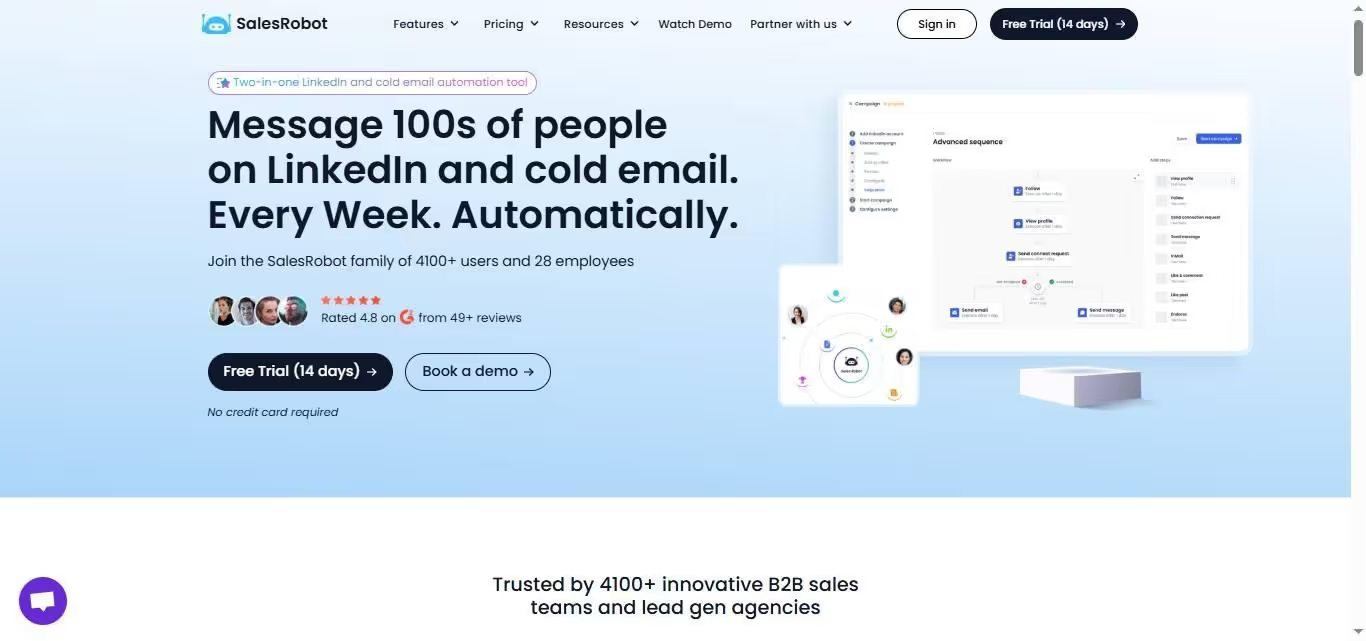
Overview: SalesRobot is a cloud-based LinkedIn outreach automation platform built with agencies as a core use case, not an afterthought.
Over 150 agencies currently white-label SalesRobot, running it under their own domain and brand. Clients never see the SalesRobot name.
The company originated as a B2B cloud-based sales automation and AI lead-generation platform tailored to help sales teams, agencies, and entrepreneurs scale their cold email and LinkedIn outreach.
Key Features:
- Full white-label: agencies get a custom domain, their own branding, and clients never see SalesRobot. This is the highest-margin, lowest-churn configuration.
- Cloud-based with a dedicated IP per account: campaigns run continuously, accounts stay protected, ban rate sits at 0.004%.
- AI Variables: unlike tools that send the same message to everyone, SalesRobot reads each prospect's LinkedIn profile and writes a unique first line per person. At agency scale, this is the difference between 8% reply rates and 25%+.
- AI Appointment Setter: handles reply triage in copilot mode (suggests responses) or autopilot mode (responds directly). Agencies managing 30+ accounts can't have a human reading every inbox.
- Voice clone and video clone messaging: personalized voice notes and video thumbnails at scale, without recording 500 messages.
- Centralized agency dashboard: manage all client accounts without separate logins.
Pros:
- A fully built-out white-label program; 150+ agencies already reselling it under their own brand
- 0.004% ban rate across its customer base, one of the lowest in the category
- Managed service option means agencies can outsource the entire campaign operation, not just the software
Cons:
- Managed service pricing ($397/month) is a significant commitment for smaller agencies just starting out
- White-label pricing is custom, so you need a sales conversation before you can plan around the cost
Pricing:
- Self-service: Starting at $59/month per account
- Managed service: $397/month (SalesRobot team handles strategy, copy, list-building, campaign management)
- White-label: custom pricing
Best for: Agencies of any size who want to white-label the platform and build a recurring SaaS revenue stream on top of their service fees. Also the strongest fit for agencies that want per-prospect personalization, not just automation.
G2 Rating: 4.8/5 across 55+ reviews
2. HeyReach: Best for Multi-Account Rotation at Scale

Overview: HeyReach is a LinkedIn outreach platform built specifically for agencies and teams running multiple accounts.
Its core differentiator is account rotation: instead of one account sending 100 messages, it spreads the load across multiple accounts to stay within LinkedIn's safe limits while multiplying total outreach volume.
Key features:
- Account rotation across multiple LinkedIn accounts in a single campaign
- Unified inbox with all client conversations in one place
- Advanced reporting with dashboard exports (CSV, PNG, SVG)
- CRM integrations: HubSpot, Pipedrive, Zapier, Apollo
- Proxy support and automated action limits for account safety
Pros:
- Built specifically for multi-account management; the UX reflects this
- Strong native Clay integration, a real advantage for tech-forward agency teams
- Agency plan designed for managing client accounts at scale
Cons:
- LinkedIn-only; no email or multichannel sequencing
- No per-prospect personalization or lead scoring
- Agency plan starts at $999/month, which can be steep for smaller agencies
Pricing: Starter $79/month, Agency $999/month, Unlimited $1,999/month
Best for: Mid-to-large agencies doing high-volume LinkedIn outreach who have Clay in their stack and want native integration.
3. Expandi: Best for Agencies Running Multichannel Sequences

Overview: Expandi is a cloud-based LinkedIn automation platform with strong A/B testing, dynamic personalization, and a "Workspaces" feature that lets agencies manage multiple client accounts from a central dashboard.
It pairs LinkedIn with email outreach in the same campaign sequence.
Key features:
- LinkedIn and email multichannel sequences
- A/B testing for message and connection request optimization
- Dynamic personalization with GIF and image support
- Integrations with Hyperise, Pipedrive, and Zapier
- Workspaces for centralized multi-account management
Pros:
- Fast to set up and deploy with a low learning curve
- Personalization includes multimedia (GIFs, images in messages)
- Solid campaign analytics within the dashboard
Cons:
- Per-seat pricing adds up quickly for agencies managing 20+ accounts
- Interface can feel clunky for first-time users
- Native CRM integrations are limited compared to competitors
Pricing: $99/month per seat, 7-day free trial
Best for: Smaller agencies (under 15 client accounts) running multichannel LinkedIn and email campaigns who want built-in A/B testing.
4. Dux-Soup: Best for Agencies That Want a Proven, Low-Risk Starting Point

Overview: Dux-Soup is one of the original LinkedIn automation tools and still one of the most widely used, with over 300,000 users worldwide.
It has a dedicated Agency plan built for managing multiple client accounts, with 2-way native integrations into tools most agencies already use: HubSpot, Salesforce, Pipedrive, Microsoft Teams, and Slack. The entry price is the lowest of any tool with a real agency tier on this list.
Key features:
- Agency plan with centralized multi-account management
- Automated connection requests, follow-ups, profile visits, and InMail sequences
- 2-way native CRM integrations (HubSpot, Salesforce, Pipedrive, Slack, Teams)
- Snooze feature that pauses activity patterns to avoid triggering LinkedIn's detection systems
- Sales Navigator compatibility
- Detailed campaign analytics and reporting
Pros:
- 300K+ users means extensive documentation, community support, and battle-tested reliability
- Native CRM integrations are among the deepest on this list, with no Zapier middleware required for major platforms
- Safety features including the Snooze function are genuinely useful for agencies managing high-volume accounts
- Low entry point makes it accessible for agencies onboarding their first automation stack
Cons:
- Browser extension-based for core functionality, less suited to fully unattended 24/7 operation than pure cloud tools
- Interface is functional but dated compared to newer platforms
- No per-prospect personalization
Pricing: Individual plans from $14.99/month; Agency plans from $371/month
Best for: Agencies that want a proven, widely supported tool with deep native CRM integrations and a track record with hundreds of thousands of users, particularly those running HubSpot or Salesforce as their core CRM.
5. Dripify: Best for Agencies Wanting Simplicity at Low Cost
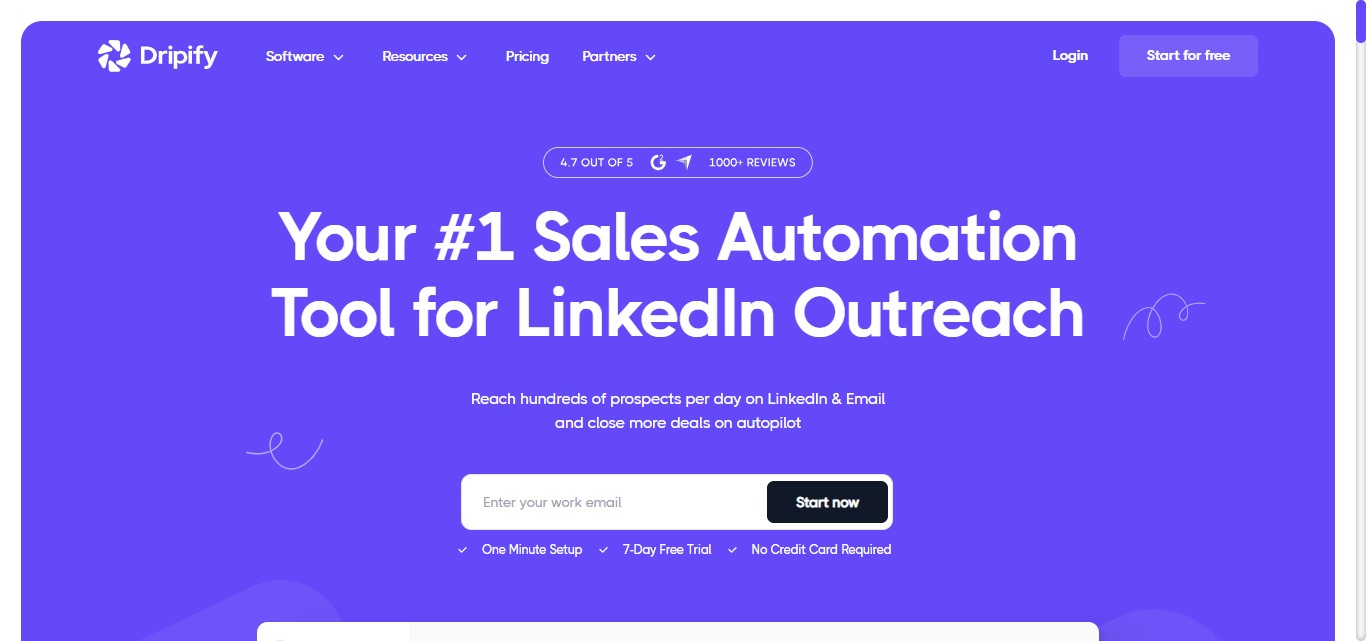
Overview: Dripify focuses on clean, data-driven LinkedIn outreach automation. Its drag-and-drop campaign builder creates multi-step drip sequences that mimic human-like behavior.
It integrates with HubSpot, Salesforce, and Zoho through Zapier, making client CRM handoffs manageable.
Key features:
- Multi-step drip campaigns with human-like timing
- Smart inbox with conversation tracking
- Analytics dashboard for campaign performance
- CRM sync via Zapier (HubSpot, Salesforce, Zoho)
- Lead extraction and CSV export
Pros:
- Easy to use with low training time for agency teams
- Competitive pricing for smaller agency budgets
- Reasonable personalization with variable support
Cons:
- No custom API for deeper integrations
- Limited customization for complex multi-step sequences
- Not purpose-built for agencies; multi-account management is workable but not the core UX
Pricing: $59/month per user (Basic), up to $99/month (Advanced)
Best for: Solo consultants or small agencies running straightforward outreach sequences who want a low-cost, easy-to-use starting point.
6. Waalaxy: Best for Agencies Needing LinkedIn and Email in One Workflow

Overview: Waalaxy combines LinkedIn outreach and email campaigns in a single workflow, with GDPR-compliant contact enrichment built in.
Its drag-and-drop campaign builder is one of the most accessible on this list. The built-in CRM keeps all prospect interactions organized without requiring a separate tool.
Key features:
- LinkedIn and email multichannel sequences
- Drag-and-drop campaign builder
- Built-in CRM with contact management
- Sales Navigator integration and advanced search filters
- Performance analytics and campaign reporting
- Team collaboration features for shared campaigns
Pros:
- Clean, intuitive interface with low friction for onboarding new team members
- Native email finding and enrichment
- GDPR-compliant contact handling, relevant for agencies with European clients
Cons:
- Browser-based; the LinkedIn extension needs to stay active for campaigns to run, which is a meaningful limitation for agencies that want true cloud-based operation
- Complex multi-step campaigns require more setup time
Pricing: Free trial available. Pro $19/month to Business $69/month
Best for: Agencies managing European clients with GDPR requirements, or those wanting a single tool for LinkedIn and email without a separate email platform.
7. Meet Alfred: Best for Agencies Running LinkedIn, Email, and Twitter
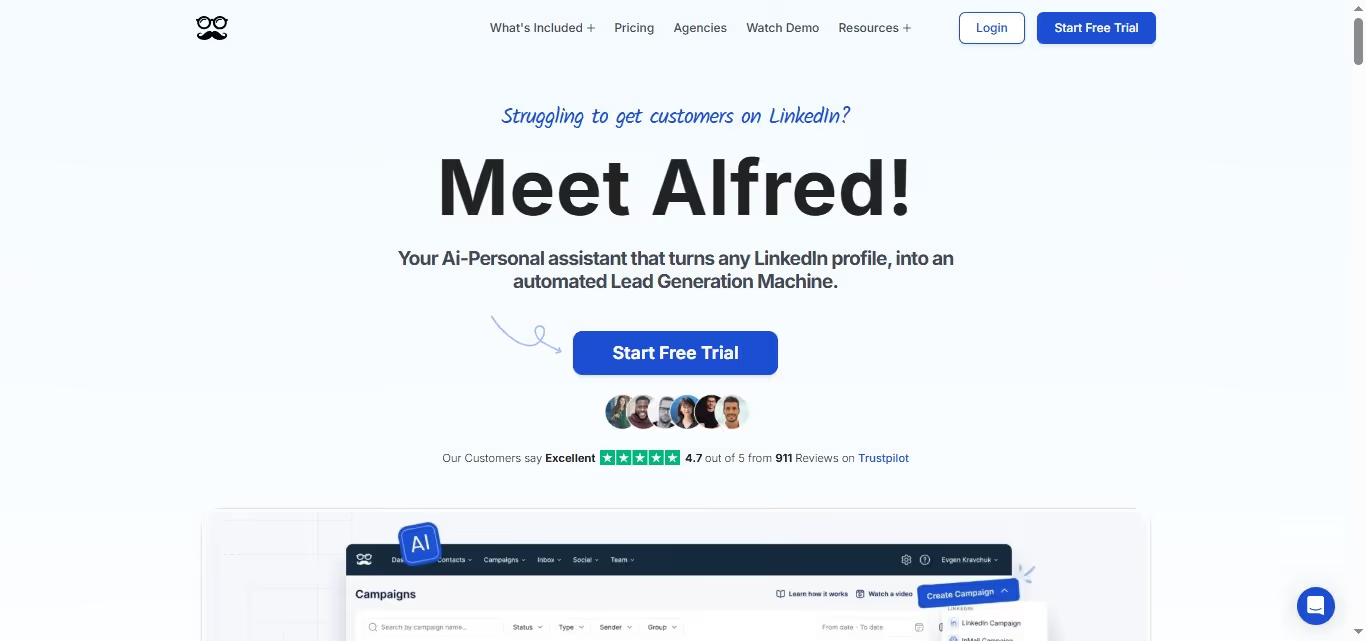
Overview: Meet Alfred extends beyond LinkedIn into a three-channel outreach system covering LinkedIn, email, and Twitter in a single automated sequence.
It includes a built-in CRM, dynamic message personalization, and message suggestions. Sequential messaging across channels lets agencies build longer nurture sequences.
Key features:
- Multi-channel sequences: LinkedIn, email, Twitter
- Dynamic personalization with variable tags and attachments
- Built-in CRM and lead management
- Message suggestions
- Zapier integrations for CRM handoffs
- Centralized campaign analytics
Pros:
- Three-channel coverage in one platform is rare among tools at this price point
- Personalized follow-up sequences are straightforward to build
- Clean performance reporting for client delivery
Cons:
- Aggressive automation settings can trigger LinkedIn account restrictions if not configured carefully
- No shared inbox for managing messages across team campaigns
- Can feel complex to configure for agencies new to multi-channel sequencing
Pricing: Basic $59/month, Pro $99/month, Teams $79/month per user
Best for: Agencies that include Twitter/X in client outreach strategies and want one tool to manage all three channels.
8. PhantomBuster: Best for Agencies with Technical GTM Teams

Overview: PhantomBuster automates lead extraction, data enrichment, and outreach workflows using pre-built "Phantoms," which are modular automations that can be stacked into custom pipelines.
It scrapes LinkedIn for contacts, tracks job changes and profile updates, and feeds enriched data into CRMs. It's not a traditional outreach sequencing tool; it's closer to a data and workflow automation layer.
Key features:
- Pre-built Phantoms for LinkedIn scraping, outreach, and enrichment
- Visual workflow builder for multi-step automations
- Chrome extension for LinkedIn actions
- API access for custom workflow development
- CRM integrations via HubSpot and Zapier
Pros:
- High flexibility; technical teams can build workflows that no other tool supports
- Fresh LinkedIn data for identifying warm, high-intent leads
- No-code setup available for standard use cases
Cons:
- Limited execution slots on lower plans constrain large-scale campaigns
- Complex custom workflows have a steep learning curve
- Not a purpose-built agency platform; you're assembling the capability yourself
Pricing: Free trial, then $69/month to $439/month
Best for: Agencies with technical operators who want maximum workflow flexibility and are comfortable building custom automation pipelines.
9. Linked Helper: Best for Budget-Conscious Agencies Who Want Full Control

Overview: Linked Helper is a desktop-based automation tool that operates locally on your machine, giving you direct control over timing, speed, and activity patterns.
It automates connection requests, follow-ups, InMails, and profile visits through a visual campaign builder. Its built-in CRM handles lead tagging, notes, and history.
Key features:
- Desktop automation with full speed and timing control
- Visual campaign builder with smart reply detection that pauses sequences on response
- Built-in LinkedIn CRM with tagging, notes, and lead history
- Supports all LinkedIn tiers: Basic, Sales Navigator, Recruiter
- Two-week free trial before commitment
Pros:
- Lowest price point on this list by a significant margin
- No cloud dependency; everything runs locally
- Responsive customer support
Cons:
- Desktop-based; campaigns stop when your computer closes, which is a serious operational constraint for agencies running multiple client accounts around the clock
- LinkedIn-only; no email or multichannel support
- Interface is dated and less intuitive than cloud-based alternatives
Pricing: Standard $15/month, Pro $45/month (after 14-day free trial)
Best for: Individual consultants or very small agencies (2-3 client accounts) who need the most affordable starting point and don't require 24/7 operation.
10. Salesflow: Best for Agencies Focused on Outbound Lead Generation
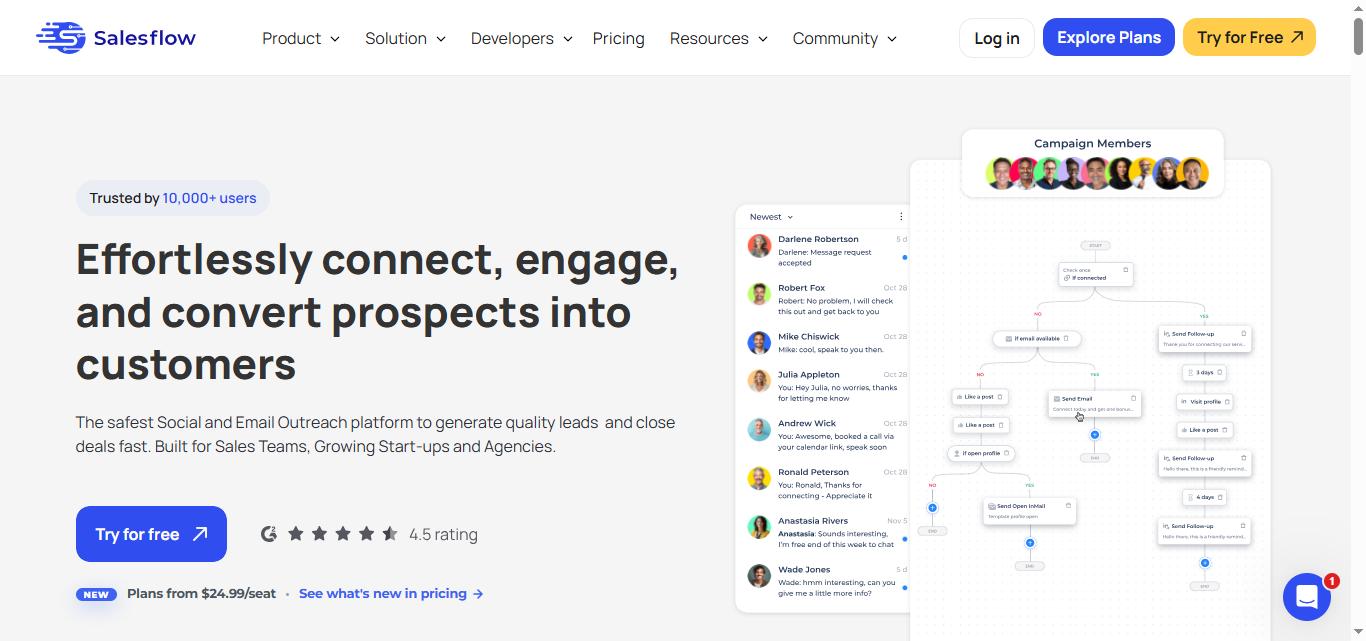
Overview: Salesflow is a cloud-based LinkedIn automation platform with a specific focus on outbound pipeline building.
It offers multi-account management, automated connection campaigns, follow-up sequences, and inbox management, all in a clean dashboard designed for agencies and sales teams.
Its reporting features help agencies demonstrate ROI to clients.
Key features:
- Cloud-based multi-account campaign management
- Automated connection and follow-up sequences
- Unified inbox across all managed accounts
- Campaign analytics and performance reporting
- Team collaboration with role-based access
Pros:
- Clean, agency-friendly dashboard
- Good reporting for client-facing performance reviews
- Campaigns run continuously as a cloud-based tool
Cons:
- Less personalization capability than SalesRobot
- Fewer native CRM integrations than some competitors
- White-label options are limited compared to platforms built specifically for agency resellers
Pricing: Plans start around $99/month for one account, and reduce as you add more seats
Best for: Outbound-focused agencies that prioritize clean reporting and want a straightforward cloud-based outreach tool without needing white-label capability.
Side-by-Side Comparison
How to Choose the Right LinkedIn Agency Tool?
If white-labeling is a priority: SalesRobot is the only tool on this list with a fully built-out white-label program. Multiple agencies are already reselling it under their own brand.
The economics work: you charge clients for the platform, SalesRobot's cost disappears into your margin.
If you're managing 20+ accounts: you need cloud-based infrastructure that runs without human intervention. That eliminates Linked Helper (desktop) and creates operational constraints for Waalaxy and Dux-Soup (browser-based). SalesRobot, HeyReach, and Expandi all handle this properly.
If personalization matters: and it does, because reply rates on generic mass messages have dropped significantly, SalesRobot's per-prospect variable generation is ahead of the field. Sending a message that references something specific from each person's profile isn't optional anymore. It's expected.
If budget is the primary constraint: Dripify at $59/month or Linked Helper at $15/month are the entry points. The trade-offs are real: less personalization capability and less agency-specific infrastructure.
If Clay integration is in your stack: HeyReach has native Clay integration. SalesRobot uses Zapier. For Clay-heavy workflows, this is a real operational difference worth factoring in.
Why White-Label Your LinkedIn Automation Stack?
Most agencies are leaving money on the table. You're already managing LinkedIn campaigns for clients, but you're not capturing the platform margin.
White-labeling a LinkedIn agency tool like SalesRobot lets you:
- Bill clients a monthly platform fee under your own brand
- Keep the difference between what you charge and what SalesRobot costs you
- Reduce churn because clients are embedded in your platform, not a third-party tool
With numerous agencies already doing this on SalesRobot, the model is proven. The platform runs under your domain. Clients see your logo.
The reporting shows your agency's name. When you have 20 clients at $150/month for the platform, that's $3,000 in recurring revenue before you've done a single campaign deliverable.

Frequently Asked Questions
What is the best LinkedIn automation tool for agencies?
SalesRobot is the strongest option specifically for agencies, due to its white-label capability, cloud-based infrastructure, per-prospect personalization, and purpose-built agency dashboard. HeyReach is a strong runner-up for high-volume multi-account rotation.
What does "white label LinkedIn tool" mean?
A white label LinkedIn tool lets agencies resell the platform under their own branding. Clients interact with a tool that carries the agency's name and domain; the underlying software provider (e.g., SalesRobot) is invisible.
Is LinkedIn automation safe for agency use?
Cloud-based tools with dedicated IPs per account are significantly safer than Chrome extension or desktop-based alternatives.
SalesRobot operates at a 0.004% ban rate across its customer base by using cloud infrastructure and behavior patterns that stay within LinkedIn's safety thresholds. Always configure daily action limits conservatively.
How many LinkedIn accounts can I manage with automation tools?
This depends on the tool. SalesRobot, HeyReach, and Salesflow are all built for managing 10-100+ accounts from a single dashboard.
Linked Helper and Waalaxy are better suited to smaller account sets. For agencies managing 20+ clients, the multi-account architecture of the tool matters as much as its campaign features.
What's the difference between LinkedIn automation for agencies vs. individual use?
Individual tools are optimized for one account, one user, one sequence. Agency tools add multi-account dashboards, client-separated campaign management, white-label options, team access controls, and reporting that can be shared with clients.
Using an individual tool at agency scale creates operational overhead that cancels out the efficiency gain of automation.
Does LinkedIn automation work for lead generation?
Yes, when campaigns are configured properly.
The highest-performing agency campaigns combine precise targeting (Sales Navigator filters, post-commenter audiences, event attendee lists) with personalized messages and a multi-step follow-up sequence.
Generic mass-blast campaigns have declining performance. Targeted, specific outreach continues to produce strong results.
SalesRobot is a cloud-based LinkedIn outreach automation platform used by 5,400+ businesses and 150+ agencies worldwide. Starting at $59/month for self-service and $349/month for managed campaigns. White-label plans available for agencies.

Wow your leads by cloning yourself and sending personalized videos and voice notes to each lead on LinkedIn.
If you don't reply to leads within 5 mins, your chances of converting them fall by 50%. Our AI replies on your behalf instantly! (and yes, you can train it)

Don't shoot in the dark. Get detailed analytics on what's working

SalesRobot allows you to invite other team members, so that they can add their LinkedIn Account, run outreach campaigns and get amazing results just like you.
.avif)


Trusted by 4100+ innovative B2B sales teams and lead gen agencies

.avif)

.avif)




.avif)


Heading 1
Heading 2
Heading 3
Heading 4
Heading 5
Heading 6
Lorem ipsum dolor sit amet, consectetur adipiscing elit, sed do eiusmod tempor incididunt ut labore et dolore magna aliqua. Ut enim ad minim veniam, quis nostrud exercitation ullamco laboris nisi ut aliquip ex ea commodo consequat. Duis aute irure dolor in reprehenderit in voluptate velit esse cillum dolore eu fugiat nulla pariatur.
Block quote
Ordered list
- Item 1
- Item 2
- Item 3
Unordered list
- Item A
- Item B
- Item C
Bold text
Emphasis

Superscript
Subscript