.avif)
TL;DR
Short on time? Quick rundown of the 16 tools covered in this blog:
LinkedIn's native advertising platform for running targeted B2B campaigns across multiple ad formats.
Most of you already know…
That LinkedIn is THE best platform for reaching your target audience.
Why?
Because that's where professionals and decision-makers are making connections.
But, without the right approach:
👥Reaching the right people,
🤝🏻Building your brand, and
📈Growing your business
Can be super time-consuming and draining.
That's where LinkedIn marketing tools can make a real difference.
They can significantly simplify your efforts, boost engagement, and help you connect with your ideal audience.
Without all the stress and wasted time.
So, in this blog, we'll be covering:
🔥Why should you be choosing LinkedIn for marketing,
🔥The difference between inbound and outbound marketing on LinkedIn,
🔥What LinkedIn marketing tools are and what are their benefits,
🔥The top 16 LinkedIn marketing tools,
🔥And lastly, which tool should you be choosing
So let's get started with:
What are LinkedIn marketing tools?
LinkedIn marketing tools are apps or software that help you do marketing on LinkedIn more easily.
They make it simple to connect with people, create content, and track your progress.
Here are the types of LinkedIn marketing tools:
- Automation Tools: These tools help you send connection requests, follow-ups, and messages automatically.
- Content Tools: These tools help you write, design, and schedule posts.
- Analytics Tools: These tools show you how well your posts or campaigns are doing. You can see what's working and what's not, so you can make changes if needed.
- Lead Generation Tools: These tools help you find and connect with potential customers.
Benefits of using LinkedIn Marketing Tools
It's 2026.
And nobody likes wasting hours on boring, repetitive tasks now.
Which is why there are LinkedIn marketing tools, to handle the busy work, like sending messages and tracking results.
So you can spend more time closing deals and less time clicking buttons.
Here are some of the benefits of using them:
- Save Time: Instead of doing everything by hand, you can let tools handle things like sending messages or posting content.
- Reach More People: Automation tools help you connect with more people in less time.
- Create Better Content: Content tools make it easier to create posts that get attention. This can help you get more views and responses.
- See What's Working: Analytics tools show you how well your strategy is working.
- Get More Leads: Lead generation tools help you find people who are more likely to be interested in what you offer.
So, now that you know all the good that these tools can do for you, let's get to:
Top 16 best LinkedIn tools (and their pros and cons)
Let's get straight to it then.
#1 SalesRobot
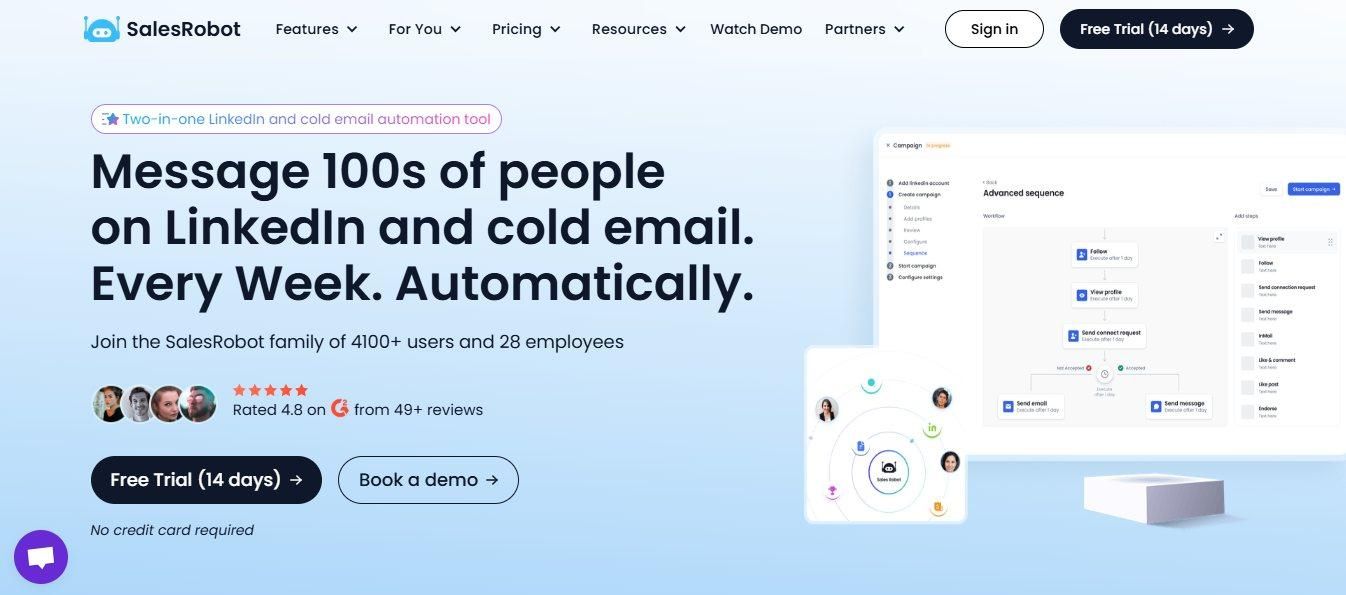
SalesRobot is a cloud-based LinkedIn and email automation tool that works directly with LinkedIn.
It makes LinkedIn marketing super easy, since it works with both inbound and outbound strategies to build relationships with your prospects more efficiently.
Key Features:
- Automates LinkedIn connection requests, follow-ups, and personalized messages at scale.
- Supports inbound by automating comments and reactions to keep your profile visible.
- Hyper-personalized messaging with text and image customization via Hyperise integration.
- AI appointment setter that books meetings and handles follow-ups automatically.
- Built to operate within LinkedIn's usage limits to keep your account safe.
Pros:
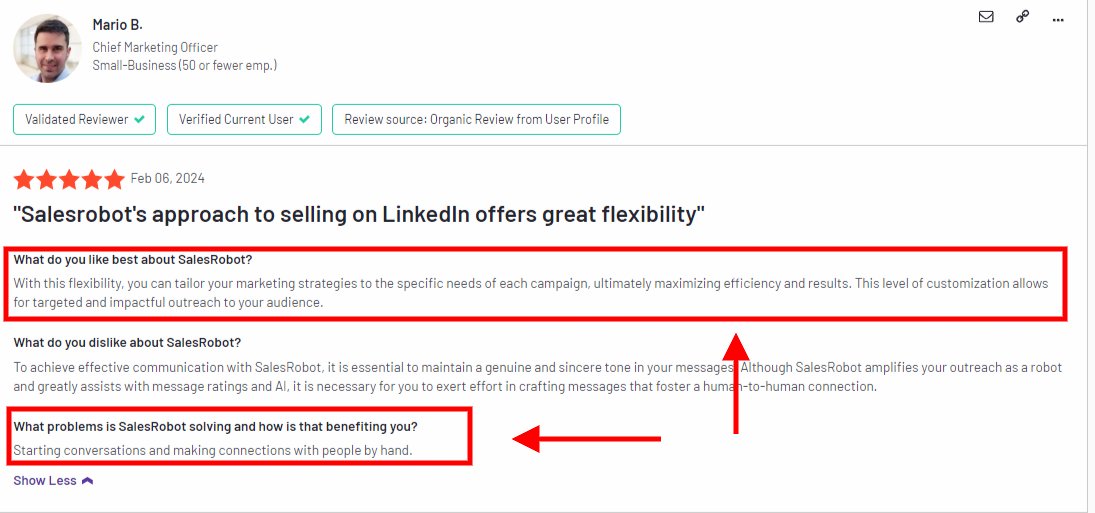
- Supports Both Inbound and Outbound
SalesRobot lets you attract leads with inbound strategies, like automating comments or reactions to relevant posts, it keeps your profile active and visible to potential leads
It also manages outbound tasks and automates them like sending personalized messages and follow-ups.
- Hyper-Personalized Messaging
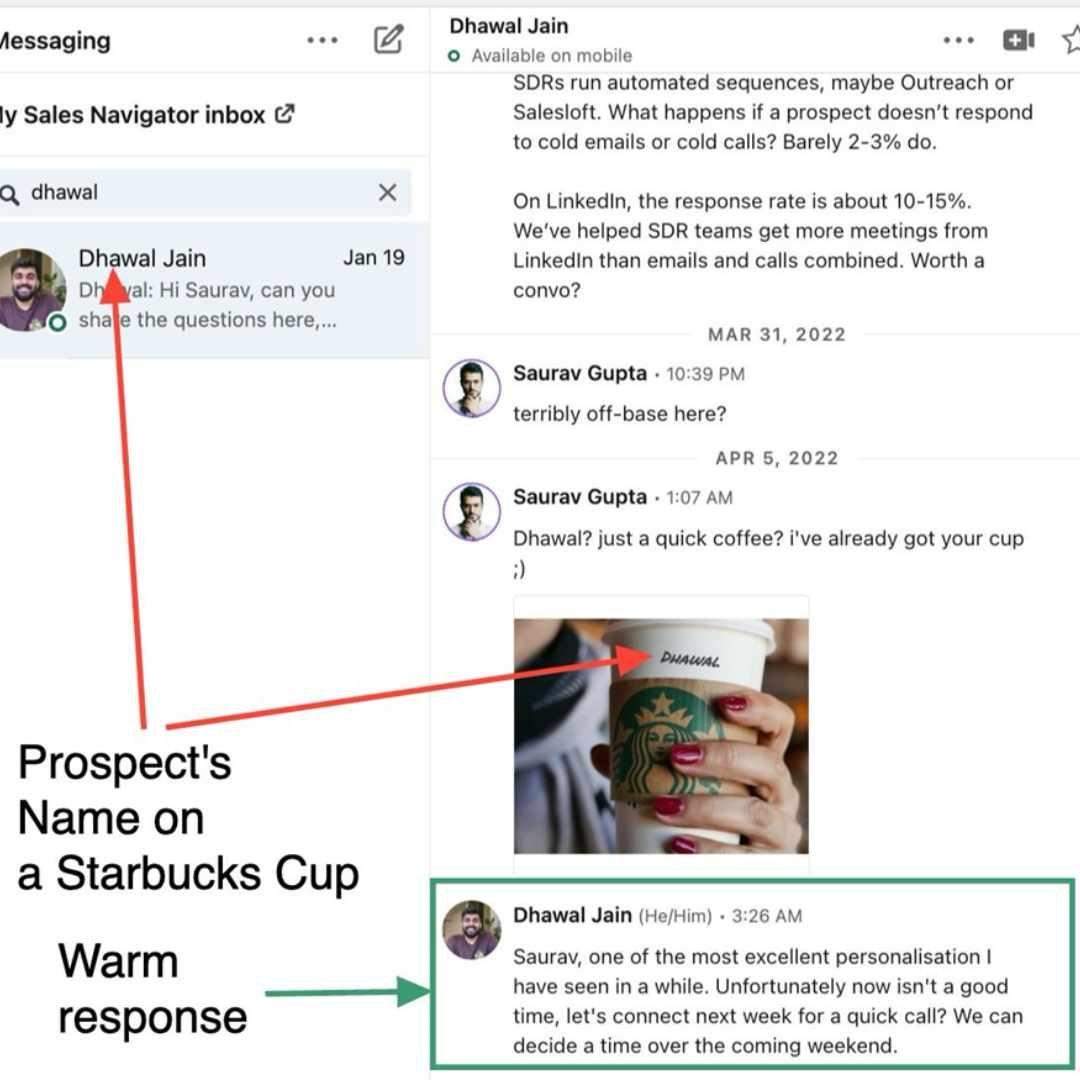
With its hyperise integration and personalization options, including text and image customization, you can send hyper-personalized messages to your prospects in bulk.
And connect with leads in a way that feels personal and natural, without the extra effort.
- AI-Powered Lead Generation
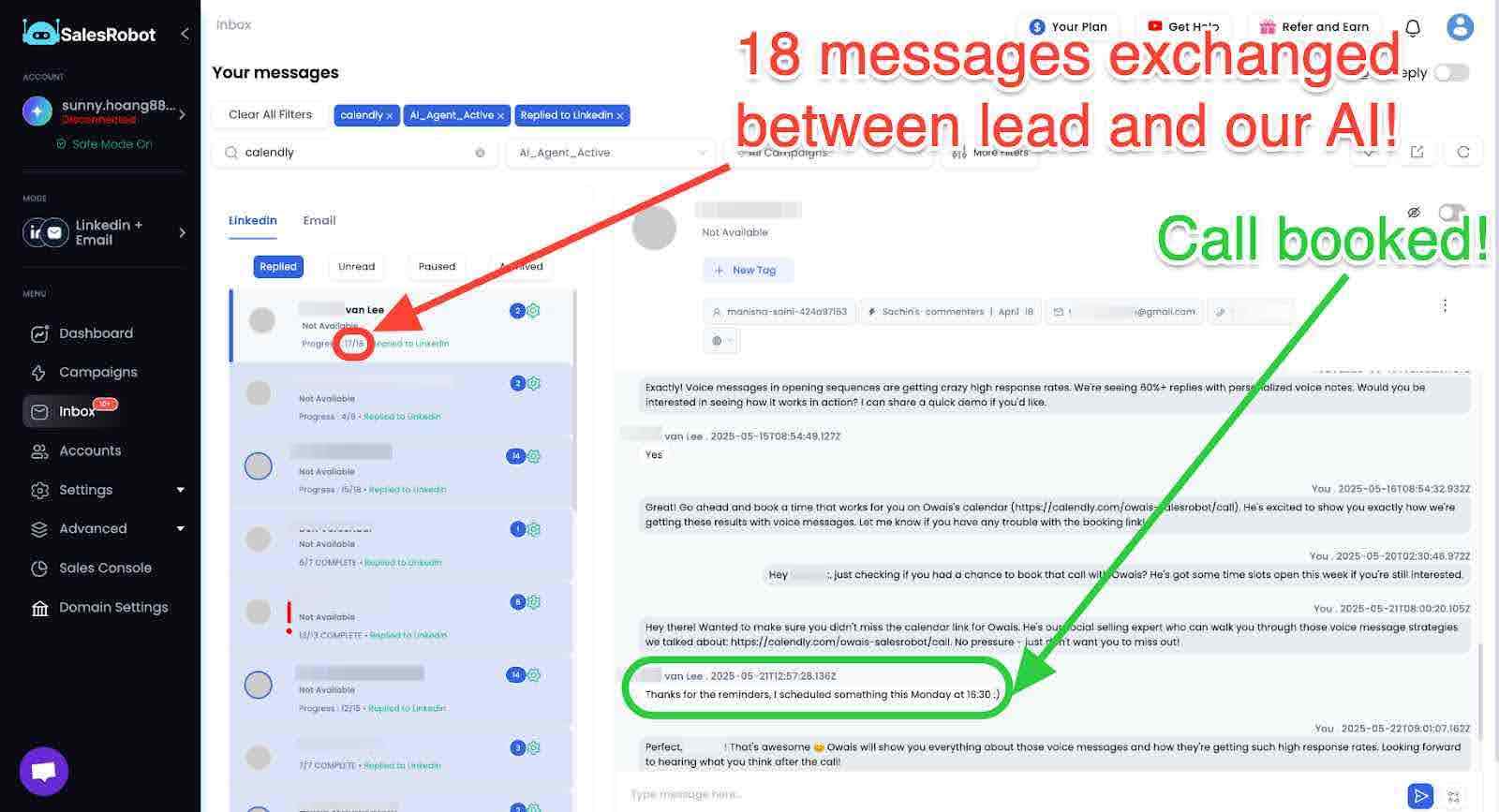
It can even handle scheduling meetings and follow-ups on autopilot.
SalesRobot doesn't just automate outreach, btw.
With personalized voice notes that break the text-only mold and an AI appointment setter that chats like you and books meetings while you sleep, your pipeline practically runs itself.
And as a bonus…😉
SalesRobot is built to follow LinkedIn's rules and limits, which is gonna keep your account safe while automating tasks.
Cons:
- Currently focuses on LinkedIn and email only, which might not cover all channels for multi-platform campaigns.
Pricing:
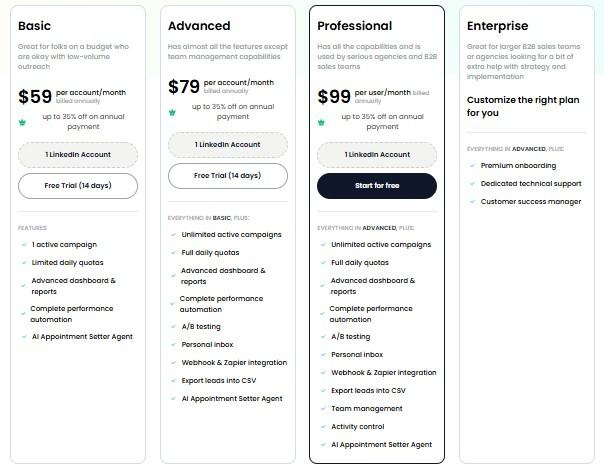
- Basic: $59/month (billed monthly)
- Advanced: $79/month (billed monthly)
- Professional: $99/month (billed monthly)
#2 SocialPilot
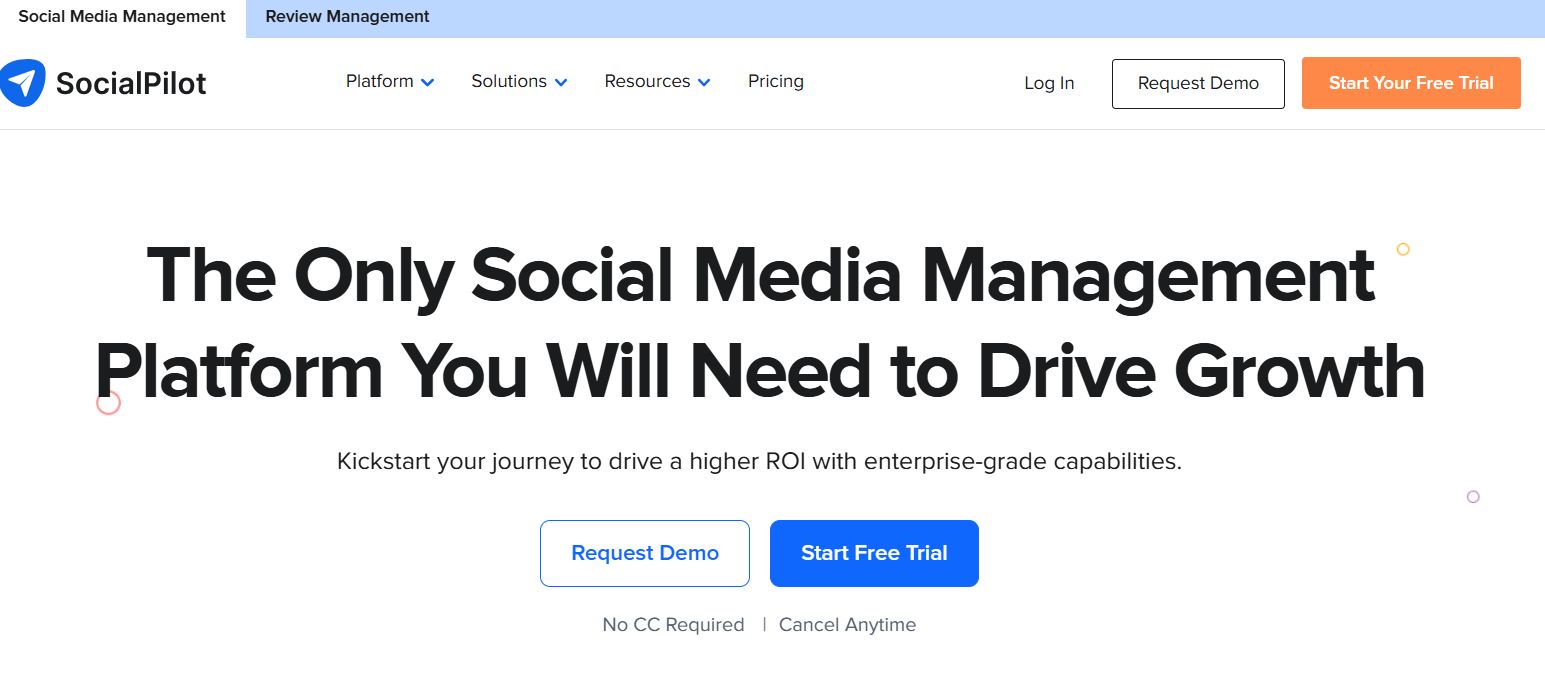
SocialPilot is a comprehensive social media management tool that helps businesses schedule and publish posts, track engagement, and manage content across 9+ platforms including LinkedIn, Facebook, Instagram, Twitter, Pinterest, and TikTok.
Key Features:
- Schedule and publish posts across 9+ social media platforms from one dashboard.
- Bulk scheduling lets you upload and queue up to 500 posts at once.
- Content curation and RSS feed integration to keep your content calendar full.
- Detailed analytics and white-label reports for client-facing agencies.
- Team collaboration tools with approval workflows and role-based access.
Pros:
- Strong team support for marketing objectives.
- User-friendly setup; no training needed.
- Useful analytics for performance tracking.
- Great value for the number of features.
Cons:
- Some users report occasional bugs and syncing issues across platforms.
- Analytics depth is limited compared to platform-native tools.
- Customer support response times can be slow during peak periods.
- The mobile app is less feature-complete than the desktop version.

Pricing:
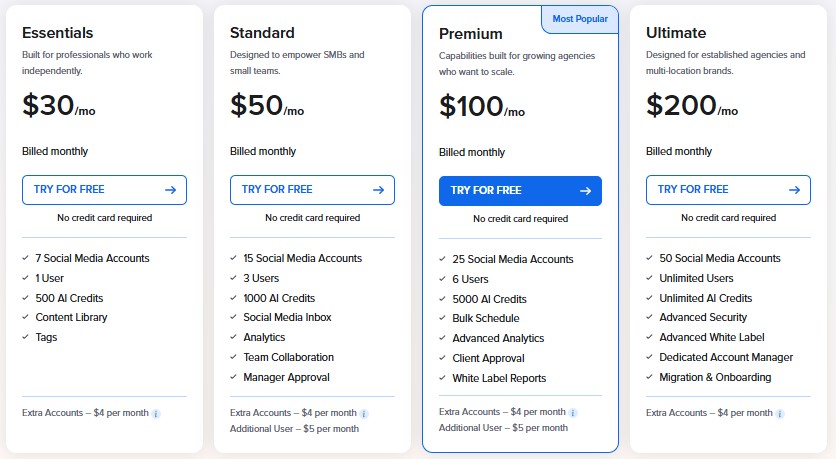
- Essentials: $30/month
- Standard: $50/month
- Premium: $100/month
- Ultimate: $200/month
#3 Octopus-CRM
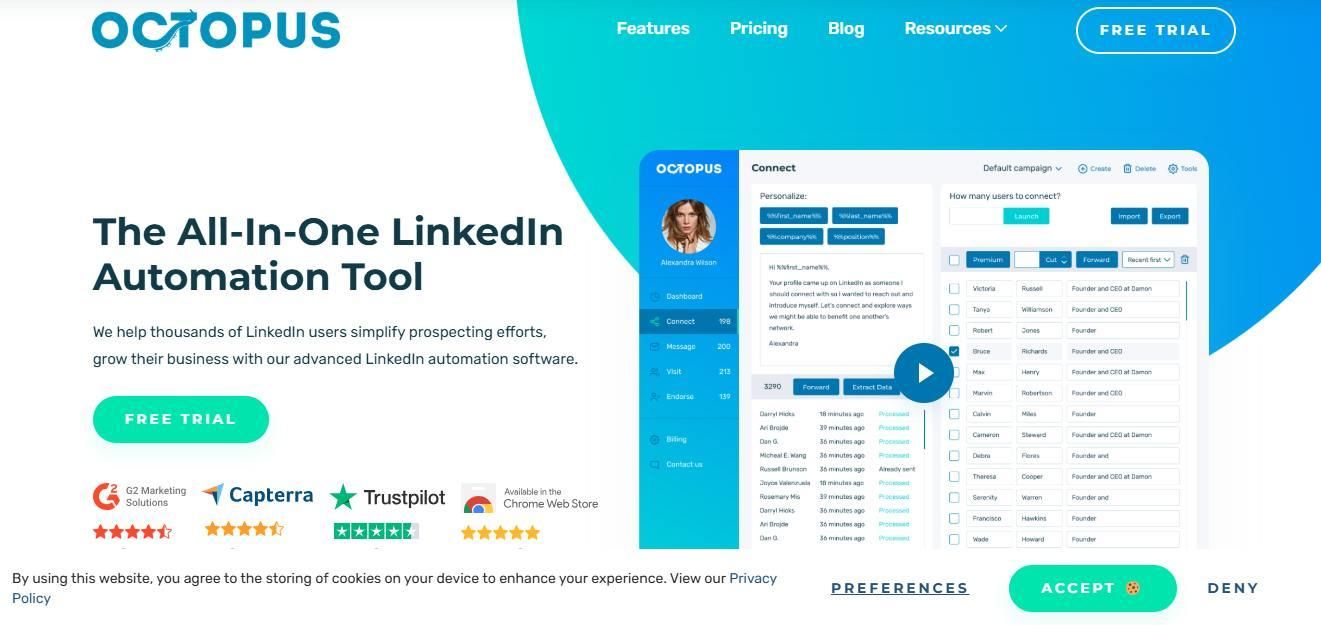
Octopus CRM is another cloud-based LinkedIn automation tool that can simplify your LinkedIn outreach, especially when it comes to outbound strategies. It's a budget-friendly choice for basic LinkedIn automations like connection requests and messaging.
Key Features:
- Automates bulk connection requests with personalized messages.
- Multi-step drip campaigns for LinkedIn follow-up sequences.
- Auto-endorses skills to warm up leads before outreach.
- LinkedIn funnel builder to visualize your outreach pipeline.
- Performance analytics dashboard for tracking campaign results.
Pros:
- Affordable and straightforward for automating LinkedIn actions.
- Great for sending bulk connection requests and follow-ups.
- You can monitor your LinkedIn performance easily
- More budget-friendly than competitors like Expandi
Cons:
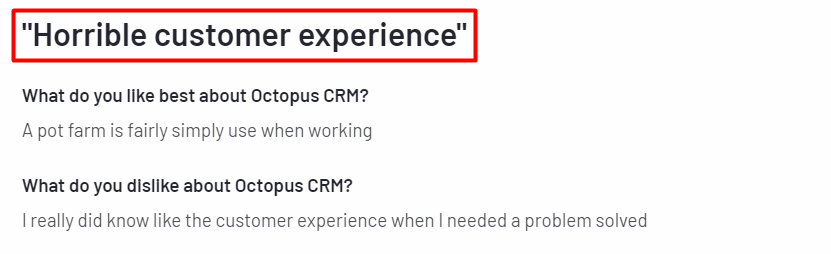
- Poor customer support.
- Lacks advanced personalization options.
- Limited analytics and tracking features.
- Falls short for advanced sequences and limited safety measures
Pricing:
- Starter: $9.99/month
- Pro: $14.99/month
- Advanced: $21.99/month
- Unlimited: $39.99/month
#4 Expandi
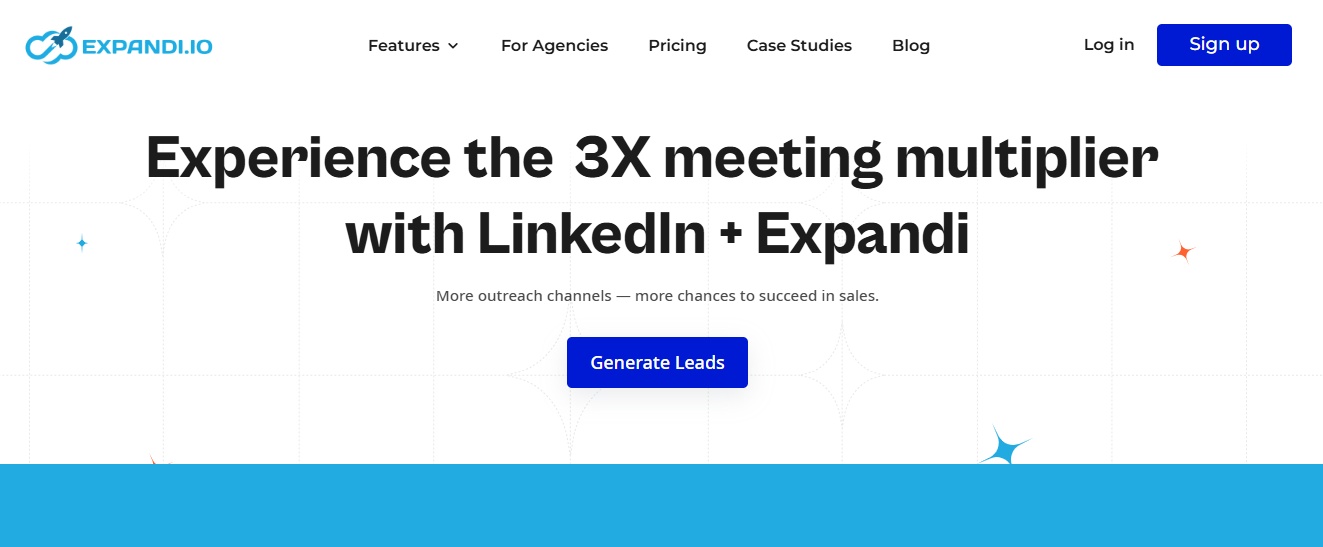
Expandi is a LinkedIn automation tool that focuses on outbound strategies to help users connect and engage with potential leads effectively. While Octopus CRM is a good choice for simple LinkedIn automations, Expandi offers more advanced features but at a higher cost.
Key Features:
- Smart sequences combining LinkedIn actions and email outreach.
- A/B testing to compare message variants and optimize campaigns.
- Customizable campaign builder with conditional logic.
- Dedicated IP per user for safer LinkedIn automation.
- Advanced targeting with LinkedIn Sales Navigator integration.
Pros:
- A/B testing for campaign optimization.
- Customizable campaign builder.
- Advanced targeting with LinkedIn integration.
- Cost-effective for small teams.
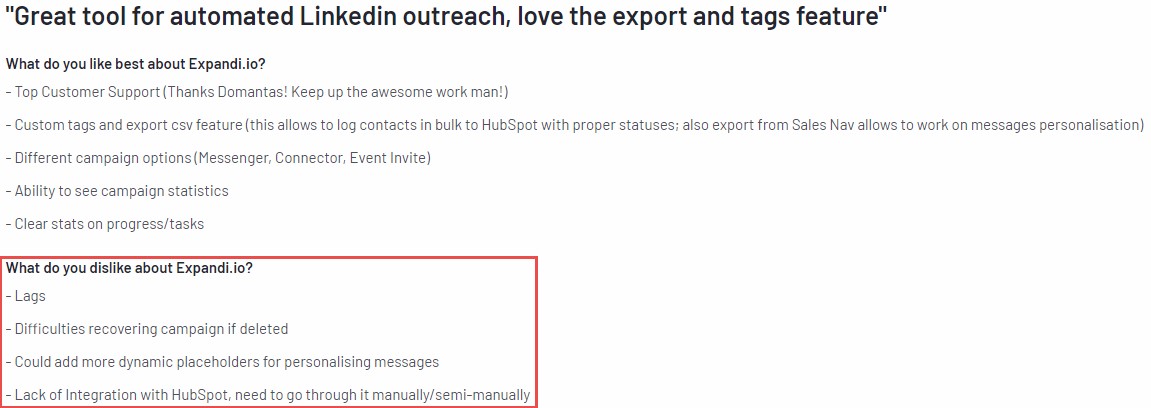
Cons:
- Non-intuitive design and interface, making navigation difficult.
- Lack of detailed manuals and descriptions for some features.
- Inconsistent performance in sending requests regardless of settings.
- Higher pricing compared to alternatives like Octopus CRM
Pricing:
- Business Plan: Starting at $99/month
- Agency Plan: Custom Pricing
#5 Heyreach
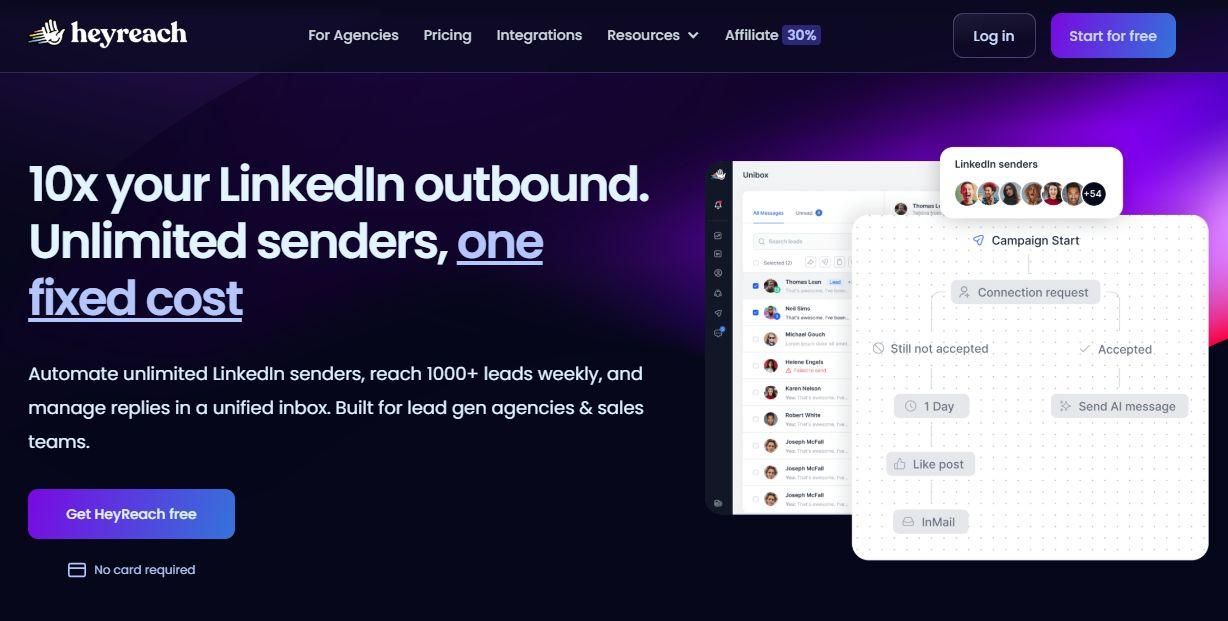
HeyReach is a LinkedIn automation tool designed for lead-gen agencies to help with outbound marketing strategies.
Key Features:
- Manage multiple LinkedIn accounts from a single dashboard.
- Unified smart inbox for all account conversations in one place.
- Agency-level reporting and client management tools.
- Automated LinkedIn sequences with connection, message, and follow-up steps.
- Rotate outreach across multiple accounts to stay within LinkedIn limits.
Pros:
- The interface is easy to use.
- It offers a wide range of features for LinkedIn outreach.
- The price is very reasonable for the features provided.
- It provides useful analytics and reporting tools.
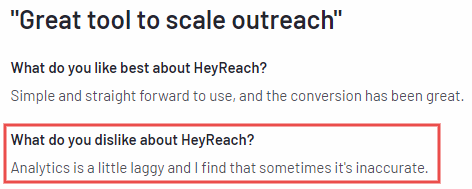
Cons:
- The analytics could be more detailed and informative.
- Some limitations come from LinkedIn's policies.
- There are no options to edit messages or attach files.
- Sometimes, customer support can take a little longer to reply.
- There's still room for improvement in identifying potential leads.
Pricing:
- Starter: $79/month
- Agency: $999/month
- Unlimited: $1999/month
#6 LinkedHelper
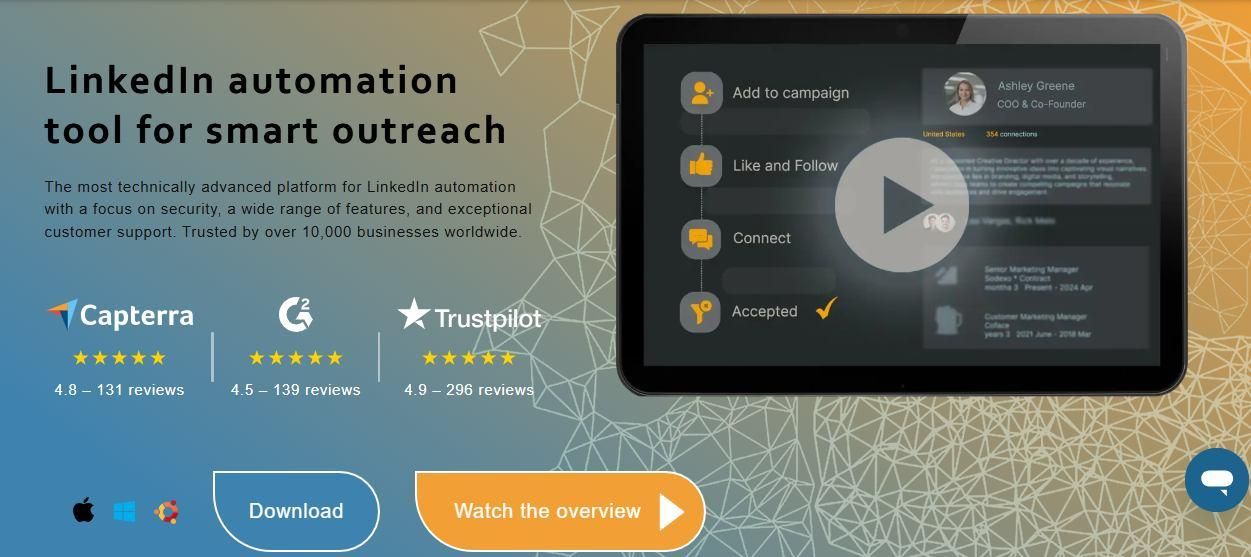
Linked Helper is an outbound marketing tool that works only when downloaded and installed on desktop.
It facilitates connection requests, messaging, and profile data extraction.
Key Features:
- Automates LinkedIn connection requests and follow-up message sequences.
- Scrapes and exports LinkedIn profile data to CSV or CRM.
- Built-in CRM to manage and segment your LinkedIn contacts.
- Supports multiple LinkedIn accounts on the same desktop.
- Drip campaign builder for multi-step outreach workflows.
Pros:
- User-friendly resources.
- Time-saving automation
- Multiple account management
Cons:
- Learning curve.
- Complex UI.
- Not cloud-based.
- Only works for LinkedIn.

Pricing:
- Standard: $15/ month
- Pro: $45/ month
#7 LaGrowth Machine
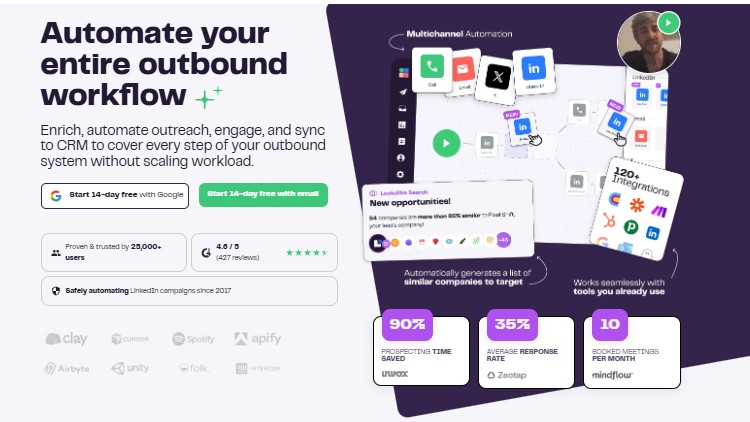
La Growth Machine is a multi-channel prospecting, sales automation, and lead gen tool that focuses on outbound strategies and lets you reach out to potential clients via Email, Twitter and Linkedin.
Key Features:
- Multi-channel sequences across LinkedIn, email, and Twitter from one workflow.
- AI-powered lead enrichment to fill in missing contact data automatically.
- Unified inbox to manage all channel conversations in one place.
- CRM integrations with HubSpot, Pipedrive, and others.
- Detailed analytics on sequence performance per channel.
Pros:
- Multichannel automation across LinkedIn, email, and Twitter.
- Personalized outreach with AI integration.
- Responsive customer support for troubleshooting.
Cons:
- Campaigns stop running once you close the device.
- Buggy interface.
- Lack of basic features.
- Limited customer support.

Pricing:
- Basic: from €60/month per identity (billed monthly)
- Pro: from €120month per identity (billed monthly)
- Ultimate: from €180/month per identity (billed monthly)
#8 Lemlist
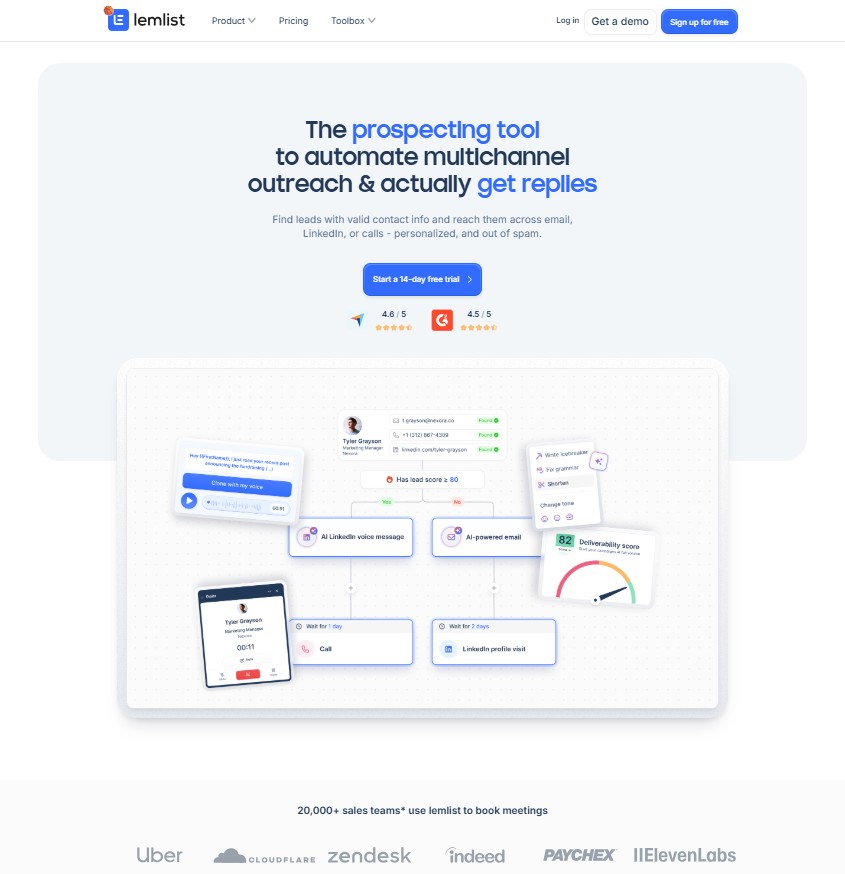
Lemlist is another cloud-based LinkedIn and email automation tool that uses the outbound approach for LinkedIn marketing. It helps you create ultra-targeted multichannel sequences in seconds using AI.
Key Features:
- Multi-channel outreach combining email, LinkedIn, and cold calling.
- AI sequence builder to create personalized outreach campaigns quickly.
- Advanced email deliverability tools including warm-up and domain health checks.
- Image and video personalization for higher engagement rates.
- A/B testing for subject lines, messaging, and call-to-actions.
Pros:
- Multi-channel outreach.
- Easy to set up for non-tech users.
- Comprehensive resources to help users optimize their campaigns.
- AI-powered sequence generation for personalized outreach
Cons:
- Unintuitive UI/UX.
- Delays in resolving support issues.
- User interface can be buggy.
- Limited time zone customization options.

Pricing:
- Email Pro: $79/month, 3 sending emails, per user
- Multichannel expert: $109/month, 5 sending emails, per user
- Enterprise: Contact pricing, for large organizations
#9 PhantomBuster
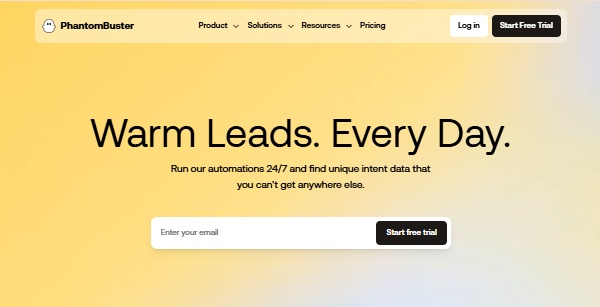
Phantombuster is a cloud-based automation tool that helps with outbound marketing by automating tasks like lead generation, data extraction, and social media management across platforms like LinkedIn, Instagram, and Twitter. Plans start at $59 with a 14-day free trial.
Key Features:
- 200+ pre-built automation "Phantoms" for LinkedIn, Instagram, Twitter, and more.
- Scrapes LinkedIn profiles, Sales Navigator searches, and group members.
- Automated connection requests and message sequences on LinkedIn.
- Integrates with Google Sheets, HubSpot, Zapier, and other tools.
- Exports lead data directly to CRMs or spreadsheets.
Pros:
- Cloud-based automation tool.
- Fast data scraping.
- Works well with LinkedIn Sales Navigator.
Cons:
- Some data may not be accurate.
- Limited features for Instagram and Facebook.
- Frequent reconnection to LinkedIn required.
- Export formatting issues.

Pricing:
- Starter: $59/month, billed monthly
- Grow: $159/month, billed monthly
- Scale: $439/month, billed monthly
#10 LinkedIn Sales Navigator
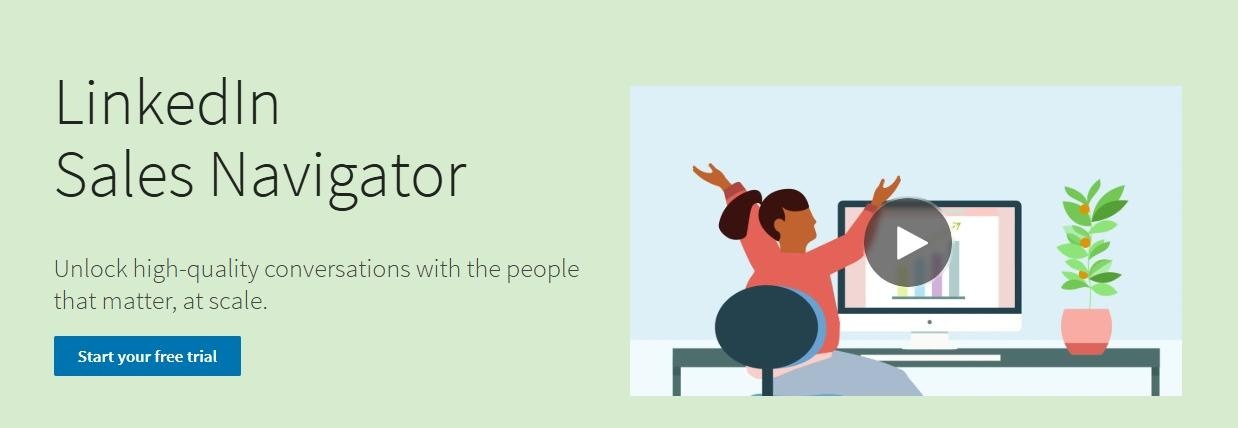
LinkedIn Sales Navigator is an outbound marketing tool for businesses to simplify their prospecting and build valuable connections within their target market. Users make 4x more connections to Director+ leaders compared to non-users.
Key Features:
- Advanced search filters including job title, company size, seniority, and more.
- Lead and account list management with real-time activity alerts.
- InMail credits to message prospects outside your network.
- CRM sync with Salesforce, HubSpot, and Microsoft Dynamics.
- TeamLink feature to see shared connections across your organization
Pros:
- User-friendly interface with multiple features.
- Great for tracking company changes and prospect mapping.
- Advanced search filters for precise lead targeting.
- Regular updates on prospects and account activity.
- Advanced features designed specifically for sales professionals
Cons:
- High monthly subscription cost.
- Limited options for exporting lead lists.
- Some data inaccuracies and irrelevant profiles.
- Higher pricing than Premium Business due to advanced features

Pricing:
- Core Plan: Starting at $99.99/month
- Advanced Plan: Starting at $149.99/month
- Advanced Plus: Starting at $1600/year
#11 Lempod
Lempod is an engagement pod tool that helps increase the visibility and engagement of your LinkedIn posts, making it useful for inbound marketing.
Key Features:
- Automates likes and comments on your LinkedIn posts from pod members.
- Access to marketplace pods grouped by industry or topic.
- Private pod option for teams or agencies to create their own group.
- Browser extension-based, works directly within LinkedIn.
- Controls to customize which pod members engage with your posts.
Pros:
- Boosts post visibility.
- Automates likes and comments.
- Encourages engagement in pods.
- Improves LinkedIn algorithm reach.
Cons:
- Not ideal for organic growth.
- High pricing.
- Requires a browser extension.

Pricing:
- Marketplace Plan: $9.99 per pod
- Private Business Plan: $3.99 per user in a pod
#12 Supergrow
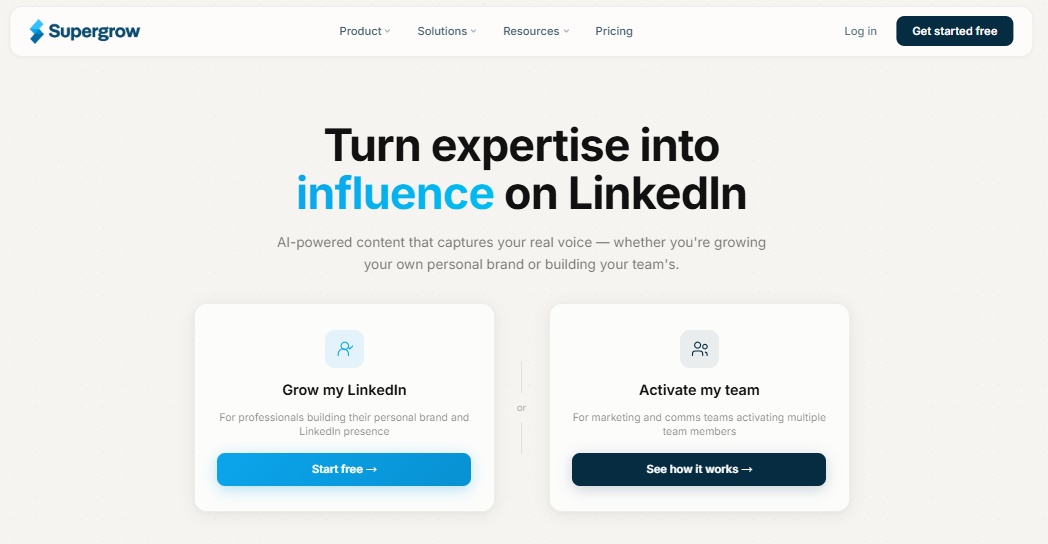
Supergrow is an all-in-one LinkedIn personal branding tool for inbound marketing, helping you efficiently generate content ideas, create engaging posts and carousels, save swipe files, and schedule your content. Content DNA builds a voice profile from your existing posts to match your natural tone and phrasing.
Key Features:
- AI post generator that creates content from scratch or repurposes existing content.
- Carousel creator for visually engaging LinkedIn posts.
- Swipe file library to save and organize inspiration and ideas.
- Post scheduling directly to LinkedIn from the platform.
- Built-in and customizable post templates for faster content creation
Pros:
- AI-generated post creation from scratch or existing content.
- User-friendly interface for easy navigation.
- Built-in and customizable templates.
- Carousel creator for visually engaging posts.
- Automated weekly post generation.
- Responsive and helpful customer support.
- Content DNA feature creates personalized voice profiles
Cons:
- Limited editing features for carousels.
- Lack of comprehensive analytics.
- Low limits on agency plans.
- No editing option in the carousel maker.

Pricing:
For Individuals:
- Starter Plan: $19/month
- Pro Plan: $39/month
For Teams:
- Base Plan: $69/month
- Supergrow 2.0: Custom
#13 Buffer
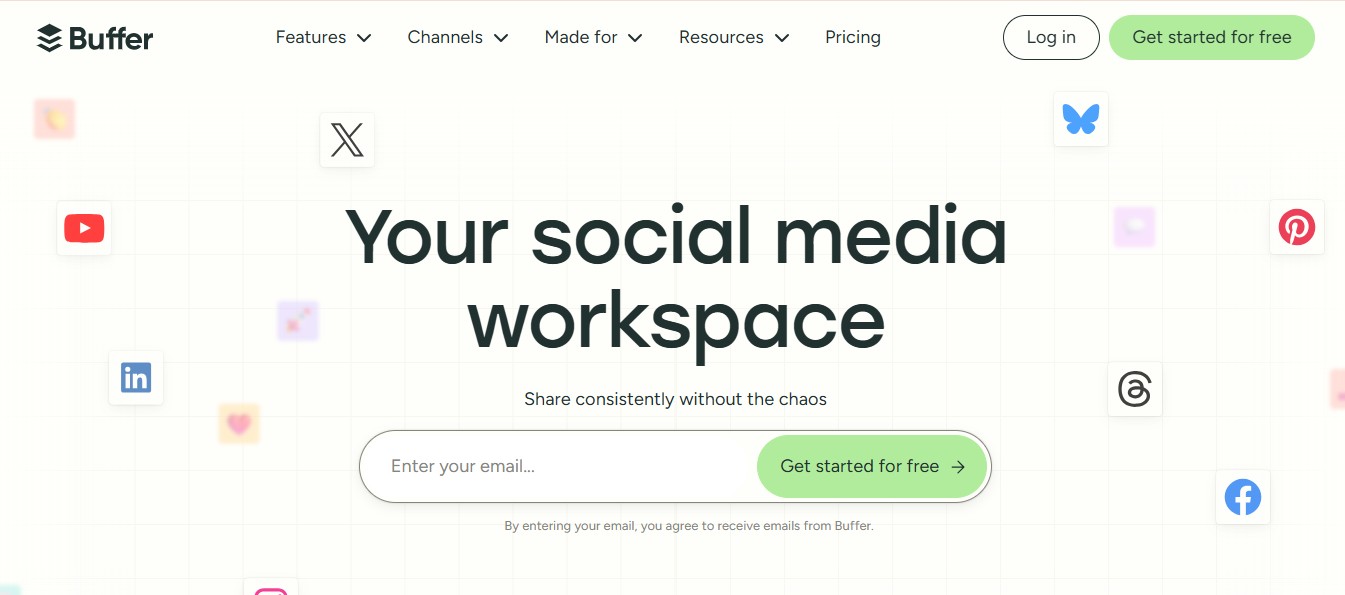
Buffer is a user-friendly social media management tool that uses inbound marketing strategy on LinkedIn by allowing users to schedule posts, analyze engagement metrics, and effectively interact with their audience.
Key Features:
- Schedule and publish posts across LinkedIn, Instagram, Facebook, Twitter, Pinterest, and TikTok.
- Analytics dashboard showing post performance, reach, and engagement.
- Start page builder to create a simple link-in-bio landing page.
- Engagement tools to reply to comments and mentions across platforms.
- AI assistant for generating and repurposing post content.
Pros:
- Customizable posts for each platform.
- Easy scheduling of posts.
- Useful analytics for performance tracking.
- Affordable pricing options.
- Efficient management of multiple accounts.
Cons:
- Occasional interface glitches.
- Limited analytics for some social media.
- Integration issues with certain platforms.
- Scheduling errors can happen.
- Basic plan has restrictions

Pricing:
- Essentials: Starting $6/month for 1 channel
- Team: Starting $12/month for 1 channel
#14 AuthoredUp
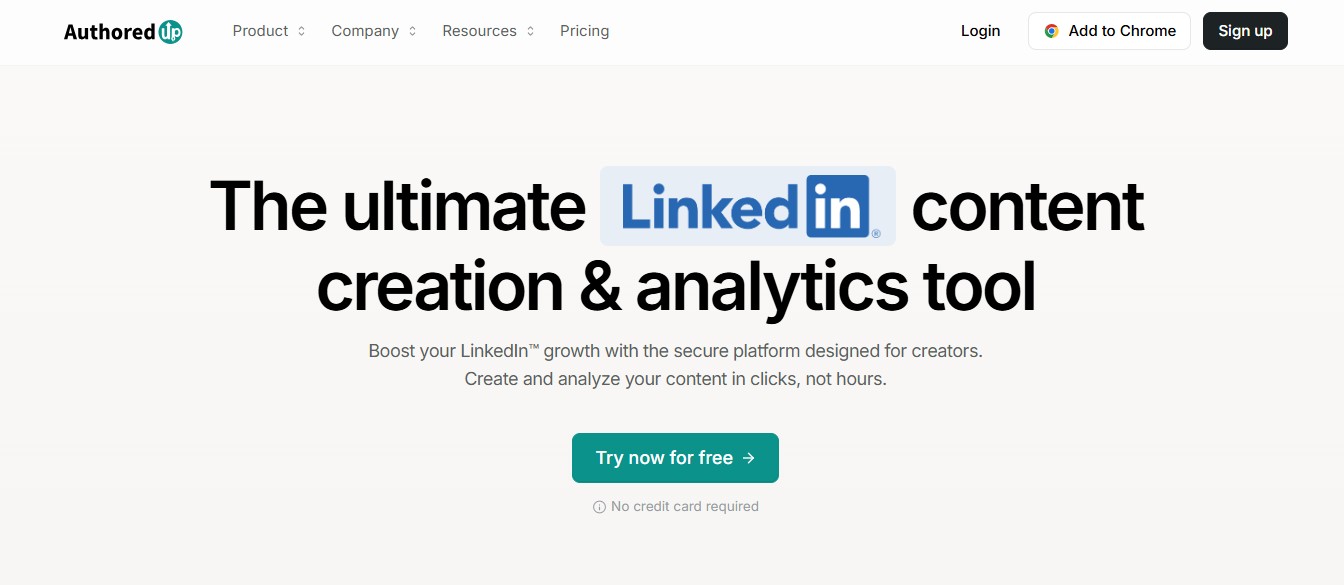
AuthoredUp is a LinkedIn productivity tool for inbound marketing, helping content creators enhance post formatting for better readability and engagement, while providing analytics and a database of viral hooks. It offers hook and CTA templates but no AI content generation.
Key Features:
- Rich text formatting for LinkedIn posts including bold, italic, and bullets.
- Hook database with high-performing opening lines to inspire your content.
- Post analytics with visual graphs and performance breakdowns.
- Imports your full LinkedIn post history for performance comparison.
- Supports both personal profiles and company page postings.
Pros:
- Connects directly with LinkedIn.
- Good analytics with visual graphs.
- Imports historical posts for performance comparison.
- Supports company page postings.
Cons:
- No carousel generator.
- Lacks engagement features.
- No AI content writing tools.
- Missing key features for serious LinkedIn growth
- Requires external tools like ChatGPT for content generation
Pricing:
- Individual Plan: Starting at $19.95/month
- Business Plan: Starting at $14.95/month
#15 Taplio

Taplio is an AI-driven tool that utilizes inbound marketing on LinkedIn by helping you create, optimize, and schedule engaging content while providing detailed analytics to boost visibility. It offers a 7-day free trial with full Pro access.
Key Features:
- AI-powered post generator trained on high-performing LinkedIn content.
- Content scheduler with direct LinkedIn publishing.
- Carousel creator that turns written content into slide posts.
- Built-in CRM to manage and track LinkedIn relationships.
- Detailed analytics including post performance, follower growth, and engagement trends.
Pros:
- Easy to set up and use, making the onboarding process smooth.
- Provides a variety of features, including carousel creation from content.
- Integrates directly with LinkedIn, offering enhanced insights.
- Customer support is helpful and responsive.
- Frequently utilized for drafting LinkedIn content.
- Free browser extension brings Taplio features into LinkedIn
Cons:
- Best for content creators; less useful for other types of users.
- Some users find a learning curve for certain features.
- Manual reconnection to LinkedIn is sometimes required.
- Pricing may be considered high compared to similar tools.

Pricing:
- Starter Plan: $39/month
- Growth Plan: $69/month
- Pro Plan: $199/month
#16 LinkedIn Ads

These are LinkedIn's own advertising tools for targeting professionals with customized campaigns.
LinkedIn Ads are ideal for B2B marketing, lead generation and increasing brand visibility.
They offer three formats:
Sponsored content
Sponsored content appears directly in users' feeds and looks like regular posts(though marked as sponsored).
It's used for promoting articles, videos, and product information and effectively increases brand awareness and drives engagement.
Sponsored messaging
Sponsored Messaging delivers personalized messages directly to LinkedIn inboxes.
It's used for direct outreach, event invites, or offers, allowing for targeted, personalized communication with potential leads or clients in a professional setting.
Text and dynamic ads
Text Ads are simple, small ads that appear on the sidebar, while Dynamic Ads personalize content based on users' profiles.
Both formats are used to drive traffic to websites or increase company page followers, offering cost-effective ways to target LinkedIn's professional user base.
Key Features:
- Advanced audience targeting by job title, industry, company size, skills, and more.
- Multiple ad formats: sponsored content, sponsored messaging, text ads, and dynamic ads.
- LinkedIn Lead Gen Forms to capture prospect info without leaving the platform.
- Retargeting options based on website visits and video views.
- Campaign Manager dashboard with detailed performance reporting
Pros:
- Advanced targeting options for specific audiences.
- Access to a professional audience.
- Variety of ad formats available.
- Suitable for B2B marketing.
- High average conversion rates.
Cons:
- Higher costs compared to other platforms.
- Limited custom reporting features.
- Geographic targeting limitations.
Pricing:
- Sponsored Content: Pay-per-click
- Sponsored Messaging: Pay-per-click
- Text Ads: Pay-per-click
- Dynamic Ads: Pay-per-click
Free LinkedIn connection automation tools
While most LinkedIn automation tools come with premium pricing, there are some options for those looking for free LinkedIn connection automation tools. However, it's important to note that truly free tools often come with significant limitations in functionality, safety features, and support. Most reputable tools offer free trials rather than completely free versions to ensure account safety and provide meaningful results.
Why choose LinkedIn marketing?
LinkedIn marketing can be a game changer, especially if you're in the B2B space.
Because as I mentioned earlier, that's where professionals and businesses actually show up to connect.
So, if you want to get your brand in front of the right people, this is THE place to be.
But what actually makes LinkedIn marketing stand out is:
The quality of its audience.
Because you're not just targeting random users;
You're reaching people with specific roles, industries, and interests that align with your business.
Plus, LinkedIn's targeting options are so detailed, you can narrow down your audience based on job titles, company size, or even skills.
What's another big reason to get started with LinkedIn marketing?
Thought leadership.
It's the perfect place to share valuable content and position yourself or your brand as an expert.
The trust you build here can easily convert into leads, partnerships, or sales.
So yeah, LinkedIn marketing is definitely worth it.
Now, let's break down the two ways you can do it...
Inbound marketing VS Outbound marketing
Let's talk about the difference between inbound and outbound marketing.
Inbound marketing is when customers COME to you.
They find you through things like blog posts, social media content, or videos.
The idea is to create helpful content that grabs people's attention.
Over time, they start to trust you and reach out when they're ready.
Outbound marketing is when YOU go to the customer. This includes cold emails, cold calls, or ads.
Here, you're actively reaching out to people, even if they didn't ask for it.
The goal is to get their attention and start a conversation.
Both approaches work, but in different ways.
Inbound takes time because you're building trust first.
Outbound may or may not get faster results, so it needs a smart approach to avoid being ignored.
Some businesses use both to keep a steady flow of leads. It's about finding the right balance for your goals.
Conclusion: Which LinkedIn marketing tool is for you?
The real question isn't just, "Which tool is the best?"
It's, "Which tool fits YOU the best?"
And if we're being real, marketing tools aren't one-size-fits-all.
There's no magic tool that does it all.
But if you're serious about LinkedIn (which you probably are since you're reading this blog),
Here's how you can make your pick:
- For outbound marketing: SalesRobot is your best LinkedIn tool.
It's not just about automating LinkedIn tasks; it's about doing it smartly, without putting your account at risk.
From connection requests to follow-ups, SalesRobot is your best bet, making sure your outreach stays strong and stress-free.
- For inbound marketing: Taplio can help you build a stellar brand across different social media platforms.
- LinkedIn sponsored messaging for ads: Ads while browsing your LinkedIn feed are great, but ads in your prospect's inbox?
Hell yes!!
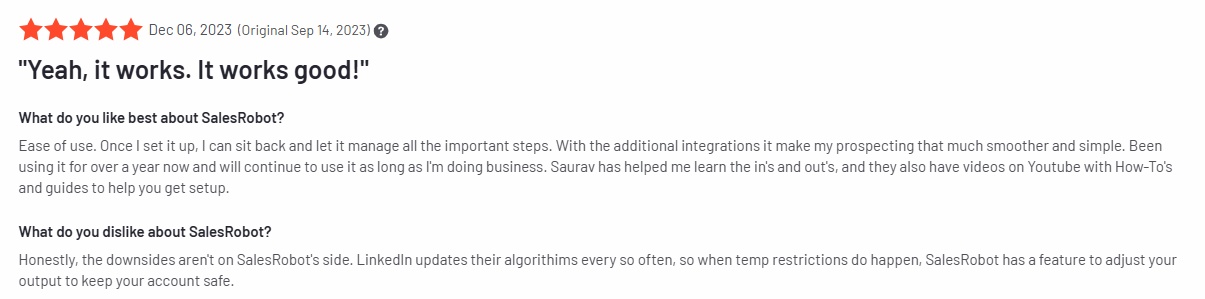
And while I cannot vouch for every tool out there, but for SalesRobot, all I have to say is:

Frequently Asked Questions
What are the best LinkedIn lead generation tools for free?
While completely free LinkedIn lead generation tools are limited, LinkedIn Sales Navigator offers a free trial, and some tools like Buffer have free tiers with basic features. However, for serious lead generation, paid tools like SalesRobot or PhantomBuster provide better results and account safety.
How do LinkedIn connection automation tools work?
LinkedIn connection automation tools work by automatically sending connection requests, follow-up messages, and managing your outreach campaigns. They operate within LinkedIn's limits to keep your account safe while scaling your networking efforts.
Can I use free LinkedIn connection automation tools safely?
Free LinkedIn connection automation tools often lack proper safety measures and may put your account at risk. It's better to invest in reputable tools like SalesRobot that follow LinkedIn's guidelines and include safety features to protect your account.

Wow your leads by cloning yourself and sending personalized videos and voice notes to each lead on LinkedIn.
If you don't reply to leads within 5 mins, your chances of converting them fall by 50%. Our AI replies on your behalf instantly! (and yes, you can train it)

Don't shoot in the dark. Get detailed analytics on what's working

SalesRobot allows you to invite other team members, so that they can add their LinkedIn Account, run outreach campaigns and get amazing results just like you.
.avif)


Trusted by 4100+ innovative B2B sales teams and lead gen agencies

.avif)

.avif)




.avif)


Heading 1
Heading 2
Heading 3
Heading 4
Heading 5
Heading 6
Lorem ipsum dolor sit amet, consectetur adipiscing elit, sed do eiusmod tempor incididunt ut labore et dolore magna aliqua. Ut enim ad minim veniam, quis nostrud exercitation ullamco laboris nisi ut aliquip ex ea commodo consequat. Duis aute irure dolor in reprehenderit in voluptate velit esse cillum dolore eu fugiat nulla pariatur.
Block quote
Ordered list
- Item 1
- Item 2
- Item 3
Unordered list
- Item A
- Item B
- Item C
Bold text
Emphasis

Superscript
Subscript