TL;DR: The best Moosend alternatives
Moosend is an email marketing platform that helps businesses create newsletters and campaigns, manage subscriber lists, build automated workflows, and track campaign performance. If you're exploring other options, here are five worth looking at:
- SalesRobot: Best for targeted B2B outreach through LinkedIn and email.
- MailerLite: Best for simple, affordable email marketing and newsletters.
- Brevo: Best for combining email, SMS, WhatsApp, and customer communication.
- GetResponse: Best for email marketing, landing pages, funnels, and webinars.
- ActiveCampaign: Best for advanced marketing automation and customer journeys.
Email marketing sounds simple enough. You write a newsletter, pick a few contacts, hit send, and wait for the sales to roll in.
Except anyone who's actually tried running email campaigns knows there's a little more to it than that.
You need to manage subscribers, build attractive emails, segment your audience, set up automated follow-ups, and figure out why that carefully written campaign got three clicks and one unsubscribe. Fun times.
That's where platforms like Moosend come in.
It offers email campaigns, marketing automation, landing pages, subscription forms, and reporting in one relatively accessible package.
It's a useful option for small and growing businesses, but it won't necessarily suit every marketing strategy.
Maybe you want more advanced automation.
Maybe you need SMS alongside email. Or perhaps you're not really interested in sending newsletters at all. You want to reach specific decision-makers and start actual sales conversations.
Whatever your reason, we've rounded up five Moosend alternatives worth considering, including tools for traditional email marketing, customer journeys, and targeted B2B outreach.
But First, What is Moosend?
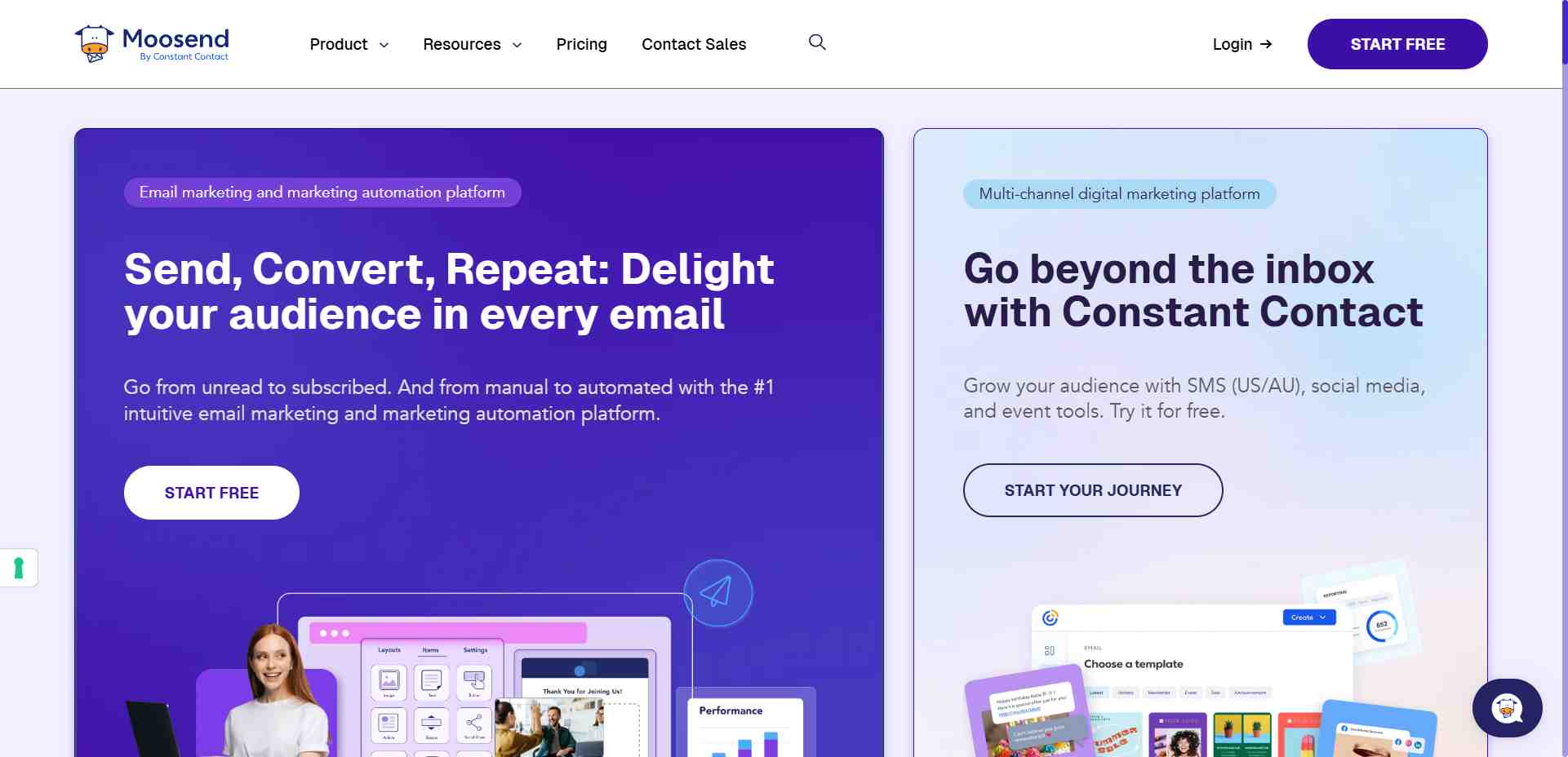
Moosend is an email marketing and marketing automation platform designed to help businesses create campaigns, manage subscriber lists, and automate communication with their audiences.
It brings together the main tools needed to run email marketing campaigns: a visual email editor, subscriber management, audience segmentation, automation workflows, landing pages, subscription forms, and campaign analytics.
This makes it useful for businesses that want to nurture subscribers, promote products, share updates, and build customer relationships through email.

Moosend is particularly appealing to small and medium-sized businesses because it offers a fairly accessible interface without stripping away the automation features that make email marketing useful.
You don't need to be a developer to build a welcome sequence or create a promotional newsletter.
What Does Moosend Actually Do?

Moosend covers several important parts of the email marketing process, from designing campaigns to tracking how subscribers interact with them.
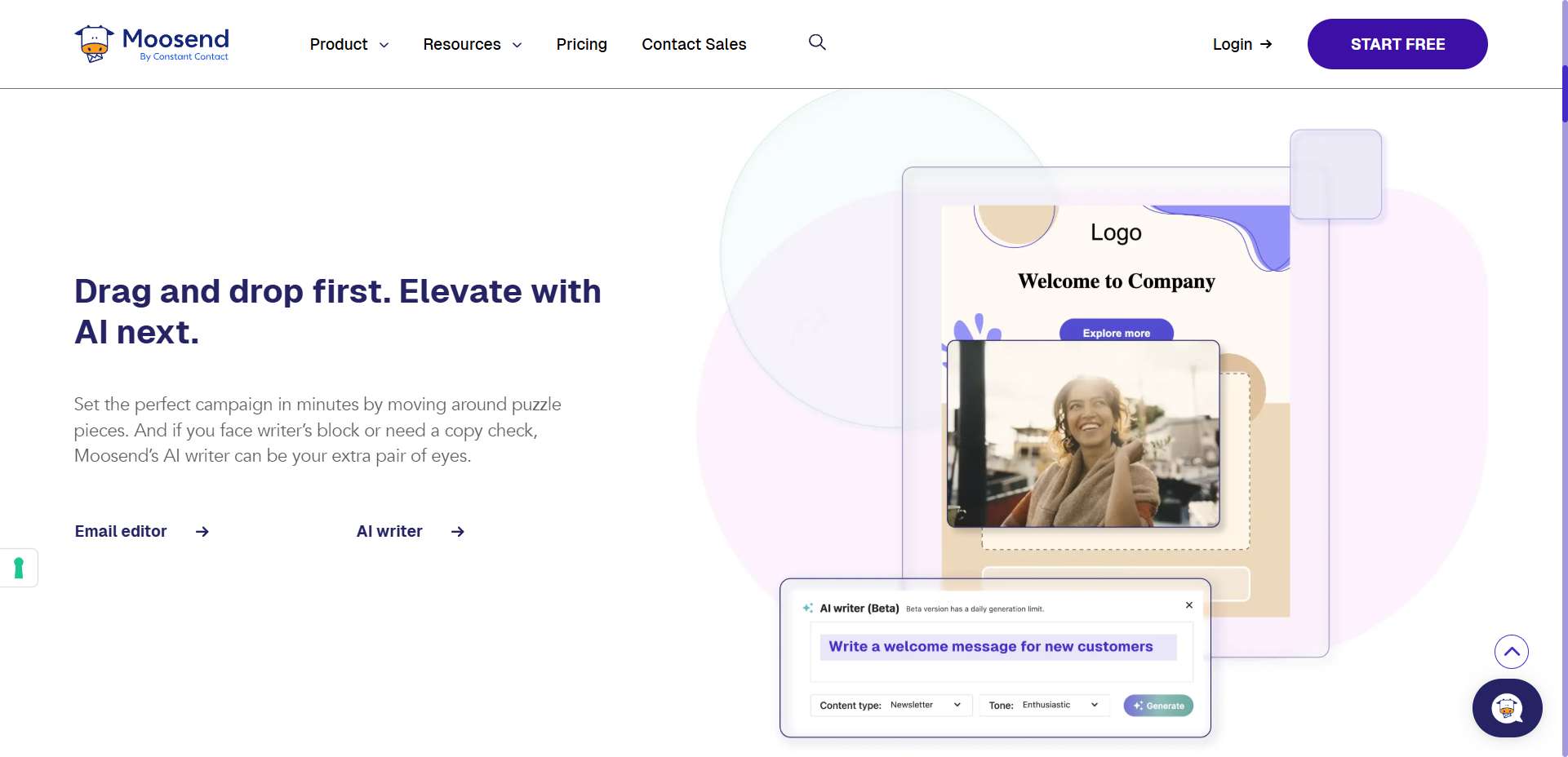
- Email campaign creation: Moosend's drag-and-drop email editor allows users to create newsletters and promotional campaigns without writing code.
You can start with pre-designed templates, customise layouts, add images and buttons, and adjust the content to match your brand.
It also supports custom-coded templates for businesses that want greater control over their email design.
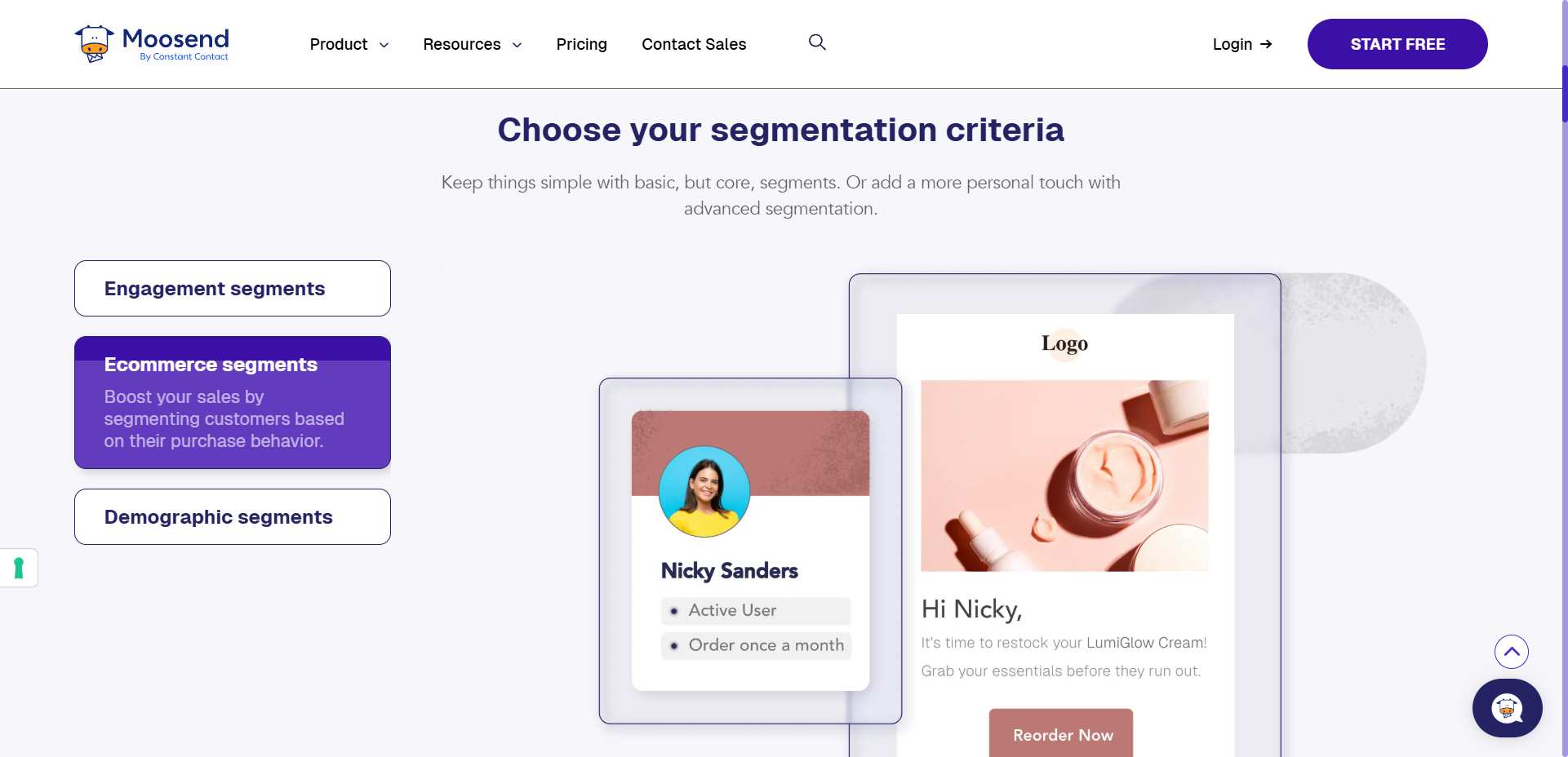
- Subscriber and list management: Organise contacts into mailing lists and segments, manage subscriber information, and keep your audience database updated.
You can use segmentation to send more relevant campaigns to different groups rather than sending the same message to everyone on your list.
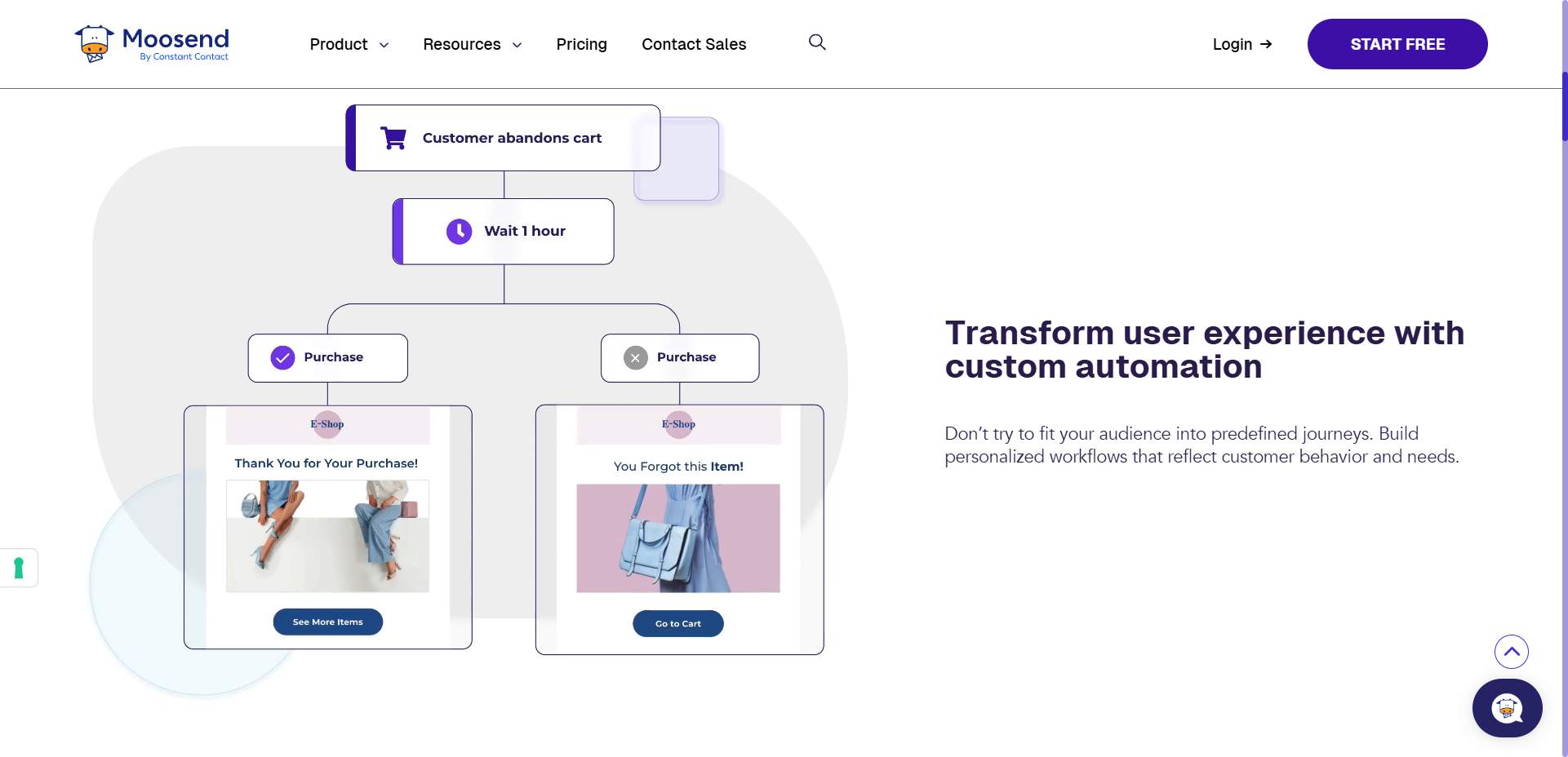
- Marketing automation: Moosend includes a visual workflow builder that lets you create automated email journeys using triggers, conditions, and actions.
It also offers pre-built automation recipes, which can save time when setting up common marketing workflows.
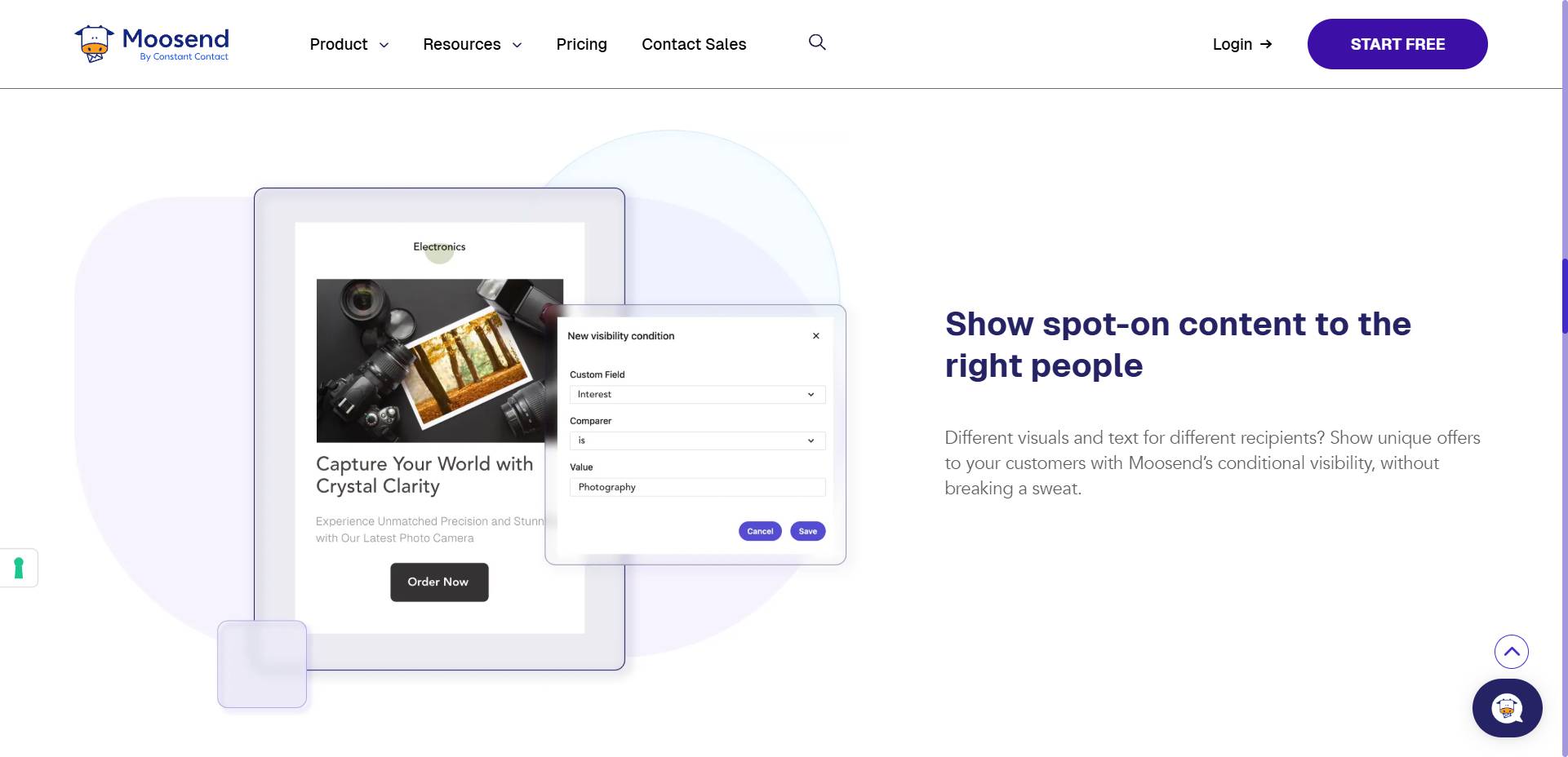
- Behaviour-based targeting: Campaigns can respond to what subscribers actually do. Moosend supports triggers based on website browsing, product views, and other customer interactions.
Ecommerce businesses can use this information to send more relevant product recommendations and follow-up messages instead of relying entirely on generic promotional emails.
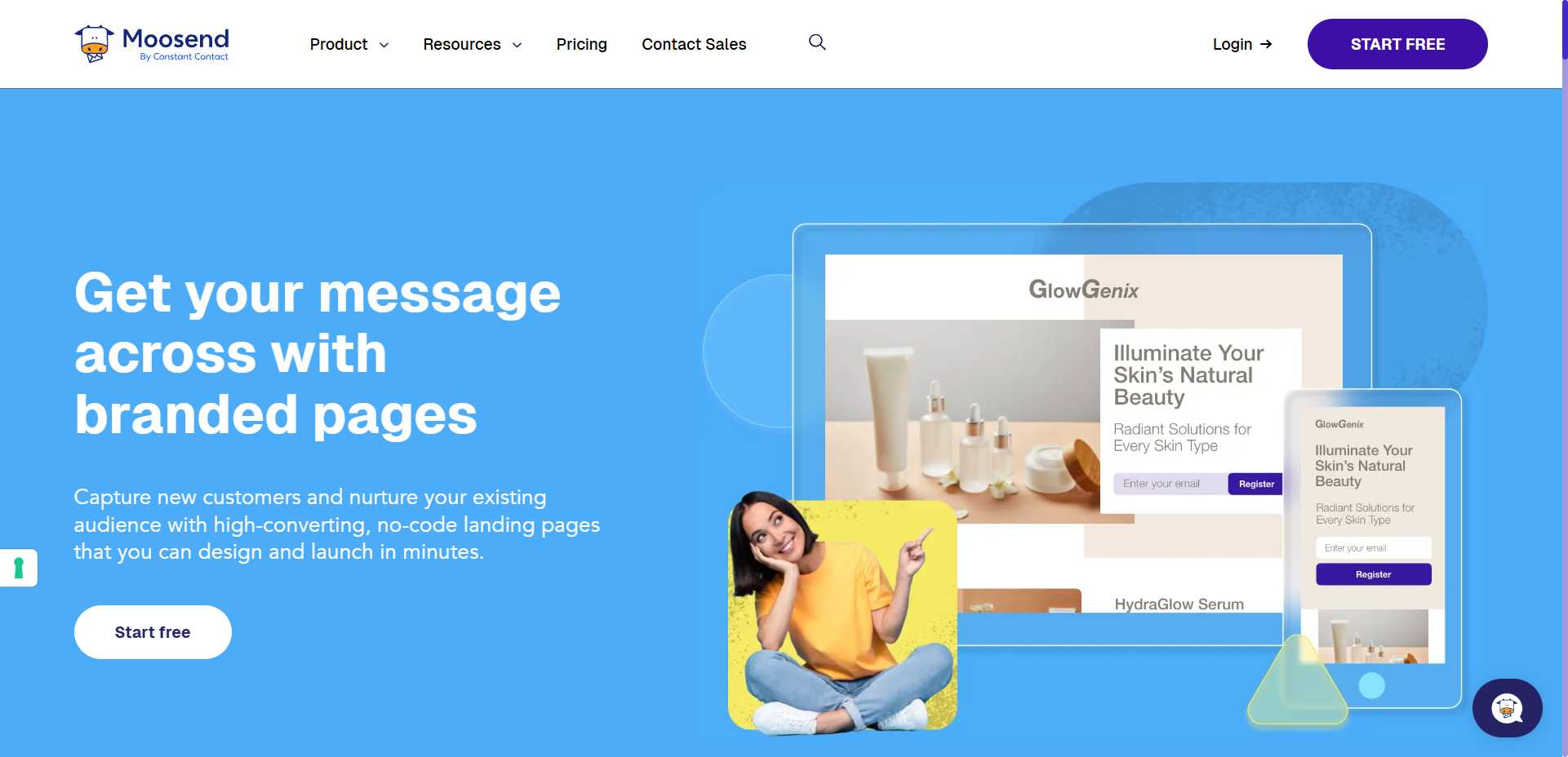
- Landing pages and subscription forms: Build landing pages and signup forms to collect new subscribers and generate leads.
These can be used for newsletter registrations, product announcements, downloadable resources, promotions, and other campaigns.
The forms and landing pages connect with your subscriber lists, making it easier to move new contacts into automated email journeys.
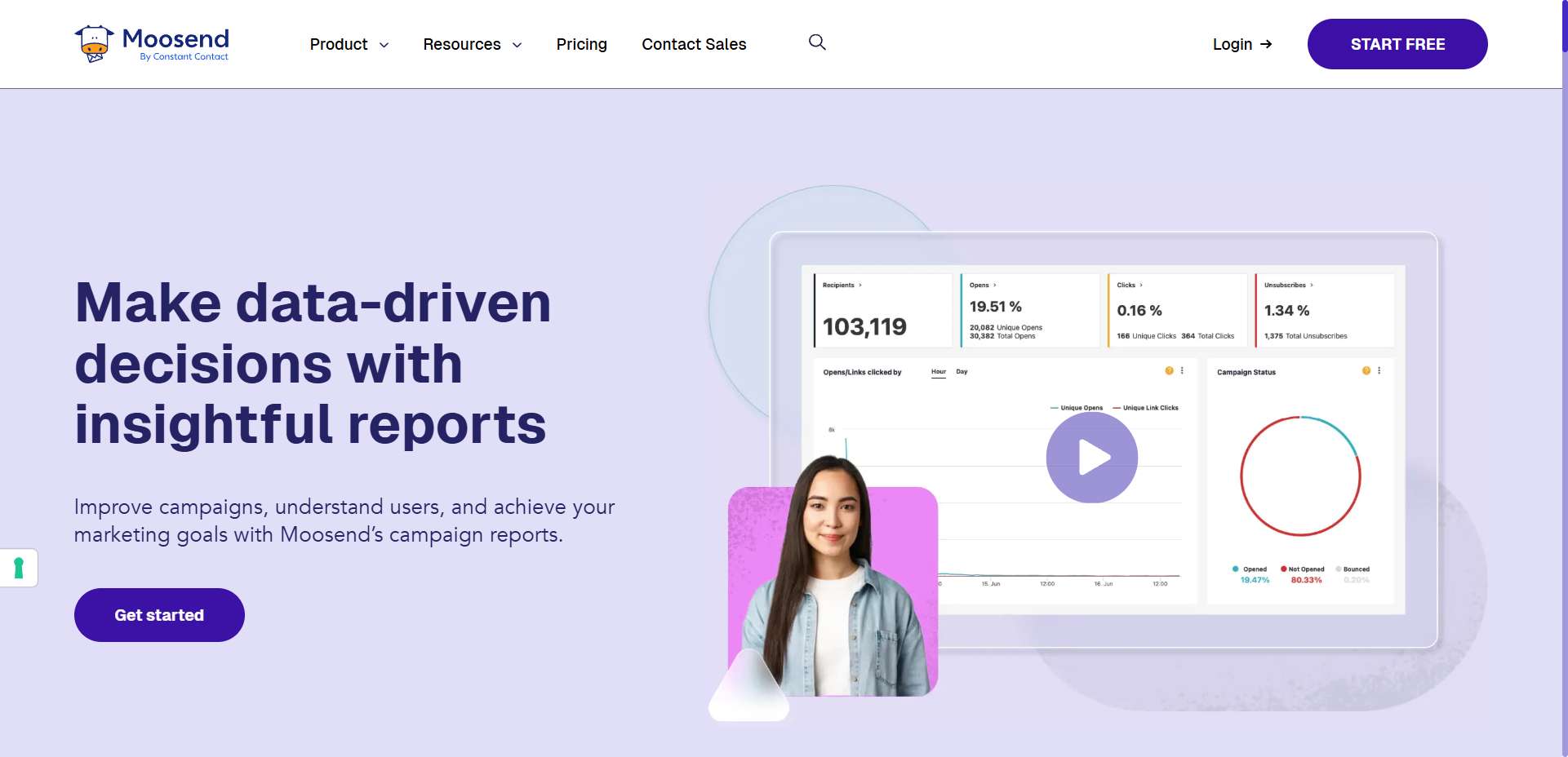
- Campaign tracking and analytics: Monitor campaign performance through real-time reporting on opens, click-through rates, bounces, unsubscribes, and complaints.
Moosend also tracks ecommerce-related activity such as product views, carts, and purchases, where the necessary integrations and tracking are configured.
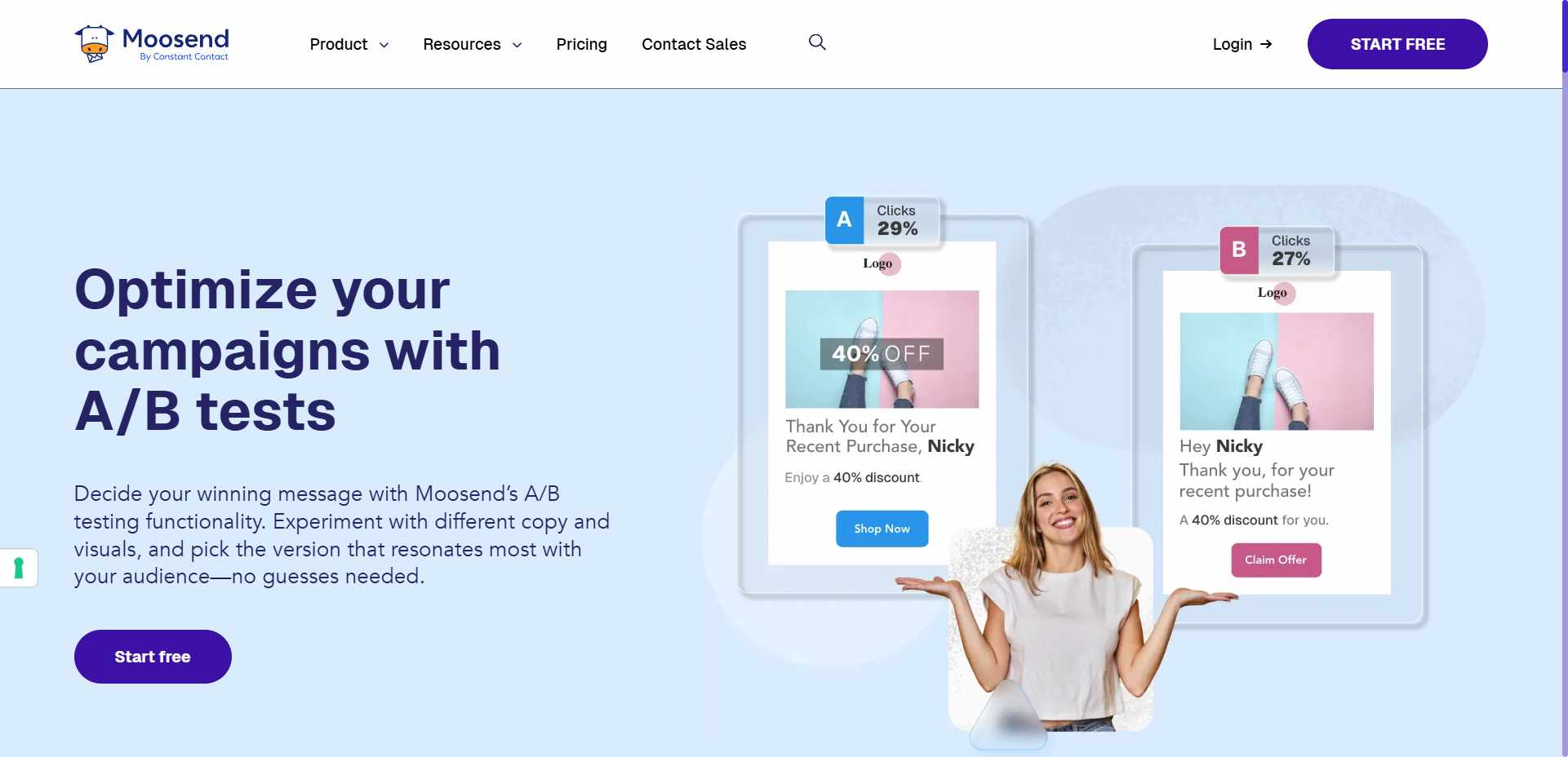
- A/B testing and email heatmaps: Test different versions of your campaigns to understand what works better with your audience.
You can compare variations and use email heatmaps to see how subscribers interact with different parts of your messages. Geographic and device reporting also helps you understand where and how people are opening your emails.
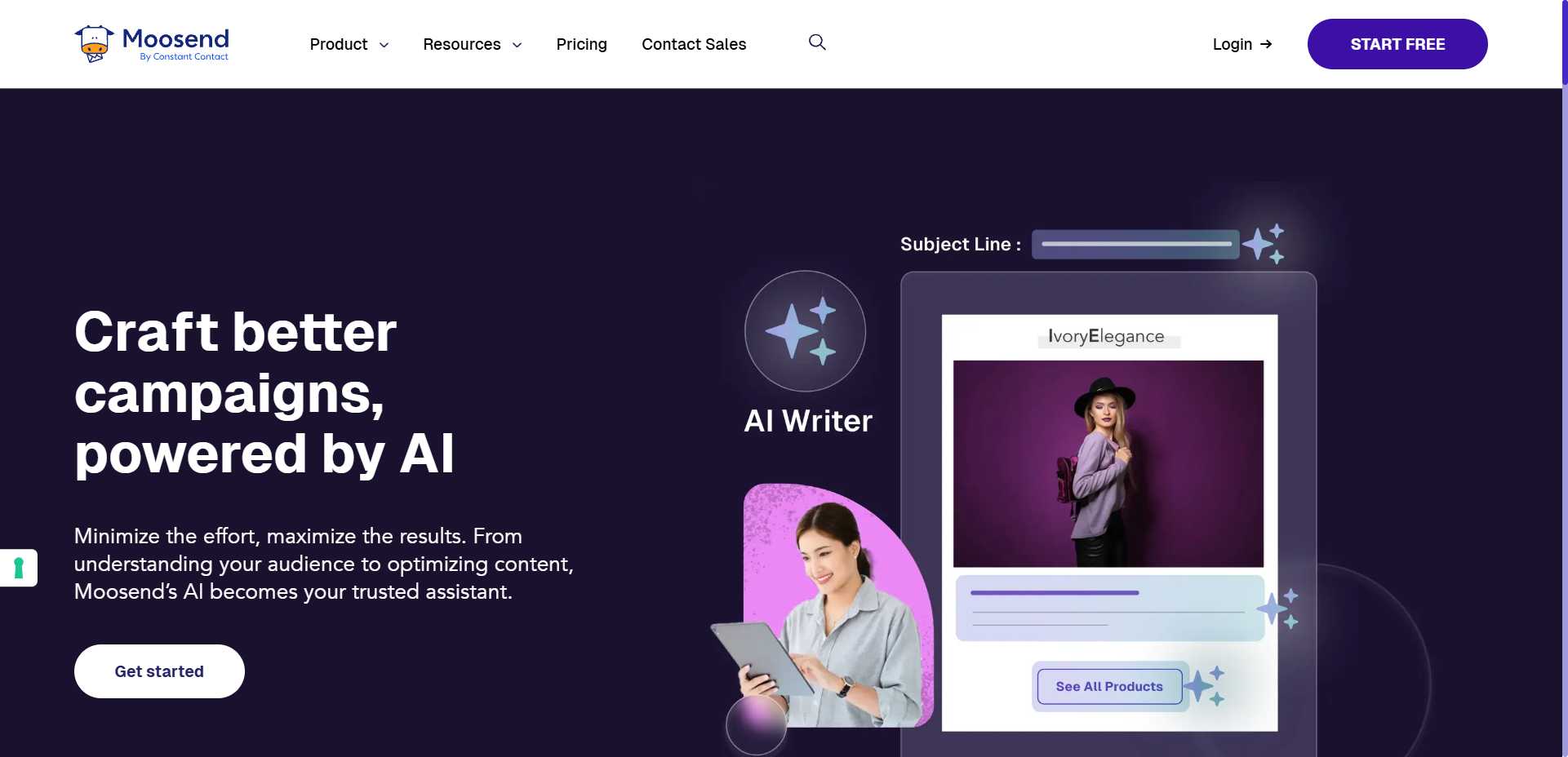
- AI-powered tools: Moosend offers an AI writing assistant to help generate or improve email content.
Its AI-powered product recommendation functionality can also help ecommerce businesses suggest relevant products based on customer behaviour.
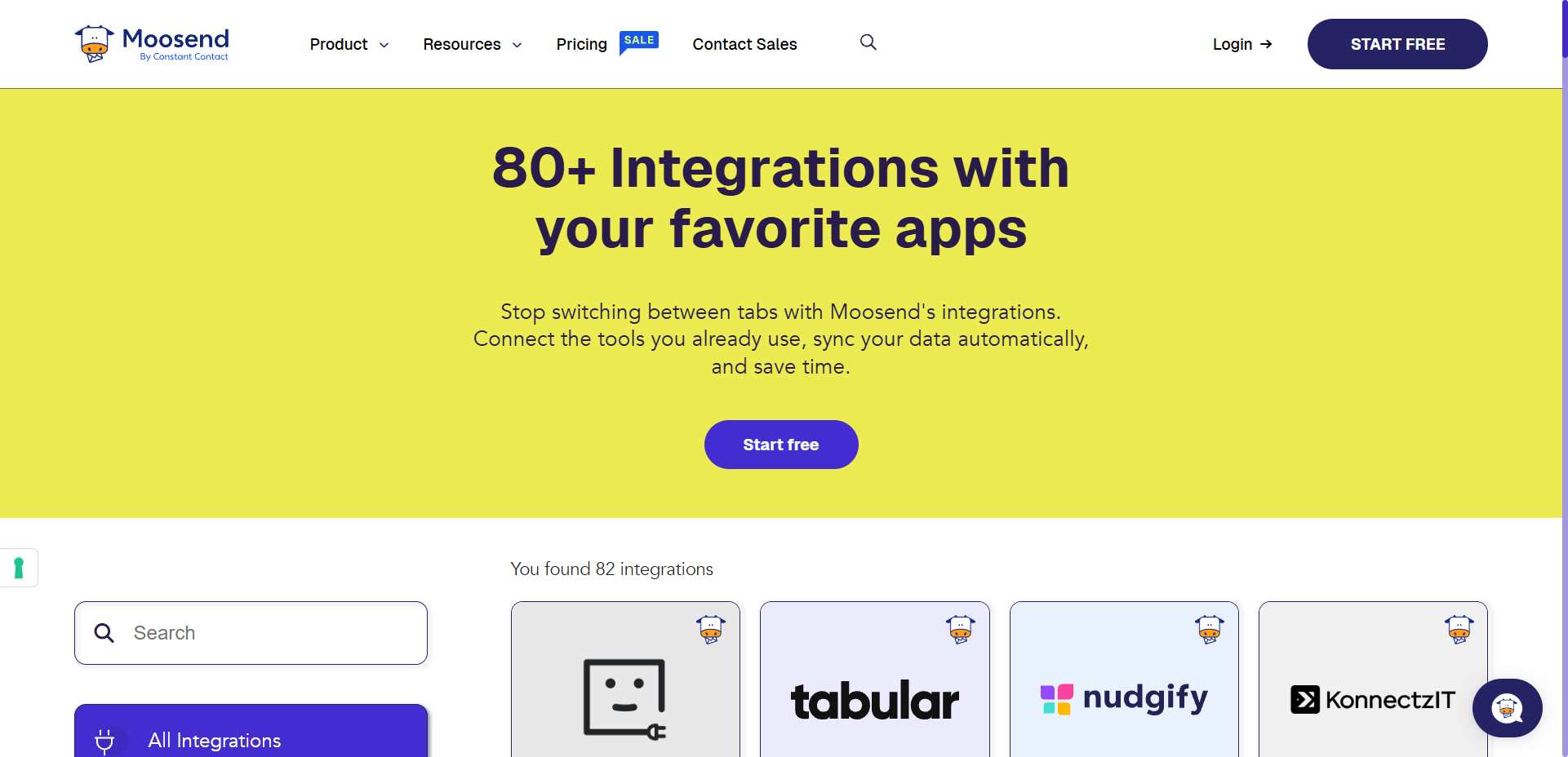
- Integrations and API access: Moosend supports more than 80 integrations, allowing businesses to connect their email marketing activities with other applications and services.
API access also gives teams more flexibility when connecting Moosend to their own systems.
Moosend pricing:
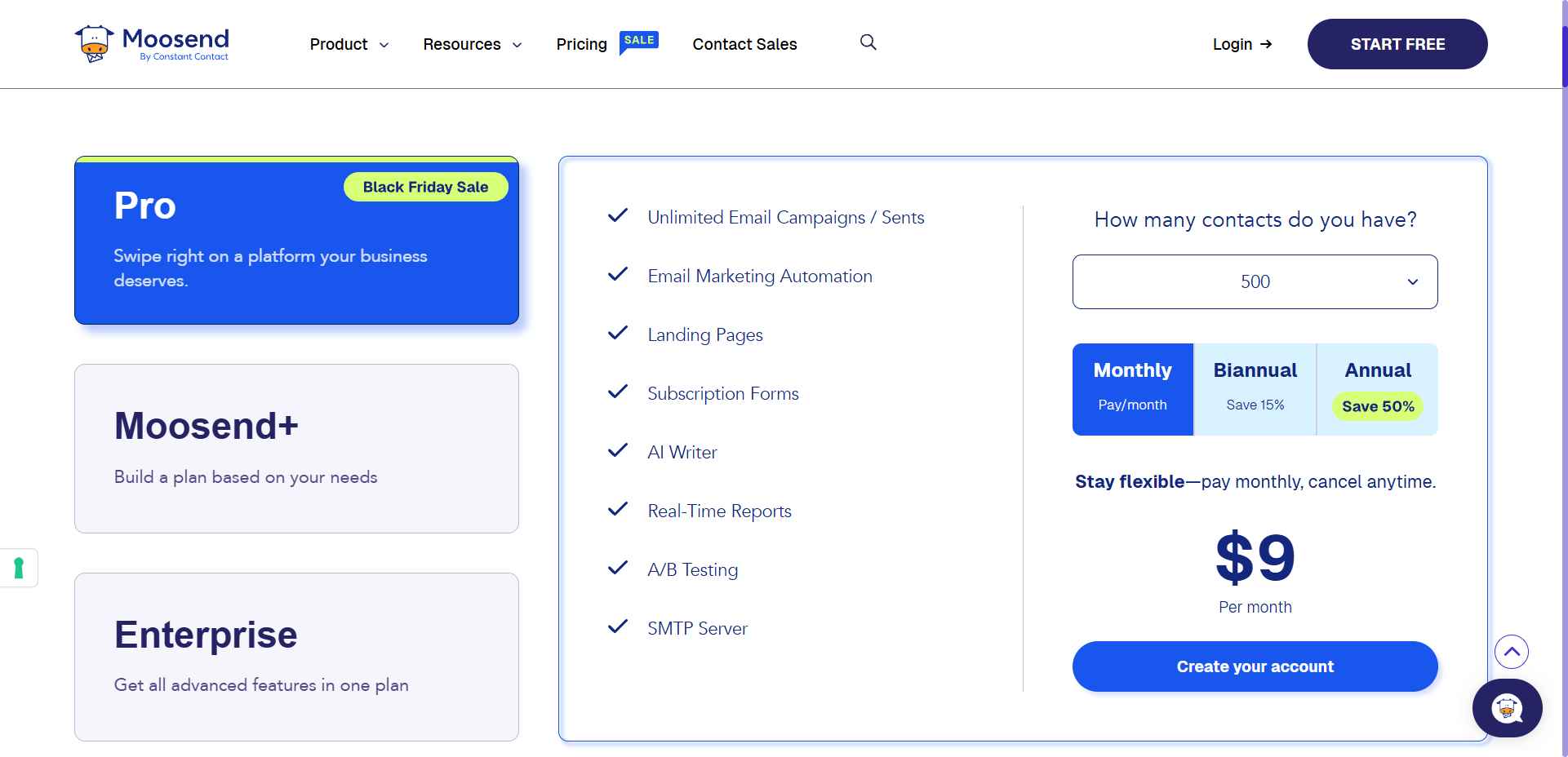
Moosend's pricing is based on the number of contacts in your mailing list and the billing cycle you choose. So, unlike platforms with a single fixed subscription price, your actual cost will depend on how large your audience is.
The platform currently offers three main options:
- Pro: This is Moosend's main email marketing subscription starting at $9/month for 500 contacts. It includes unlimited email campaigns and sends, the newsletter editor, templates, subscriber management, segmentation, marketing automation workflows, landing pages, subscription forms, reporting, and integrations.
The price increases with your contact count, so you'll need to use Moosend's pricing calculator to see the exact monthly cost for your list.
- Moosend+: This is a customisable plan that includes Pro features and allows businesses to add selected Enterprise-level capabilities. Options include transactional emails, dedicated IPs, hosted files, custom reports, audience discovery, additional team members, and SSO/SAML.
This is useful for businesses that need more control over their email infrastructure or reporting without necessarily requiring a full Enterprise agreement.
- Enterprise: This is designed for larger businesses with more demanding marketing and operational requirements.
It includes Pro and Enterprise-level functionality, along with services such as an account manager, priority support, deliverability and strategy optimisation, additional team members, and custom reporting options.
Moosend also offers a 30-day free trial without requiring a credit card. The trial includes access to core features such as the email builder, templates, AI Writer, automation, segmentation, and landing page and form design. It supports up to 1,000 contacts with unlimited email sends during the trial.
Prefer paying only when you send? Moosend also offers email credit packages for occasional senders. These work on a pay-as-you-go basis, with one credit representing one email sent to one recipient.
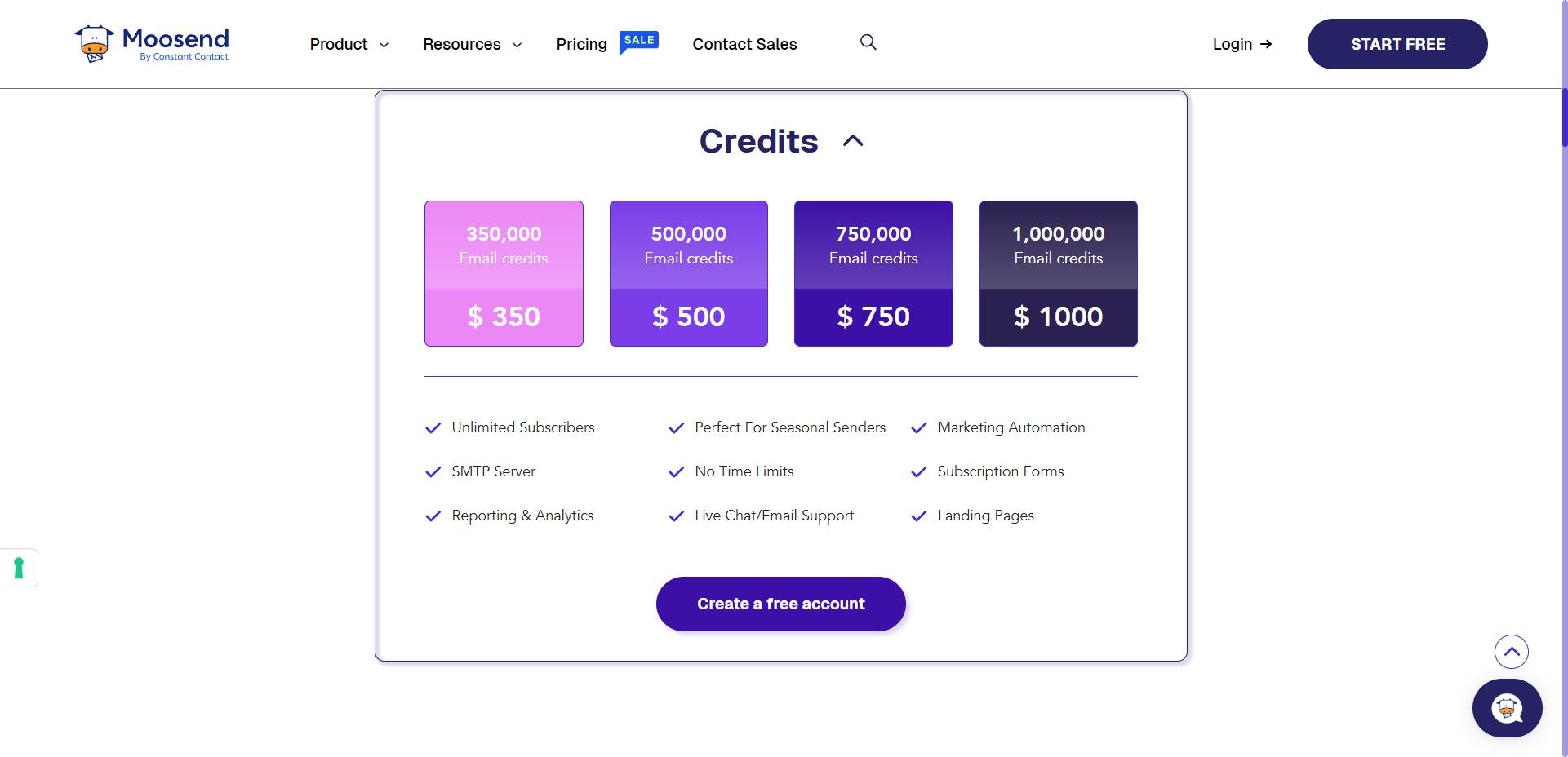
Published packages include:
- 350,000 email credits: $350.
- 500,000 email credits: $500.
- 750,000 email credits: $750.
- 1,000,000 email credits: $1,000.
The credits don't expire, making this an option for businesses that send campaigns occasionally rather than maintaining a regular monthly subscription.
❗Moosend offers a 15% discount for biannual billing and a 20% discount for annual billing. Nonprofit organisations can also qualify for an additional discount.
What's the catch?

Moosend offers a useful collection of email marketing and automation features, but the pricing structure requires a little attention.
⚠️Since subscriptions scale with the number of unique contacts, growing mailing lists can increase costs even if your sending frequency stays the same.
⚠️Some advanced capabilities, such as dedicated IPs, transactional email add-ons, custom dashboards, and additional team-management options, may also require a customised plan.
⚠️It's also worth remembering that Moosend is built around email marketing. Businesses that need a broader CRM, multichannel customer engagement, or dedicated B2B prospecting tools may need to pair it with other platforms.
Top 5 Moosend Alternatives You Can Consider
1. SalesRobot: Best for targeted B2B outreach
❗Let's get one thing straight: SalesRobot isn't a direct, like-for-like replacement for Moosend.
Moosend is built for email marketing campaigns, newsletters, and automated communication with subscriber lists.
SalesRobot focuses on a different kind of email outreach: reaching individual prospects and starting conversations that can lead to sales.
And depending on your business, that distinction matters quite a bit.
Not every company searching for an email marketing alternative wants to send a monthly newsletter or announce its latest product update.
Some B2B teams already know exactly who they want to reach. They need a way to contact those people without manually researching prospects and writing every message from scratch.
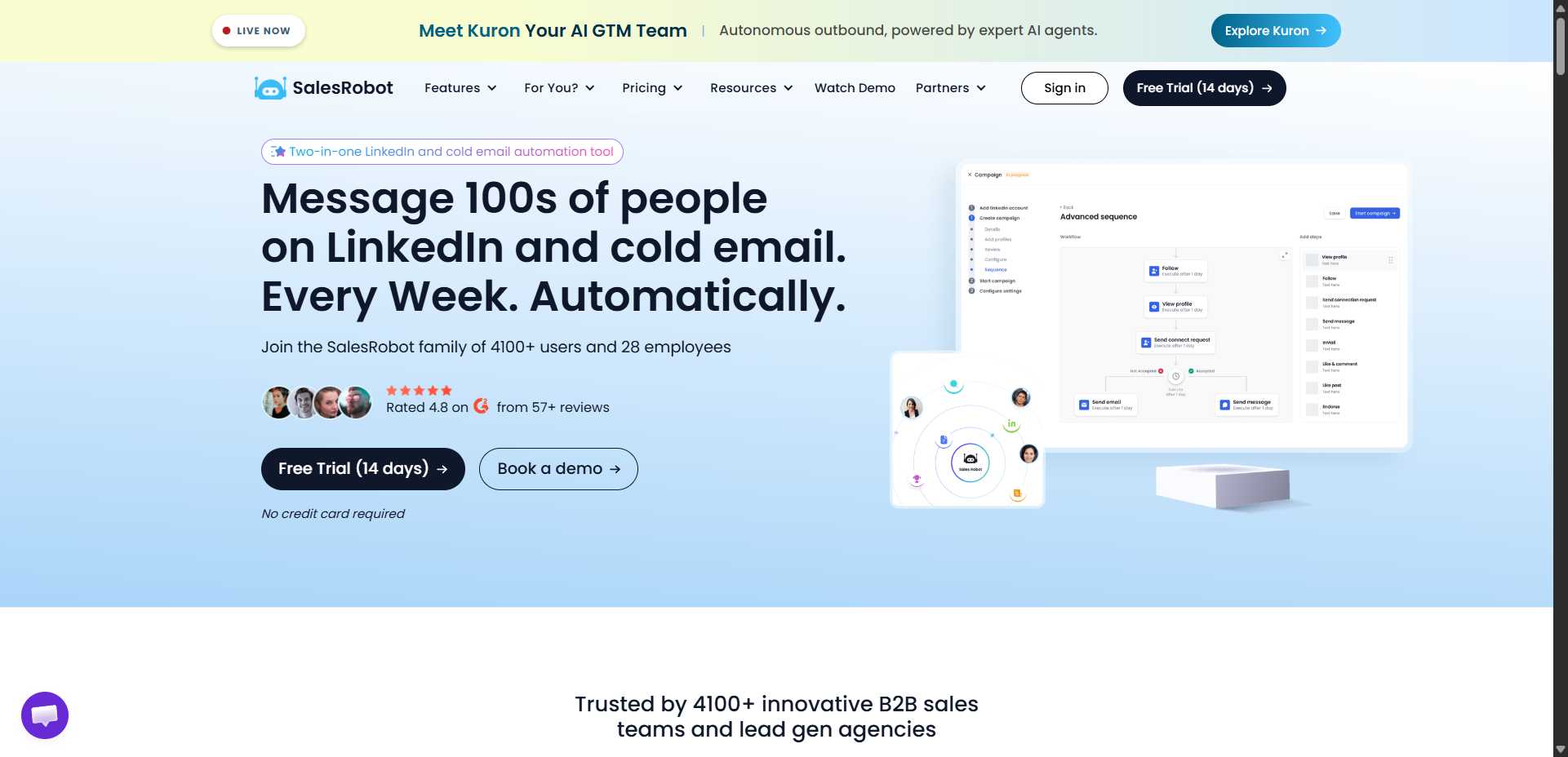
What it does: SalesRobot lets teams run LinkedIn and email outreach from one platform. You can build multi-step sequences, personalise messages, automate follow-ups, and manage replies through a unified inbox.
You can run email-only campaigns or coordinate LinkedIn and email outreach in the same workflow.
What stands out: AI Variables help personalise outreach messages, while the AI Appointment Setter supports meeting booking through Copilot and Autopilot modes. SalesRobot also supports voice and video messages for LinkedIn outreach.
In fact, SalesRobot can also connect with AI assistants like ChatGPT and Claude through MCP, allowing you to manage campaigns, import prospects, check accounts, and work with LinkedIn conversations using natural-language commands instead of constantly switching between tools.
The aim is to spend less time manually sending messages and chasing replies, leaving your team more time to handle actual conversations.
⚠️ Worth noting: SalesRobot isn't designed for bulk newsletters, subscriber management, or traditional marketing automation. It won't replace Moosend if your primary goal is to send product announcements to a mailing list or build customer newsletters. It's better suited to targeted B2B prospecting and one-to-one sales outreach. The two platforms solve different problems.
- Basic: $59/month, or $39/month when billed annually, per LinkedIn account.
- Advanced: $79/month, or $59/month when billed annually, per LinkedIn account.
- Professional: $99/month, or $79/month when billed annually, per LinkedIn account.
- Enterprise: Custom pricing.
A 14-day free trial is available.
Best if: You're a B2B team that wants to reach specific decision-makers through LinkedIn and email rather than focus on newsletters and large subscriber campaigns.
2. MailerLite: Best for simple, affordable email marketing
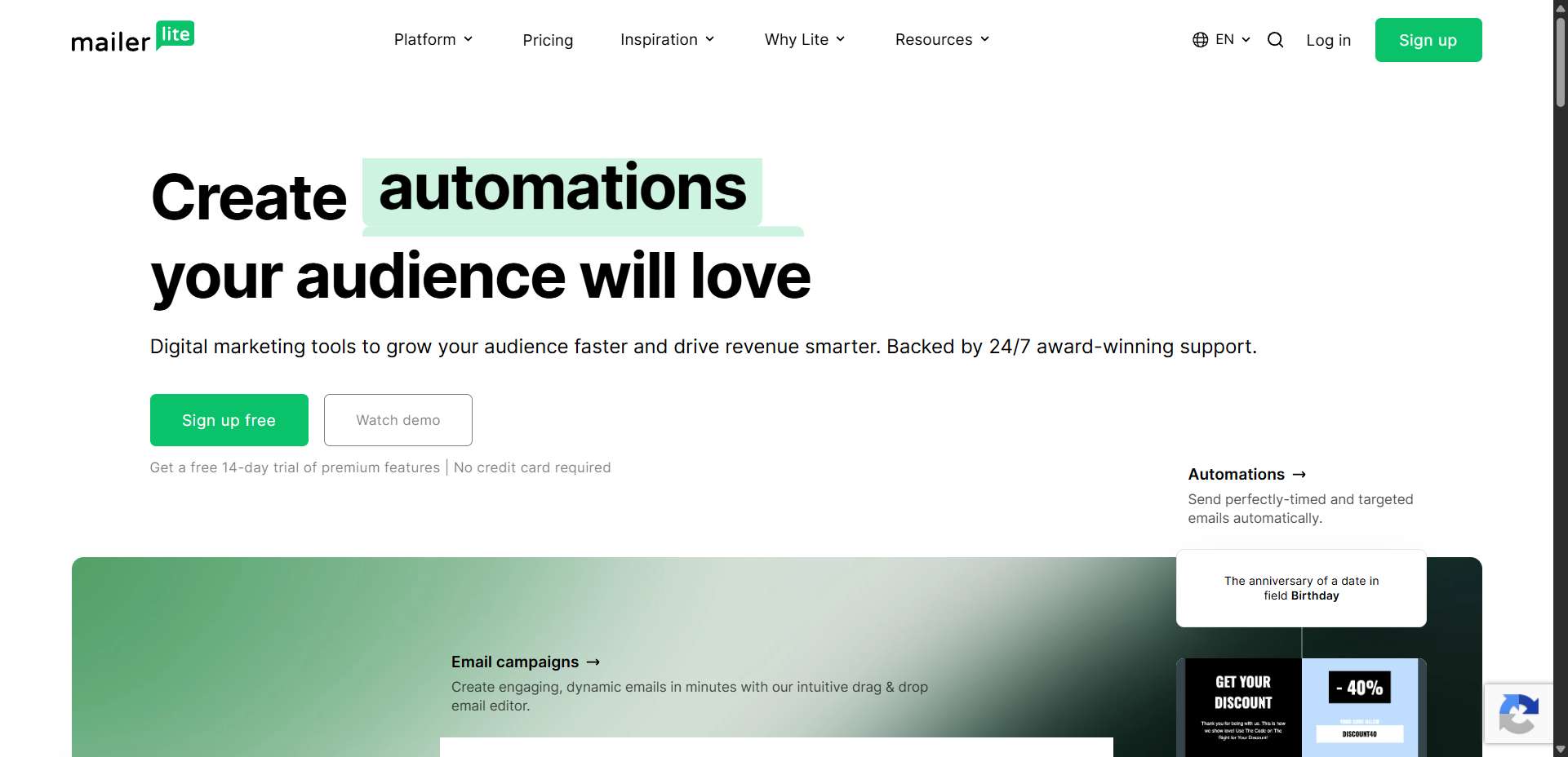
If you like Moosend because it's relatively easy to use but want to explore another straightforward email marketing platform, MailerLite is a good place to start.
MailerLite keeps things fairly simple without stripping away the features that make email marketing useful. You can create newsletters, build signup forms, design landing pages, and automate campaigns without needing to spend half your afternoon figuring out where everything lives.
What it does: MailerLite offers email campaign creation, subscriber management, audience segmentation, signup forms, landing pages, websites, and visual automation workflows. You can use it to welcome new subscribers, send regular newsletters, and build automated sequences based on subscriber behaviour.
What stands out: Its clean interface and drag-and-drop editor make it approachable for beginners, while its automation tools offer enough flexibility for growing businesses. MailerLite also supports digital products and paid newsletters, making it useful for creators who want to build and monetise an audience rather than just send promotional emails.
⚠️ Worth noting: MailerLite is excellent for straightforward email marketing, but businesses with complicated customer journeys or highly advanced automation requirements may eventually want something more powerful. Some features and usage limits also depend on the plan you choose.
- Free: Up to 250 subscribers and 2,500 monthly emails.
- Comfort: Starts at $12/month.
- Power: Starts at $25/month.
- Enterprise: Custom pricing.
Best if: You're a small business, blogger, or creator looking for an easy-to-use email marketing platform without an overwhelming feature set.
3. Brevo: Best for multichannel customer communication
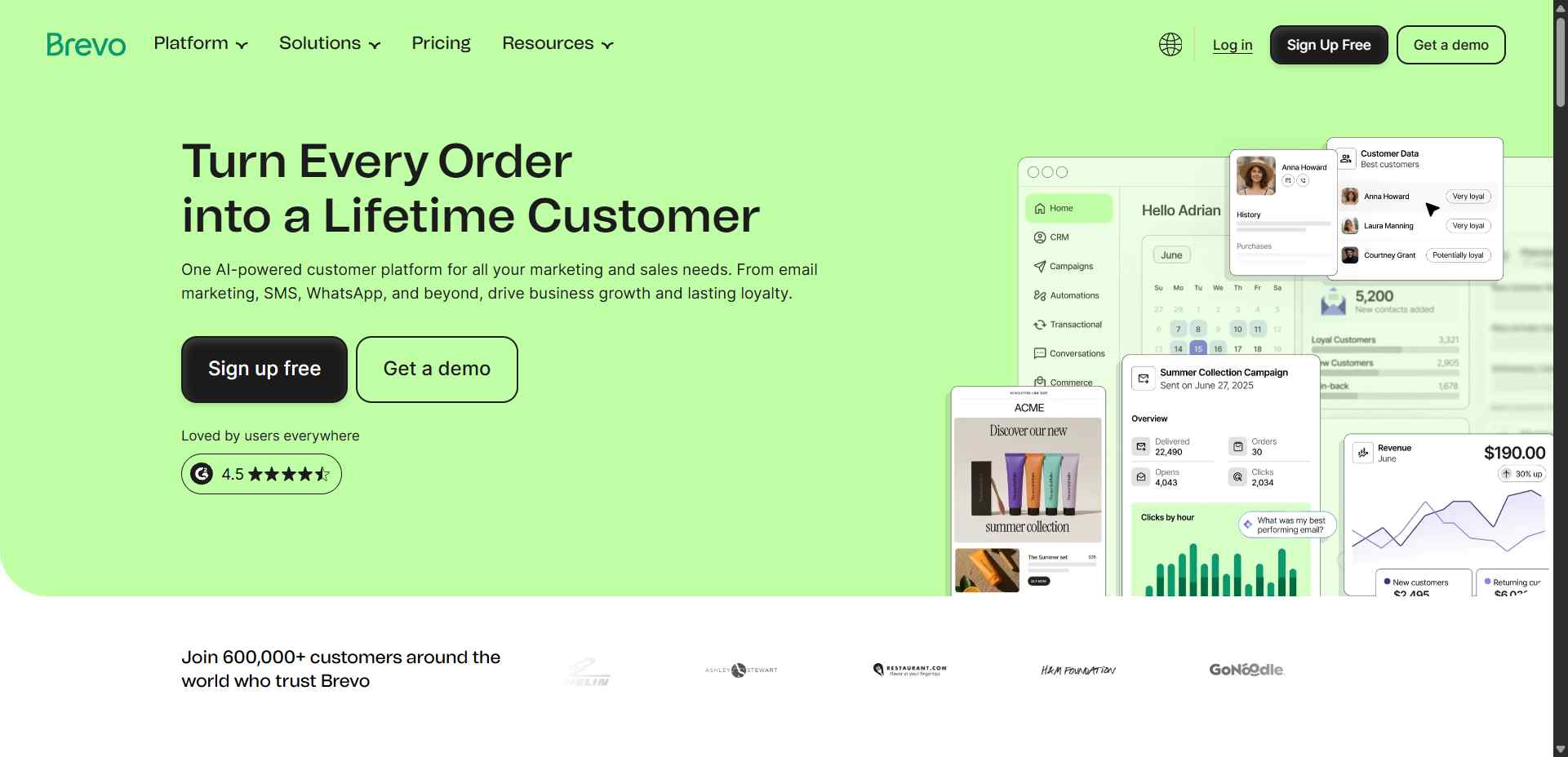
Sometimes email isn't enough. You send a campaign, wait for a response, and realise your customers are much more interested in WhatsApp messages or SMS. If you want to manage several communication channels without juggling a collection of separate tools, Brevo is worth considering.
Formerly known as Sendinblue, Brevo has grown beyond traditional email marketing into a broader customer engagement platform. It combines email campaigns with SMS, WhatsApp, chat, and CRM functionality.
What it does: Brevo lets businesses create email campaigns, manage contacts, build automated workflows, and communicate with customers across multiple channels. It also includes CRM features, transactional email capabilities, and tools for tracking customer interactions.
What stands out: Brevo's pricing model is particularly interesting because it focuses heavily on email sending volume rather than simply charging based on the size of your contact list.
That can make it attractive to businesses with large databases that don't send campaigns every day.
The addition of SMS and WhatsApp also makes it useful for businesses that want to coordinate promotional messages, updates, and customer communication.
⚠️ Worth noting: Brevo's pricing model can be great for some businesses, but sending limits still matter. If you're emailing your entire database frequently, costs can add up. Its editor and templates may also feel less design-focused than platforms that concentrate primarily on email newsletters.
- Free: $0/month, with up to 300 daily email sends.
- Starter: Starts at $9/month.
- Standard: Starts at $18/month.
- Professional: Starts at $499/month.
- Enterprise: Custom pricing.
Best if: You want email marketing alongside SMS, WhatsApp, and other customer communication tools in one platform.
4. GetResponse: Best for email marketing, funnels, and webinars
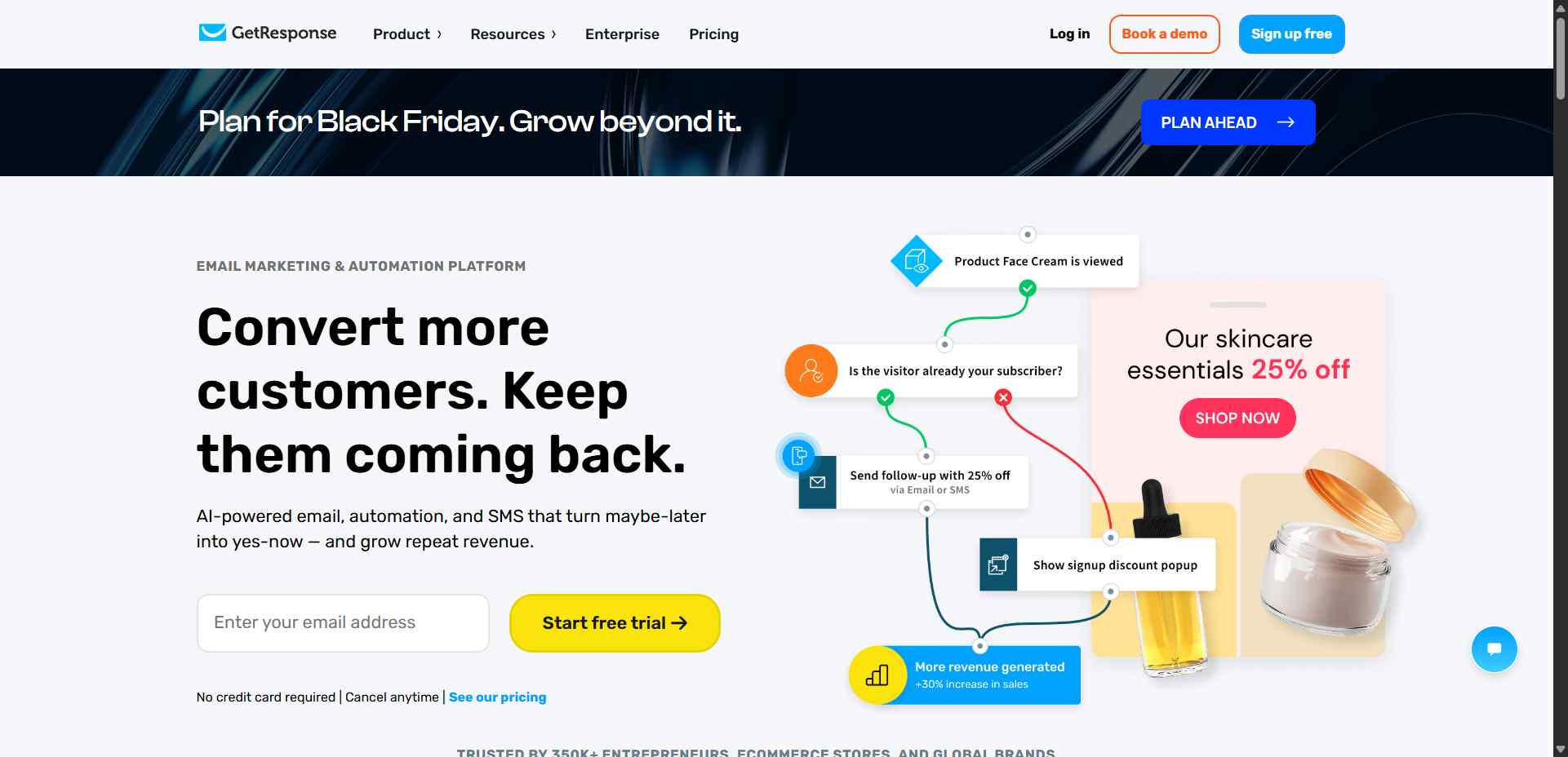
If your marketing strategy involves more than sending newsletters, GetResponse is worth a closer look. It's an all-in-one marketing platform that combines email campaigns with landing pages, conversion funnels, webinars, and automation.
In other words, it can help you do more than get someone to open an email. You can build the landing page they visit next, create an automated follow-up sequence, and even host a webinar to turn interested subscribers into customers.
What it does: GetResponse offers email marketing, subscriber management, autoresponders, visual automation workflows, landing pages, forms, and conversion funnels. Depending on the plan, you can also access webinars, ecommerce features, and tools for selling courses and newsletters.
What stands out: Its range of marketing tools is the main attraction.
You can build an entire campaign journey within the platform, from collecting leads through landing pages to nurturing them with automated emails.
It also offers an AI email generator and tools for creating landing pages, which can save time when you're putting campaigns together.
⚠️ Worth noting: GetResponse has a lot going on, which is both its strength and its potential weakness. If all you need is a simple newsletter tool, the additional features may be unnecessary. Some of the more advanced automation and ecommerce capabilities are also reserved for higher-tier plans.
- Starter: Starts at $15.58/month when billed annually.
- Marketer: Starts at $48.38/month when billed annually.
- Creator: Starts at $56.58/month when billed annually.
- Enterprise: Custom pricing.
A 14-day free trial is also available for premium features.
Best if: You want to combine email marketing with landing pages, lead-generation funnels, webinars, and other campaign-building tools.
5. ActiveCampaign: Best for advanced marketing automation
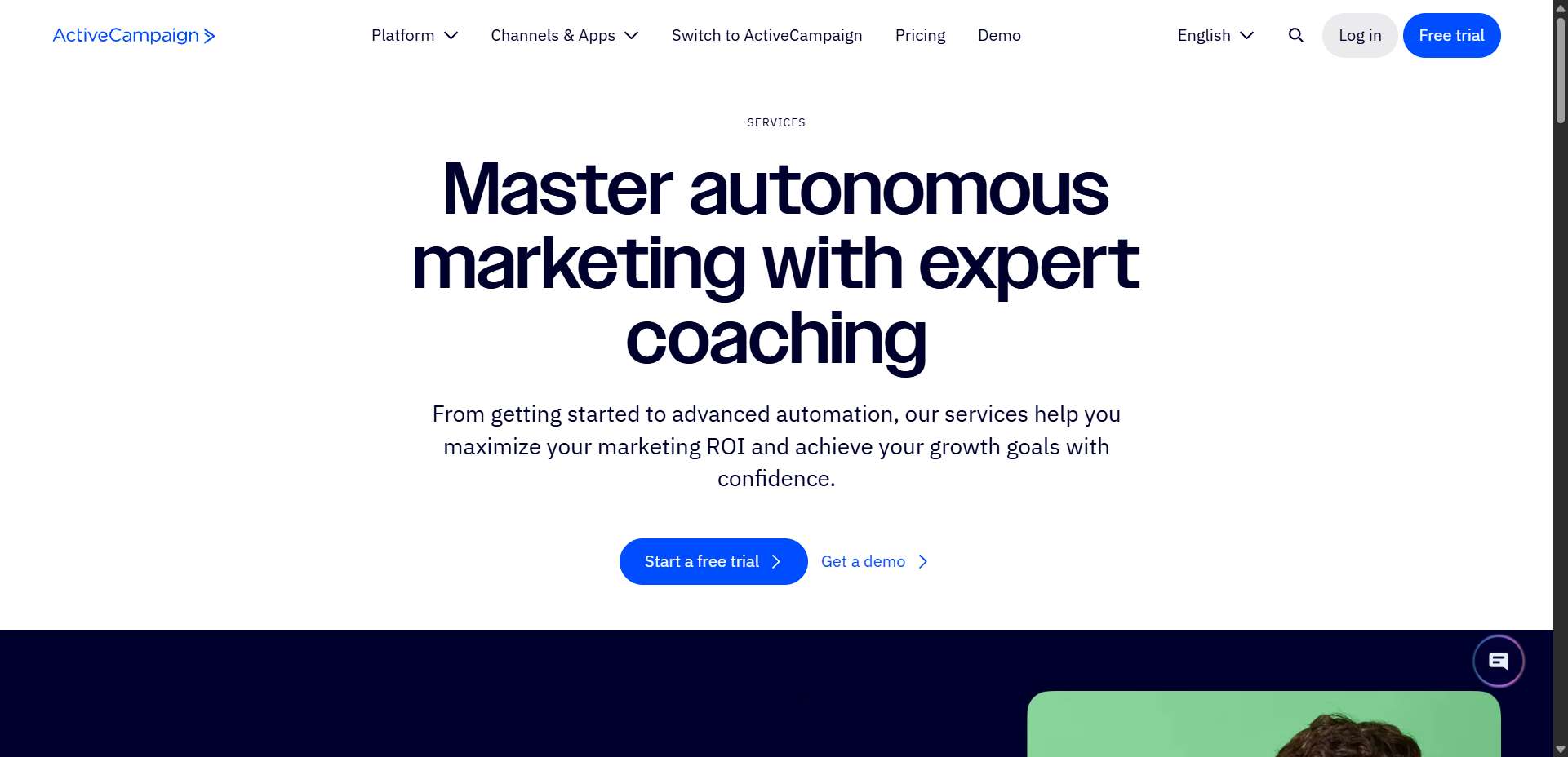
If your marketing strategy has become a little more complicated than sending a welcome email and a monthly newsletter, ActiveCampaign might be the upgrade you're looking for.
ActiveCampaign is built around customer experience automation. It helps businesses create detailed customer journeys based on what subscribers do, what they've purchased, and how they've interacted with previous campaigns.
It's particularly useful when you want your marketing to respond to customer behaviour rather than send the same message to everyone.
What it does: ActiveCampaign combines email marketing, audience segmentation, marketing automation, landing pages, and CRM capabilities. You can build automated workflows using triggers and conditions, score leads, and coordinate campaigns across different stages of the customer journey.
What stands out: Its automation builder is the biggest selling point. You can create branching workflows based on subscriber activity, engagement, purchases, and other conditions. For example, someone who clicks a product link could receive a different follow-up from someone who ignores the campaign entirely. Its AI-powered features also help with campaign optimisation and customer engagement.
⚠️ Worth noting: ActiveCampaign is more complex than Moosend, and that complexity comes with a learning curve. Pricing is also calculated according to factors such as contact volume and plan selection. If you're only sending occasional newsletters, you may be paying for more automation than you need.
Pricing: ActiveCampaign offers several tiers based on contact volume (prices below based on 1,000 contacts, billed yearly):
- Starter: $15/month.
- Plus: $49/month.
- Pro: $79/month.
- Enterprise: $145/month.
Best if: You run sophisticated marketing campaigns and need detailed automation, behavioural segmentation, and customer journeys.
So, which Moosend alternative should you choose?

It really comes down to what you're trying to achieve with your email marketing.
If you want something simple and affordable, MailerLite is a strong option.
Brevo makes sense if you want to combine email with SMS and WhatsApp, while GetResponse is worth considering if landing pages, funnels, and webinars are part of your marketing strategy.
ActiveCampaign is the better fit for businesses that need more sophisticated automation and customer journeys.
And if you're a B2B team whose main goal is to reach specific decision-makers and generate sales conversations, SalesRobot offers a different approach. It focuses on targeted LinkedIn and email outreach rather than traditional newsletter marketing.
Ultimately, don't choose a platform just because it has the longest feature list or the most impressive automation diagram.
Think about who you're trying to reach, how you want to communicate with them, and what you actually need the platform to do.
The best email marketing tool is the one that helps you build better relationships with your audience, not the one that gives you 47 different ways to schedule a welcome email.

Wow your leads by cloning yourself and sending personalized videos and voice notes to each lead on LinkedIn.
If you don't reply to leads within 5 mins, your chances of converting them fall by 50%. Our AI replies on your behalf instantly! (and yes, you can train it)

Don't shoot in the dark. Get detailed analytics on what's working
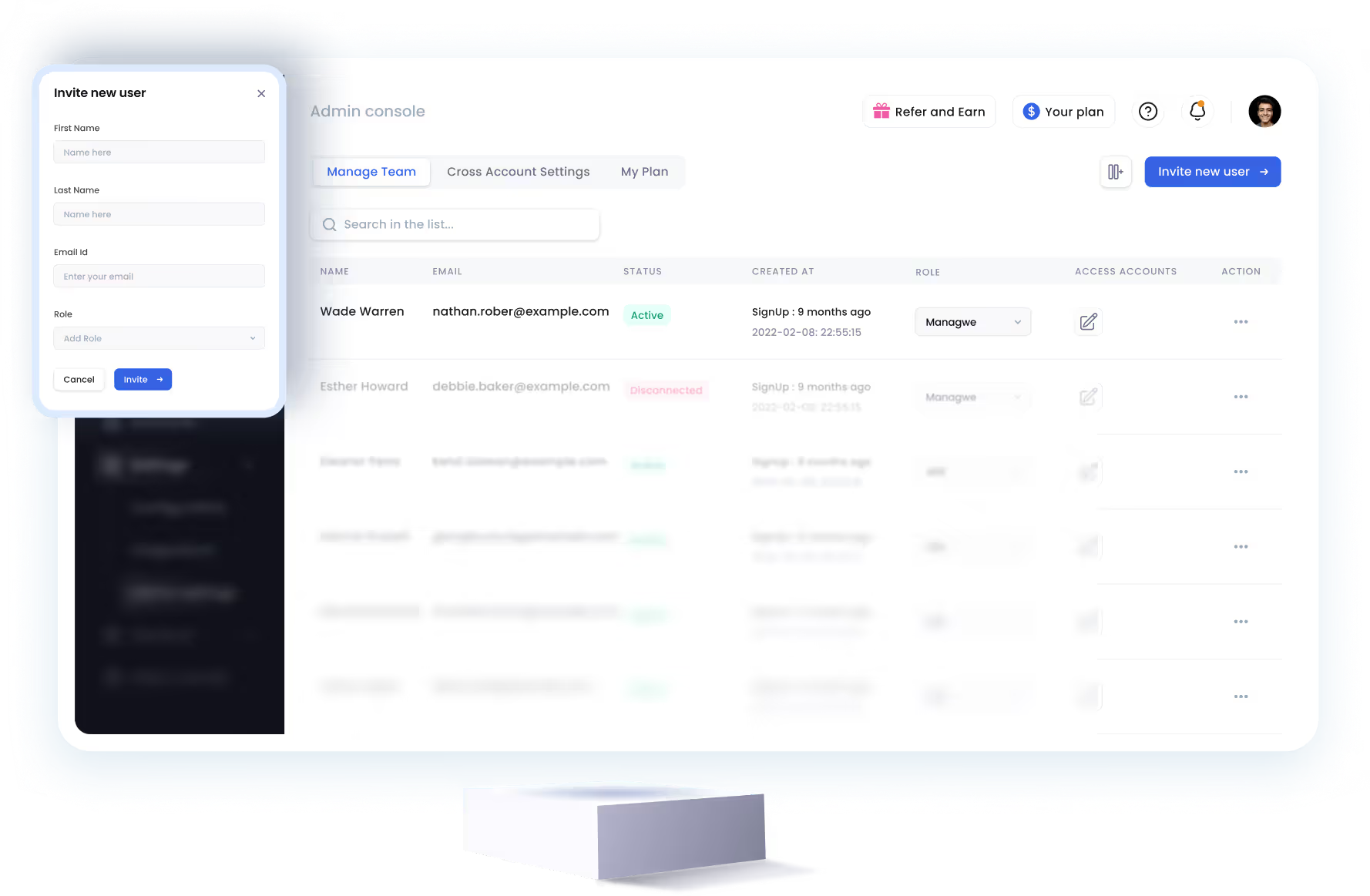
SalesRobot allows you to invite other team members, so that they can add their LinkedIn Account, run outreach campaigns and get amazing results just like you.



Trusted by 4100+ innovative B2B sales teams and lead gen agencies










Heading 1
Heading 2
Heading 3
Heading 4
Heading 5
Heading 6
Lorem ipsum dolor sit amet, consectetur adipiscing elit, sed do eiusmod tempor incididunt ut labore et dolore magna aliqua. Ut enim ad minim veniam, quis nostrud exercitation ullamco laboris nisi ut aliquip ex ea commodo consequat. Duis aute irure dolor in reprehenderit in voluptate velit esse cillum dolore eu fugiat nulla pariatur.
Block quote
Ordered list
- Item 1
- Item 2
- Item 3
Unordered list
- Item A
- Item B
- Item C
Bold text
Emphasis

Superscript
Subscript