.avif)
TL;DR
- The 9 best AI agent frameworks for LinkedIn sales outreach in 2026 split into three architecture tiers: autonomous SDR agents (Agent Frank, 11x Alice, Artisan Ava, Valley), safe-execution + AI agents (SalesRobot, HeyReach, Overloop), and agent-builder frameworks (LinkupAPI/Tasmela, Simular).
- Architecture decides everything: browser-extension tools are the fastest way to get banned in 2026, while cloud-API agents look like normal programmatic access to LinkedIn.
- Companies running agentic AI across GTM report an average 171% ROI — roughly 3x traditional automation — but the heavyweight autonomous SDRs cost $395 to $5,000+/month.
- SalesRobot runs on safe mobile-API tech with zero account bans under Safe Mode, an AI appointment setter (Copilot + Autopilot), and 3x higher response rates on video — at $59/month.
- LinkedIn's limits are reputation-based now: high-trust accounts can send up to 200 connection requests/week, while low-signal accounts drop to 50.
- Choose SalesRobot for safe, affordable LinkedIn outreach with an AI appointment setter at $59/mo; choose a heavyweight autonomous SDR only if you have a $400–$5,000/mo budget and need full hands-off prospecting.
👉 Skip the manual work: SalesRobot runs safe, AI-personalized LinkedIn outreach and books meetings on autopilot — try free for 14 days.
Still Confusing "AI Agents" with Fancy Drip Sequences?
Half the tools selling you an "AI agent" in 2026 are rule-based drip sequencers wearing a costume.
Here's the test that cuts through it: ask the vendor what happens when a prospect replies unexpectedly.

If the answer is "you get notified and take over," that's a semi-automated tool.
If the answer is "the agent reads the reply, assesses intent, and decides the next action," you're looking at something genuinely agentic.
Most buyers can't tell the difference until they've already paid.
And in 2026, getting the architecture wrong isn't just a feature gap, it's an account risk. Browser-extension automation is now the fastest way to get your LinkedIn profile restricted, and LinkedIn quietly suppresses any account whose reply rate drops below 10–15% at scale.
So this post does something the gatekeeping blogs won't: it ranks 9 AI agent frameworks for LinkedIn sales outreach in 2026 by how they actually work under the hood — not by marketing label.
Let's map the field.
How We Categorized These 9 Frameworks (And Why Architecture Matters)
We sorted all 9 tools into three architecture tiers, because how an agent executes on LinkedIn matters more than what its homepage promises.
Architecture decides two things buyers actually care about: whether your account survives, and whether the "agent" can think when a conversation goes off-script.
The safety stakes are concrete. LinkedIn's 2026 limits are reputation-based, not fixed: accounts with SSI scores above 65 and acceptance rates above 40% can send up to 200 connection requests per week, while accounts with poor signals drop to as few as 50.
Tools that operate through cloud APIs look like normal programmatic access; tools that inject scripts into your browser DOM get flagged as foreign objects.
Here's the taxonomy this entire post runs on:
Pick your tier first. Then pick your tool.
The Quick-Pick Table (Skip the Reading if You're in a Hurry)
Here's all 9 frameworks at a glance — best fit and starting price.
SalesRobot has a 14-day free trial with no credit card required, if you want to test the Tier 2 approach before committing.
Tier 1 — Autonomous SDR Agents
These are the highest-autonomy tools: they prospect, message, handle objections, and book meetings with no human in the loop.

They're genuinely impressive — and genuinely expensive. Companies implementing agentic AI across GTM functions report an average 171% ROI (roughly 3x traditional automation), and autonomous research agents can cut manual research effort by around 80%.
But entry pricing in this tier runs from $395 to $5,000+/month, and most require clean data and real budget to pay off.
1. Agent Frank by Salesforge — Full Autonomous LinkedIn + Email SDR

What it does: Agent Frank is an autonomous AI SDR from Salesforge that runs LinkedIn and email outbound end-to-end: building lists, sending sequences, and handling replies.
Stands out for: A 500M-contact database baked in, plus a Primebox unified inbox so every channel lands in one place.
Worth noting: It runs in Co-Pilot or Auto-Pilot modes, so you can choose how much control to hand over — but the full autonomous setup expects you to trust it with live conversations.
Pricing: $599/month for the AI Agent.
Best if: You want a true hands-off SDR for combined LinkedIn + email outbound and have the budget to match.
2. 11x Alice — Enterprise-Grade Autonomous Prospecting Agent
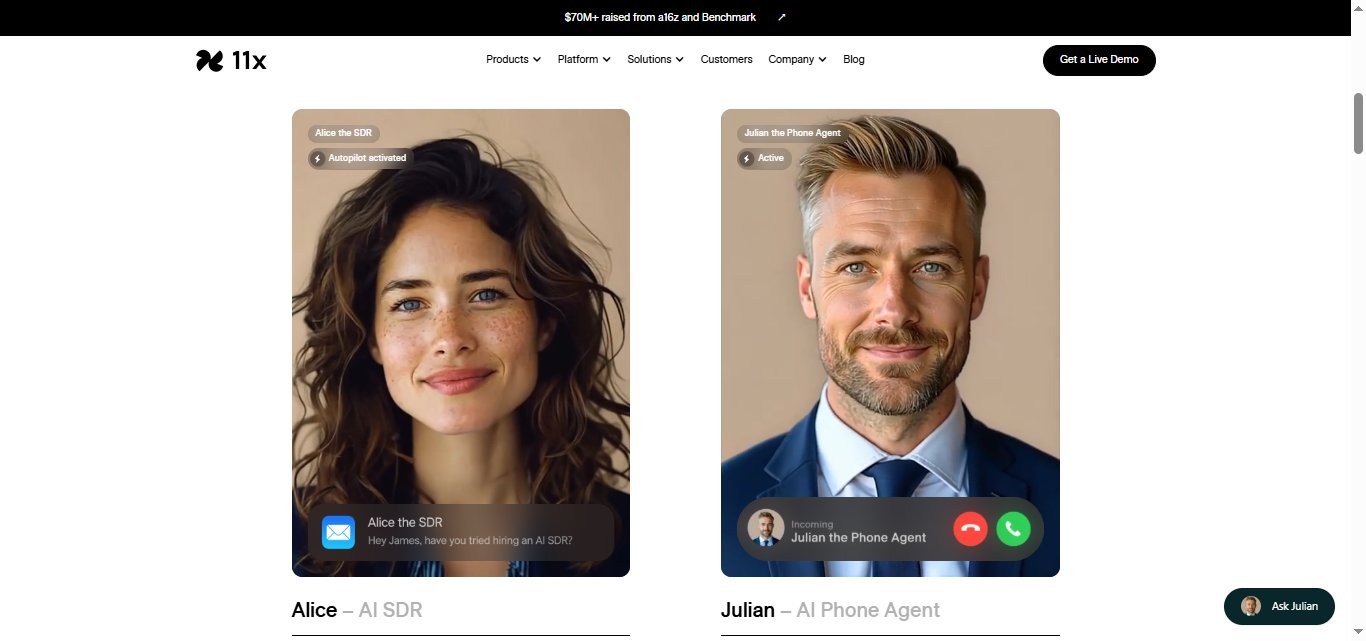
What it does: 11x runs a dual-agent system — Alice handles email and LinkedIn outbound, while Julian works the phones — aimed at enterprise GTM teams replacing rep capacity.
Stands out for: Genuinely autonomous prospecting at enterprise scale, with phone-agent coverage most competitors don't touch.
Worth noting: There's no mention of a free trial, and 12-month commitments are common — this isn't a "try it for a week" tool.
Pricing: 11x.ai does not publish public pricing and operates on a custom, demo-driven enterprise model. Third-party estimates indicate the platform costs roughly $5,000 per month (or about $45,000–$60,000 annually).
Best if: You're an enterprise team with budget for a long contract and need multi-channel autonomous coverage.
3. Artisan Ava — AI BDR Designed to Replace Headcount
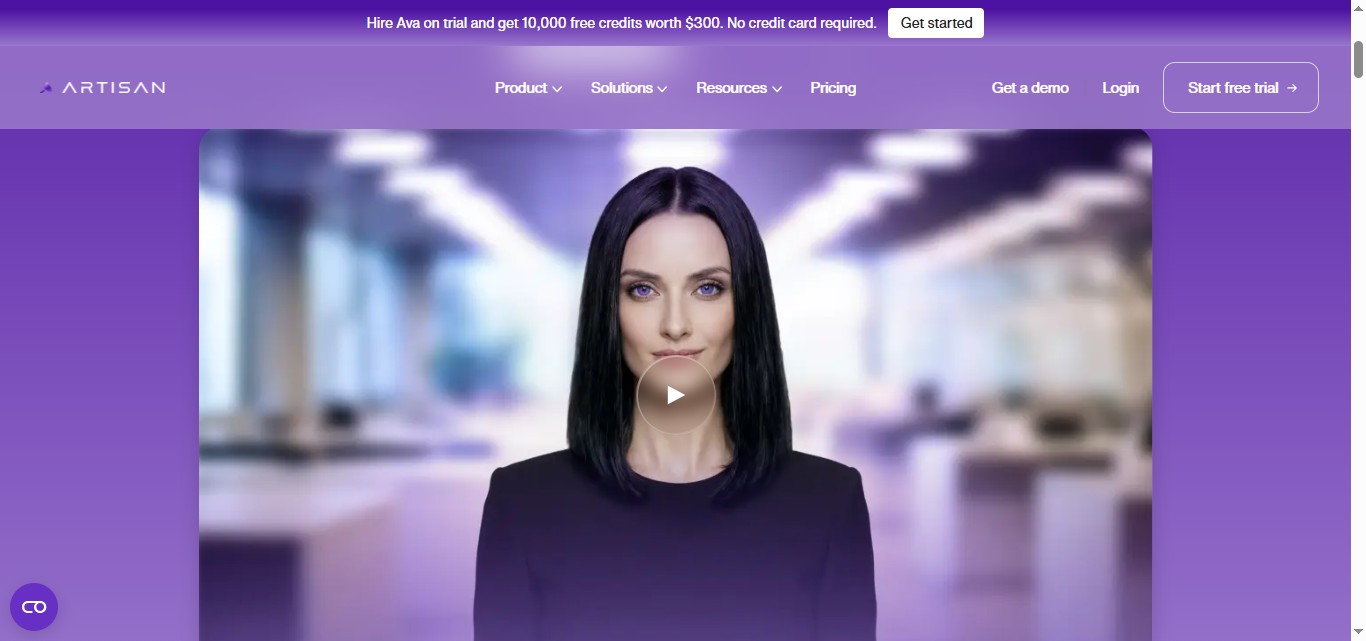
What it does: Artisan's Ava is positioned as an AI BDR that replaces 5–8 separate tools, building your ICP, finding prospects, and running signal-based outbound.
Stands out for: Consolidation — Ava aims to be the whole prospecting stack rather than one piece of it.
Worth noting: This is premium territory. The pitch is "replace human BDRs," and the pricing reflects that ambition.
Pricing: Intern runs ~$280/month; higher tiers like Employee reach $660+/month.
Best if: You're actively deciding whether to hire BDRs or buy an agent to do their job.
4. Valley — Signal-Based Warm LinkedIn Outreach Agent

What it does: Valley triggers outreach off buying signals and clones your writing style so messages read like you wrote them.
Stands out for: Style cloning plus signal-based timing — it claims 15–45% reply rates by reaching warm prospects at the right moment.
Worth noting: The base plan is limited to a single seat and one LinkedIn account; agencies need custom pricing.
Pricing: From $395/month (Starter); Growth at $995 for small teams; Scale is custom.
Best if: You want warm, signal-triggered LinkedIn outreach and your messaging voice is a real differentiator.
Tier 2 — Safe-Execution + AI-Personalization Agents
This tier is for teams where LinkedIn account safety is non-negotiable.
These tools run on cloud APIs instead of your browser, respect LinkedIn's reputation-based limits, and layer AI personalization and reply-handling on top.
The genuinely safe tools in 2026 work fundamentally differently: they operate in the cloud, not in your browser, so the request pattern looks more like API access than scripted browser behavior.

LinkedIn treats it like any other programmatic access. Pricing here runs from $59 to €69/user.
5. SalesRobot — AI Appointment Setter + Video/Voice Outreach at $59/mo
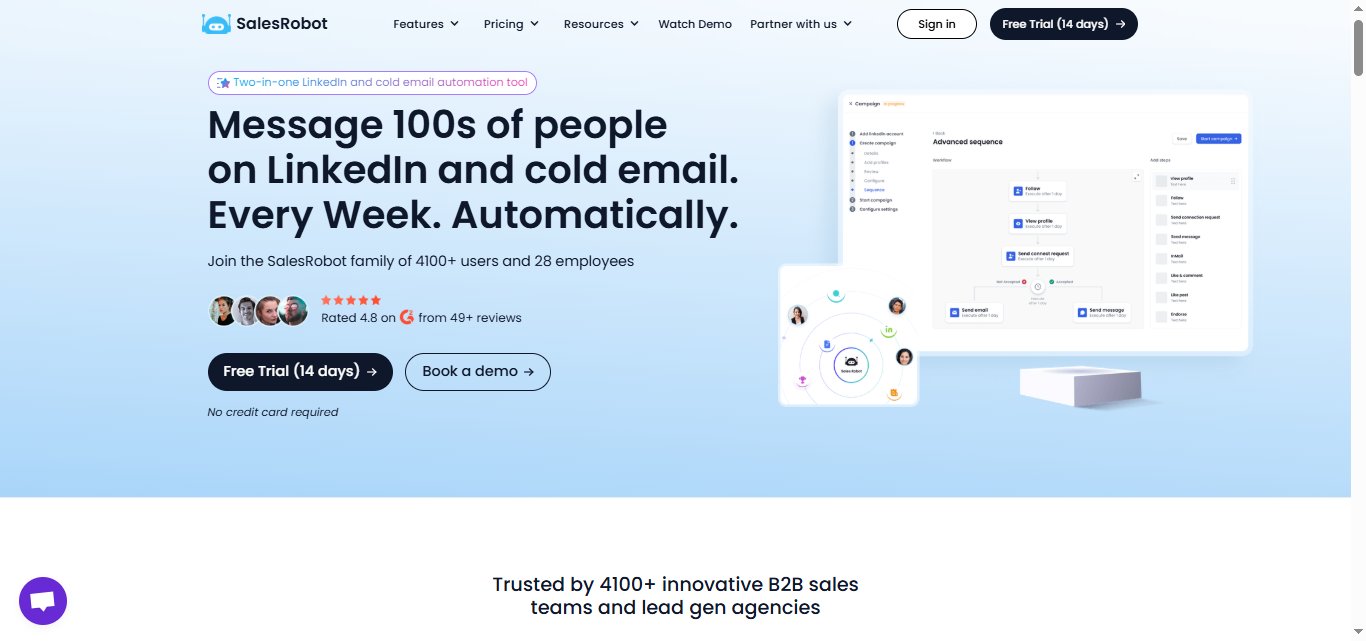
Full disclosure: we publish this blog, and SalesRobot is our tool. So instead of crowning it #1, we put it in its actual architecture tier and let the numbers do the talking.
What it does: SalesRobot runs safe LinkedIn and email outreach using mobile API technology that mimics human behavior — randomized delays, human-like daily limits of up to 200 connection requests per week, and residential IP rotation.
It's cloud-based, so it runs 24/7 without your browser open.
Stands out for: A genuine AI Appointment Setter that passes the "real agent" test.
In Autopilot mode, it reads replies, handles objections, and books qualified meetings 24/7 — no human in the loop.
In Copilot mode, it drafts personalized replies you approve with one click.
AI Variables pull data from each prospect's LinkedIn profile for personalization, and Smart Comments warm prospects up by auto-commenting on their posts before outreach starts.
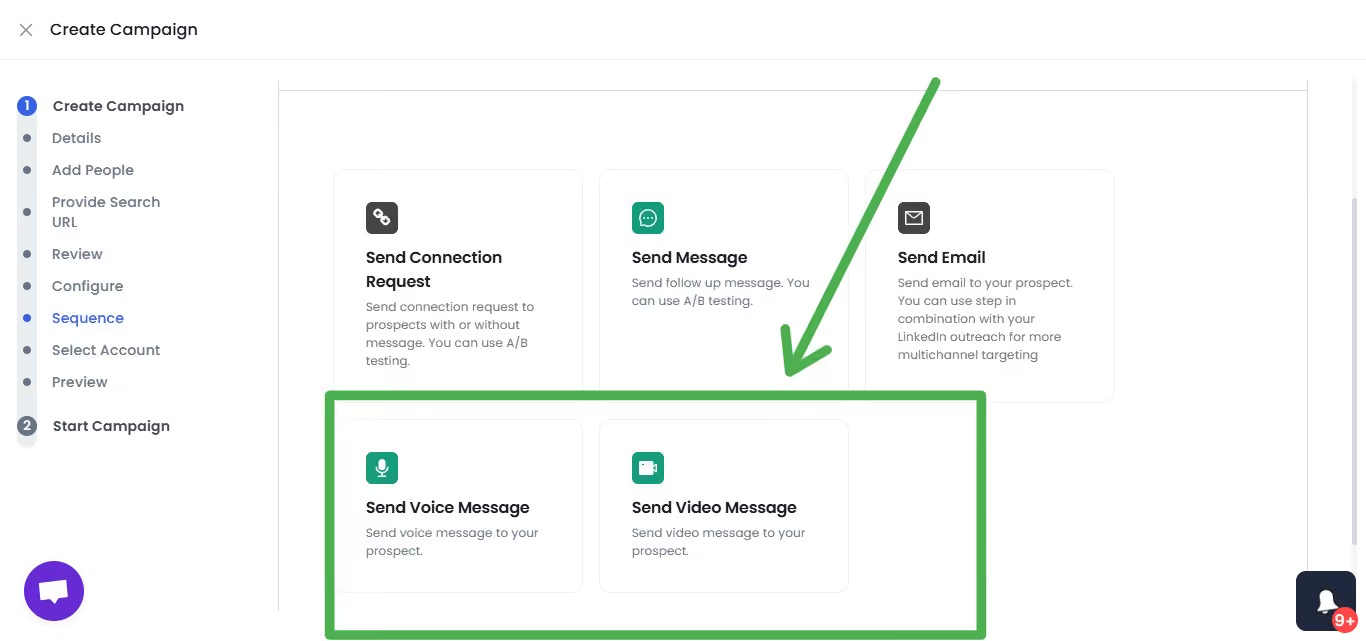
Worth noting: It also automates video and voice notes at scale: record once, send to hundreds- and customers report 3x higher response rates for video than for standard connection requests.
Across customers, the average reply rate is 55%, with a top of 66% (The Growth Agency case study) and a 51% connection acceptance rate. Customers report zero account bans following Safe Mode guidelines.
Pricing: Starter $59/month, Advanced $79, Professional $99 — annual billing saves 35%. 14-day free trial, no credit card required. Rated 4.8 on G2 from 57+ reviews, trusted by 5,000+ B2B teams.
Best if: You want an AI-agent-class LinkedIn tool with appointment-setting and video — without a $400–$5,000/month autonomous-SDR bill.
6. HeyReach — Agency Multi-Account LinkedIn at Scale with MCP Support

What it does: HeyReach is built for agencies running LinkedIn outreach across many client accounts from one place, with a Campaign API and MCP integration for agent-builder workflows.
Stands out for: Multi-account scale — its Campaign API handles up to 300 requests per minute, and MCP support lets technical teams wire it into custom agents.
Worth noting: Trusted by 5,500+ companies and rated 4.6 on G2, but it's overkill for a solo operator running one account.
Pricing: Starting at $79/month.
Best if: You're an agency managing dozens of LinkedIn accounts and want API-level control.
7. Overloop — Signal-Led GTM Agent with Human-Approval Loop

What it does: Overloop runs a signal-led GTM outreach across channels with a human-approval step before messages go out.
Stands out for: Flat, predictable pricing — €69/user with all channels included and no credit overruns.
Worth noting: That human-approval loop means it's semi-agentic by the strict test — Overloop suggests, you approve. Great for control, less so for full hands-off.
Pricing: €69/user, all channels included.
Best if: You want signal-led outreach but insist on approving every message before it sends.
Tier 3 — Agent-Builder Frameworks
This tier is the infrastructure layer — for practitioners who want to build a custom LinkedIn agent rather than buy a finished product.
The tradeoff is straightforward: lower recurring cost, higher setup effort.
These suit technical founders and agencies with workflows no off-the-shelf tool handles, like triggering outreach from a specific CRM event instead of a standard sequence.
And no, you usually don't need to code.

8. LinkupAPI / Tasmela — No-Code MCP Framework for Custom LinkedIn Agents
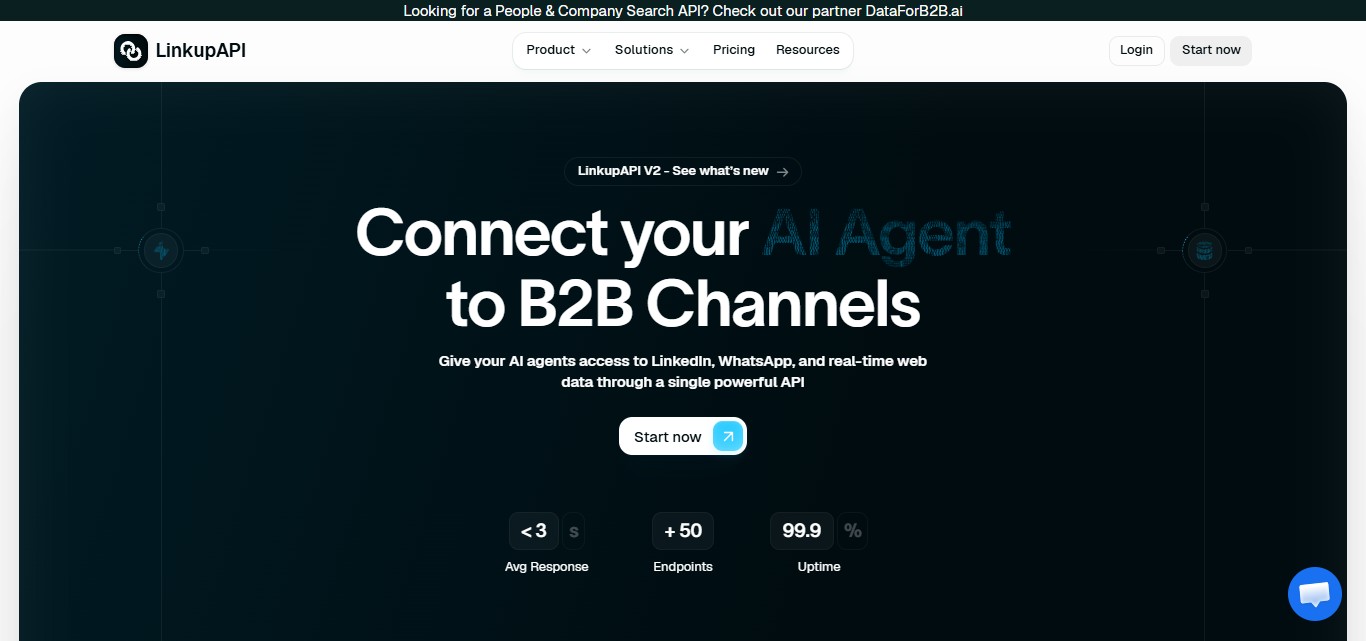
What it does: LinkupAPI and Tasmela are MCP-based agent-builder frameworks.
Agents connect through MCP in plain English, so you describe the goal rather than write browser scripts.
Stands out for: No LinkedIn API, no developer, and no code required — a clear prompt and the connection are enough to get a working agent going.
Worth noting: You're building the logic yourself, so the quality of your output depends on the quality of your prompt and workflow design.
Pricing: Linkup starts at $29/month for 500 credits; Tasmela does not list pricing on its website.
Best if: You need bespoke LinkedIn agent logic and prefer to assemble it yourself without engineering help.
9. Simular (Sai) — Computer-Use Agent for Full-Stack LinkedIn Automation
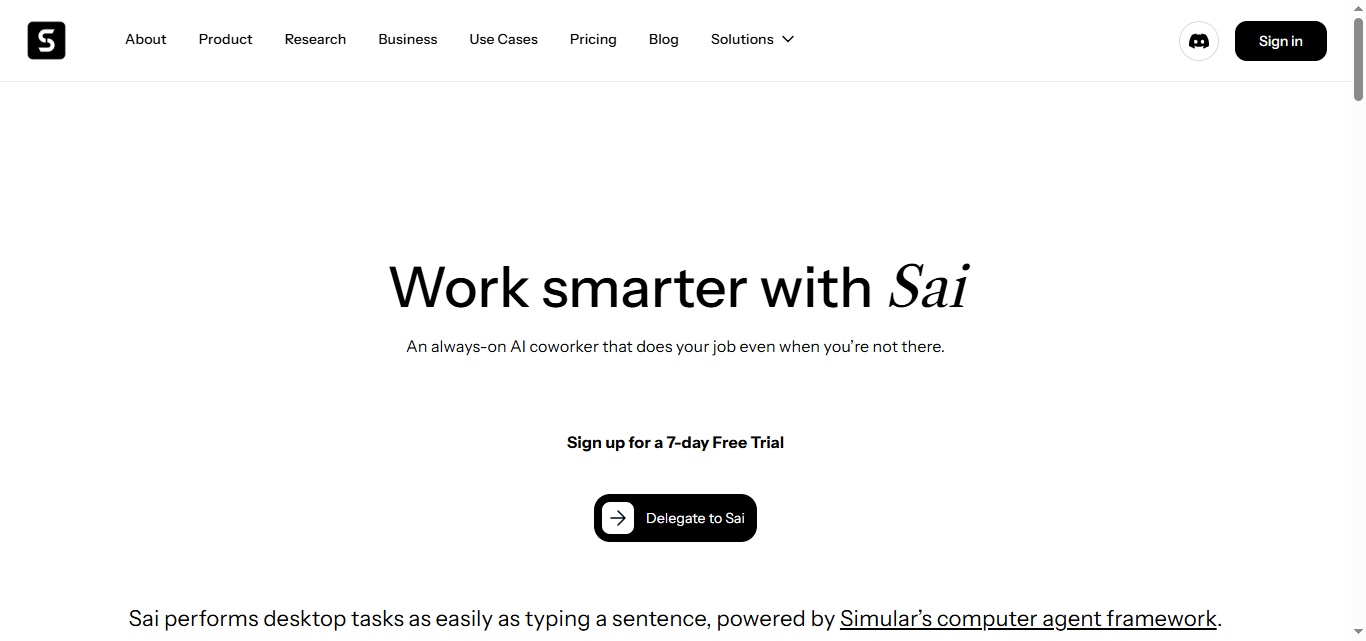
What it does: Simular's Sai is a computer-use agent that runs on your own computer and can operate any web interface — LinkedIn included — for full-stack automation.
Stands out for: Flexibility. Because it actually uses the interface like a human would, it isn't limited to LinkedIn-specific workflows.
Worth noting: It runs locally rather than in the cloud, which is a different risk profile from a browser extension but still distinct from the safety of a cloud-API tool.
Pricing: Free 7-day trial, then paid from $20/month.
Best if: You want one agent that automates across your whole stack, not just LinkedIn.
How SalesRobot Fits Into Your LinkedIn AI Agent Stack
If you landed here trying to pick a 2026 LinkedIn agent that's safe, smart, and affordable, SalesRobot is the Tier 2 default — and here's exactly why.
It solves the safety problem first. Browser-extension automation is the fastest way to get banned in 2026 because LinkedIn detects scripts injected into the DOM.
SalesRobot avoids that entirely with mobile-API technology, randomized delays, residential IP rotation, and human-like limits up to 200 connection requests per week. Customers report zero account bans following Safe Mode guidelines.
It passes the real-agent test. Remember the test from the top of this post — what happens when a prospect replies unexpectedly?
SalesRobot's AI Appointment Setter in Autopilot mode reads the reply, handles objections, and books qualified meetings 24/7 with no human in the loop.
Smart Comments even warms prospects up by auto-commenting on their posts before you ever send a request.
It adds a human touch text can't. SalesRobot automates voice notes and personalized video at scale.
Record once, send to hundreds — and customers see 3x higher response rates to video than to standard connection requests.
The result: a 55% average reply rate across 5,000+ B2B teams, a 4.8 rating on G2, and pricing that starts at $59/month — a fraction of the $395–$5,000+/month autonomous-SDR field.
There's a 14-day free trial with no credit card required.
Which Framework Should You Pick?
There's no single best AI agent framework — there's the right tier for your budget, your data, and your tolerance for account risk. Here's the honest mapping.
- Pick a Tier 1 autonomous SDR (Agent Frank, 11x, Artisan, Valley) if you have a $400–$5,000+/month budget, clean data, and you genuinely want to replace human prospecting effort. Just know you're trusting a machine with live conversations.
- Pick a Tier 2 safe-execution agent if account safety and AI personalization matter more than full autonomy. SalesRobot is the value pick at $59/month with an AI appointment setter and video; HeyReach if you're an agency running dozens of accounts; Overloop if you want to approve every message.
- Pick a Tier 3 builder framework (LinkupAPI/Tasmela, Simular) if you have specific workflow needs and prefer to assemble your own agent — no code, but more setup.
If you want the safest, most affordable way to run an AI-agent-class LinkedIn campaign — safe mobile-API sending, an AI appointment setter that books meetings on autopilot, and video at scale — SalesRobot is built for exactly that.
Start with the 14-day free trial, no credit card required.
Frequently Asked Questions
What is a LinkedIn AI agent, and how is it different from automation?
A LinkedIn AI agent reasons over prospect data and decides its next action — it reads a reply, assesses intent, and responds autonomously.
Traditional automation just executes pre-set rules and notifies you to take over. The test: ask what happens when a prospect replies unexpectedly. If the tool decides, it's an agent.
Is LinkedIn automation safe in 2026?
It depends entirely on the architecture. Browser-extension tools are the fastest way to get banned because LinkedIn detects injected scripts in the page.
Cloud-API tools like SalesRobot are safe because their request pattern looks like normal programmatic access — randomized delays, human-like limits, and IP rotation keep accounts clean.
Do AI agents bypass LinkedIn's connection request limits?
No reputable tool bypasses limits — the safe ones respect them. LinkedIn's 2026 limits are reputation-based: high-trust accounts (SSI above 65, acceptance above 40%) can send up to 200 connection requests per week, while low-signal accounts drop to around 50.
Safe tools stay inside human-like daily ceilings of roughly 20–40 per day.
Do you need to code to build a LinkedIn AI agent?
Usually not. No-code agent-builder frameworks like LinkupAPI use MCP, so you describe the goal in plain English instead of writing browser scripts — no LinkedIn API or developer required.
Finished products like SalesRobot need zero setup code at all; you connect your account and launch a campaign.
How many connection requests can I safely send per week?
The safe ceiling is around 40 per day per account, which lands near LinkedIn's official 100–200 per week.
High-trust accounts with strong acceptance rates can reach the top of that range; new or low-signal accounts should stay closer to 20–30 per day to avoid suppression and restrictions.
How much do AI agent frameworks for LinkedIn outreach cost?
Pricing spans a huge range in 2026. Autonomous SDR agents like Agent Frank, 11x, and Artisan run $395 to $5,000+/month. Safe-execution agents are far cheaper — SalesRobot starts at $59/month, Overloop at €69/user. Builder frameworks are usage-based. Budget and autonomy needs decide your tier.
Conclusion
The core takeaway for 2026: pick your AI agent framework for LinkedIn sales outreach by architecture first, not marketing. The three tiers: autonomous SDRs, safe-execution agents, and builder frameworks, each fit a different budget and risk profile.
Honest reality check: no agent on this list saves a weak offer or a bad ICP. Send messages nobody wants, and LinkedIn will quietly suppress you no matter how "intelligent" the tool is.
If you want the safest, most affordable entry into the agent era, SalesRobot runs safe, mobile-API LinkedIn outreach with an AI appointment setter that books meetings on autopilot, with voice and video, at 3x response rates, starting at $59/month.
Test it yourself with the 14-day free trial, no credit card required.

Wow your leads by cloning yourself and sending personalized videos and voice notes to each lead on LinkedIn.
If you don't reply to leads within 5 mins, your chances of converting them fall by 50%. Our AI replies on your behalf instantly! (and yes, you can train it)

Don't shoot in the dark. Get detailed analytics on what's working

SalesRobot allows you to invite other team members, so that they can add their LinkedIn Account, run outreach campaigns and get amazing results just like you.
.avif)


Trusted by 4100+ innovative B2B sales teams and lead gen agencies

.avif)

.avif)




.avif)


Heading 1
Heading 2
Heading 3
Heading 4
Heading 5
Heading 6
Lorem ipsum dolor sit amet, consectetur adipiscing elit, sed do eiusmod tempor incididunt ut labore et dolore magna aliqua. Ut enim ad minim veniam, quis nostrud exercitation ullamco laboris nisi ut aliquip ex ea commodo consequat. Duis aute irure dolor in reprehenderit in voluptate velit esse cillum dolore eu fugiat nulla pariatur.
Block quote
Ordered list
- Item 1
- Item 2
- Item 3
Unordered list
- Item A
- Item B
- Item C
Bold text
Emphasis

Superscript
Subscript