TL;DR
- SPOTIO helps salespeople who work out in the field stay organised. Think of reps visiting houses to sell solar panels, calling on local businesses, or travelling between customers.
- SPOTIO helps managers decide where reps should go, lets reps record what happened during visits, and tracks how the team is performing.
- It's useful, but not every sales team needs the same features.
- SalesRobot is for teams that want to find and contact prospects through LinkedIn and email instead of relying entirely on in-person visits. It's an alternative approach to prospecting, not a direct SPOTIO replacement.
- SalesRabbit is a close alternative for door-to-door sales teams.
- Badger Maps is ideal for reps who spend their days driving between customers and need better routes.
- Map My Customers combines customer mapping, route planning, and field sales management.
- Geopointe is worth considering if your business already uses Salesforce and wants sales maps and territory tools within it.
- Quick recommendation: Choose SalesRabbit for cold outreach, Badger Maps for route planning, Map My Customers for a broader mobile field sales workflow, and Geopointe for Salesforce-based mapping.
- If you want to reach B2B prospects online rather than send reps to their doors, consider SalesRobot.
First Things First: What Does SPOTIO Actually Do?
Imagine you run a company that installs solar panels. You've hired 20 sales reps, and their job is to visit neighbourhoods, knock on doors, talk to homeowners, and find people interested in buying.
Now imagine trying to manage all 20 people using spreadsheets, WhatsApp messages, paper notes, and a collection of Google Maps pins.

Who visited which house? Which homeowners were interested? Who needs a follow-up? Which neighbourhood hasn't been covered yet? And why has one rep driven 40 minutes in the wrong direction?
It drives me crazy just thinking about it. Imagine how hard it is for those who actually do it!

That's the kind of mess SPOTIO is designed to help with.
SPOTIO is a field sales management platform. It helps businesses organise sales teams whose work involves visiting potential customers in person.
Here's what it does in plain English:
- Shows reps where to go: Managers can divide an area into territories and assign them to different salespeople.
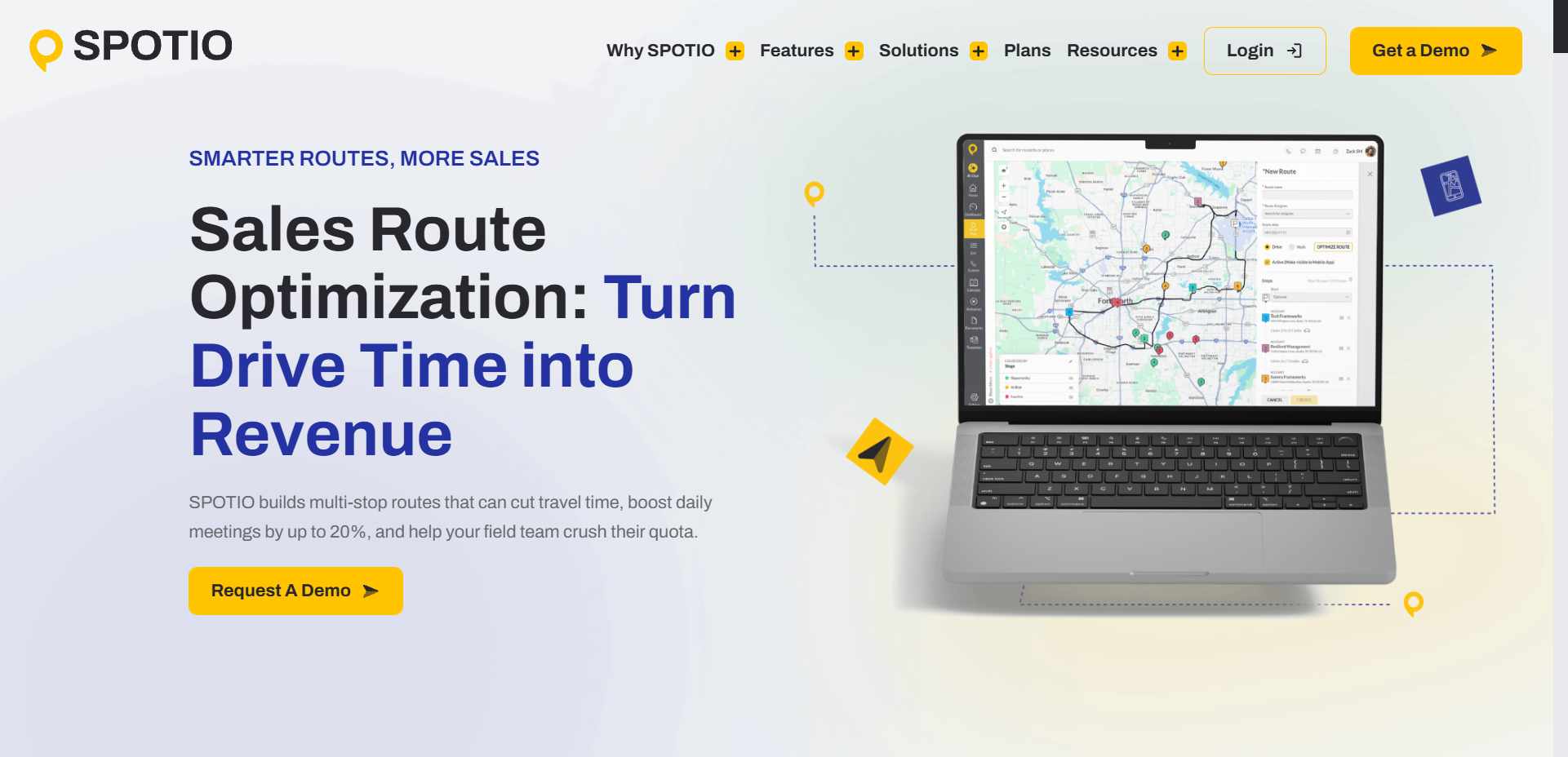
- Plans visits: Reps can organise their stops and spend less time driving back and forth, focusing more on prospecting.
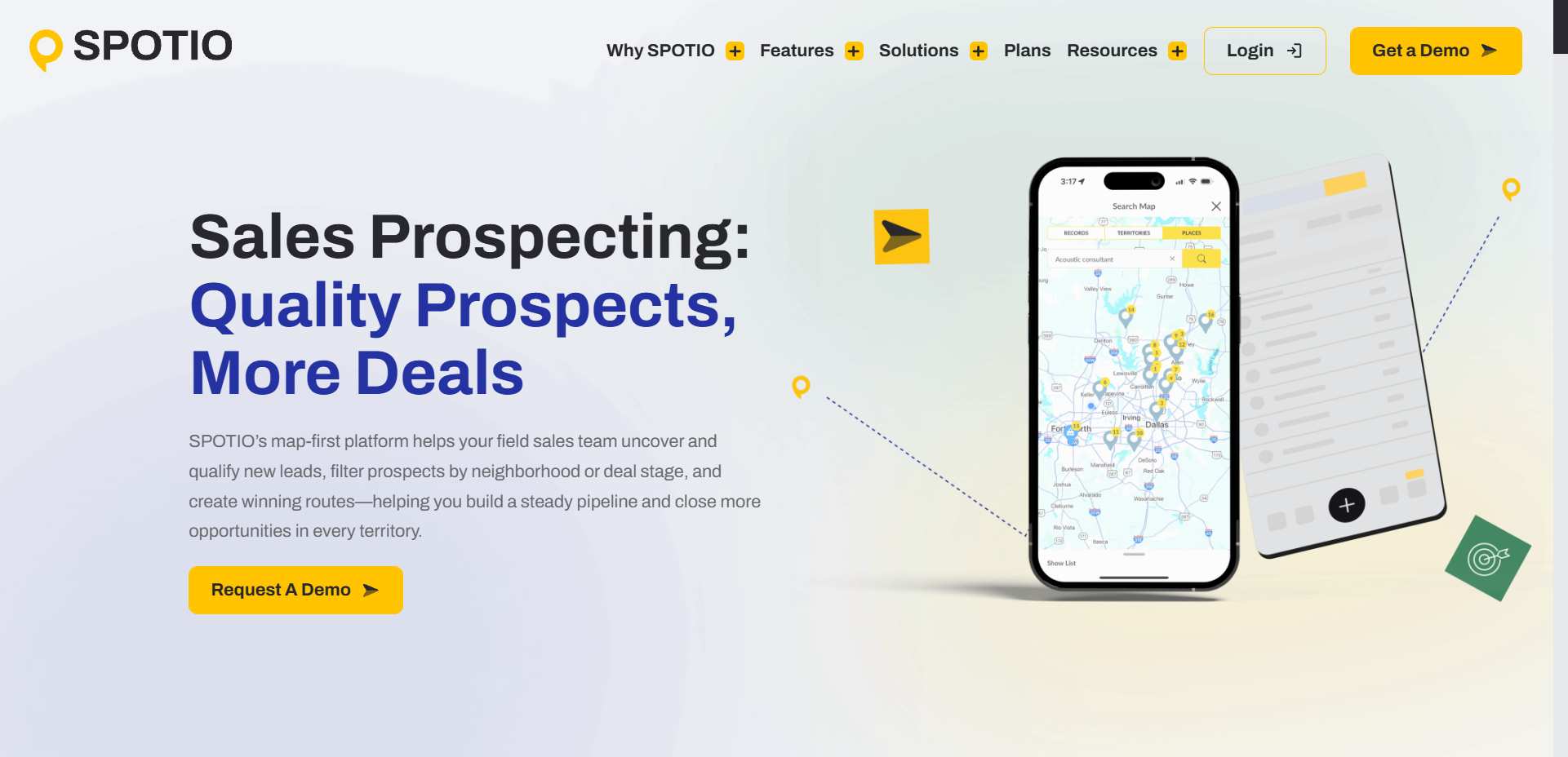
- Records what happened: After a visit, reps can note whether someone answered, showed interest, or needs a follow-up.
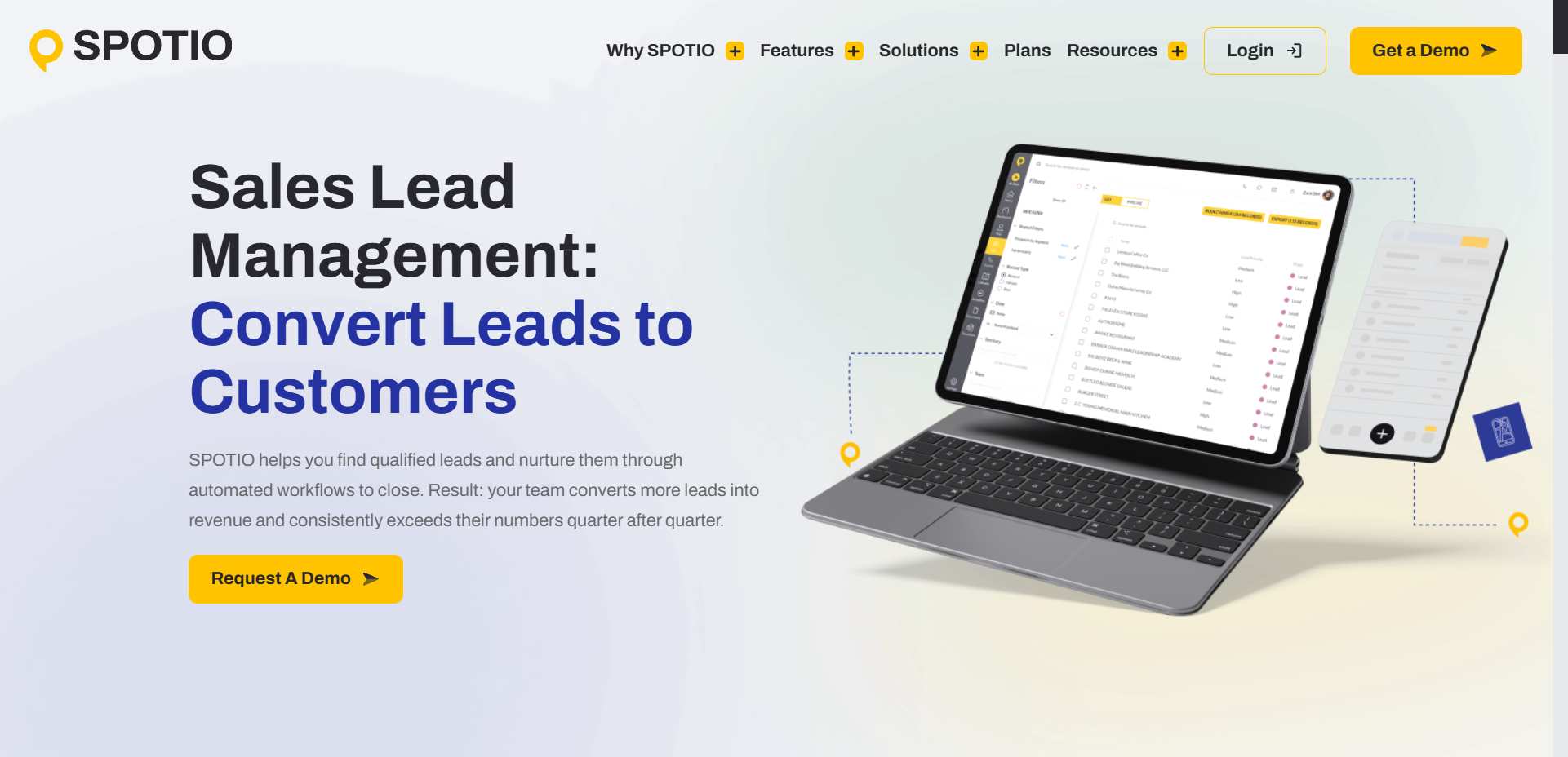
- Keeps managers informed: Managers can review visits, sales activity, and results without having to call everyone for updates.
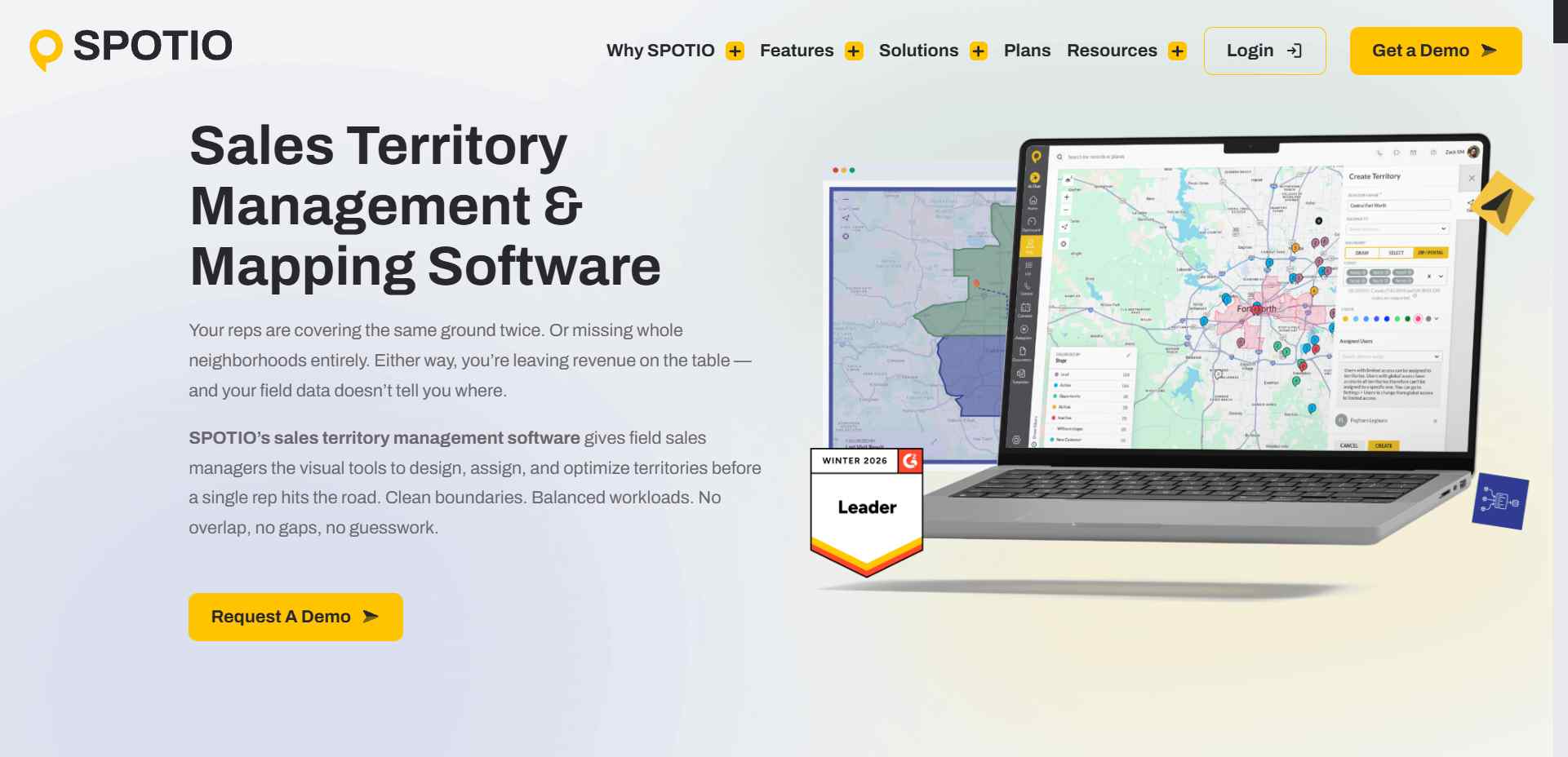
It's essentially a map, visit planner, and sales activity tracker rolled into one.
SPOTIO is particularly useful for businesses such as solar installers, roofing companies, home improvement services, and other organisations that rely on field sales.
But if your team doesn't visit customers in person, you may not need all that functionality. And if you only need a route planner, paying for a complete field sales platform might be overkill.
That's where alternatives come in.
SPOTIO Pricing: How Much Does It Cost?
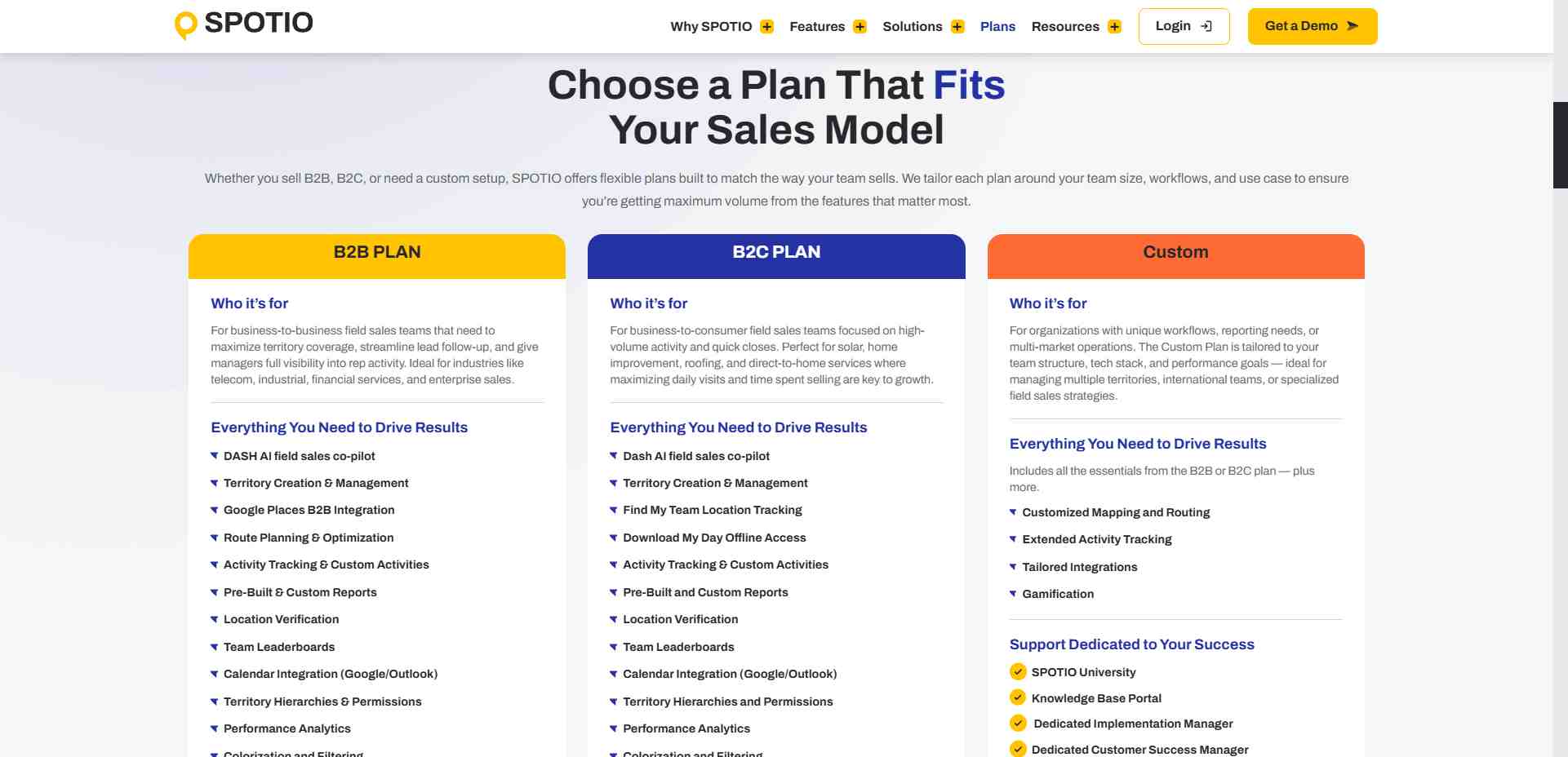
SPOTIO doesn't publish standard prices on its website. Instead, you can book a demo and request a quote based on your team's needs.
It offers plans for B2B sales, B2C sales, and custom requirements. Your final price will depend on the plan and the features your business needs.
Before committing, ask about per-user pricing, minimum team size, onboarding costs, contract length, and any paid add-ons.
5 SPOTIO Alternatives: Which One Actually Fits?
Not all tools do the same thing. Here's the quick comparison before we get into the details.
Prices can change, and some plans require annual commitments. These tools also solve different problems, so the cheapest option isn't automatically the best fit.
1. SalesRobot: Best for Reaching Prospects Online
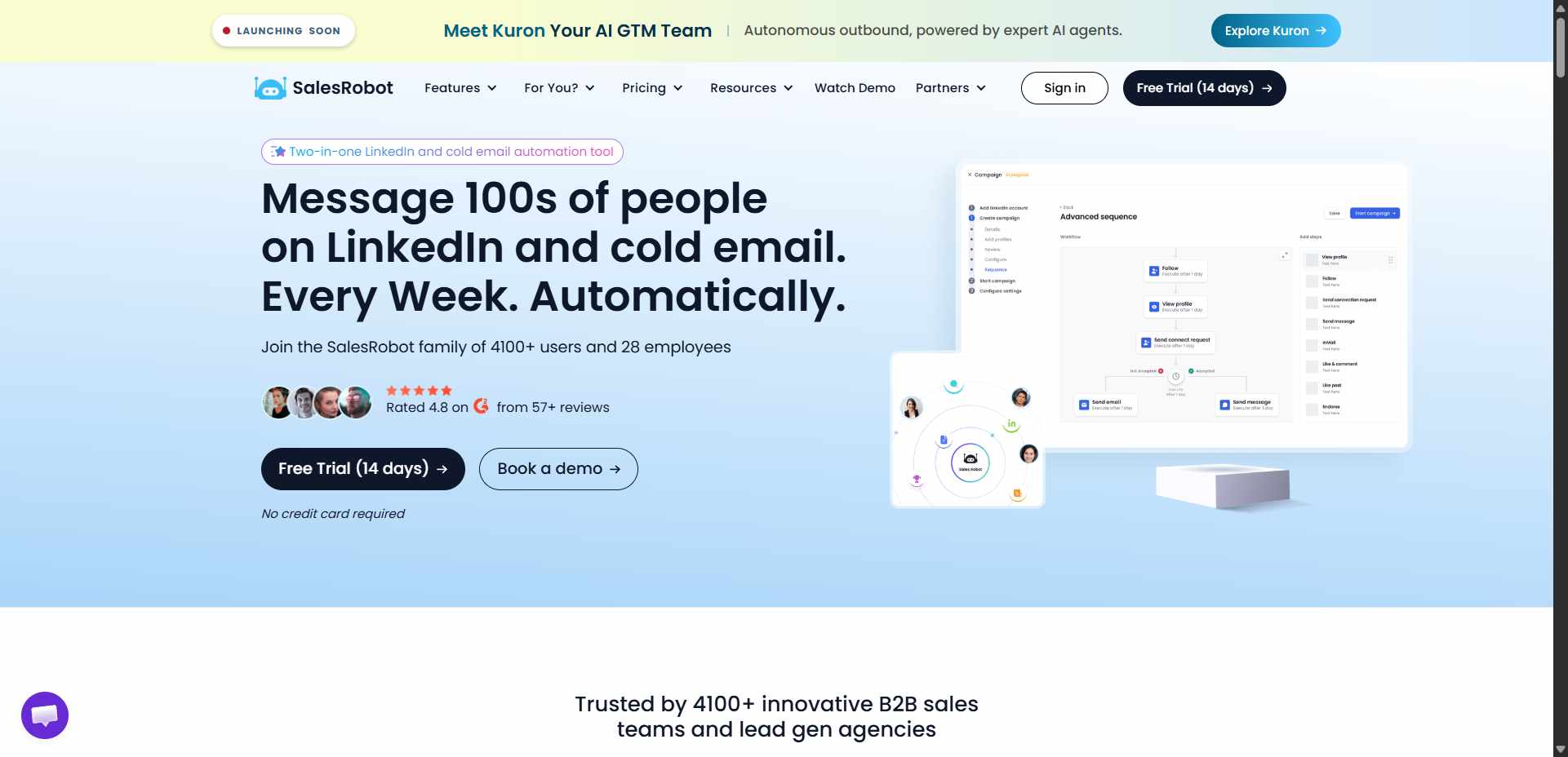
Let's get one thing straight: SalesRobot isn't a direct replacement for SPOTIO.
SPOTIO helps manage salespeople who go out and meet potential customers. SalesRobot helps sales teams reach prospects through LinkedIn and email.
Why include it, then? Because some businesses looking for SPOTIO alternatives may be reconsidering how they find customers in the first place.
Imagine you're selling software to businesses.
Instead of sending a rep to visit every company in person, you could contact relevant decision-makers through LinkedIn and email, start conversations, and arrange meetings remotely.
That's where SalesRobot fits.
What it does: SalesRobot lets teams run LinkedIn and email outreach from one platform. You can build multi-step sequences, personalise messages, automate follow-ups, and manage replies through a unified inbox.
You can run email-only campaigns or coordinate LinkedIn and email outreach in the same workflow.
What stands out: AI Variables help personalise outreach messages, while the AI Appointment Setter supports meeting booking through Copilot and Autopilot modes. SalesRobot also supports voice and video messages for LinkedIn outreach.
In fact, SalesRobot can also connect with AI assistants like ChatGPT and Claude through MCP, allowing you to manage campaigns, import prospects, check accounts, and work with LinkedIn conversations using natural-language commands instead of constantly switching between tools.
The aim is to spend less time manually sending messages and chasing replies, leaving your team more time to handle actual conversations.
⚠️Worth noting: SalesRobot doesn't replace SPOTIO's territory maps, door-knocking records, or field rep tracking. If your team needs those features, you'll still need field sales software.
Pricing: Basic starts at $59/month with monthly billing, or $39/month when billed annually. Advanced costs $79/month, or $59/month annually. Professional costs $99/month, or $79/month annually.
Best if: You're a B2B team that wants to reach new prospects digitally rather than depend entirely on in-person prospecting.
👉 Try SalesRobot free for 14 days.
2. SalesRabbit: Best for Door-to-Door Sales
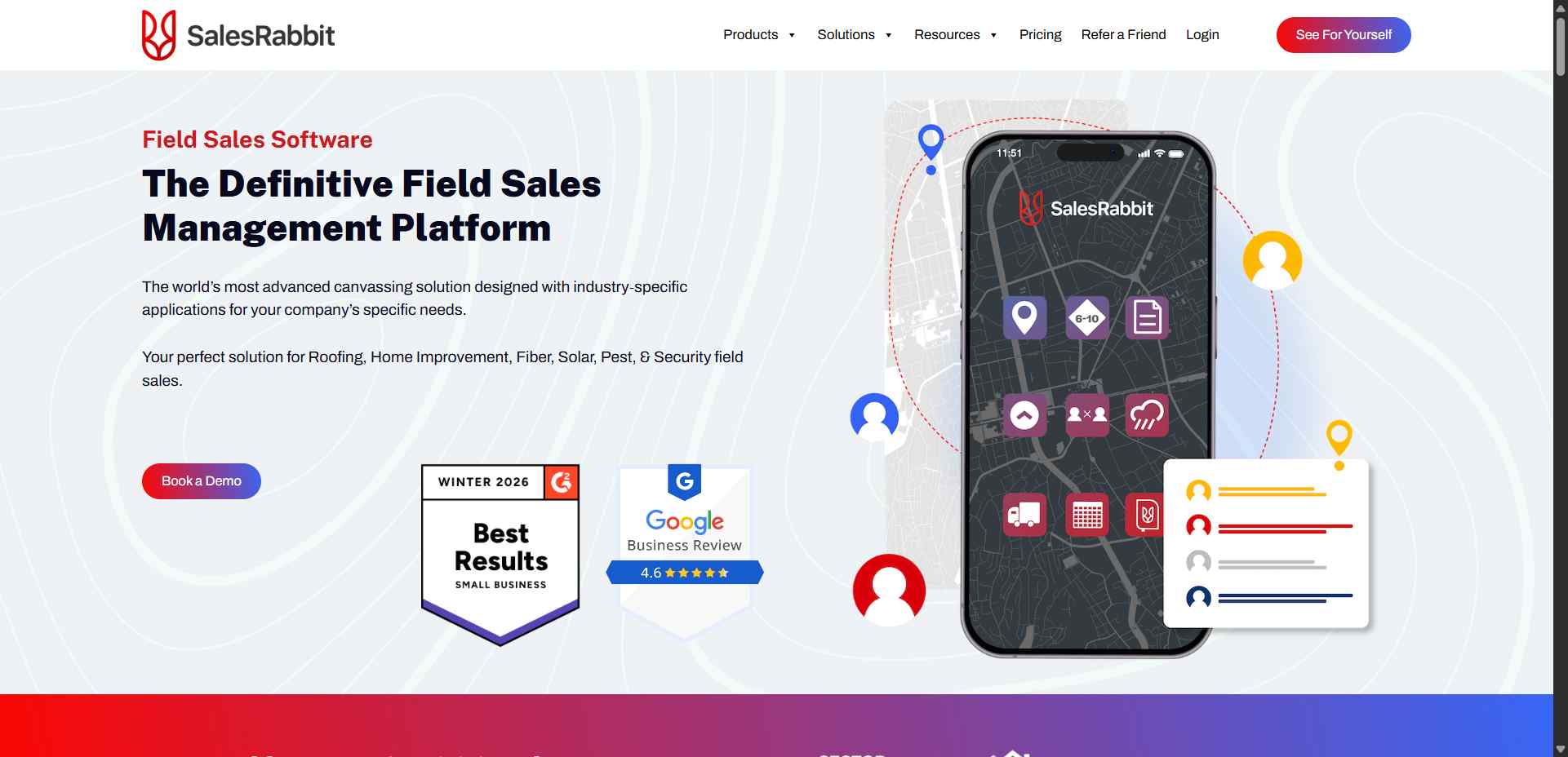
If you like SPOTIO's basic idea but want to compare another platform built for canvassing, SalesRabbit is a natural place to start.
What it does: SalesRabbit helps teams organise leads on a map, plan routes, manage territories, track rep activity, and monitor performance.
What stands out: It's built around the day-to-day reality of door-to-door sales. Reps can track prospects and visits, while managers can organise territories and review results. Higher plans add features such as custom fields, integrations, scheduling, and gamification.
⚠️Worth noting: Some features depend on your plan, and add-ons can increase the total cost. Check the implementation requirements and contract terms before signing up.
Pricing: The Team plan starts at $59 per user per month with monthly billing. Pro starts at $75 per user per month, with Enterprise pricing available on request.
Best if: Your salespeople spend their days knocking on doors, visiting neighbourhoods, and following up with homeowners or local businesses.
Website: SalesRabbit
3. Badger Maps: Best for Route Planning
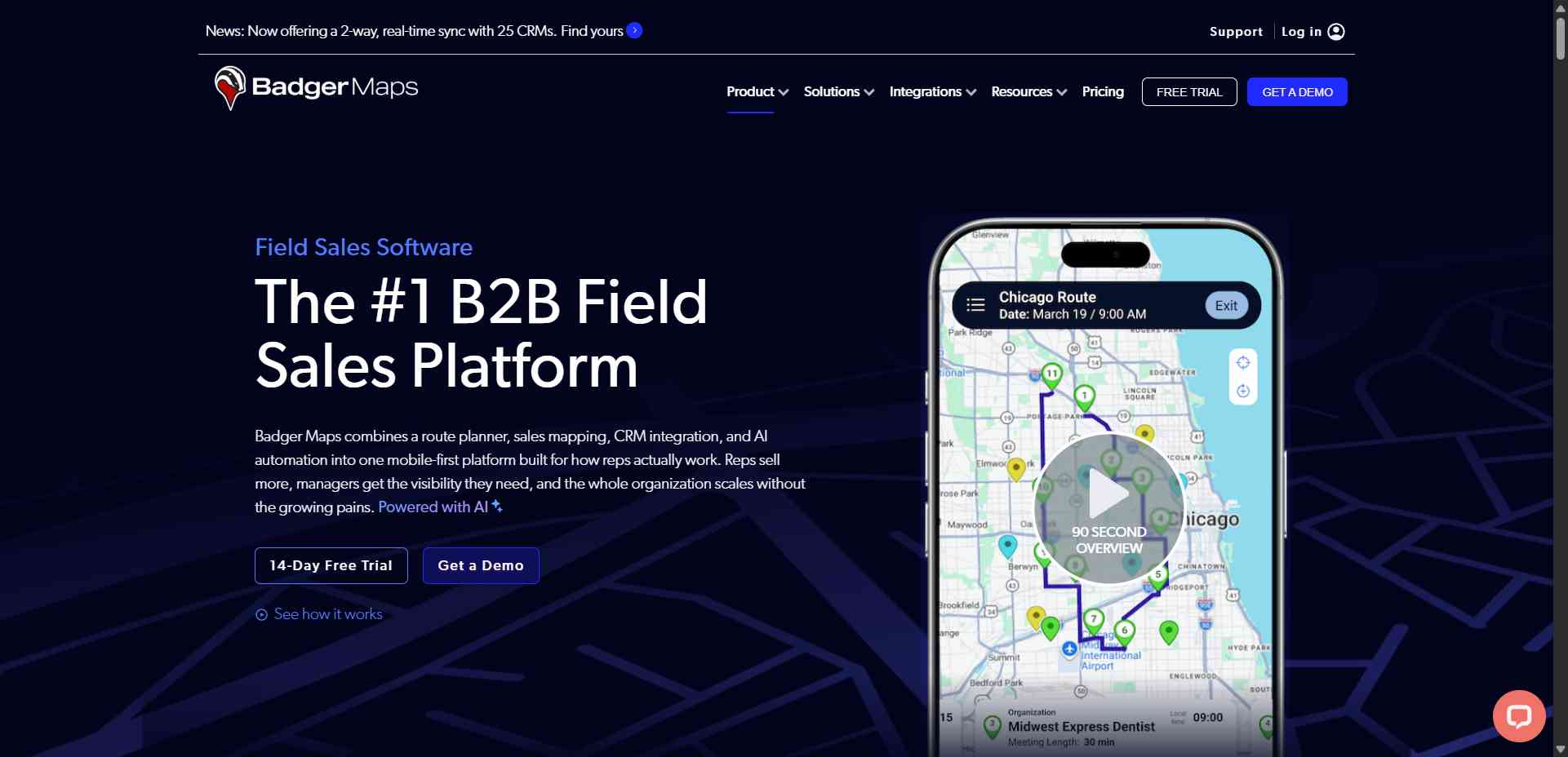
Some sales reps don't knock on doors all day. They visit existing customers, attend appointments, and travel between businesses across a large area.

If that's your team's life, Badger Maps may be a better fit than a broader canvassing platform.
What it does: Badger Maps combines sales mapping, route planning, customer information, CRM integrations, and activity reporting.
What stands out: Reps can organise customer visits into efficient routes, access records on their phones, record notes, and receive follow-up reminders. Its route optimiser supports up to 120 stops.
In other words, it helps reps spend less time figuring out where to drive next and more time with customers.
⚠️Worth noting: Badger Maps focuses heavily on mapping and outside sales. If you need specialised door-knocking workflows and canvassing gamification, compare those features carefully.
Pricing: The Business plan starts at $58 per user per month with annual billing, or $69 per month with monthly billing. Enterprise starts at $95 per user per month with annual billing.
Best if: Your reps already have customers and appointments to visit but need help organising routes and customer information.
Website: Badger Maps
4. Map My Customers: Best for Managing Customer Visits
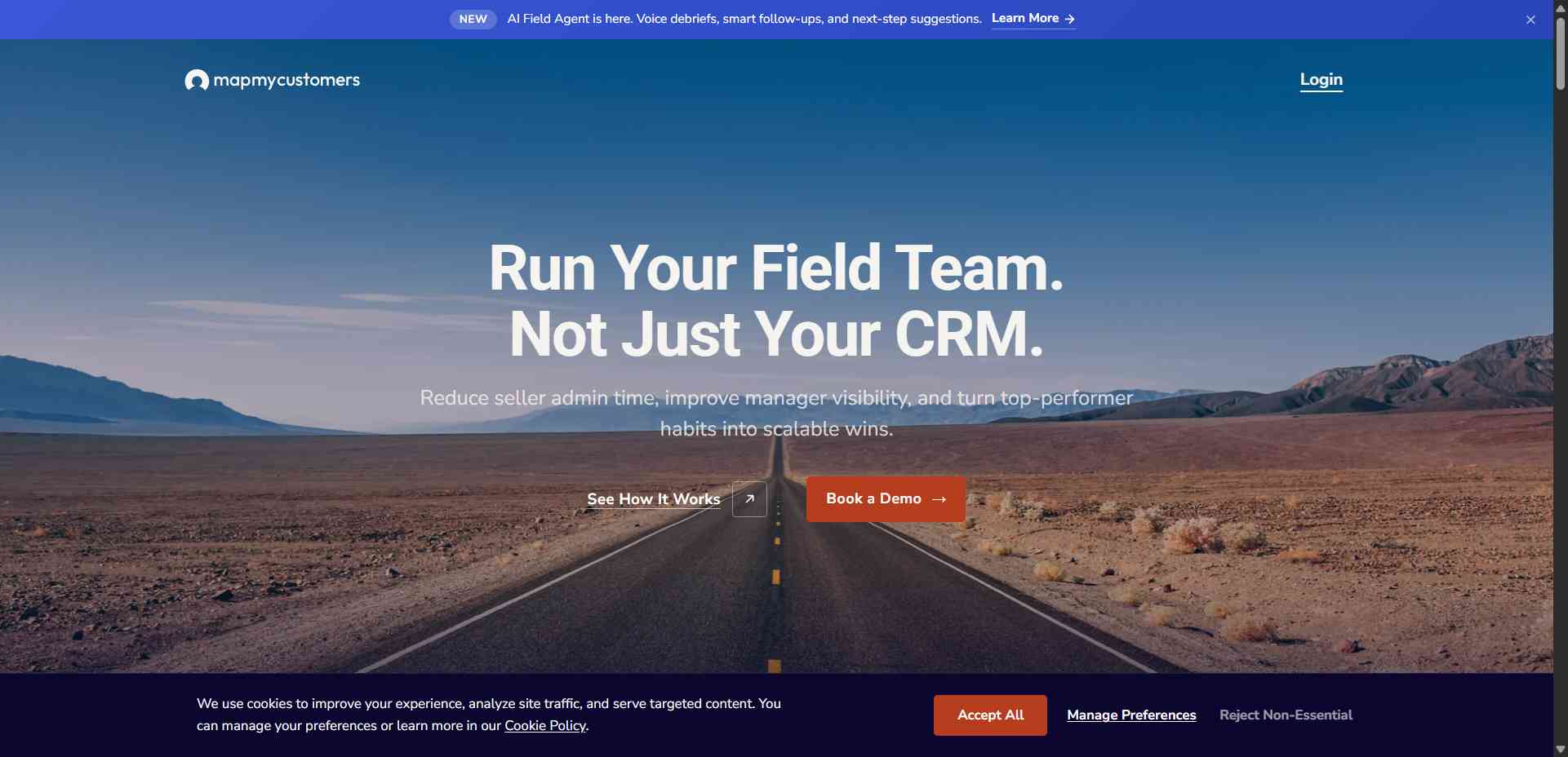
Map My Customers brings customer mapping and field sales management together. It's useful for teams that need more than a route planner but want their reps to have customer information readily available while they're out and about.
What it does: The platform offers territory mapping, route planning, CRM synchronisation, activity capture, lead finding, and reporting.
What stands out: Reps can see customer locations, access relevant information, record activities, and plan visits from a mobile-friendly interface. Higher plans add more advanced reporting, coaching, and field performance tools.
⚠️Worth noting: The more advanced plans can get expensive, and the company uses annual subscriptions. Check the minimum team size and commitment before comparing its price with other tools.
Pricing: Industry Leader starts at $99 per user per month, billed annually. Enterprise starts at $139 per user per month, while Field Intelligence starts at $199 per user per month.
Best if: You want customer mapping, CRM integration, route planning, and field activity tracking in one mobile-first platform.
Website: Map My Customers
5. Geopointe: Best for Businesses Using Salesforce
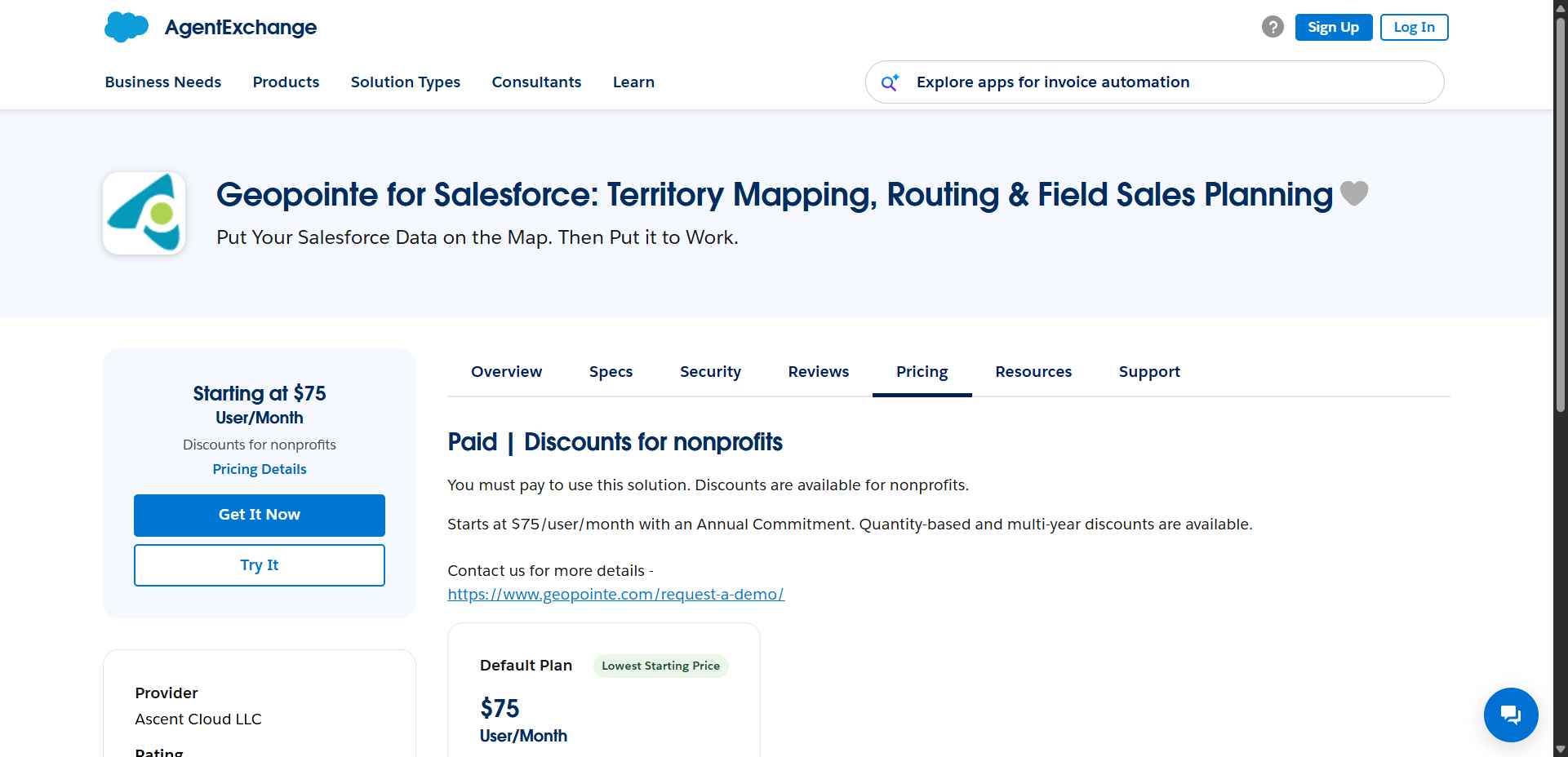
Already using Salesforce to manage your leads and customer records? Geopointe may be worth considering before introducing another standalone platform.
What it does: Geopointe adds mapping and location-based tools to Salesforce. Teams can visualise customer records on maps, plan routes, organise territories, and analyse where their sales opportunities are concentrated.
What stands out: Your sales data and geographic information can work together within the Salesforce ecosystem. That can be useful for teams that want to plan visits without constantly switching between their CRM and a separate mapping tool.
⚠️Worth noting: Geopointe makes the most sense if Salesforce is already central to your workflow. If you don't use Salesforce, a standalone field sales platform may be simpler.
Pricing: Geopointe starts at $75/user/month with an Annual Commitment. Quantity-based and multi-year discounts are available.
Best if: Your team already uses Salesforce and needs mapping, territory planning, and geographic analysis connected to its existing customer data.
Frequently Asked Questions
What is SPOTIO used for?
SPOTIO helps businesses manage salespeople who visit potential customers in person. It organises territories, shows reps where to go, helps plan visits, records what happened during each visit, and lets managers track sales activity.
Why do businesses look for SPOTIO alternatives?
Some businesses want lower costs, simpler route planning, better CRM integration, or a platform more suited to their sales process. Others may not need field sales software at all and would rather reach prospects online.
What is the best alternative to SPOTIO?
It depends on your team's work. SalesRabbit is a close alternative for door-to-door sales. Badger Maps is strong for route planning, Map My Customers combines mapping with field sales management, and Geopointe suits Salesforce users. SalesRobot is worth considering if you're moving towards LinkedIn and email outreach instead of relying entirely on field visits.
Is SalesRobot a direct replacement for SPOTIO?
No. SPOTIO manages in-person sales activity, while SalesRobot automates digital outreach through LinkedIn and email. They're different tools for different jobs. A business may use digital outreach to generate meetings and field sales software to organise visits, but SalesRobot doesn't replace SPOTIO's mapping and field tracking features.
How much does SPOTIO cost?
SPOTIO doesn't list standard plan prices publicly. You'll need to request a quote through its sales team based on your business requirements.
Which SPOTIO alternative is best for door-to-door sales?
SalesRabbit is a strong option for canvassing teams that need to manage leads, territories, routes, and rep activity.
Which alternative is best for route planning?
Badger Maps is a good option for reps who travel between multiple customers each day and need optimised routes, customer mapping, and CRM integration.
Can digital outreach replace field sales?
Not in every situation. Some products and industries still benefit from in-person visits. However, digital outreach can help businesses contact prospects remotely, qualify interest, and arrange meetings before sending a rep out. Whether that works for your team depends on your customers and sales process.
The Bottom Line

SPOTIO makes the most sense when your sales team works out in the field. It helps reps organise visits, manage prospects geographically, record what happened, and keep managers informed.
If that's what you need, start by comparing SalesRabbit, Badger Maps, Map My Customers, and Geopointe.
Each approaches field sales a little differently, so focus on the features your reps will actually use.
But if your bigger goal is to reach more prospects without sending someone to every doorstep, you may want to look at digital outreach as well.
That's where SalesRobot fits. It helps teams run LinkedIn and email campaigns, personalise messages, automate follow-ups, manage replies, and book meetings.
The simple rule: Choose field sales software to organise people and visits on the ground. Choose digital outreach software to start conversations with prospects online. If your business does both, the approaches can complement each other.
👉 Want to automate your LinkedIn and email outreach? Try SalesRobot free for 14 days.

Wow your leads by cloning yourself and sending personalized videos and voice notes to each lead on LinkedIn.
If you don't reply to leads within 5 mins, your chances of converting them fall by 50%. Our AI replies on your behalf instantly! (and yes, you can train it)

Don't shoot in the dark. Get detailed analytics on what's working
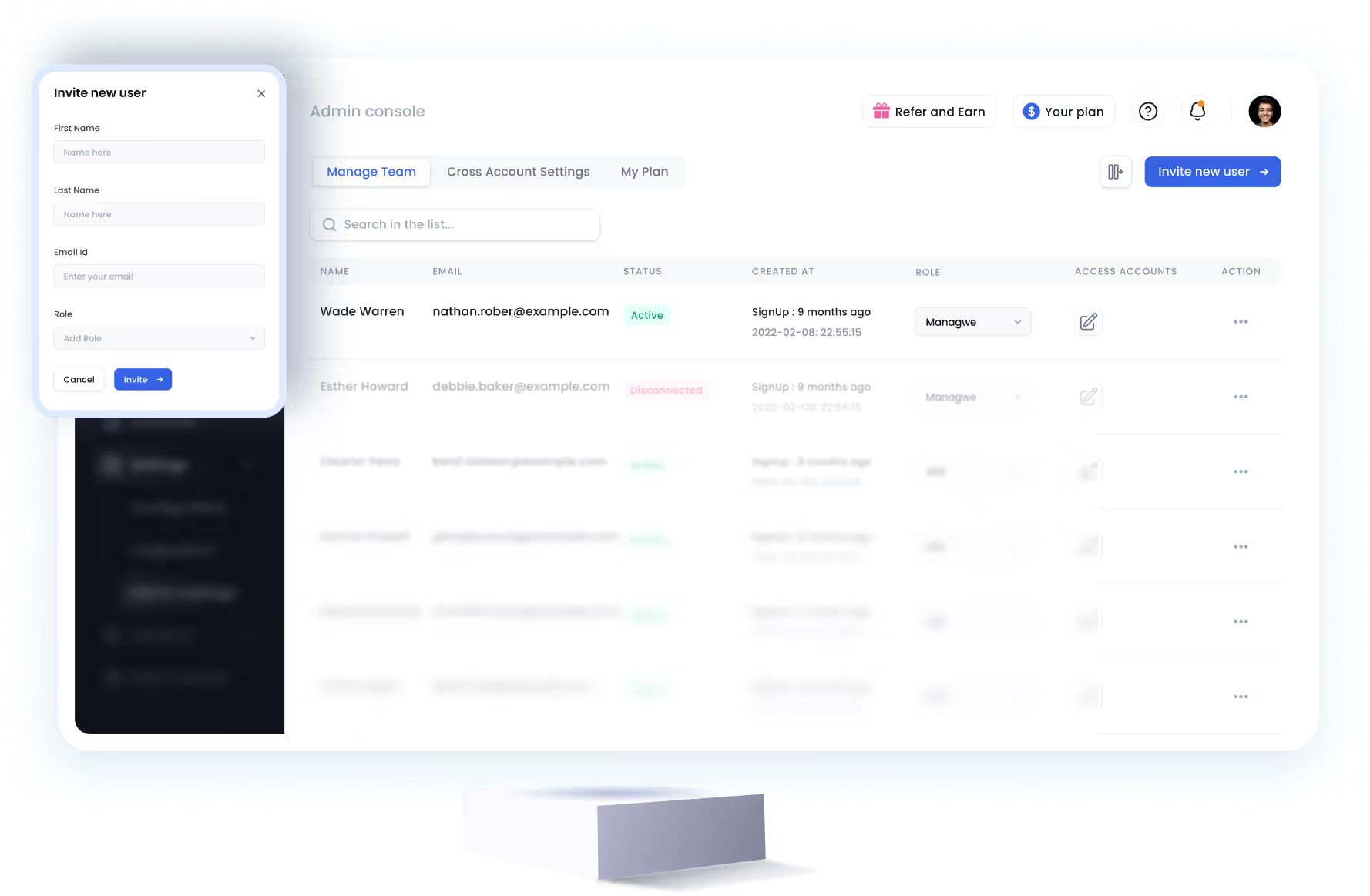
SalesRobot allows you to invite other team members, so that they can add their LinkedIn Account, run outreach campaigns and get amazing results just like you.


Trusted by 4100+ innovative B2B sales teams and lead gen agencies











Heading 1
Heading 2
Heading 3
Heading 4
Heading 5
Heading 6
Lorem ipsum dolor sit amet, consectetur adipiscing elit, sed do eiusmod tempor incididunt ut labore et dolore magna aliqua. Ut enim ad minim veniam, quis nostrud exercitation ullamco laboris nisi ut aliquip ex ea commodo consequat. Duis aute irure dolor in reprehenderit in voluptate velit esse cillum dolore eu fugiat nulla pariatur.
Block quote
Ordered list
- Item 1
- Item 2
- Item 3
Unordered list
- Item A
- Item B
- Item C
Bold text
Emphasis

Superscript
Subscript