.avif)
TL;DR
- RepliQ is a video-personalization tool for cold outreach: you record once, and it generates hundreds of individualized videos using a spreadsheet of prospect data.
- Paid plans start at $39/month (200 credits monthly); the free plan gives 30 videos — and credits are consumed per personalized element, not per prospect.
- ✅ Personalized video outreach delivers up to 40% higher response rates than text-only cold email, and RepliQ users report consistent engagement lift.
- ⚠️ RepliQ doesn't send the sequence, run LinkedIn automation, or book meetings, it only creates the asset; you need a separate outreach platform to actually deploy it.
- Rated 4.7 on AppSumo with a 60-day money-back guarantee; G2 and Capterra users flag a confusing interface and limited integrations as recurring friction.
- Choose RepliQ for producing personalized video assets at scale; choose SalesRobot for the full outreach stack: LinkedIn automation, video/voice message sending, and AI appointment-setting, all starting at $59/month.
👉 Want automated video outreach that actually sends and books? SalesRobot handles LinkedIn sequences, video messages, and AI replies in one place — try free for 14 days.
You've Got 200 Prospects and One Shot to Stand Out — Now What?

Your sequence is live. Your copy is clean. And your reply rate looks like a rounding error.
And you’re asking yourself… WHY?!!!!!
Because everyone's inbox is stuffed with the same "Hi [FirstName], I noticed your company does X" opener.
It's beige. It's ignorable.
Video breaks that pattern, but most video outreach is a one-off Loom recording that dies the second you try to scale it past ten prospects.
That's the exact problem RepliQ promises to solve.

Record one video, upload a spreadsheet, and RepliQ spits out hundreds of personalized versions: one-to-many that still feels one-to-one.
This review covers:
No extra hype, just what a sales practitioner needs before buying.
RepliQ: What You Need to Know

Here's the fast verdict, strengths and friction points woven together so you can decide in 60 seconds.
- ✅ Record once, personalize at scale — one video becomes hundreds of individualized versions. RepliQ overlays prospect-specific data (name, company, website screenshot) without you re-recording a thing.
- ⚠️ Credit model gets confusing fast — 1 credit is consumed per personalized element per prospect. A video plus an AI icebreaker for one prospect burns 2 credits, so the 200-credit plan empties quicker than it looks.

- ✅ Strong engagement signal — personalized 1:1 video hits a 16x higher click-to-open rate than generic video content (DashClicks, 2025), and RepliQ users report a real lift in replies.
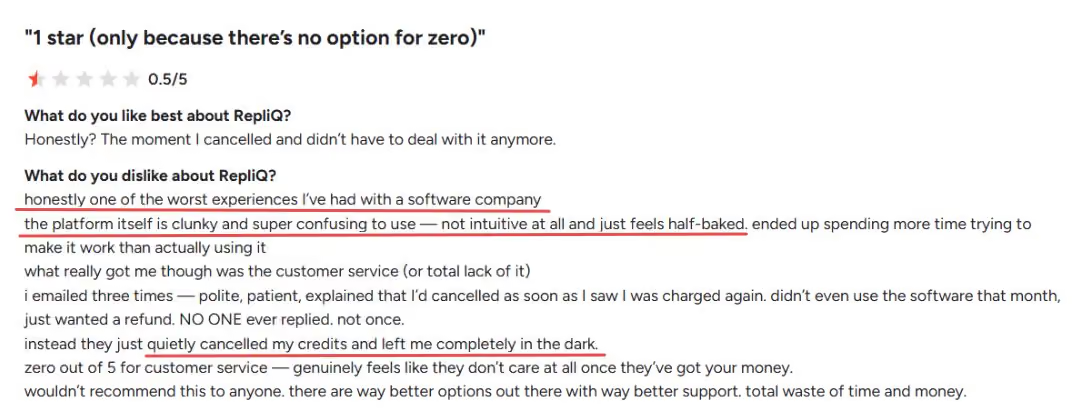
- ⚠️ Interface friction is a recurring complaint — multiple user reviews flag poor organization and a confusing UI. Expect a learning curve before your first campaign runs smoothly.
- ✅ AI icebreaker generation — RepliQ auto-writes a personalized first line for each prospect from their LinkedIn or website data, paired with the video.
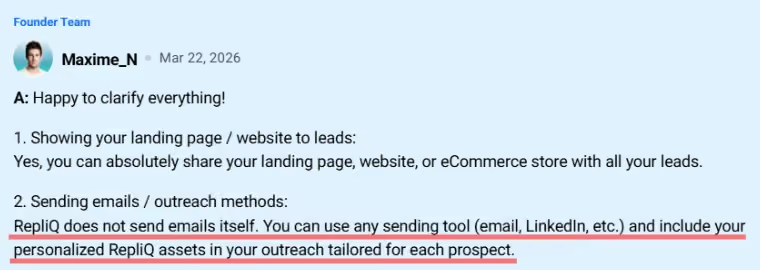
- ⚠️ No sequence engine — RepliQ creates the asset. It does not send the LinkedIn or email sequence, handle replies, or book meetings. You need a separate platform for that.
- ✅ Rated 4.7 on AppSumo with a 60-day money-back guarantee and 24/7 priority support on paid plans.
RepliQ's Key Features, Broken Down
Directory pages love to list RepliQ's features without ever explaining how the thing actually works. Here's how it works, feature by feature.
Spreadsheet-to-Video Personalization
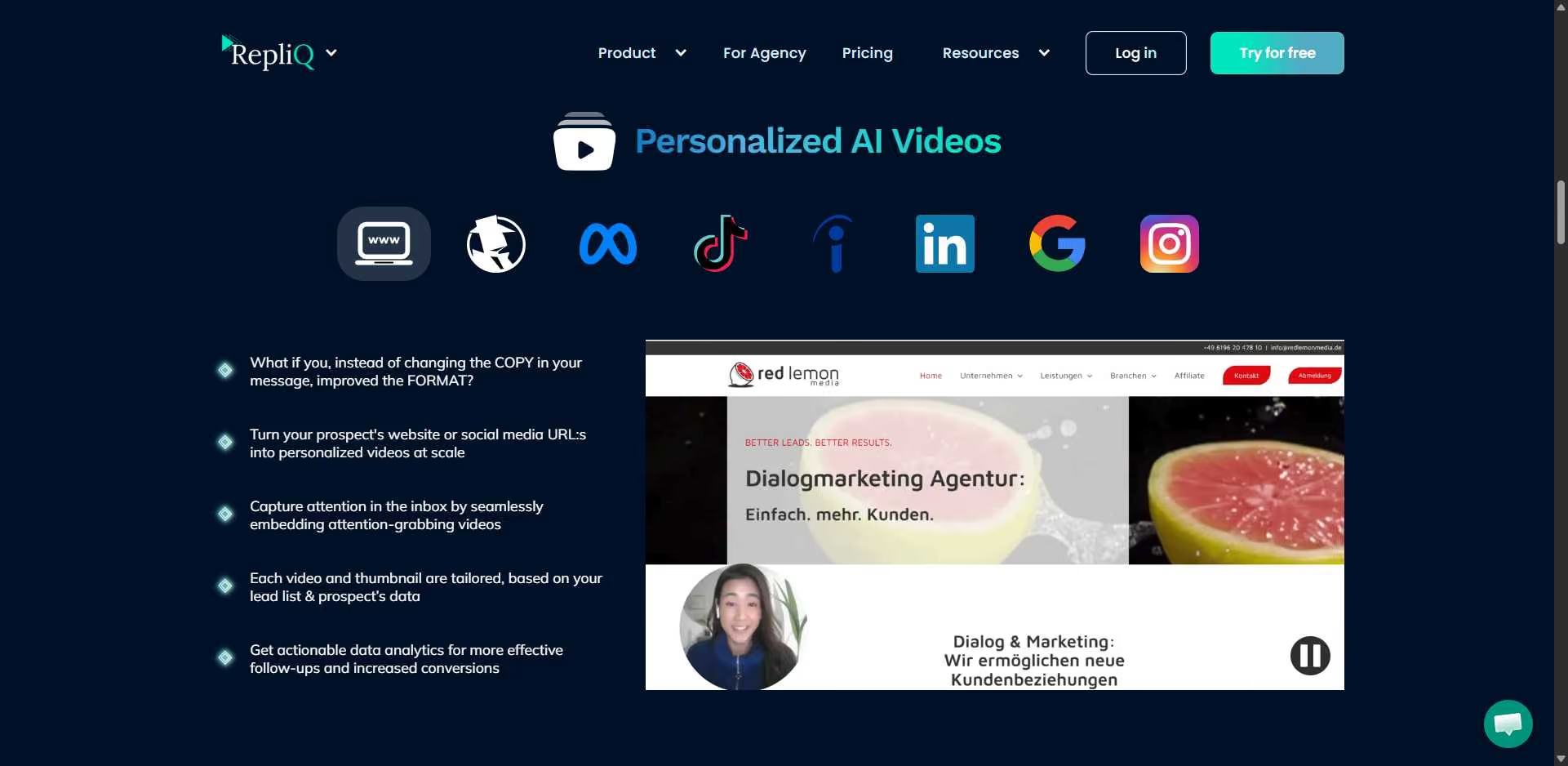
This is RepliQ's core mechanic. You upload a CSV with prospect names, company names, and website URLs, then RepliQ renders a personalized version of your video for every row.
Think of it as mail merge, but for video. RepliQ can produce hundreds of personalized videos in minutes — you record one clip, and each prospect gets their own version.
AI Icebreaker Generator
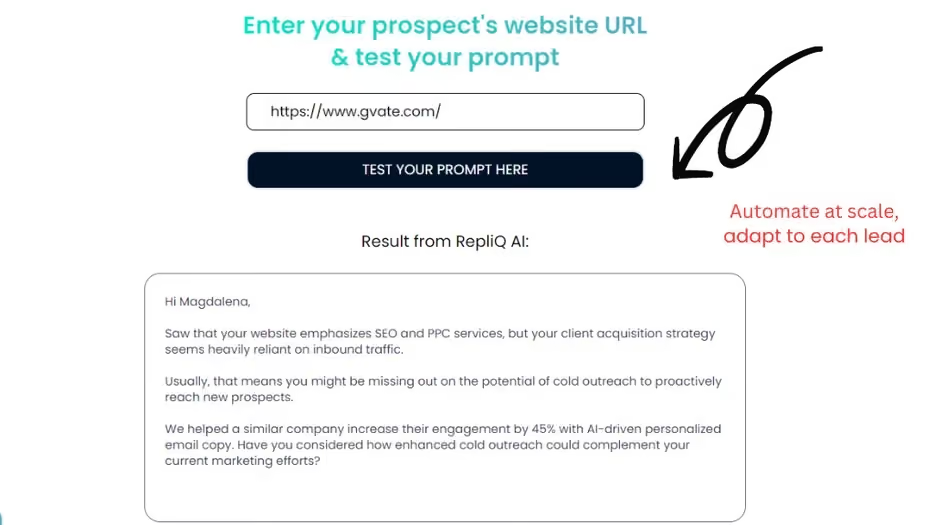
RepliQ auto-generates a personalized first line per prospect using their LinkedIn profile or website data, inserted alongside the video link.
For example, instead of writing 200 openers by hand, you let RepliQ draft "Saw you just expanded the sales team at Acme" for each one. It's the time-saver most users mention first.
Website & LinkedIn Screenshot Overlay
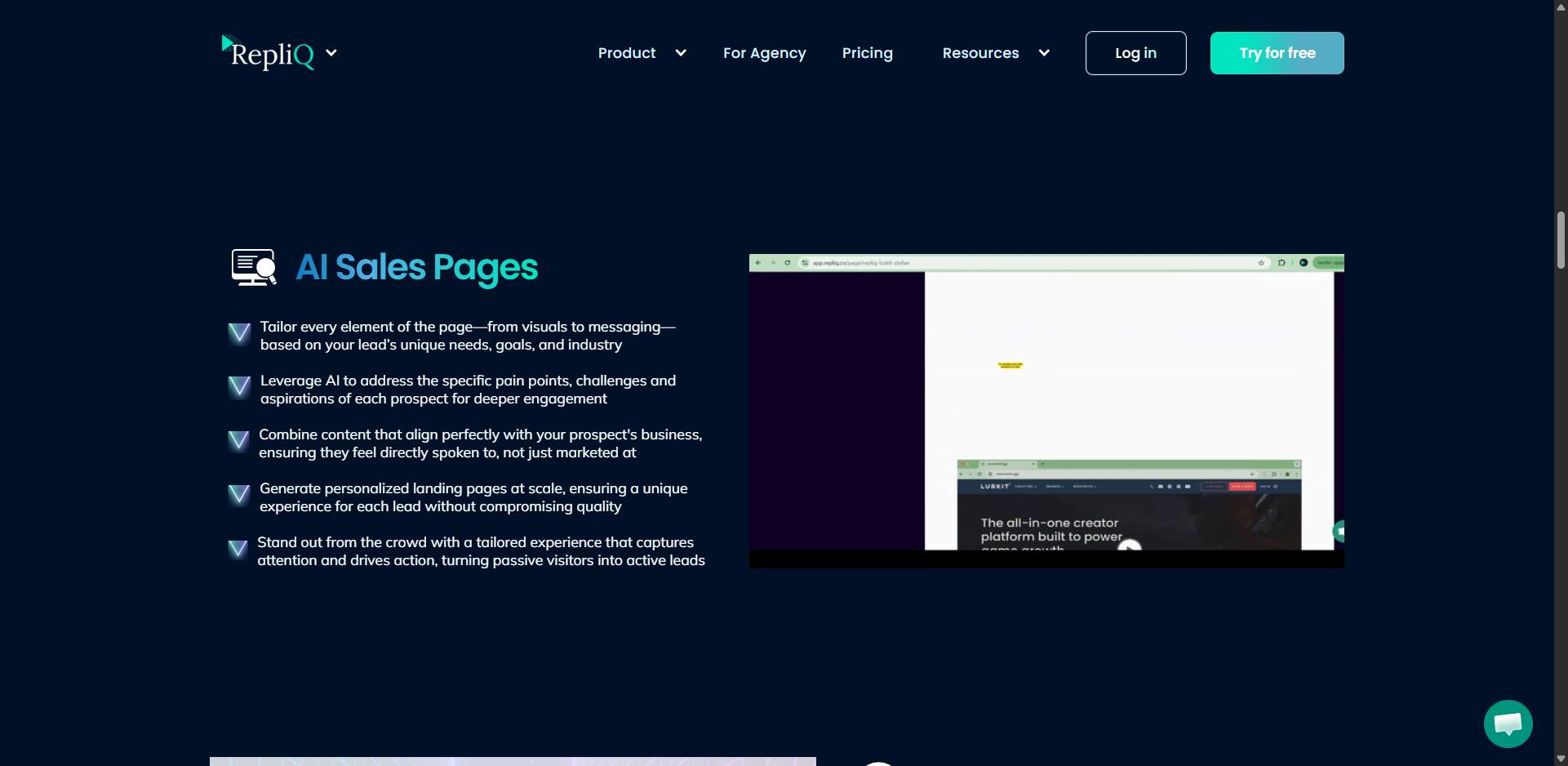
RepliQ dynamically inserts the prospect's website screenshot or LinkedIn profile directly into the video frame.
That's the detail that sells it. When a prospect sees their own homepage on screen behind you, the video reads as genuinely made for them, not a Loom you mass-blasted.
GIF Thumbnail Preview
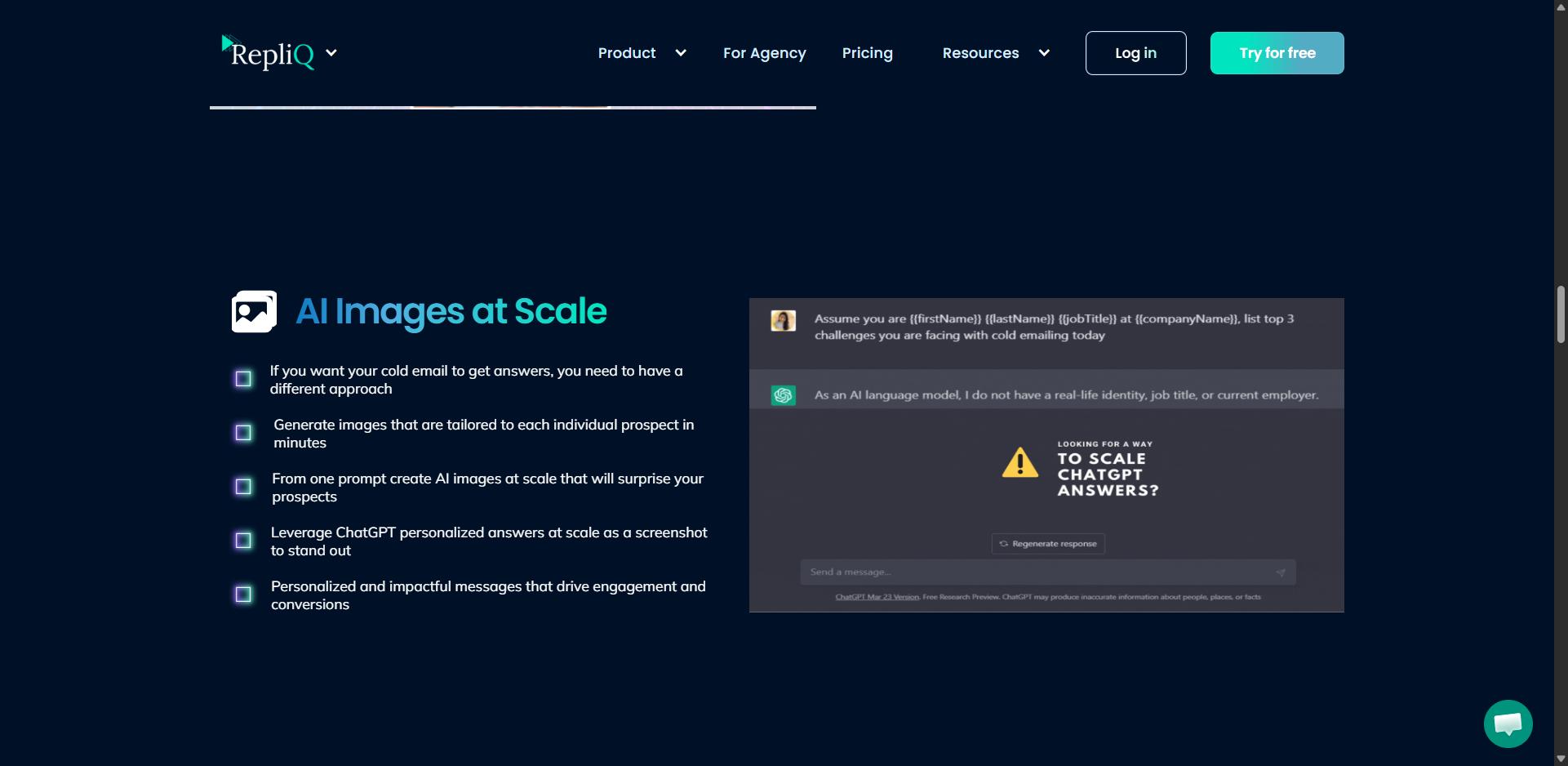
Instead of a static play button, RepliQ generates an animated GIF thumbnail of your video for email embeds.
This matters more than it sounds. Personalized 1:1 video earns a much higher click-to-open rate, and the moving thumbnail is a big part of why prospects click before they even hit play.
Integrations & Delivery
RepliQ outputs a shareable video link or an embeddable GIF that you deliver through your own email or LinkedIn tool. It is not a sending platform itself.
It connects to HubSpot, Mailchimp, Typeform, Eventbrite, Zapier, Make, and many more tools. For LinkedIn delivery at scale, tools like SalesRobot handle the automation layer, including native video and voice-note message sending, because RepliQ stops at the asset.
RepliQ Pricing: How Much Will It Cost?
RepliQ runs a credit-based subscription model. Here are the current tiers.
Now the part the pricing page won't spell out: the credit math.
One video plus one AI icebreaker equals 2 credits per prospect. So 200 credits gets you roughly 100 fully personalized outreaches per month on the base plan, not 200.
If you're running higher volume, you'll blow through credits fast and need a bigger tier.
One more honest flag: video credits don't include sending costs. RepliQ makes the asset, but your email or LinkedIn tool is a separate budget line entirely.
ReplyiQ vs SalesRobot: What Tool Do You Actually Need?
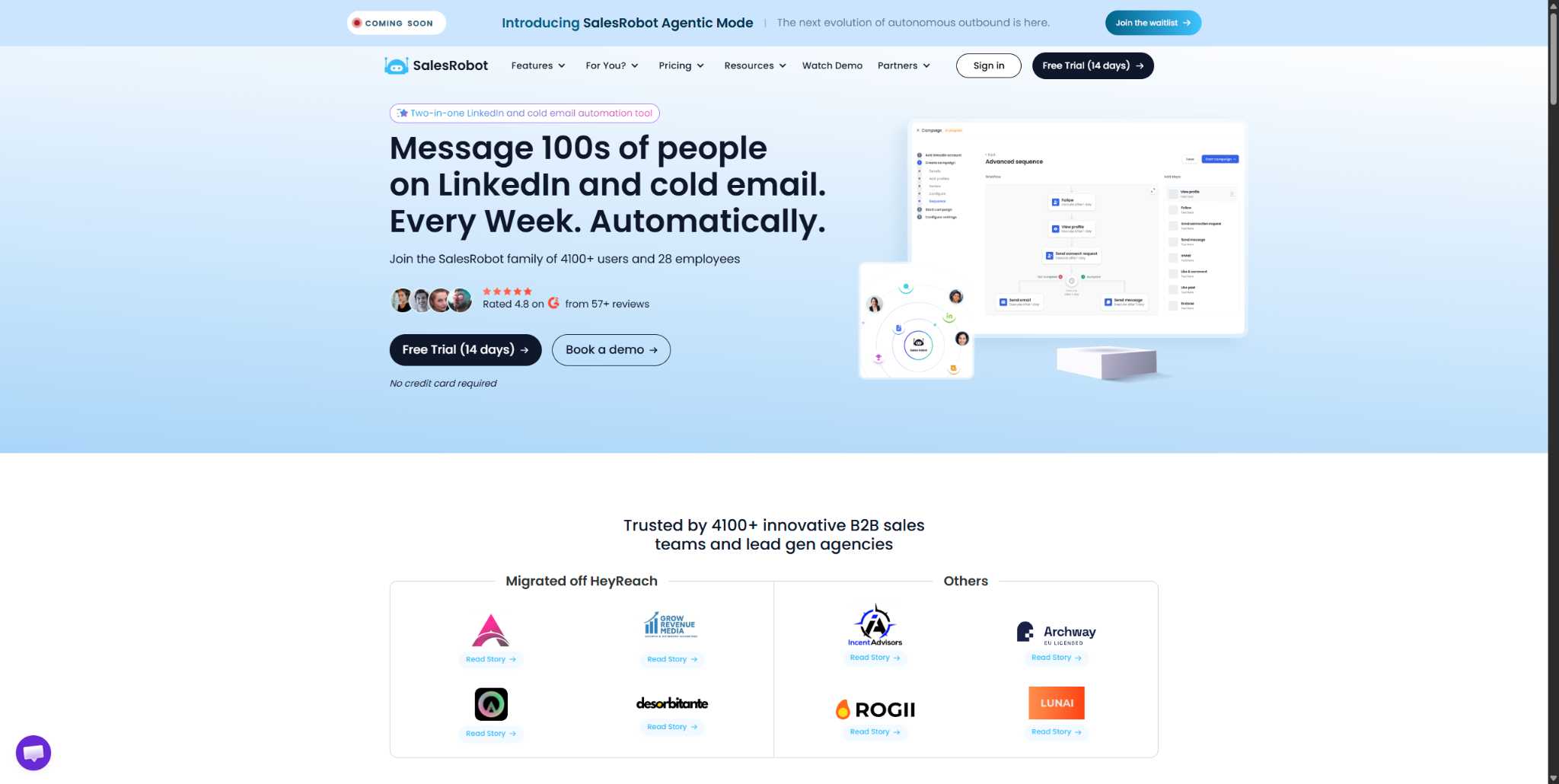
By comparison, SalesRobot bundles the sending, sequencing, and video-message automation together starting at $59/month with a 14-day free trial and no credit card required.
You provide a quick voice recording, and SalesRobot produces a unique voice and video asset that clones your likeness for every lead.
It happens automatically inside your LinkedIn sequence, turning one-to-many outreach into a series of one-to-one impressions.

The platform delivers these voice notes via LinkedIn's native DM channel.
It’s baked directly into your automated campaign, running alongside connection requests and text follow-ups, so you scale your personality without the manual grind.
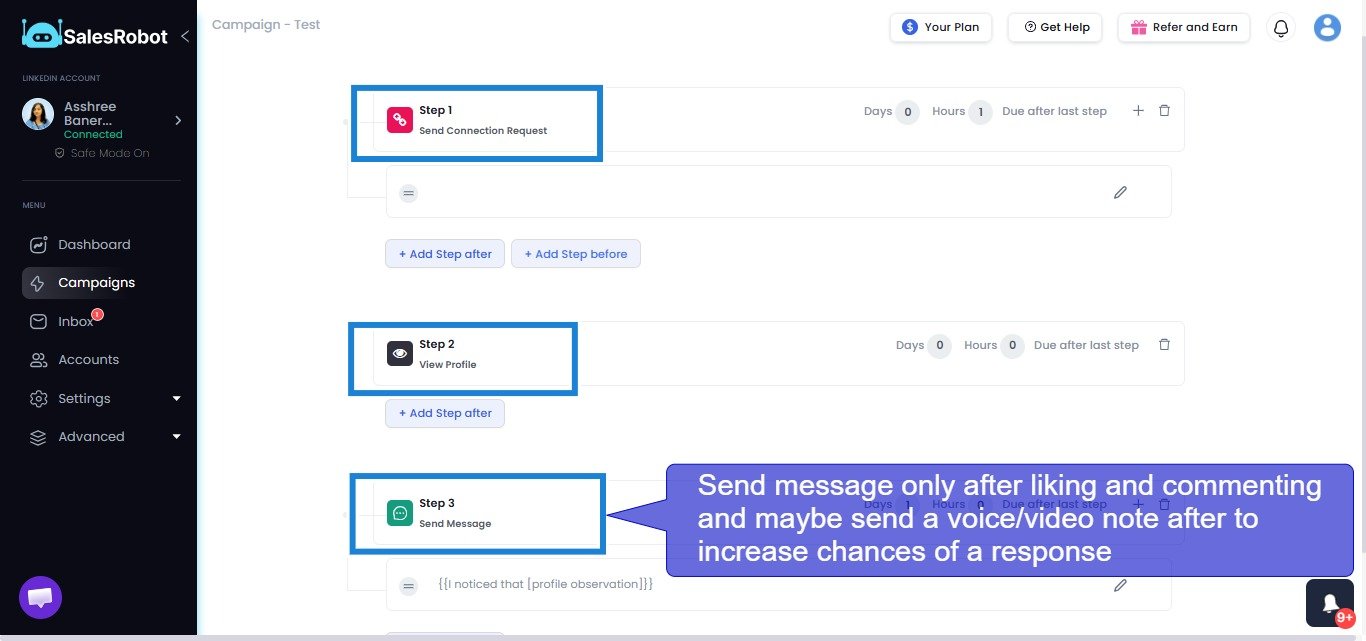
SalesRobot connects through LinkedIn's mobile app APIs rather than browser automation, keeping activity looking natural and making account restrictions far less likely. Connection requests, follow-up sequences, and appointment setting all run automatically.
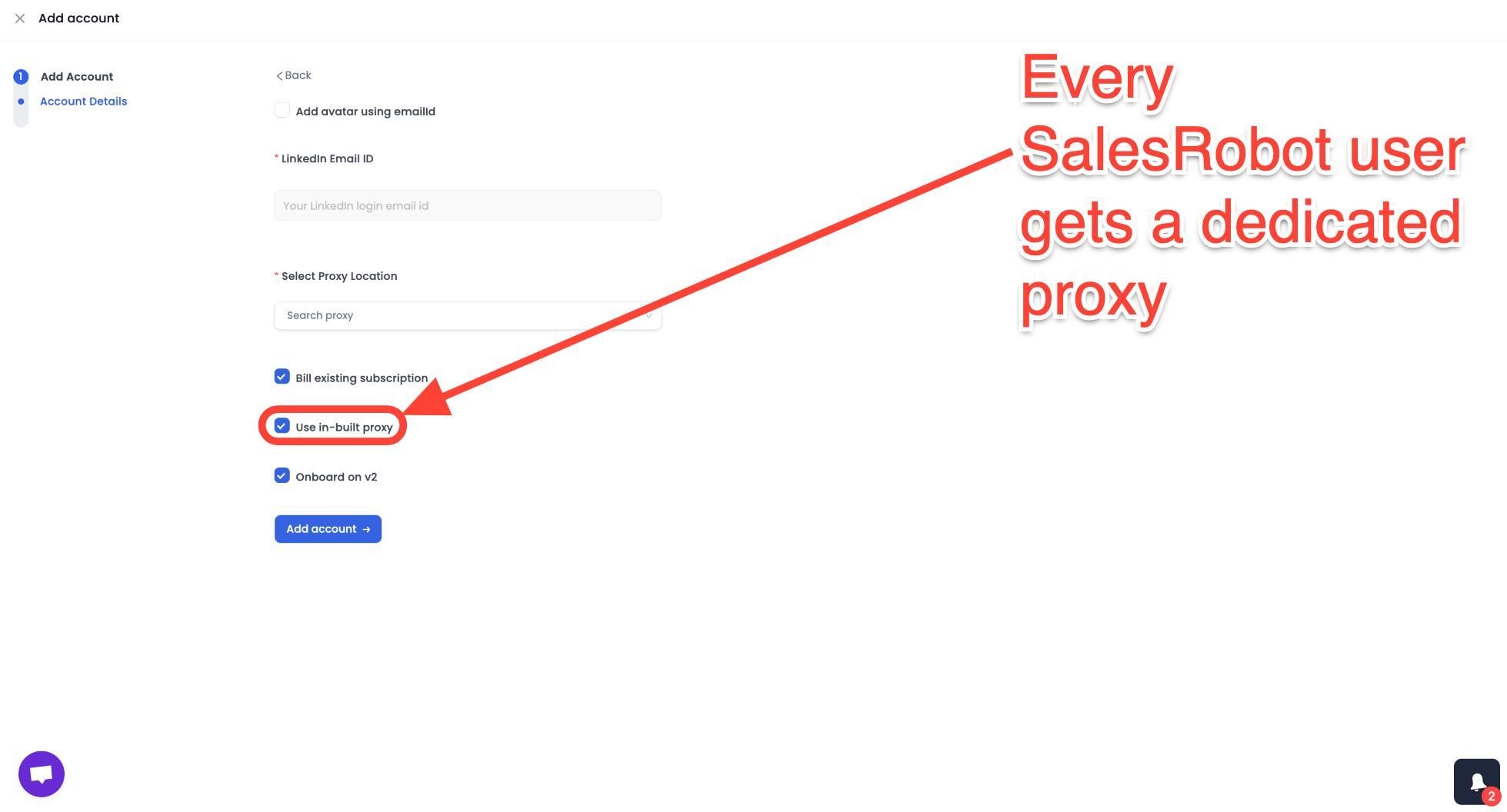
The AI Appointment Setter takes over after a prospect replies, handles qualification questions, and books meetings without manual involvement.
The distinction is clear: Loom is the right tool when you want to create a high-quality, carefully crafted async video for a specific person or audience. SalesRobot is the right tool when you want personalized voice and video outreach to be a standard, scalable part of every LinkedIn sequence without manual production per contact.
SalesRobot pricing (per LinkedIn account, 14-day free trial, no credit card required):
- Basic: $59/month ($39/month billed annually)
- Advanced: $79/month ($59/month billed annually)
- Professional: $99/month ($79/month billed annually)
- Enterprise: Custom
- Email outreach add-on: $15/month per account

SalesRobot also holds a 4.8 rating on G2 across 50+ independent user reviews.
Who Should Use RepliQ (And Who Shouldn't)?
RepliQ is a good tool wearing the wrong label. It's a content tool, not a campaign tool, and that distinction decides whether it's right for you.
Use RepliQ if:
- You send email outreach and want personalized video assets without recording hundreds of individual clips.
- Your team already has a sending platform and just needs the content layer.
- You're testing video outreach on a limited budget — $39/month is a low-risk experiment.
- You're running campaigns through a tool that accepts embedded GIFs or video links.
Don't use RepliQ if:
- You need your outreach tool to send, follow up, handle replies, and book meetings — RepliQ does none of that.
- You're running LinkedIn automation, since RepliQ has no LinkedIn sending capability.
- You need 500+ personalizations per month at the base plan — credits run out fast.
- You want AI that manages the full conversation, not just writes an opener.
The contrast pick: For teams who want video-message automation inside a LinkedIn outreach sequence, SalesRobot sends video and voice notes natively to hundreds of prospects.
Customers report 3x higher response rates on video messages compared to standard connection requests.
Its AI Appointment Setter then handles replies and books qualified meetings on autopilot. It starts at $59/month with a 14-day free trial and no credit card required, and it's used by 5,000+ B2B sales teams.
Frequently Asked Questions
What is the pricing of RepliQ?
RepliQ has three tiers: a free plan with 30 video credits, a monthly plan at $39/month for 200 credits. Credits are consumed per personalized element per prospect, so a video plus an AI icebreaker uses 2 credits.
Does RepliQ offer a free plan?
Yes. RepliQ's free plan includes 30 video credits with a RepliQ watermark on your videos. There's no time limit on the free plan — it's credit-limited instead. It's a solid way to test the spreadsheet-to-video workflow before committing to a paid tier or removing the branding.
How does RepliQ work?
You upload a CSV of prospects, record one video, and RepliQ renders a personalized version for each row using name, company, and website-screenshot overlays. It then outputs a shareable video link or an animated GIF thumbnail that you embed in your email or LinkedIn outreach yourself.
Will RepliQ hurt my email deliverability?
No, RepliQ generates video links and GIFs, it doesn't send emails. Deliverability depends on your sending platform, domain warmup, and reputation, not RepliQ. That said, embedding heavy GIFs can slow load times, so use RepliQ's hosted link over stuffing large files directly into the email body.
How does RepliQ differ from Replika?
They're completely different products despite the similar name. RepliQ is a B2B sales tool for personalized video outreach at scale. Replika is a consumer AI companion chatbot app for casual conversation. There is no overlap in use case, audience, or functionality — people often confuse the two purely by name.
What tools can I use with RepliQ?
RepliQ integrates with HubSpot, Mailchimp, Typeform, Eventbrite, Zapier, Make, and Pabbly. For LinkedIn delivery, you'll need a separate automation tool, since RepliQ only produces the video asset. A platform like SalesRobot handles the actual sending, sequencing, and video-message automation on LinkedIn.
The Verdict — Is RepliQ Worth It?
RepliQ is genuinely good at the one thing it does. Personalized video at scale is a real way to increase your engagement, and $39/month is a fair price for that content layer.
Here's the reality check: RepliQ is a content tool, not a campaign tool. It doesn't send your sequence, run LinkedIn automation, handle replies, or book meetings. If your pipeline is thin because you don't have a sending and follow-up engine, RepliQ won't fix that alone.
For teams who want all of it in one place:
- Video and voice-note sending at scale,
- LinkedIn sequences, and
- An AI Appointment Setter that qualifies leads and books meetings 24/7
SalesRobot is the more complete pick.
It's trusted by 5,000+ B2B sales teams, rated 4.8 on G2, and delivers a 55% average reply rate, starting at $59/month.
👉 Ready to send video outreach that actually books meetings?
SalesRobot runs your LinkedIn and email sequences, sends personalized video messages, and closes with AI — try it free for 14 days, no credit card required.

Wow your leads by cloning yourself and sending personalized videos and voice notes to each lead on LinkedIn.
If you don't reply to leads within 5 mins, your chances of converting them fall by 50%. Our AI replies on your behalf instantly! (and yes, you can train it)

Don't shoot in the dark. Get detailed analytics on what's working

SalesRobot allows you to invite other team members, so that they can add their LinkedIn Account, run outreach campaigns and get amazing results just like you.
.avif)


Trusted by 4100+ innovative B2B sales teams and lead gen agencies

.avif)

.avif)




.avif)


Heading 1
Heading 2
Heading 3
Heading 4
Heading 5
Heading 6
Lorem ipsum dolor sit amet, consectetur adipiscing elit, sed do eiusmod tempor incididunt ut labore et dolore magna aliqua. Ut enim ad minim veniam, quis nostrud exercitation ullamco laboris nisi ut aliquip ex ea commodo consequat. Duis aute irure dolor in reprehenderit in voluptate velit esse cillum dolore eu fugiat nulla pariatur.
Block quote
Ordered list
- Item 1
- Item 2
- Item 3
Unordered list
- Item A
- Item B
- Item C
Bold text
Emphasis

Superscript
Subscript