TL;DR
- Trigify was acquired by HubSpot on September 23, 2026. HubSpot hired the team, but the product is not continuing, and for standard customers everything stops at 11:59pm BST on October 22, 2026.
- Your account will not be migrated and HubSpot will not use your data, so export your tracked profiles, keyword searches, and lead lists before the deadline.
- Trigify was great at one thing: listening. It tracked who posted about a pain, changed jobs, raised a round, or engaged with a competitor, but it never sent anything, so every customer paired it with a separate sender.
- The 7 best alternatives, sorted by job: Teamfluence (engager tracking), Octolens, Phantombuster 69/mo DIY), Clay , Common room, Sales Navigator (119.99/mo), and SalesRobot ($59/mo) for acting on signals.
- Replacing Trigify is really two decisions: a listener to replace the feed, and an engine to act on the signal once it fires.
- Trigify Max cost $199/month for listening alone. SalesRobot runs the outreach-to-meeting layer from $59/month at a 55% average reply rate, and removes the separate sender cost from your old stack.
👉 Skip the stitched-together stack: SalesRobot handles multichannel outreach and AI appointment-setting after the signal fires. Try free for 14 days.
What Was Trigify, Exactly?
If you’ve landed here without much context, Trigify was a LinkedIn signal-tracking tool, a social listener built for sales teams.
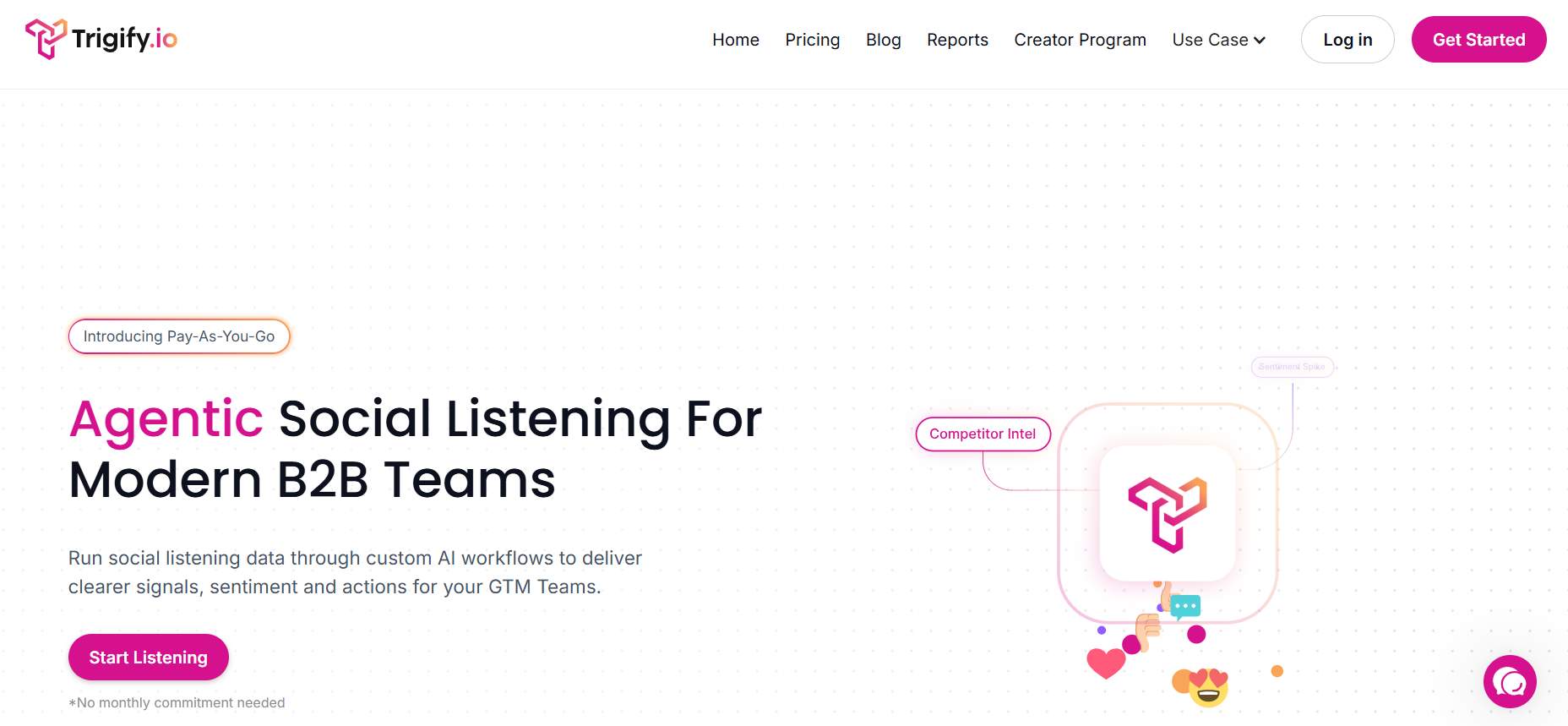
It watched LinkedIn for buying signals: people posting about a specific pain, changing jobs, raising a round, or engaging with a competitor’s content.
When a signal fired, it surfaced that person as a warm prospect and could push the event into HubSpot or Salesforce as a task, so reps acted on intent instead of scrolling the feed hoping to catch it.
The one thing it never did was reach out. Trigify found the warm lead and handed it off, so every customer paired it with a separate sender, and usually an enrichment tool, to actually turn a signal into a conversation. That “listen, but never send” gap is exactly why replacing it is two decisions, not one.
Wait, Trigify Got Acquired? Here's Everything That's Changing (and Fast)
A few days ago, Trigify customers were happily tracking LinkedIn signals. Then the whole team joined HubSpot. Overnight, you became a buyer with a deadline.
On September 23, 2026, HubSpot acquihired Trigify. Read that word carefully: acquihire. HubSpot bought the team, not the product.
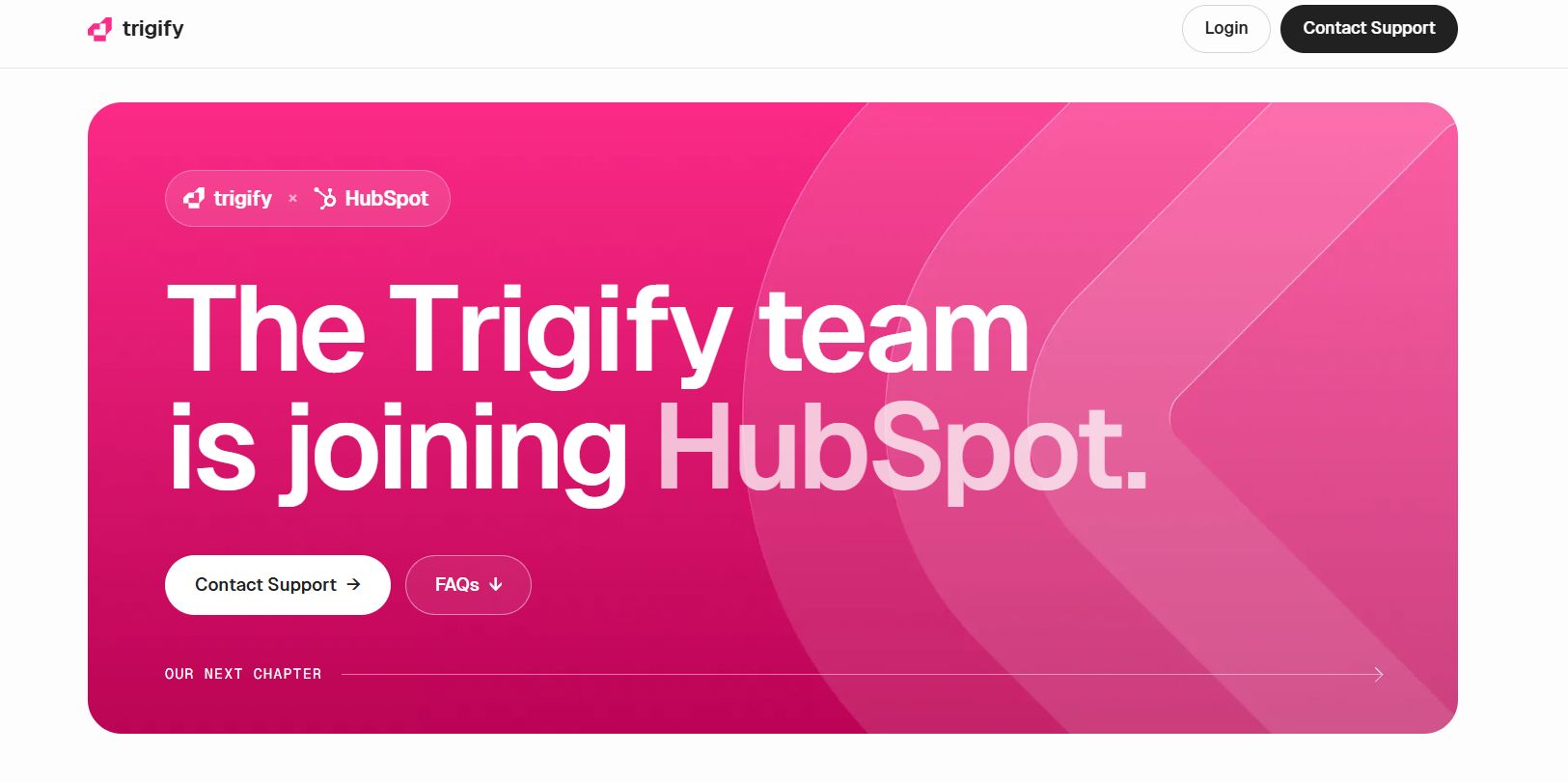
And the product isn't continuing inside HubSpot. The team will apply its expertise to HubSpot's AI products, but no replacement product, date, or pricing has been announced.
Here's the part that stings. For standard customers, integrations, API access, and signal collection all stop at 11:59pm BST on October 22, 2026. That's roughly four weeks from the acquisition notice, a hard cutoff rather than a deprecation runway.
Trigify's own notice is blunt: your account will not be migrated to HubSpot, and HubSpot won't use your data as part of the move. So before you go shopping for a replacement, you've got homework. Let's cover what Trigify actually did, what to export, and the seven tools worth switching to.
Trigify: What You Need to Know Before You Switch
Before you pick a replacement, you need an honest read on what Trigify was good at, and where it quietly made you pay twice.
✅ Signal specificity was the real edge. Trigify tracked who posted about a specific pain, changed jobs, raised a round, or engaged with a competitor's content. These were genuine intent signals, not vanity metrics, and it's exactly why HubSpot wanted the team.
✅ Engager tracking at scale. It was one of the few tools that tracked who liked and commented on specific LinkedIn posts automatically. For social sellers, that's a legitimate competitive advantage.
✅ CRM alerts that saved manual work. Trigify turned social signals into CRM tasks inside HubSpot or Salesforce, so no more manually scrolling feeds hoping to catch a buying moment.
⚠️ It listened, but it never sent. This is the big one. Trigify surfaced warm prospects and handed them off. Every customer paid for Trigify plus a separate sender plus, usually, an enrichment tool. Two or three subscriptions between signal and meeting.
⚠️ Credits-based pricing got messy fast. Plans started at $40/month on a credits model, which meant costs scaled unpredictably the more signals you tracked.
⚠️ The acquihire risk was structural. A small bootstrapped team serving enterprise GTM workflows is always an acquisition target. Great for the investors, less great for your Tuesday.
⚠️ No data safety net. Trigify's shutdown notice confirms there's no migration path and no HubSpot data transfer. Your data is retained or deleted per contractual, privacy, and legal obligations, and that's it.
Trigify's Key Features, Broken Down
To find the right replacement, you need to know exactly which jobs Trigify was doing for you. Here are its three core features.
Social Signal Monitoring
Trigify tracked keywords, competitor names, and pain phrases posted publicly on LinkedIn.
For example, you could set "we're switching CRMs" as a tracked phrase, and Trigify would surface everyone who posted it in the last 30 days, a ready-made list of prospects who self-identified as in-market.
LinkedIn Engager Tracking
Trigify monitored who liked, commented on, or shared specific LinkedIn posts: competitors' posts, thought leaders' posts, or your own.
Think of it as a standing alert that says "tell me every time someone engages with this post," so you could reach out while the topic was still front of mind.
CRM Signal Alerts
Trigify pushed signal events (job changes, funding rounds, keyword mentions, engagement spikes) straight into HubSpot or Salesforce as tasks or contact updates. It killed the manual monitoring loop, so your reps acted on signals instead of hunting for them.
7 Alternatives to Trigify: Which One Actually Fits?
Most "Trigify alternatives" lists just rank tools blindly. That's useless, because Trigify did three different jobs, and you probably only cared about one or two of them.
So we've sorted these by the job to be done: replacing the listening feed, replacing the engager tracking, or the part everyone forgets, acting on the signal once it fires.
1. Teamfluence: Closest Like-for-Like Engager-Tracking Swap
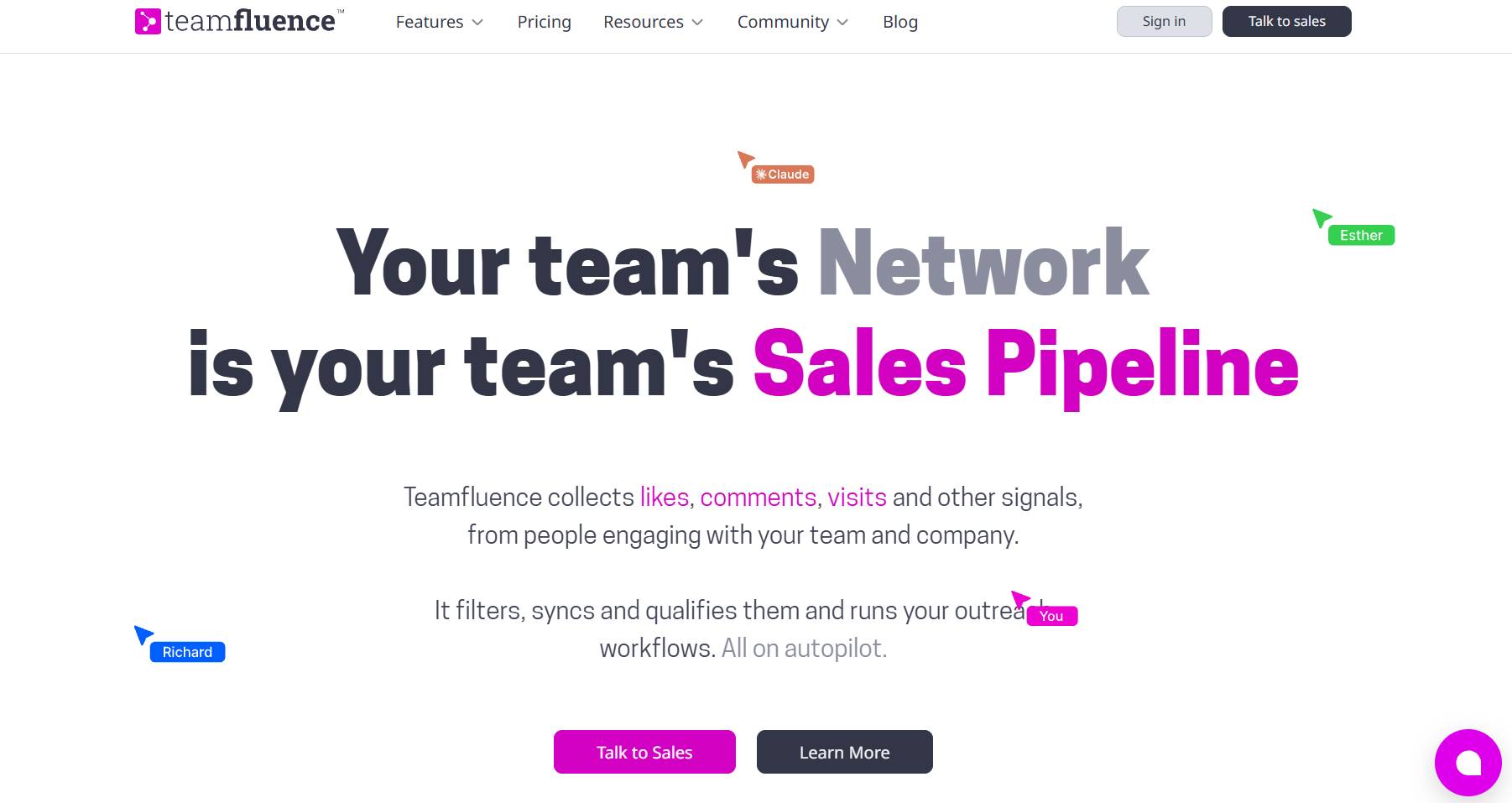
What it does: Tracks who engages with LinkedIn posts at scale, the closest 1:1 match to Trigify's engager-tracking feature.
Stands out for: Teamfluence openly courted Trigify refugees with a price-match and free migration offer the moment the news broke.
Worth noting: Like Trigify, it's a listening and tracking tool. It doesn't send outreach for you.
Pricing: From roughly $299/month, billed monthly.
Best if: Engager tracking was your primary Trigify use case and you want the nearest drop-in replacement.
2. Octolens: Best for Keyword and Competitor Listening
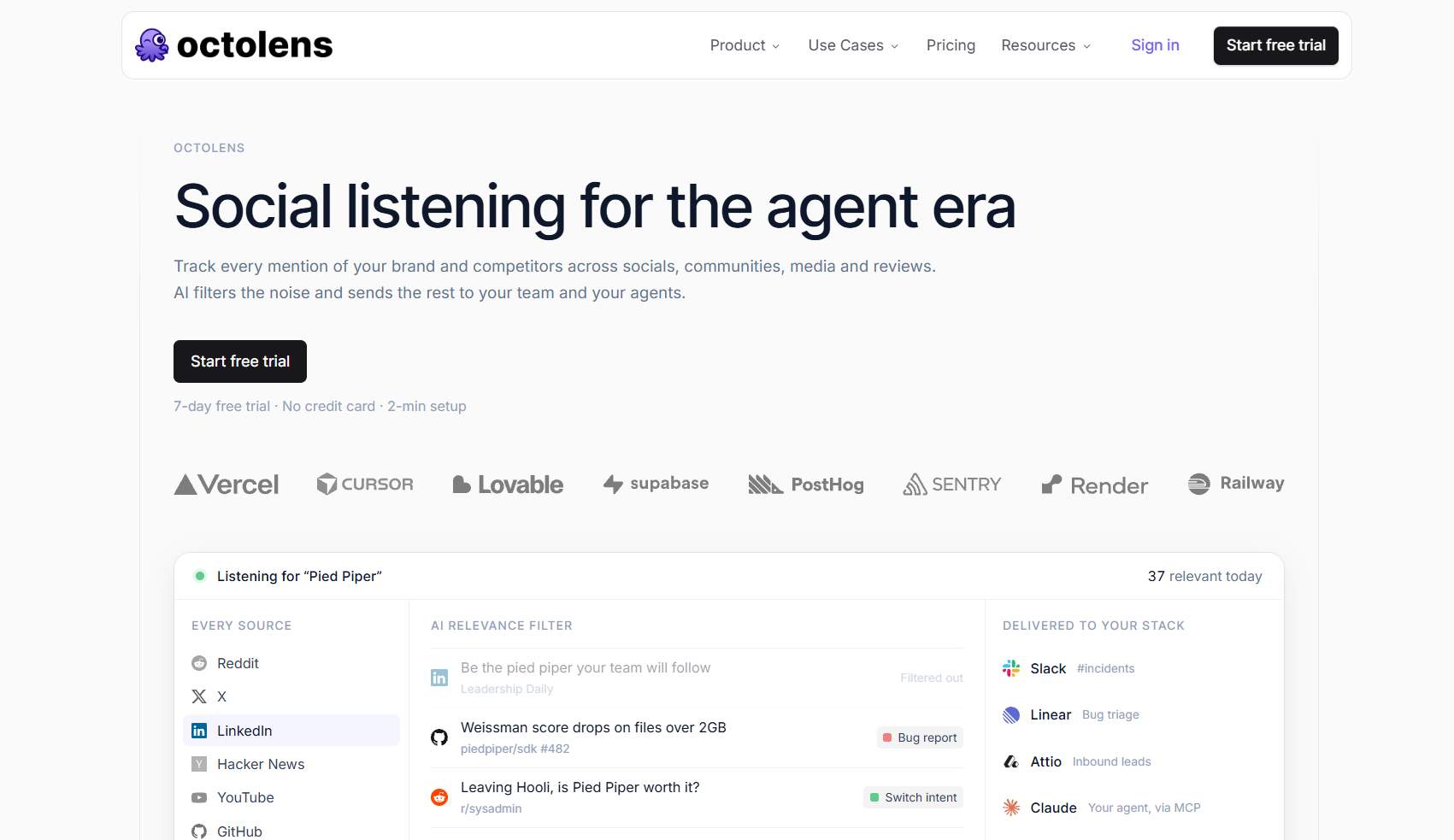
What it does: Monitors LinkedIn for keyword mentions, brand mentions, and competitor activity, then alerts you.
Stands out for: Strong alert customization for social listening. If you mostly used Trigify to catch keyword and competitor mentions, this is the closest fit.
Worth noting: It's a listening layer only. There's no outreach engine attached.
Pricing: $199/month, or $159/month on annual billing.
Best if: Social listening was the main job Trigify did for you.
3. PhantomBuster: Best for DIY Signal-to-List Workflows (Budget)
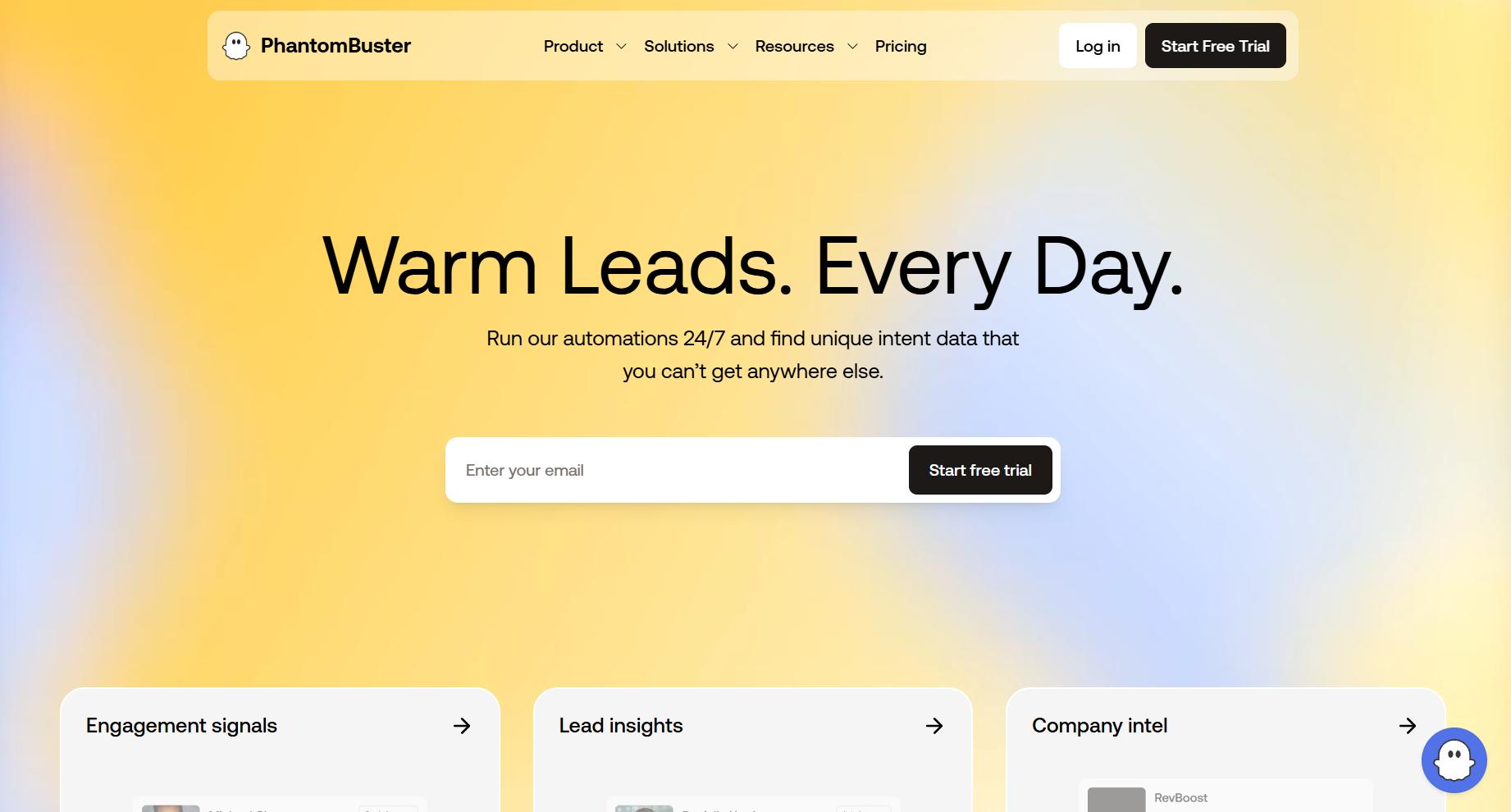
What it does: Scrapes engagers and profiles from any LinkedIn post or search on a schedule, so you can build signal lists yourself.
Stands out for: It's the cheapest way to rebuild a rough signal pipeline if you have the ops bandwidth to wire it up.
Worth noting: This is a DIY toolkit, not a polished product, so expect technical setup and maintenance.
Pricing: Free tier available; paid plans from 56/month annual).
Best if: You want maximum control, a tiny budget, and don't mind building the plumbing.
4. Clay: Best for Custom Signal Enrichment Workflows
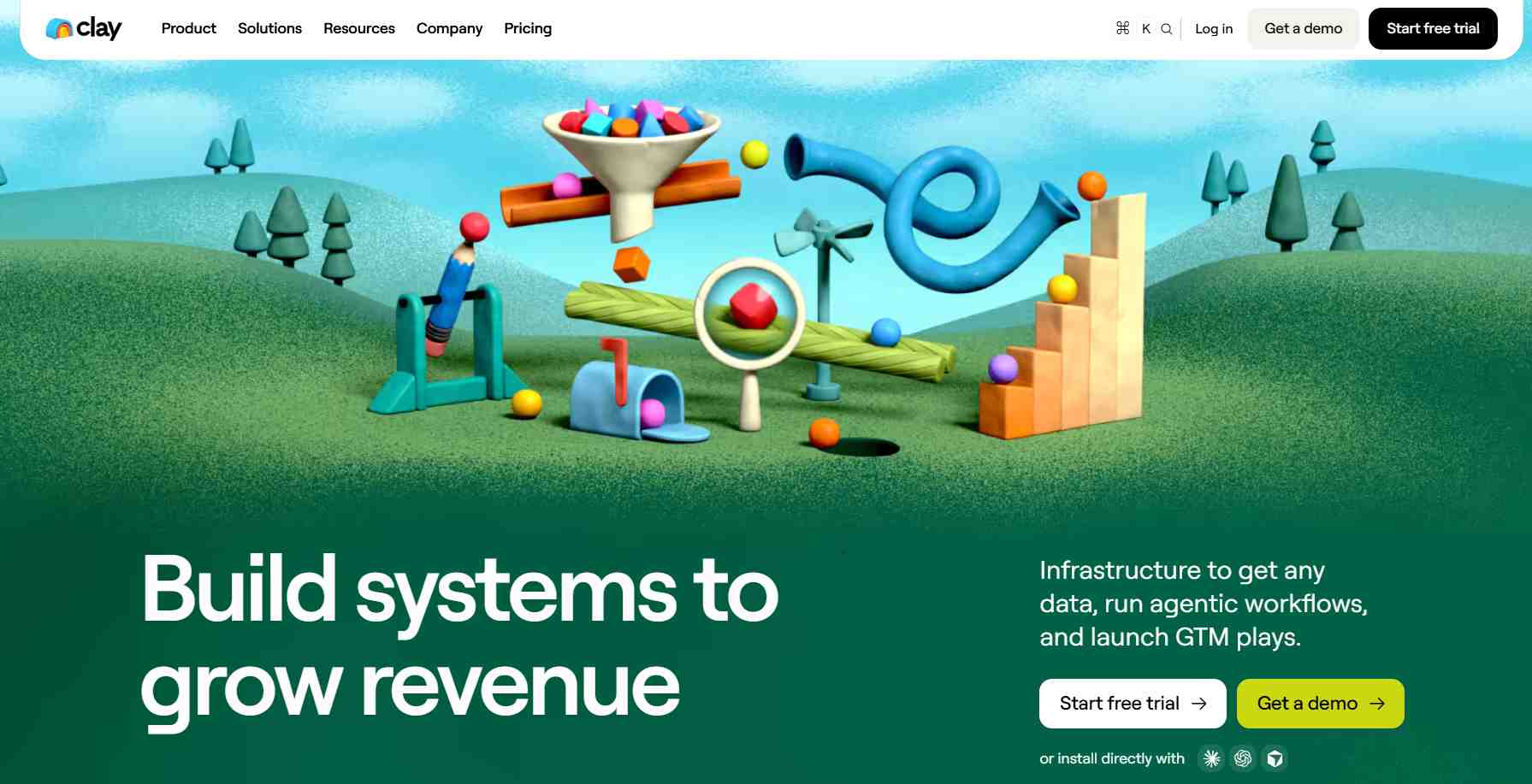
What it does: Builds custom waterfall enrichment and routing from signal sources, the most flexible tool in this list.
Stands out for: If your Trigify signals fed into a complex enrichment-and-routing workflow, Clay can rebuild and extend it.
Worth noting: It has a real learning curve. This is a power tool, not a plug-and-play swap.
Pricing: Launch plan at $167/month.
Best if: Your signals were one input into a larger, custom GTM data workflow.
5. Common Room: Best for Community and Social Signal Scale
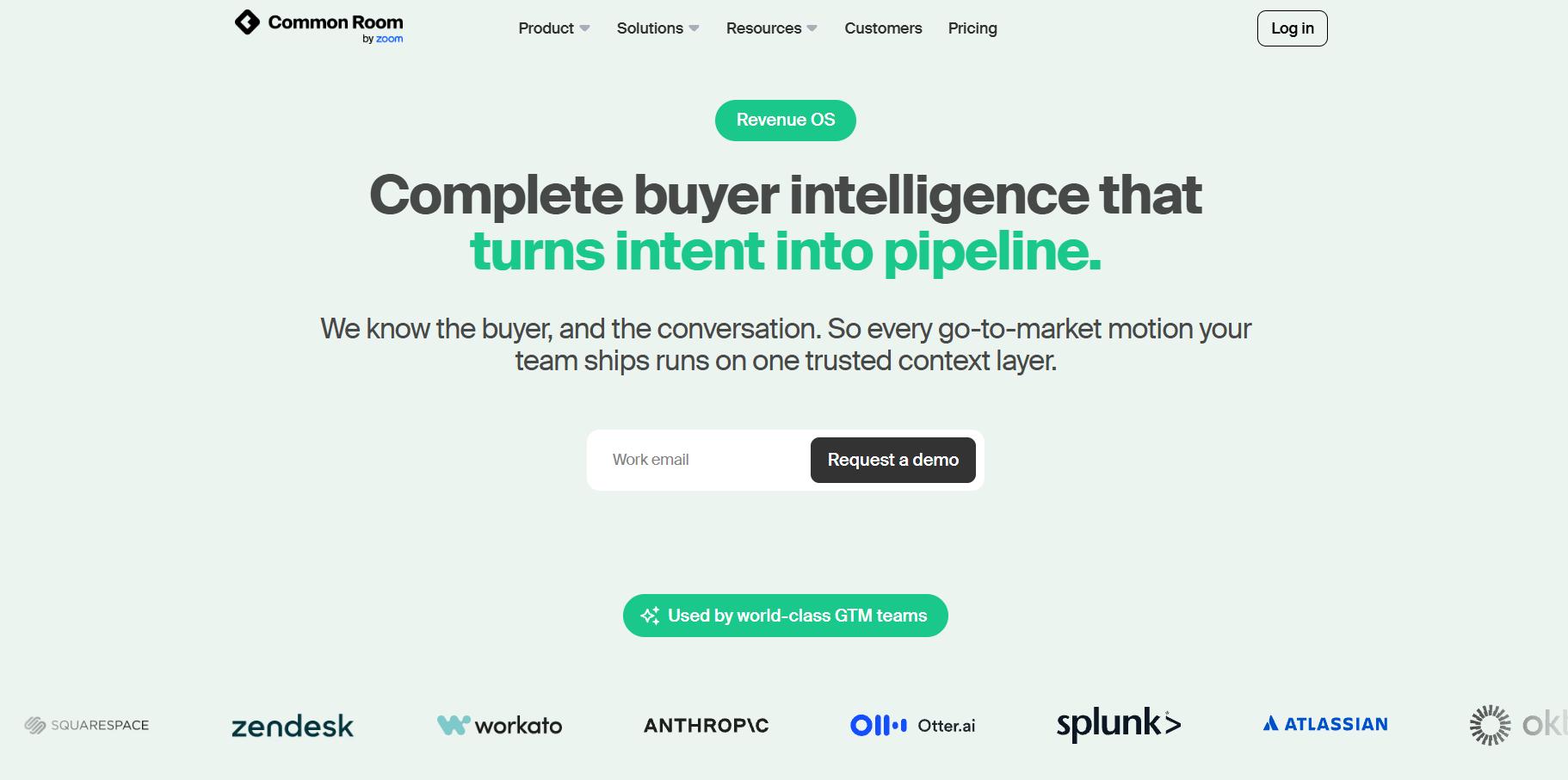
What it does: Ingests signals from dozens of sources (LinkedIn, Slack, GitHub, and more) and unifies them into one view.
Stands out for: Enterprise-grade signal coverage well beyond LinkedIn alone.
Worth noting: The price jump is steep, and it's built for larger GTM teams. Common Room itself was recently acquired by Zoom, a reminder that this whole category is consolidating fast.
Pricing: Reported around $2,000 to $2,500/month, billed annually.
Best if: You need signals across many channels and have an enterprise budget.
6. LinkedIn Sales Navigator: Best for Native LinkedIn Intent
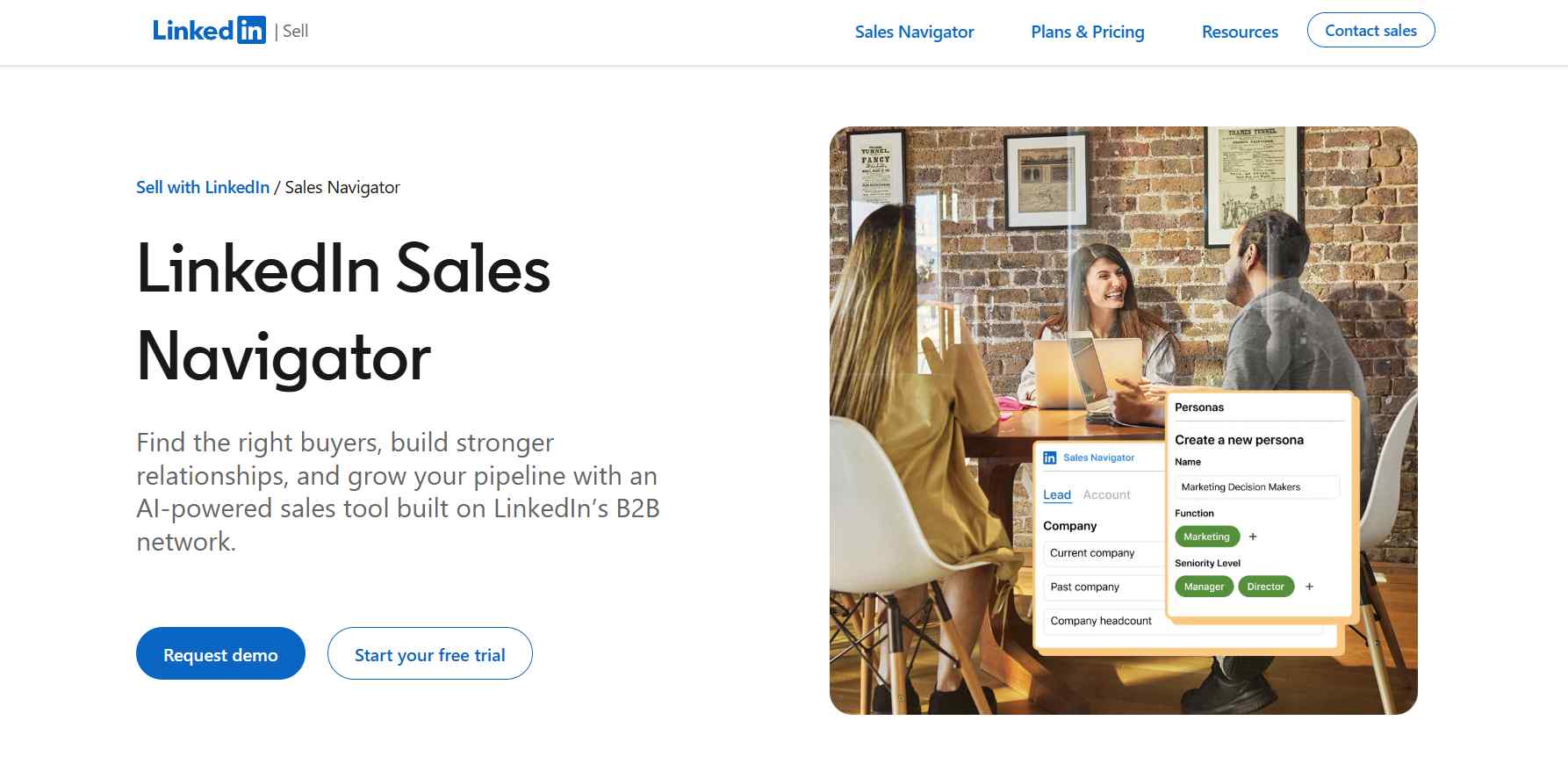
What it does: Surfaces alerts on job changes, company growth, and content activity natively inside LinkedIn.
Stands out for: No third-party scraping risk. It's LinkedIn's own intent data, straight from the source.
Worth noting: It doesn't do post-level engager tracking the way Trigify did, so it only partially covers the gap.
Pricing: $119.99/month for Core, $159.99/month for Advanced.
Best if: You want LinkedIn-native alerts without the risk of a third-party tool.
7. SalesRobot: Best for Acting on Signals

We'll be upfront: SalesRobot doesn't replace Trigify's listening feed. What it replaces is the expensive outreach stack you were running after Trigify fired a signal. Trigify found the warm prospect and handed off, and SalesRobot is where that handoff ends.
What it does: It combines LinkedIn automation with AI personalization, so you bring the signal from any listener above and SalesRobot takes it from warm lead to booked meeting.
Stands out for: This is where the AI does the heavy lifting, and it helps to see each piece on its own.
The AI Appointment Setter runs in two modes. In Copilot it suggests personalized replies you approve with one click; in Autopilot it manages the whole conversation, handles objections, and books qualified meetings 24/7.
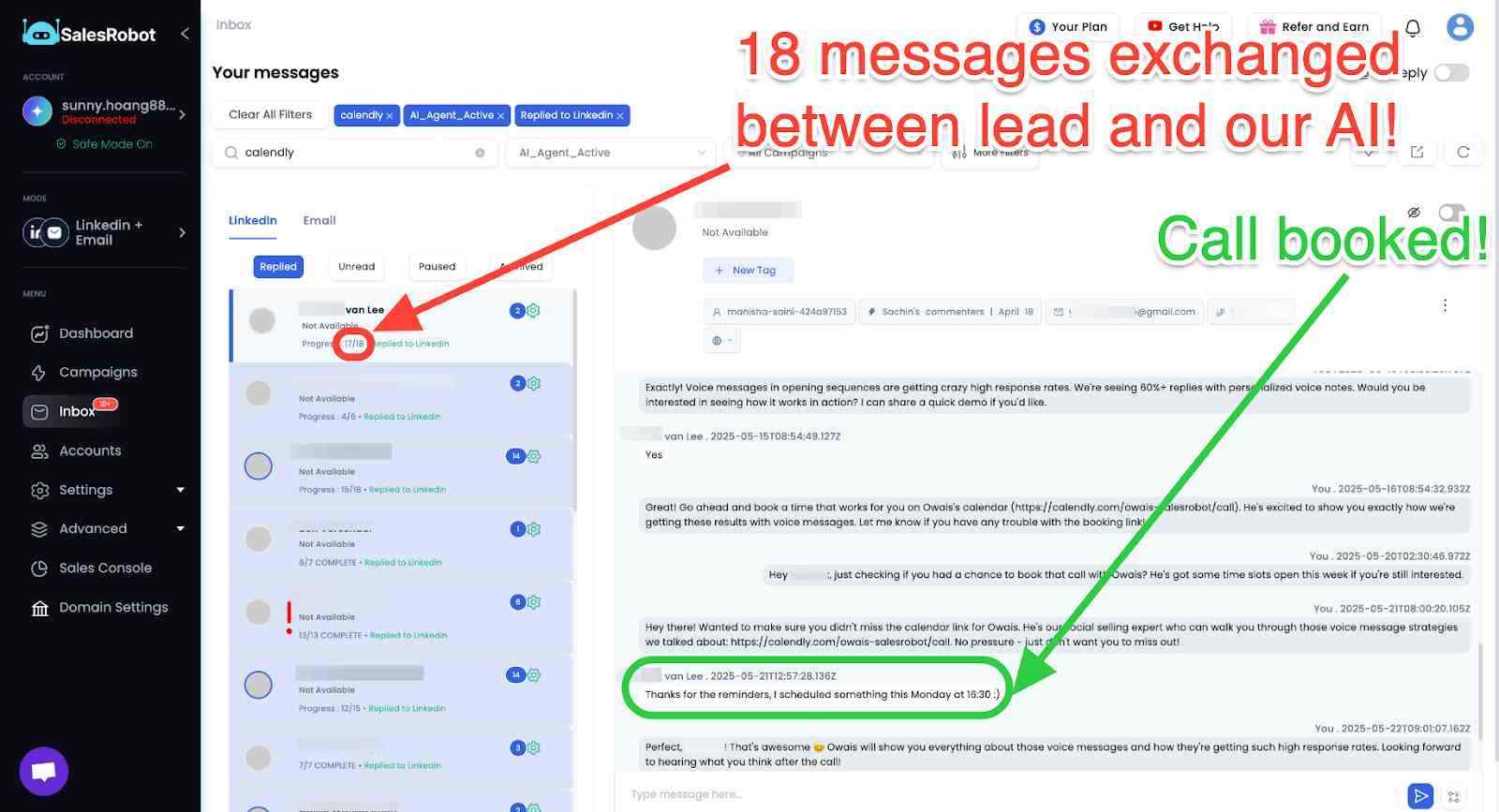
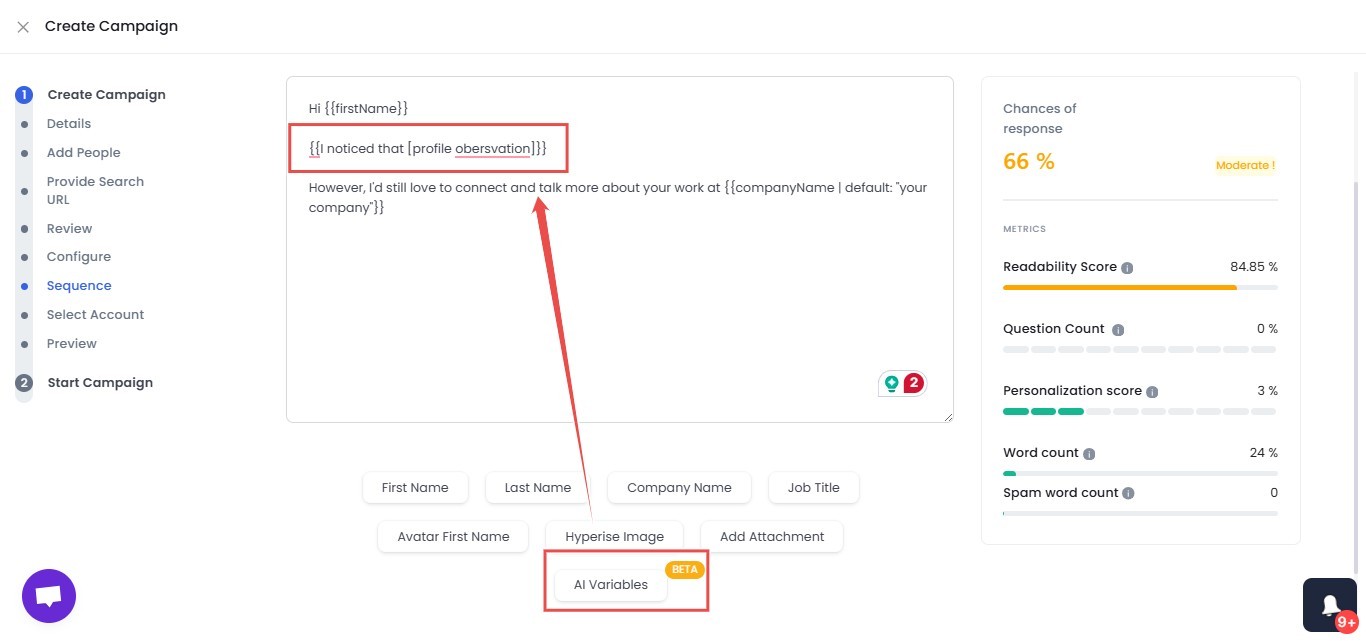
AI Variables pull real details from each prospect's LinkedIn profile, so a signal-sourced lead gets a message that reads like you wrote it rather than a template.
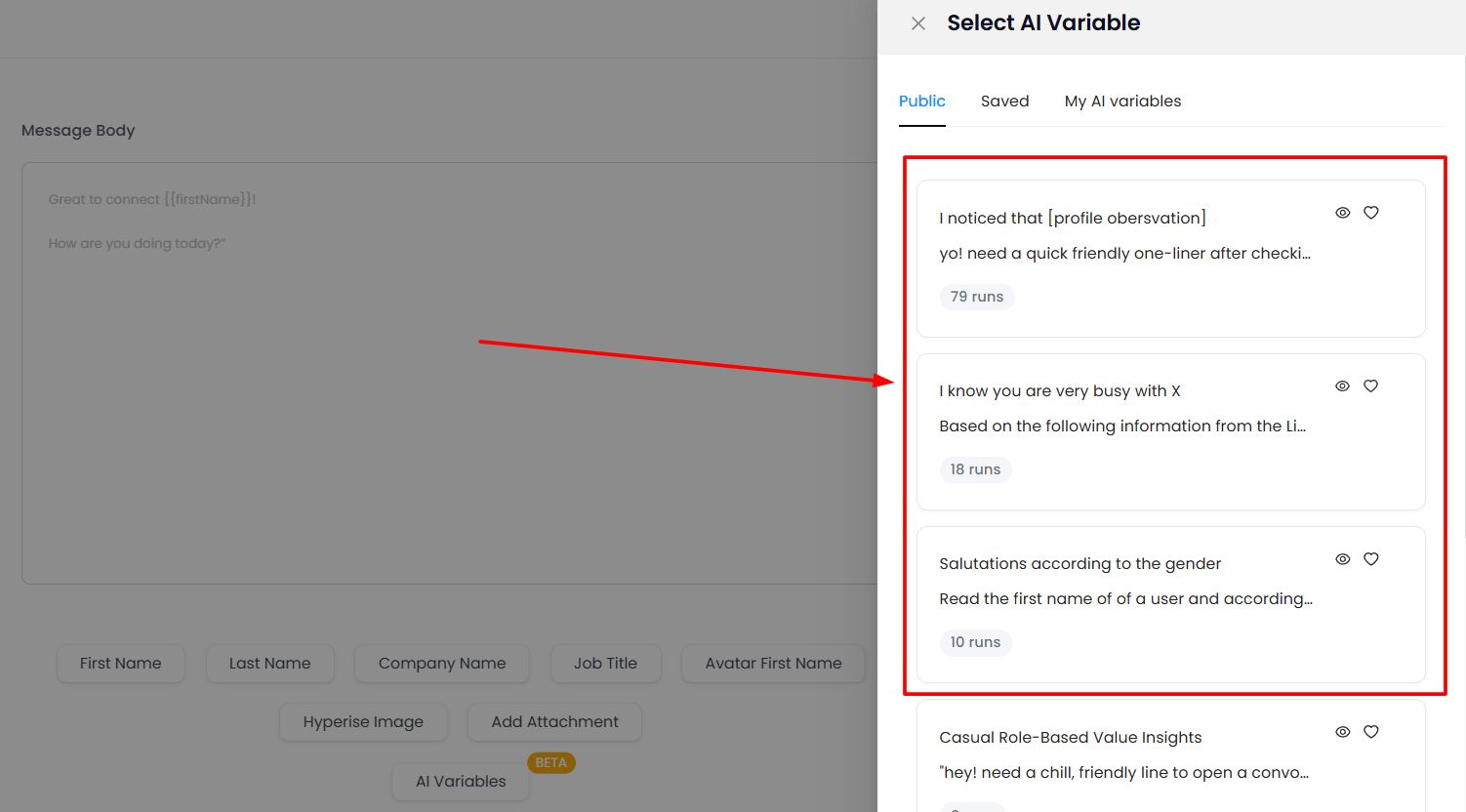
Smart Comments warms a prospect up before you reach out, leaving a relevant comment on their recent post so your name is familiar when the connection request lands.
And the mobile API keeps accounts safe, mimicking human behavior with randomized delays and human-like limits (up to 200 connection requests a week).
It goes beyond text with AI voice and video. SalesRobot lets you record your voice once and have the AI generate a personalized voice note for each lead, and record a single intro video that clones you so every prospect gets their own.
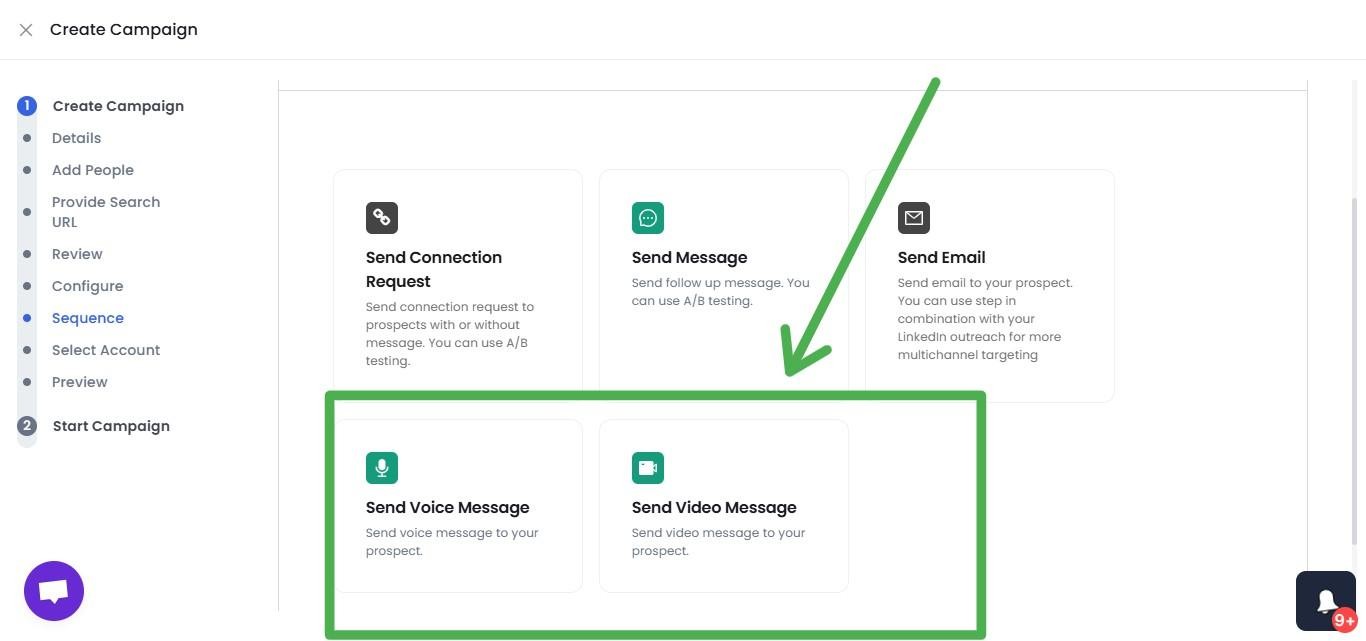
Voice and video are on all paid plans, up to 50 a day, and users report 40%+ reply rates on voice campaigns. It’s the piece most LinkedIn tools can’t match.
It plugs into AI assistants directly. SalesRobot runs a live MCP server at mcp.salesrobot.co, so you can connect Claude (or any MCP-compatible assistant) to your account and create campaigns, pull in a prospect list, read the inbox, and draft replies straight from a prompt. Setup takes about three minutes with your API key.

Worth noting: SalesRobot is not a listening or signal-detection tool, so you pair it with one of the listeners above. What it removes is the separate sender cost the old Trigify stack always required.
Pricing: Basic $59/month, Advanced $79/month, Professional $99/month (annual billing saves 35%). There's a 14-day free trial, no credit card required.
Best if: You've picked a listener to replace Trigify's feed and now need one platform to run outreach, handle replies with AI, and book meetings, without paying $200 to $400 a month for a stitched-together stack. SalesRobot is trusted by 4,100+ B2B sales teams, rated 4.8 on G2, with a 55% average reply rate.
Before You Cancel: What to Export from Trigify Right Now
Do this before October 22, 2026, because after the deadline there's no migration and no safety net.
Trigify recommends exporting three things while you still have access:
- Your tracked profiles and accounts: the people and companies you were monitoring.
- Your keyword and signal searches: the exact tracked phrases and competitor terms you set up, so you can rebuild them in a new tool.
- Your account and lead lists: every list Trigify helped you build, exported clean.
If you hit a wall pulling your data, Trigify's notice points customers to its support contact for help retrieving their information.
One practical tip: export your keyword searches as a plain list first. That's the thing you'll rebuild immediately inside Octolens, Teamfluence, or whichever listener you pick, and it's the easiest to lose.
How SalesRobot Turns Trigify-Style Signals Into Booked Meetings
Here's the honest reframe no competitor page will give you: replacing Trigify isn't one decision, it's two.
Decision one is the listening layer: pick Teamfluence, Octolens, or Sales Navigator to replace the feed. Decision two is the execution layer, what actually happens when a signal fires. That second decision is where most teams quietly bleed money.
With Trigify, a signal fired and then you paid a separate tool to reach out. SalesRobot collapses that half of the stack into one platform.
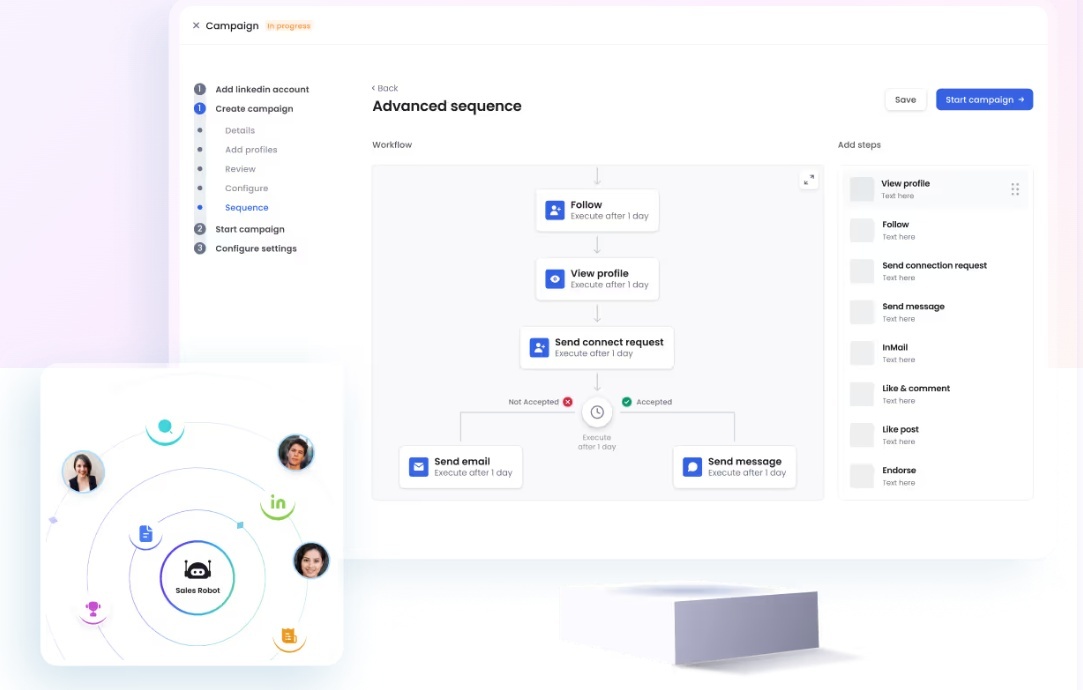
It runs multichannel outreach automatically. SalesRobot builds drip campaigns that start on LinkedIn (connection request, message, follow-up), and if the prospect doesn't respond on LinkedIn, the campaign can follow up by email from the same sequence. One lead moves across both channels instead of two disconnected tools.
It personalizes at scale with AI Variables. Each message pulls from the prospect's LinkedIn profile (recent job changes, company news, shared connections), so a signal-sourced lead gets a message that reads like you wrote it, not a template.
It books the meeting on Autopilot. The AI Appointment Setter handles the entire conversation, qualifies the lead, works through objections, and drops a qualified meeting straight into your calendar, 24/7.
And the math is friendlier. Trigify Max was $199/month for listening alone, while SalesRobot runs the whole outreach-to-meeting layer from $59/month, and you stop paying separately for a sender.
Agencies like The Growth Agency hit a 66% reply rate on it, and the average across customers is 55%, with a 51% connection acceptance rate. If you're wiring this into a multi-account setup, the guide to scaling LinkedIn outreach walks through it.
Try SalesRobot free for 14 days, no credit card required.
Frequently Asked Questions
Is Trigify shutting down?
Yes. Trigify was acquired by HubSpot on September 23, 2026 in an acquihire. HubSpot hired the team, but the product is not continuing. For standard customers, account access, integrations, API access, and signal collection all stop at 11:59pm BST on October 22, 2026.
Will my Trigify data move to HubSpot?
No. Trigify's own shutdown notice confirms your account will not be migrated to HubSpot, and HubSpot will not use your customer data as part of the team's move. Your data is retained or deleted per contractual, privacy, and legal obligations. Export your lists before the deadline.
Will HubSpot release a Trigify replacement?
Not that anyone's announced. HubSpot has said the Trigify team will apply its expertise to HubSpot's AI products, but no replacement product, launch date, or pricing has been confirmed. Treat it as a full shutdown rather than a pause, and migrate to a new tool now.
Is there a single tool that replaces everything Trigify did?
No, and that's the honest part most alternative lists skip. Trigify was only half a workflow: it listened, but you still had to send. A clean replacement is two tools, a listener for the feed (Teamfluence, Octolens, or Sales Navigator) and an engine to act on the signal (SalesRobot), rather than one product pretending to do both.
What is the best Trigify alternative in 2026?
It depends on which job Trigify did for you. For engager tracking, Teamfluence is the closest swap. For keyword and competitor listening, Octolens at $199/month fits. For actually acting on signals, running outreach and booking meetings, SalesRobot handles that layer from $59/month.
What should you export from Trigify before it shuts down?
Export three things before October 22, 2026: your tracked profiles and accounts, your keyword and signal searches, and your account and lead lists. There's no automatic migration, so anything you don't export is gone. If you need help, Trigify directs customers to its support contact.
How much did Trigify cost compared to the alternatives?
Trigify ran on a credits model starting at $40/month, with the Max plan at $199/month for listening only. Because it didn't send outreach, the full working stack usually hit $200 to $400 a month. SalesRobot runs the outreach-to-meeting layer from $59/month and removes the separate sender cost.
The Bottom Line on Trigify's Shutdown
The deadline is real: Trigify goes dark at 11:59pm BST on October 22, 2026, with no migration and no HubSpot replacement in sight. Export your tracked profiles, keyword searches, and lead lists now, then pick your replacement by the job you actually used Trigify for.
Here's the honest reality check: no single tool is a perfect 1:1 Trigify clone, because Trigify itself was only half a workflow. It listened; you still had to send. So replacing it well means two choices, a listener for the feed and an engine for the follow-through.
For the follow-through, that's SalesRobot. It takes your exported list, personalizes each message with AI Variables, runs LinkedIn and email sequences from one platform, and books qualified meetings on Autopilot, for $59/month instead of the $200 to $400 stack Trigify always required on top of itself.
The complete LinkedIn outreach system playbook shows how that follow-through fits together. SalesRobot is trusted by 4,100+ B2B sales teams, rated 4.8 on G2, with a 55% average reply rate.
Don't let the deadline catch you with a signal feed and no way to act on it. Start your free 14-day SalesRobot trial, no credit card required.

Wow your leads by cloning yourself and sending personalized videos and voice notes to each lead on LinkedIn.
If you don't reply to leads within 5 mins, your chances of converting them fall by 50%. Our AI replies on your behalf instantly! (and yes, you can train it)

Don't shoot in the dark. Get detailed analytics on what's working
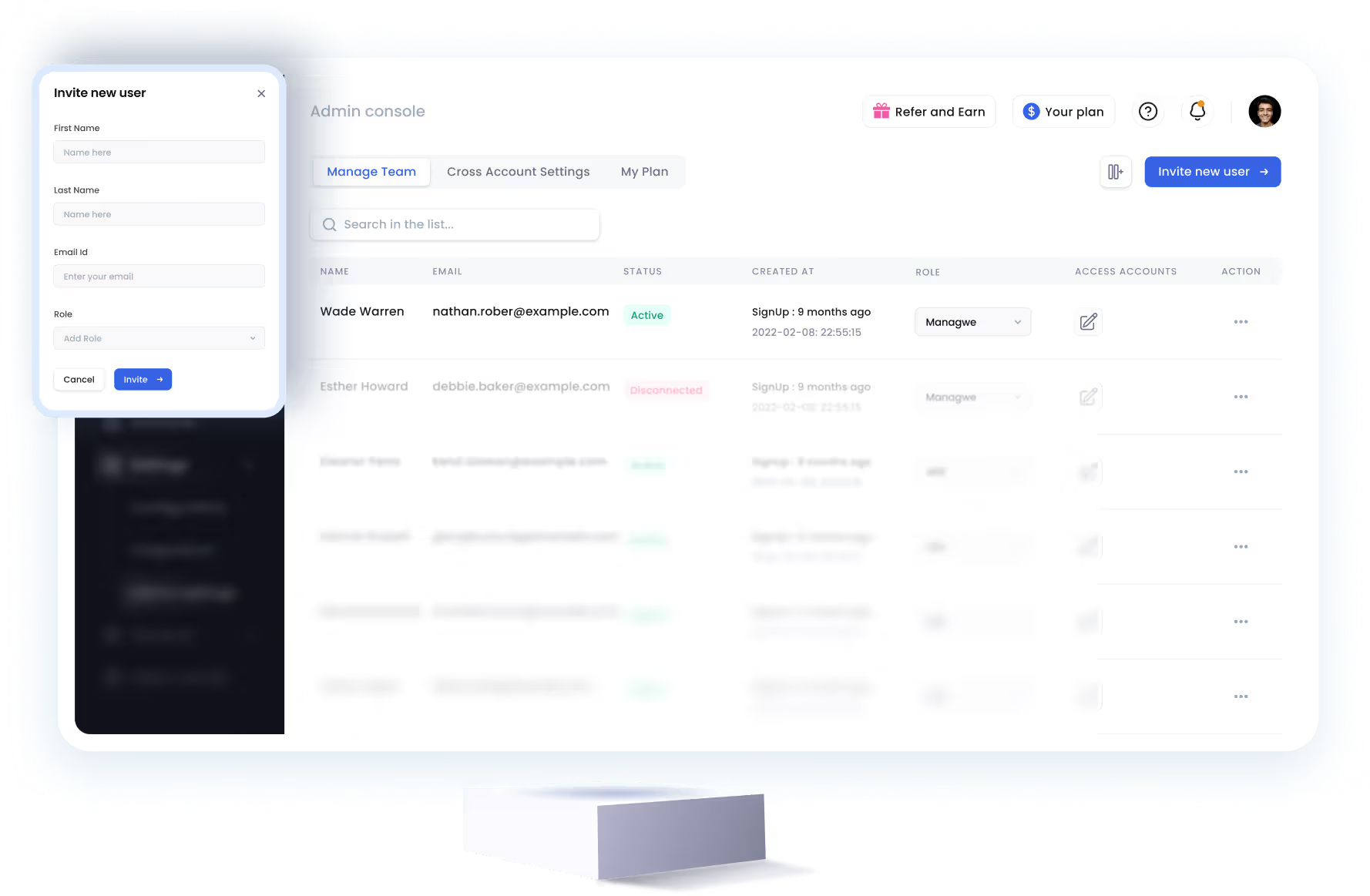
SalesRobot allows you to invite other team members, so that they can add their LinkedIn Account, run outreach campaigns and get amazing results just like you.


Trusted by 4100+ innovative B2B sales teams and lead gen agencies











Heading 1
Heading 2
Heading 3
Heading 4
Heading 5
Heading 6
Lorem ipsum dolor sit amet, consectetur adipiscing elit, sed do eiusmod tempor incididunt ut labore et dolore magna aliqua. Ut enim ad minim veniam, quis nostrud exercitation ullamco laboris nisi ut aliquip ex ea commodo consequat. Duis aute irure dolor in reprehenderit in voluptate velit esse cillum dolore eu fugiat nulla pariatur.
Block quote
Ordered list
- Item 1
- Item 2
- Item 3
Unordered list
- Item A
- Item B
- Item C
Bold text
Emphasis

Superscript
Subscript