.avif)
TL;DR
- Replygrow (formerly known as Icereach) is a cloud-based LinkedIn automation tool that lets agencies manage unlimited client accounts from one login: it runs 24/7 without keeping your browser open.
- Pricing starts at $79/seat/month with a 7-day free trial, billed per active LinkedIn account. A 10-account agency pays $790/month before Zapier costs.
- The concerns: only about 4-5 third-party reviews across G2 and Trustpilot, no native API, no mobile app, and vague, unnamed safety architecture: a real risk for agency client accounts.
- SalesRobot runs 50-100+ accounts from one dashboard with named mobile-API safety, a whitelabel program, and published proof: 66% reply rate (The Growth Agency) and 4.8 on G2 from 57+ reviews.
- SalesRobot starts at $59/month with a 14-day free trial — cheaper entry, longer trial, and more third-party proof than Replygrow.
- Choose Replygrow if you run 1-2 client accounts with simple sequences; choose SalesRobot if you're scaling past 5 accounts and need safety guarantees, whitelabel resale, and native CRM sync.
- 👉 Skip the per-seat math and vague safety claims: SalesRobot runs your whole client roster with zero-ban mobile-API automation — try free for 14 days.
So let us have a little chat about:
Your Clients Are Waiting. Is Replygrow the Tool That Won't Let You Down?

Running LinkedIn outreach for one account is a task.
Running it for 20 client accounts is a completely different job.
The math changes. The risk changes.
And the tool that felt fine for your own profile suddenly needs to handle sending limits, separate inboxes, and CRM sync across a dozen brands without getting anyone banned.

Here's the part nobody warns you about: one restricted client account isn't an inconvenience.
It's a lost retainer and an awkward Slack message.
So when you're evaluating Replygrow as your agency's outreach backbone, the marketing site's feature list isn't enough. You need the honest version.
This review covers what Replygrow actually does, what it really costs at scale, whether its safety story holds up for client accounts, and where it falls short. Then we'll show you the alternative we built for exactly this problem.
Replygrow: What You Need to Know
Here's the balanced view, both strengths and concerns woven together, because agencies don't buy on marketing bullets alone.
- ✅ Cloud-based, no browser required: Replygrow runs 100% in the cloud on your daily schedule, so campaigns keep sending without keeping your computer on.
- ⚠️ Thin third-party proof: As of 2026, Replygrow has only around 4-5 reviews across G2 and Trustpilot combined. That's very little independent data to verify its performance claims.

- ✅ Unlimited LinkedIn accounts under one login: You can add and manage as many client accounts as you need, switching between them from one dashboard — you only pay for the accounts you actively run.
- ⚠️ No native API: SoftwareFinder confirms Replygrow offers no API. Custom integrations have to route through Zapier or MAKE, which adds a subscription and a layer of complexity.

- ✅ No LinkedIn Premium required: Replygrow works with LinkedIn Basic, Premium, Sales Navigator, and Recruiter, so you're not forced into a paid LinkedIn tier to get started.
- ⚠️ No mobile app: Access is desktop and web only. There's no on-the-go account management for agency ops leads checking campaigns from a phone.

- ✅ CRM connectivity via Zapier/MAKE: It connects to 3,000+ apps including HubSpot, Pipedrive, Salesforce, and Google Sheets through middleware.
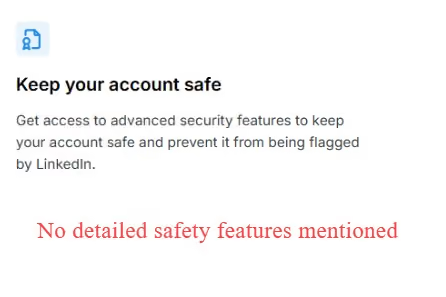
- ⚠️ Vague safety claims: Replygrow says "advanced security features" keep your account "in good standing," but it names no specific architecture: no IP rotation type, no mobile-API detail, no published ban-rate data. For agencies, that vagueness is the problem.
Replygrow's Key Features, Broken Down
Multi-Account Dashboard
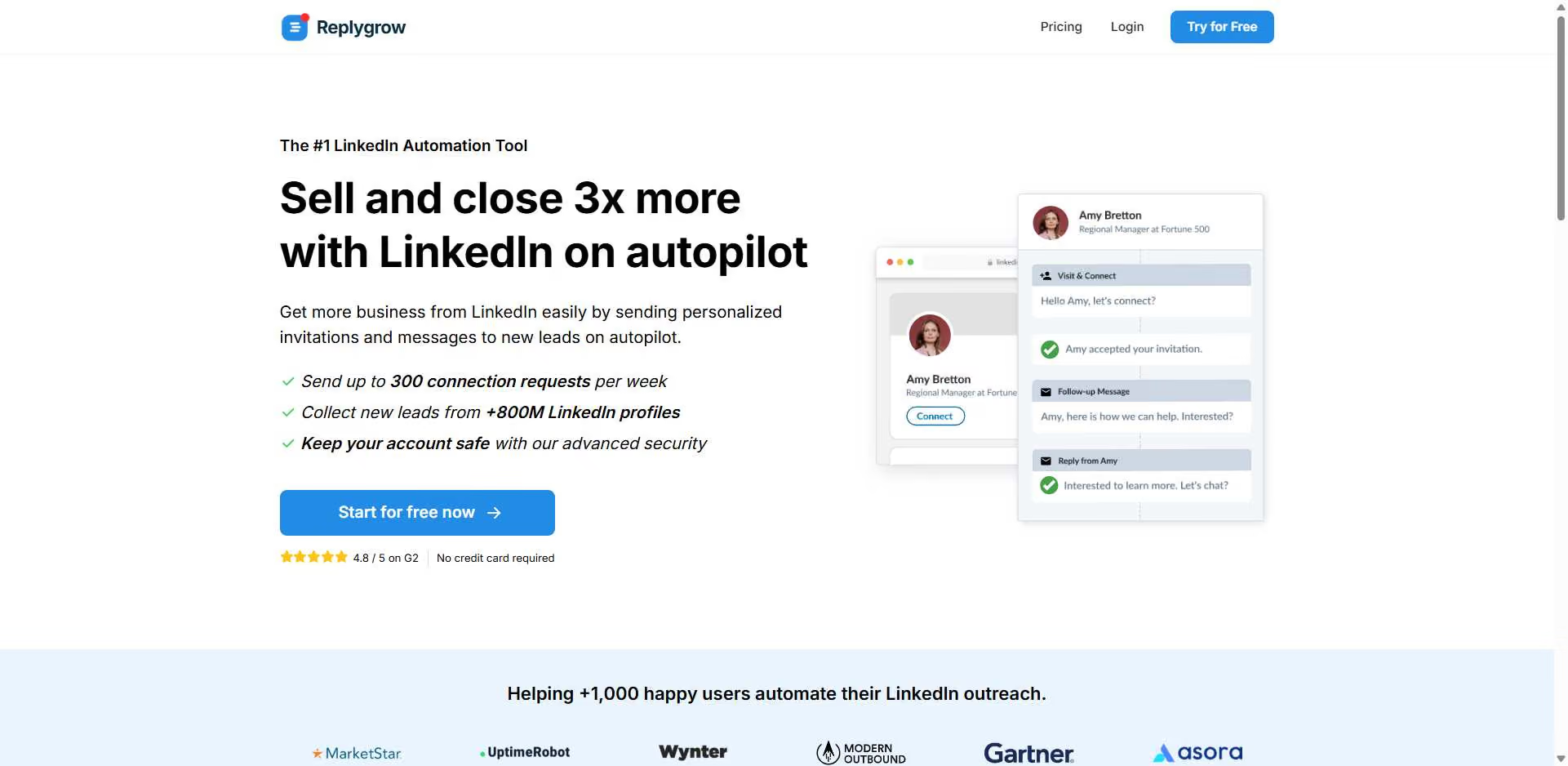
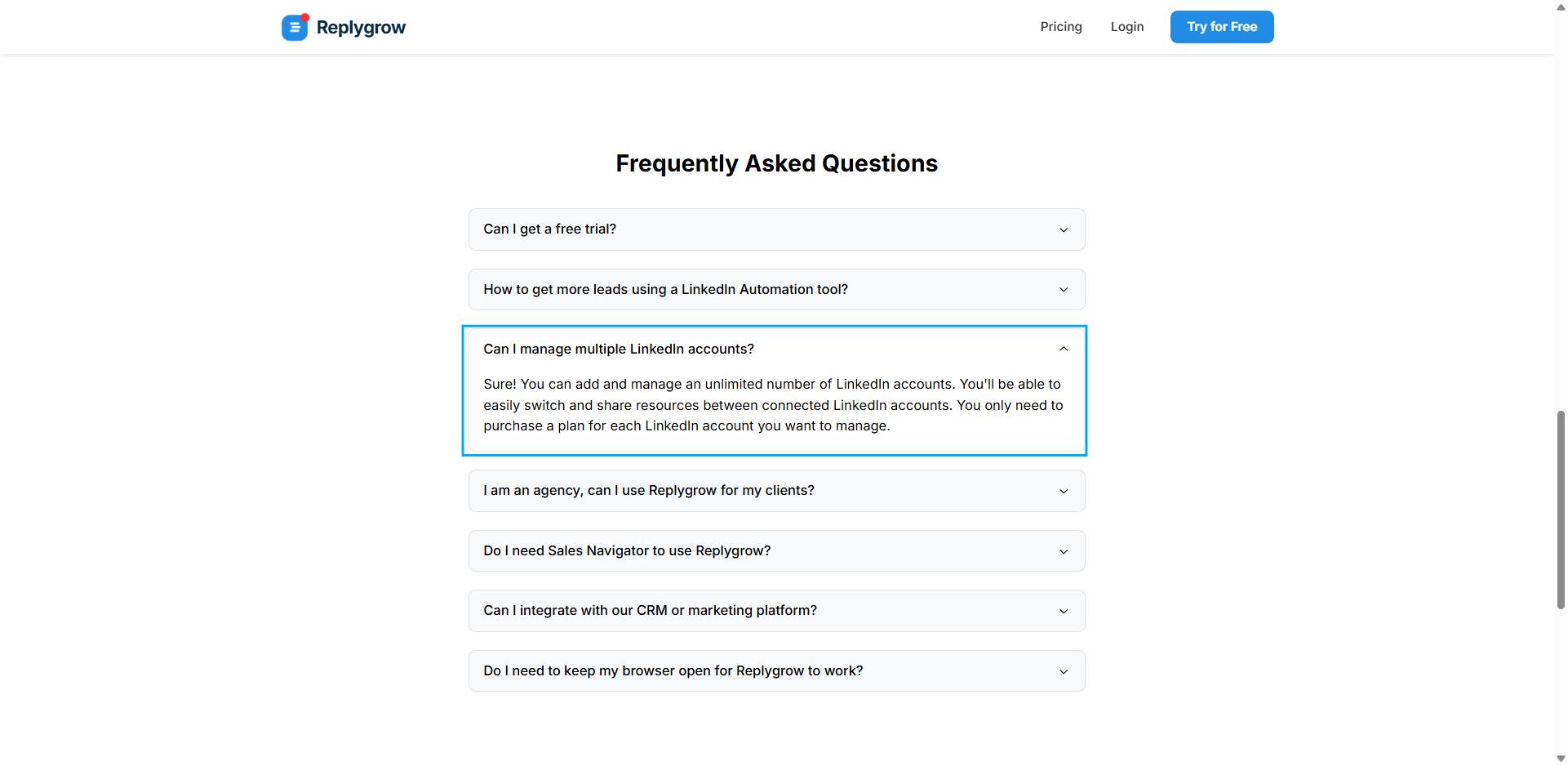
Replygrow lets you add unlimited LinkedIn accounts, switch between them, and run independent campaigns per client.
Think of it as a single control panel where each client account lives in its own lane.
You're not logging in and out of a dozen browsers: everything sits under one Replygrow login.
For agencies, this is the core value proposition, and it's genuinely useful when your client list is short.
Cloud-Based Campaign Automation
Connection requests, follow-up sequences, and profile visits all run on a schedule without your machine being on.
For example, you could build a five-step sequence for a client on Monday, set the daily limits, and walk away for the week while Replygrow handles the sending in the cloud.
That "set it and forget it" behavior is pretty basic for 2026, but Replygrow does deliver it reliably.
Zapier/MAKE CRM Sync
Replygrow passes lead data and conversation events to 3,000+ tools, including HubSpot, Pipedrive, and Salesforce, through Zapier or MAKE.
LinkedIn Account Safety Controls
Replygrow claims to keep accounts "in good standing" through "advanced security features."
The honest flag: there's no public documentation of the IP architecture, the randomization logic, or any ban-rate data.
For most solo users, that's fine. For an agency where a banned account means a client crisis, "trust us" isn't something you can trust so easily.
Replygrow Pricing: What It Actually Costs an Agency

Replygrow starts at $79/seat/month, with a 7-day free trial and no credit card required. The catch for agencies: it's billed per LinkedIn account you want to run outreach on.
But don't forget the hidden cost: because there's no native API, serious CRM integration requires a Zapier subscription on top of the plan fee which can realistically be another $20-50/month minimum.
Is Replygrow Actually Safe for Agency Client Accounts?
Let’s start with the benchmark.
LinkedIn's recommended safe limit is roughly 100 connection requests per week, and Chrome-extension-based tools see a 3-5% account restriction rate.
Replygrow being cloud-based already puts it ahead of browser-extension tools on this front. That's a genuine point in its favor.
The problem is what it doesn't tell you.
Replygrow publishes no specifics on its IP architecture, no randomization details, and no ban-rate track record.
For agencies, this matters more than for solo users.
One banned client account is a lost retainer plus credibility damage, so vague safety claims aren't a "nice to have" concern, they're the whole point of trusting a tool.
How SalesRobot Stacks Up for Agencies
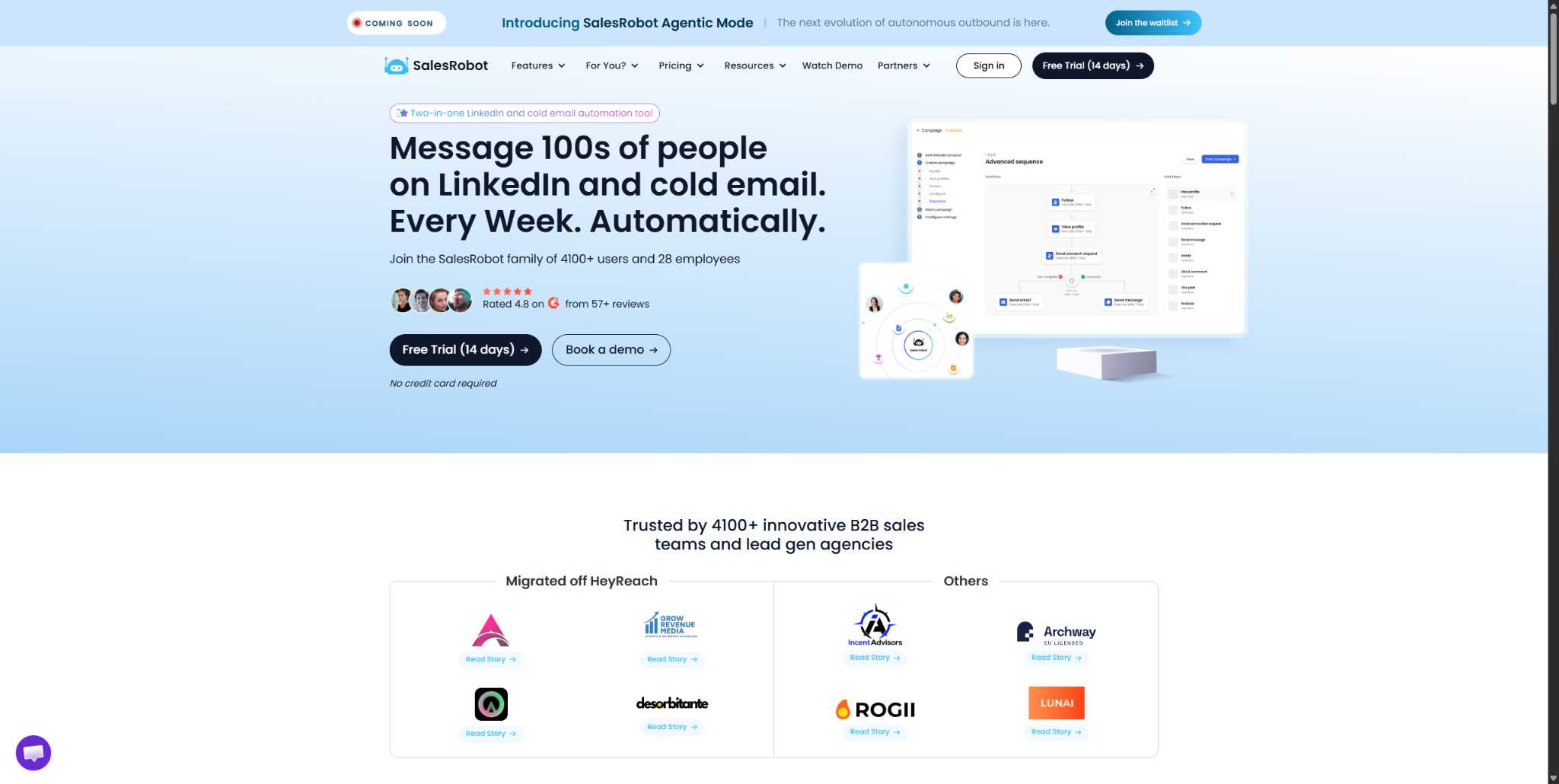
Fair warning: we built SalesRobot, so you obviously think we are biased, but we’ll let the hard facts do the talking.
Here’s how they actually compare.
Multi-account, built for agencies. SalesRobot's team management dashboard lets you run campaigns across 50-100+ LinkedIn accounts from one login, each with separate sending limits and inboxes.
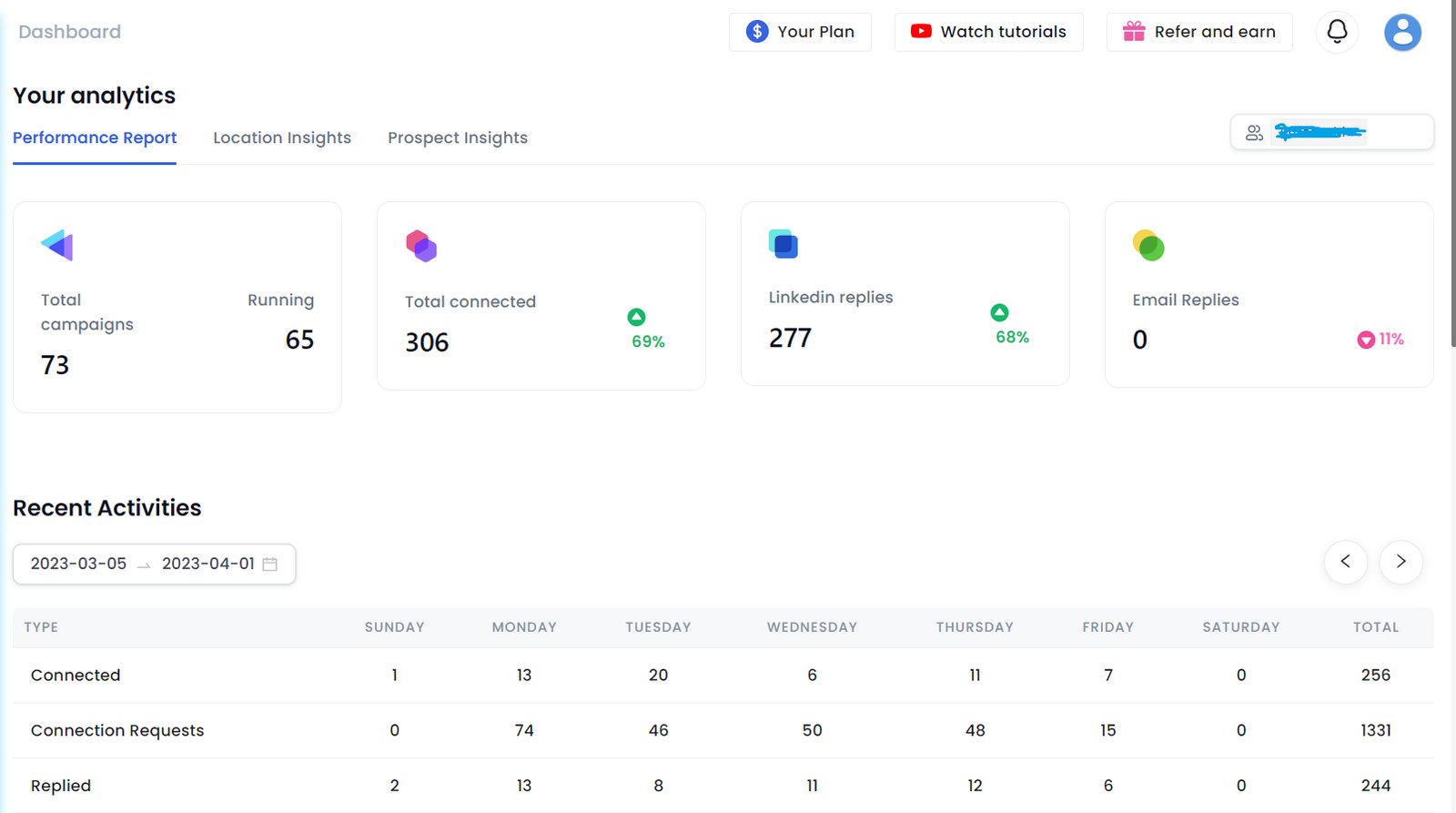
Agencies like GrowRevenue Media manage 50+ accounts on it, and The Growth Agency hit a 66% reply rate using SalesRobot as their core infrastructure.
There's also a whitelabel program so you can resell outreach under your own brand — something Replygrow's per-account model doesn't offer.
Safety without the browser risk. SalesRobot uses mobile API technology that mimics human behavior like randomized delays, human-like limits of up to 200 connection requests per week, and residential IP rotation.
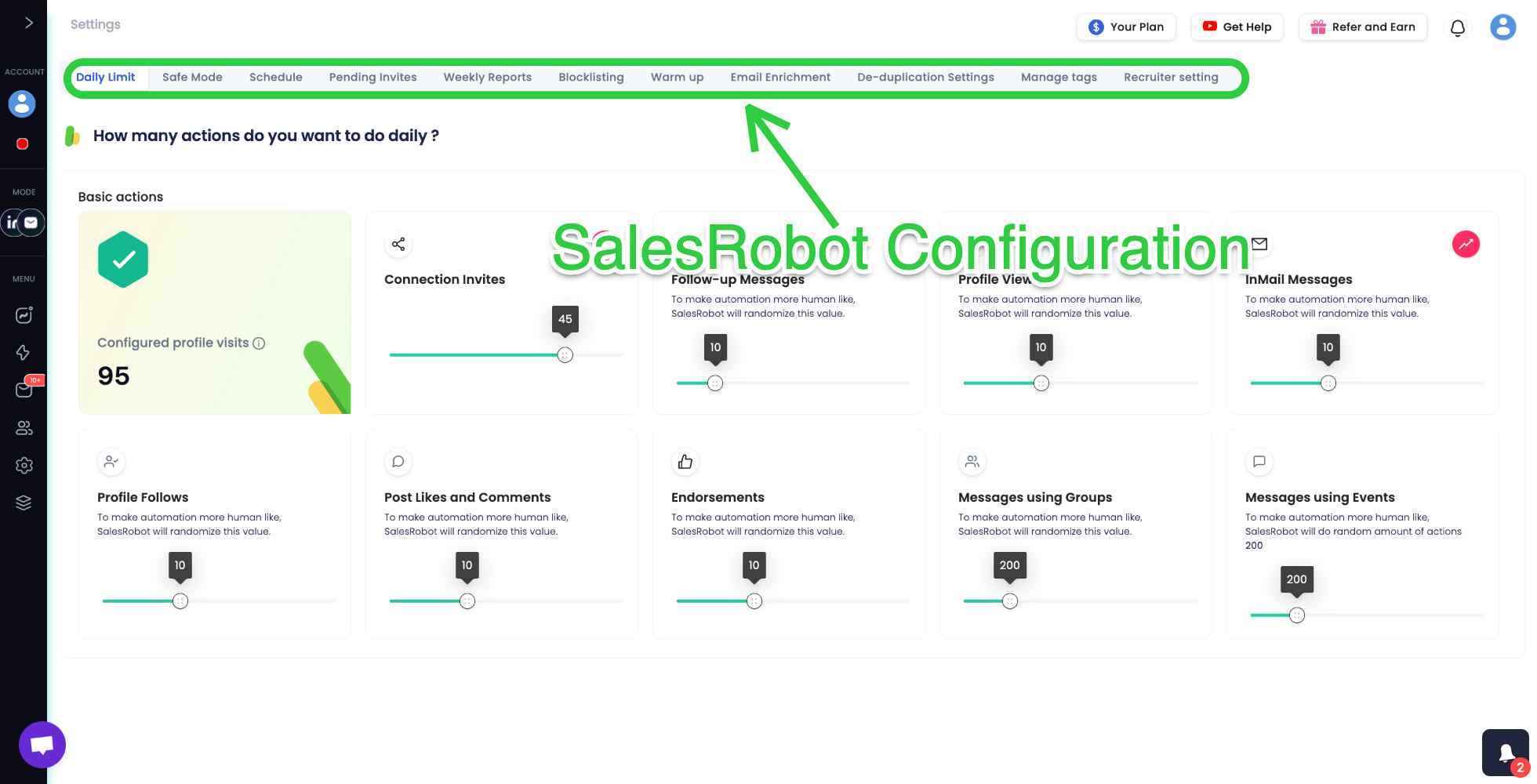
Customers report zero account bans following Safe Mode guidelines, and like Icereach, it's cloud-based and runs 24/7.
LinkedIn and email in one platform. This is the gap Replygrow can't fill. SalesRobot builds drip campaigns that start on LinkedIn: connection request, message, follow-up, then automatically switch to email if the prospect goes quiet.
Email warm-up and deliverability tools are included, and the multi-channel approach lifts reply rates over single-channel outreach.
Average users see a 55% reply rate and 51% connection acceptance rate.
AI that actually closes. SalesRobot's AI Appointment Setter works in Copilot mode (suggests replies you approve with one click) or Autopilot mode (handles conversations, objections, and books meetings 24/7).
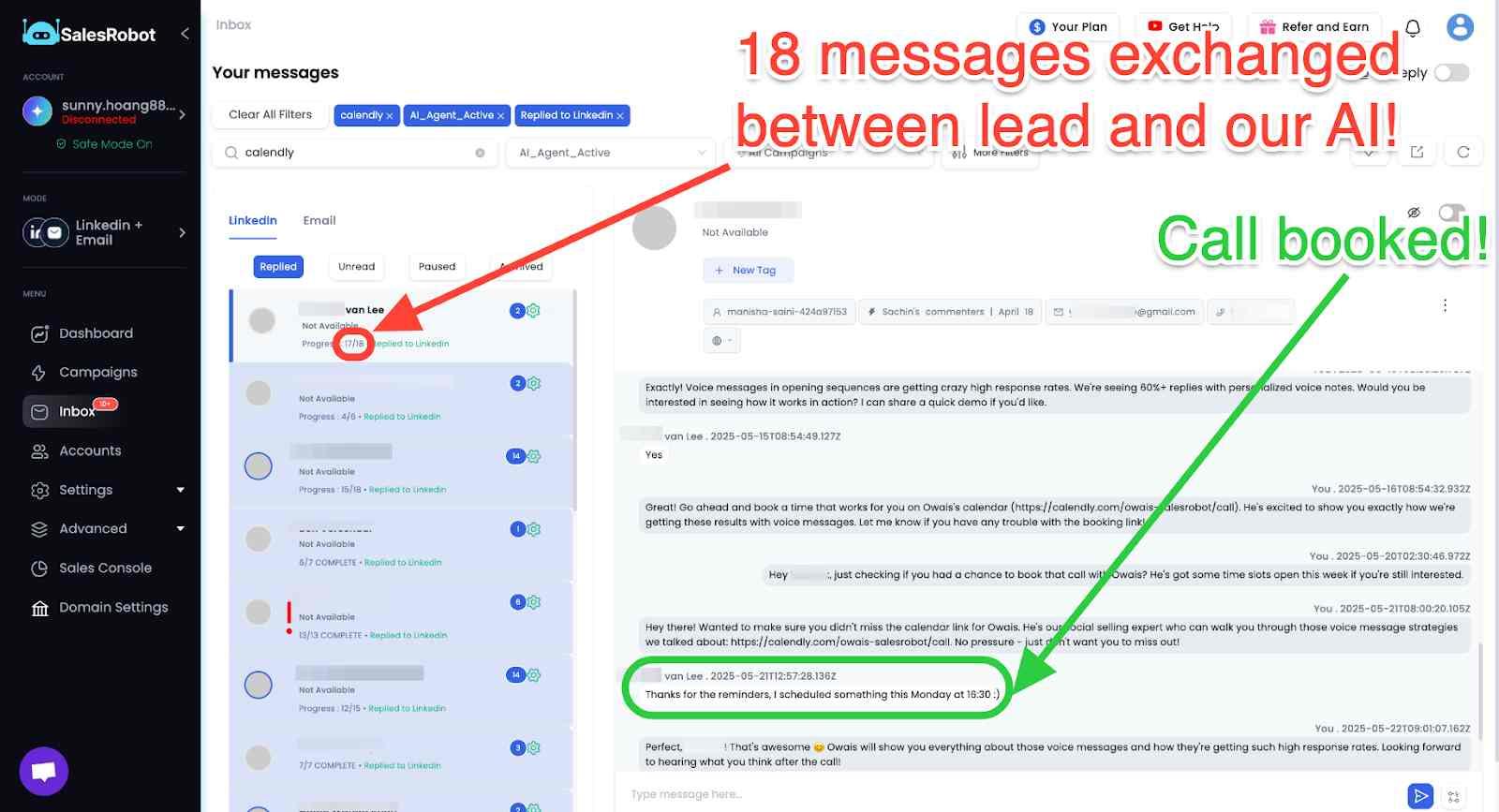
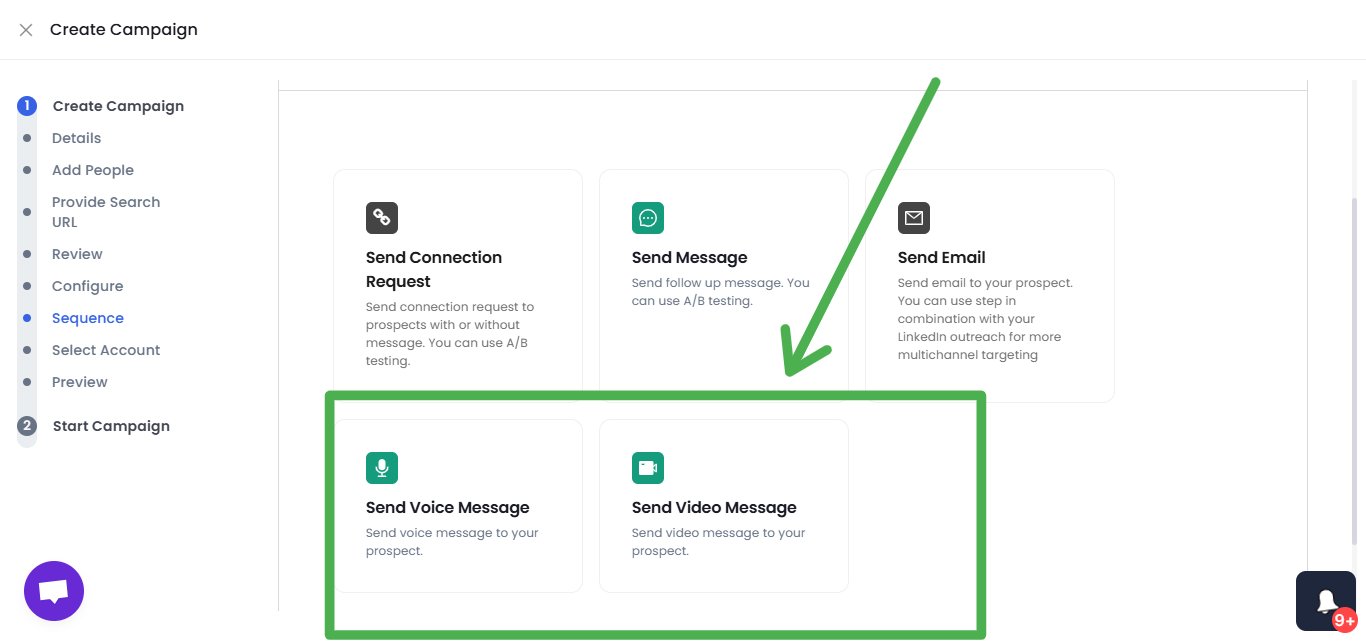
Add video and voice note automation, which customers report drives 3x higher response rates than standard connection requests, and you've got an outreach engine, not just a sender.
Pricing that doesn't punish scale. SalesRobot starts at $59/month (versus Replygrow's $79/seat), includes a 14-day free trial (versus Replygrow's 7-day), and carries a 4.8 rating on G2 from 57+ reviews. Annual billing saves 35%.
Want to see it against your own client roster? Try SalesRobot free for 14 days — no credit card required.
Who Should Use Replygrow — and Who Shouldn't
No tool is right for everyone. Here's the honest map:
The pattern is clear: Replygrow can serve a lean operator running a couple of accounts. Once you're scaling a real client roster with revenue on the line, the gaps start costing more than the plan.
Frequently Asked Questions
Is Replygrow safe to use for LinkedIn outreach?
Replygrow is cloud-based, which is safer than Chrome-extension tools that see 3-5% account restriction rates per 90 days. However, Replygrow doesn't publicly document its IP architecture or publish ban-rate data. For agency accounts, where a ban means a lost client, those vague safety claims are a meaningful risk.
How much does Replygrow cost?
Replygrow starts at $79/seat/month, billed per LinkedIn account you want to run outreach on. A 7-day free trial is included with no credit card required. Discounts for five or more accounts are available on request. For a 10-account agency, that works out to $790/month before any Zapier costs.
Can you manage multiple LinkedIn accounts with Replygrow?
Yes. Replygrow lets you add unlimited LinkedIn accounts under one login and switch between them from a single dashboard. You only pay for each account you want to actively run campaigns on, so the per-seat model scales linearly with the size of your client roster.
Does Replygrow integrate with your CRM?
Replygrow connects to HubSpot, Pipedrive, Salesforce, and Google Sheets through Zapier or MAKE, giving access to 3,000+ apps. There's no native API, so deeper custom integrations require a Zapier subscription on top of Replygrow's plan fee, adding cost and maintenance.
Do you need a LinkedIn Premium account to use Replygrow?
No. Replygrow works with LinkedIn Basic, Premium, Sales Navigator, and Recruiter accounts. You don't need a paid LinkedIn subscription to run outreach campaigns. That said, Sales Navigator significantly expands your search and targeting capabilities, which most agencies end up using anyway.
The Bottom Line on Replygrow
Replygrow is a functional, cloud-based multi-account LinkedIn tool. It solves the "manage many accounts from one place" problem, and in 2026, that's genuinely useful for a lean operator.
But here's the honest reality check: thin third-party proof at roughly 4-5 reviews, no API, no mobile app, no named safety architecture, and a $79/seat model that compounds fast.
For agencies running 10 or more accounts, those are real gaps, not nitpicks.
If you're scaling a client roster where safety, whitelabel resale, and native CRM sync actually matter, SalesRobot was built for it with mobile-API automation with a zero-ban track record, a 4.8 rating on G2 from 57+ reviews, named agency proof like The Growth Agency's 66% reply rate, and a whitelabel program to resell under your own brand.
It starts at $59/month with a 14-day free trial and no credit card required. Try SalesRobot free for 14 days and run it against your own accounts before you decide.

Wow your leads by cloning yourself and sending personalized videos and voice notes to each lead on LinkedIn.
If you don't reply to leads within 5 mins, your chances of converting them fall by 50%. Our AI replies on your behalf instantly! (and yes, you can train it)

Don't shoot in the dark. Get detailed analytics on what's working

SalesRobot allows you to invite other team members, so that they can add their LinkedIn Account, run outreach campaigns and get amazing results just like you.
.avif)


Trusted by 4100+ innovative B2B sales teams and lead gen agencies

.avif)

.avif)




.avif)


Heading 1
Heading 2
Heading 3
Heading 4
Heading 5
Heading 6
Lorem ipsum dolor sit amet, consectetur adipiscing elit, sed do eiusmod tempor incididunt ut labore et dolore magna aliqua. Ut enim ad minim veniam, quis nostrud exercitation ullamco laboris nisi ut aliquip ex ea commodo consequat. Duis aute irure dolor in reprehenderit in voluptate velit esse cillum dolore eu fugiat nulla pariatur.
Block quote
Ordered list
- Item 1
- Item 2
- Item 3
Unordered list
- Item A
- Item B
- Item C
Bold text
Emphasis

Superscript
Subscript