.avif)
Why businesses choose SalesRobot for LinkedIn and Email automation
Simplify prospecting, automate follow ups, and drive predictable lead generation with personalized outreach at scale
.avif)


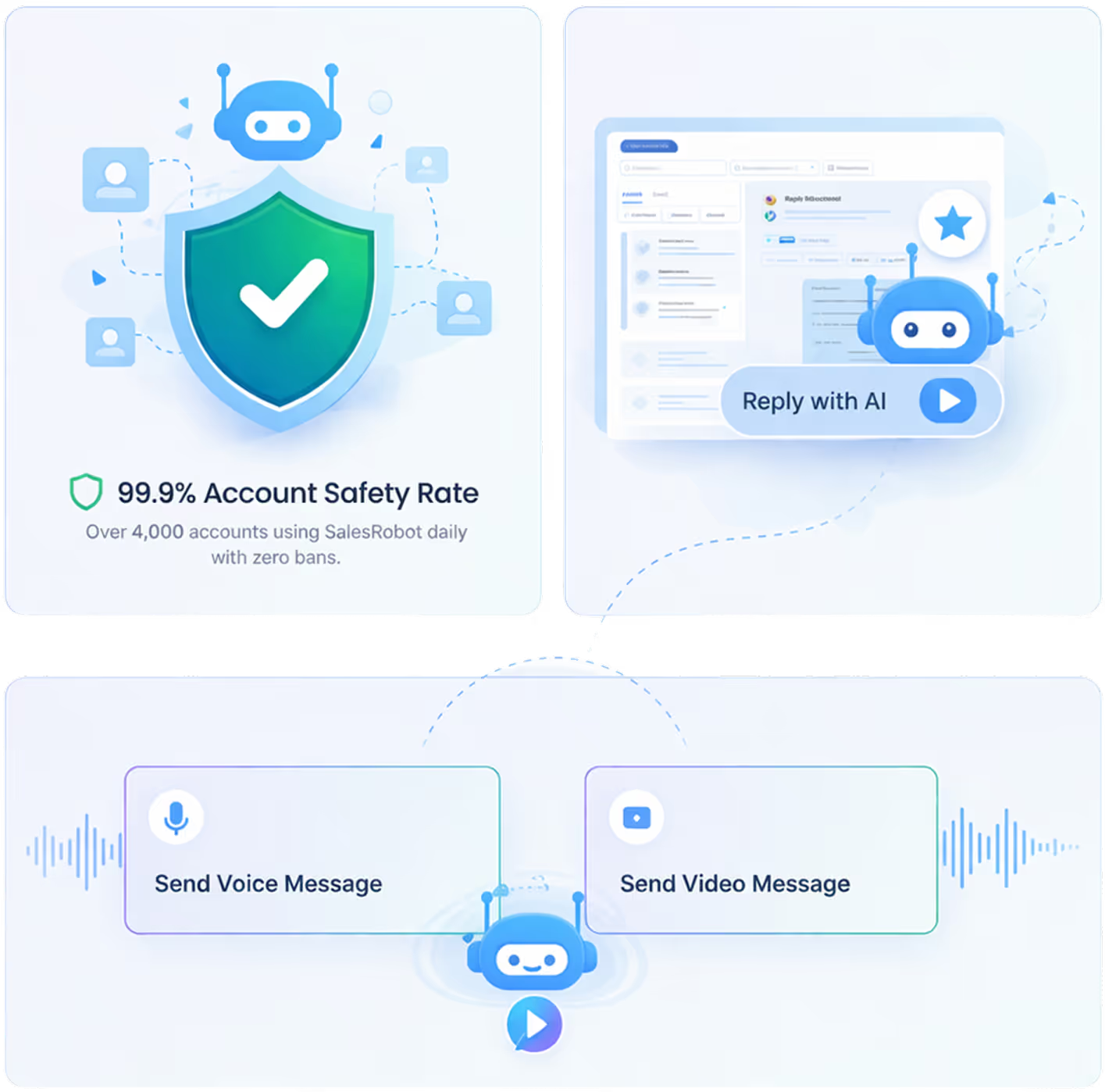
Safety First
Your LinkedIn account is safe with us
We've spent years perfecting our automation to be completely safe and undetectable
Smart reply detection
Automatically stops campaigns when prospects respond, preventing awkward double-messaging
Human-like automation
Random delays and natural behavior patterns that mimic real human activity
Long-term LinkedIn safety
Built with LinkedIn safety in mind. Thousands of accounts trust us daily
99.9% Account Safety Rate
Over 4000 accounts using SalesRobot daily with zero bans
Stand Out Feature
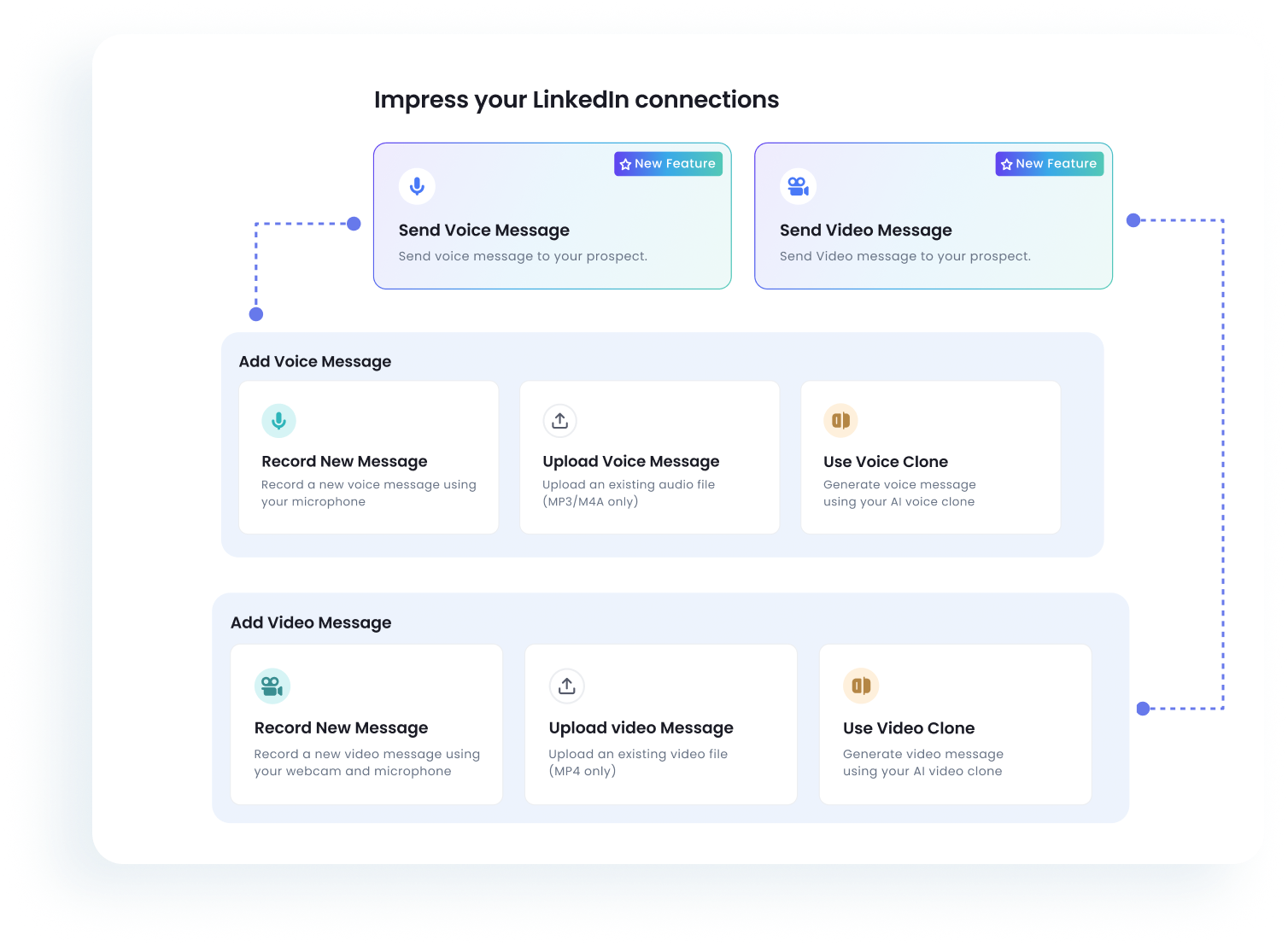
Stand out by sending personalized videos and voice notes
Clone yourself and send personalized videos and voice notes to each lead on LinkedIn to build trust and increase replies
Personalized Videos
At Scale
Voice Notes
Human Touch
Meetings Booked
+2.4x
Reply Rate Increase
+73%
Meet AI Appointment Setter
SalesRobot doesn't just send messages and hope for the best. Our AI handles the entire conversation lifecycle, from first touch to booking a confirmed meeting on your calendar.
Intelligent Intent Detection
Recognizes when a lead is interested, even with complex responses, ensuring no opportunity is missed.
Automated Calendar Sync
Seamlessly books meetings directly onto your sales team's calendars without any manual intervention.
Human-Like Follow-ups
Maintains a natural, persistent cadence that builds rapport without sounding like a robotic sequence.
24/7 Response Time
Never lets a hot lead go cold by responding instantly at any time of day or night, across all time zones.

A complete platform for LinkedIn and Email outreach
Everything you need to scale your outreach and close more deals
.avif)
Campaigns
.avif)
.avif)
.avif)
APIs and Webhooks
Integrate with the tools
you already use
Native integrations and modern webhooks let you easily connect
SalesRobot with all the software your team already uses
See all integrations
.avif)
Proven results for modern outbound teams
Better replies, faster follow ups, and scalable sales outreach
+143%
More replies from prospects
80%
Less time spent on manual follow ups
3x
More leads handled per sales rep
Trusted by 4100+ innovative B2B sales teams and lead gen agencies
Migrated off HeyReach

Reply Rate:
66%
Acceptance Rate:
51%
"HeyReach's tech stack was very limited. With SalesRobot, we’ve migrated to a platform that actually innovates with voice and video AI, allowing us to manage 50 clients with total automation and zero robotic friction."

James Craven
Founder @
The Growth Agency
Read Story
Read Story
Reply Rate:
34%
Cost Efficiency:
$2k+/mo
"We’ve tried everything— Including HeyReach, Instantly. The tech stack was always too limited. SalesRobot’s AI Inbox Manager and native video are the differentiators that finally let us scale our agency to 50+ accounts and beyond"

Hardik Hindocha
Founder @
GrowRevenue Media

Read Story
Reply Rate:
28%
Acceptance Rate
34%
"Moving off HeyReach's price hikes, SalesRobot finally offers the bulk pricing we need. We're now leveraging native video and voice notes to scale our outreach with way more impact."

Nikhil Mhatre
Founder @
AI Overlords

Read Story
Reply Rate:
28%
Acceptance Rate
26%
"SalesRobot won us over after our HeyReach demo. We migrated to leverage its native video, voice notes, and AI reply management—features essential for scaling our agency's outreach."

Nicolas Stocchero
Director General @
Desorbitante
Others

Read Story
Reply Rate:
42%
Acceptance Rate:
35%
"SalesRobot has completely transformed our outreach. We’ve replaced manual, low-quality prospecting with high-value, automated sequences that land us directly in front of the right decision-makers."

Richard Toral
Founder @
IncentAdvisors

Read Story
Reply Rate:
65%
Acceptance Rate:
45%
"Probably my favourite thing about SalesRobot is that it does all the things I wouldn't naturally do - and it forces me to do them."
.png)
Anton Titov
Founder @
Archway.Finance

Reply Rate:
87.5%
Acceptance Rate:
50%
"This tool was really great for that initial conversation point. It gave me insights about competitors, additional challenges people were facing that we weren't aware of, and valuable connections."

Joanna Hansford
Regional Manager @
ROGII
Read Story

Reply Rate:
75%
Sales Calls:
25/mo
"SalesRobot created an AI agent that you can train and tweak for your company... you actually don't need to do anything anymore. I think that's a super great tool."

Flora Rubingh
Founder @
LUNAI
Read Story
Unlike browser-based tools like Lemlist, SalesRobot runs entirely in the cloud with dedicated IPs for each LinkedIn account.
Why SalesRobot outperforms other LinkedIn and Email automation tools
.png)


























.svg)